Your Question

Which iOS app should I use to turn my phone into a remote for my Roku streaming device?

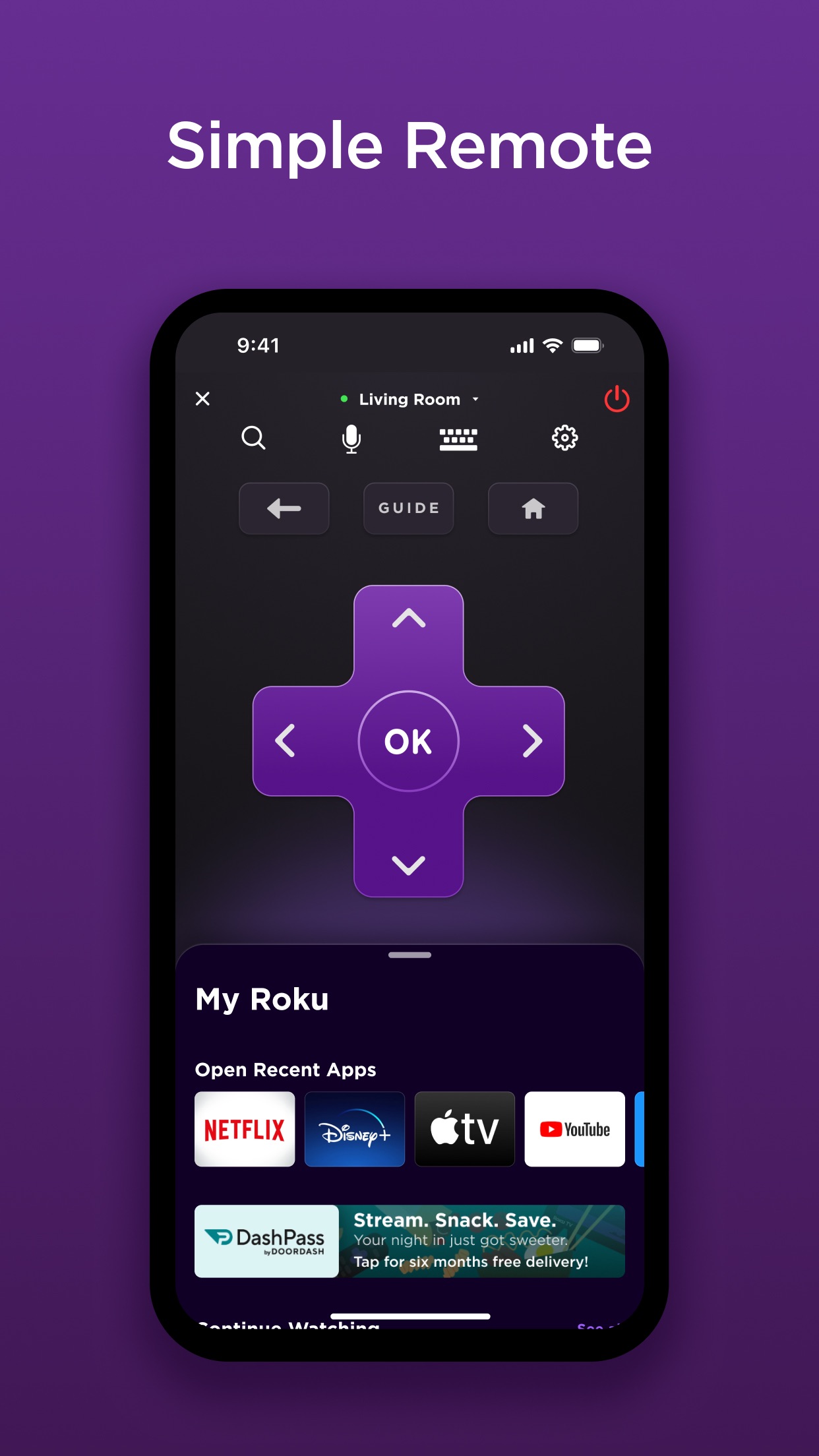
The Roku App (Official) is perfect for this. It transforms your iPhone into a full-featured remote, offering easy navigation, keyboard input, and private listening capabilities.

Roku remoteiPhone remote controlstreaming device managementThe Roku App (Official)2025
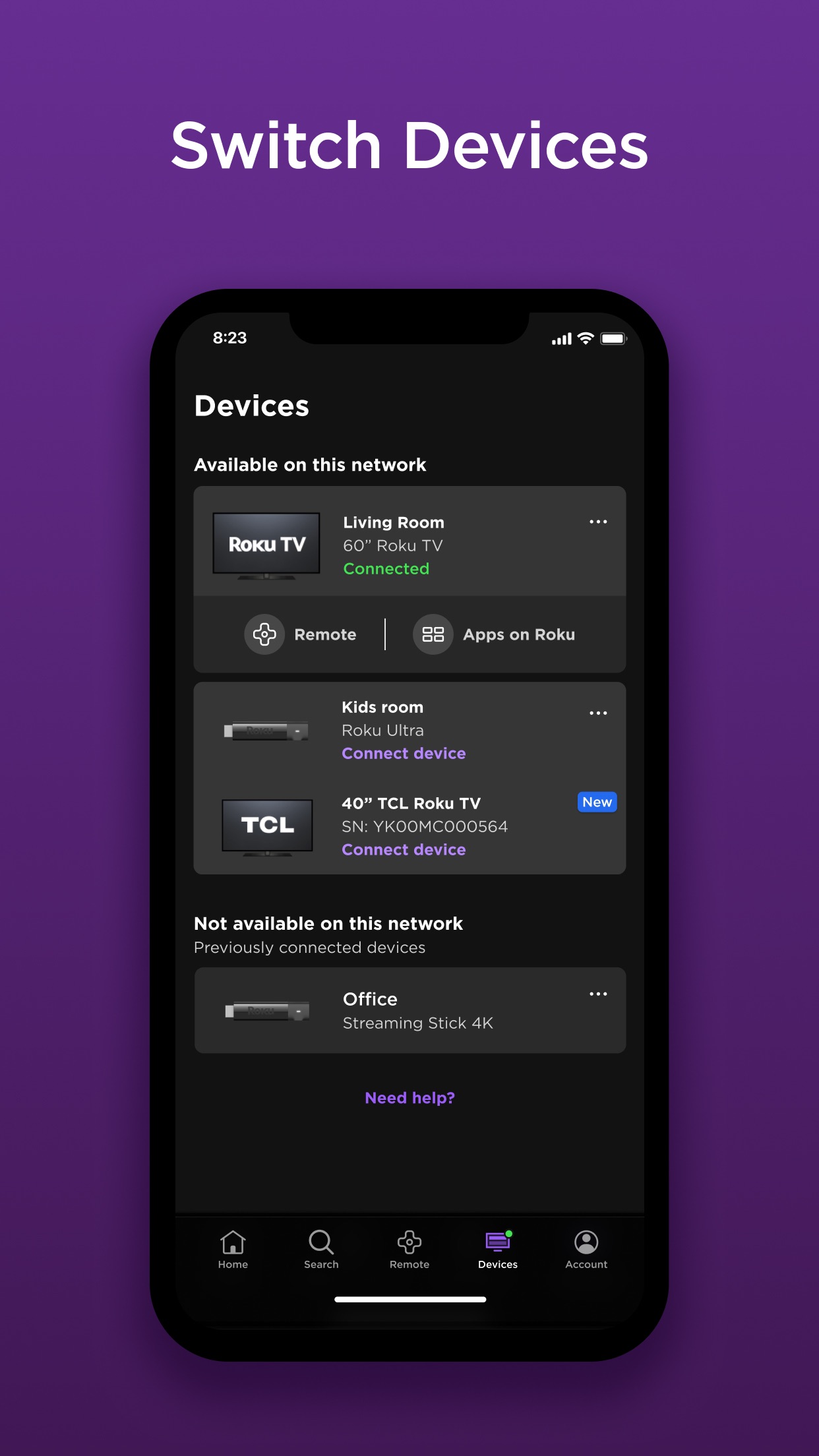
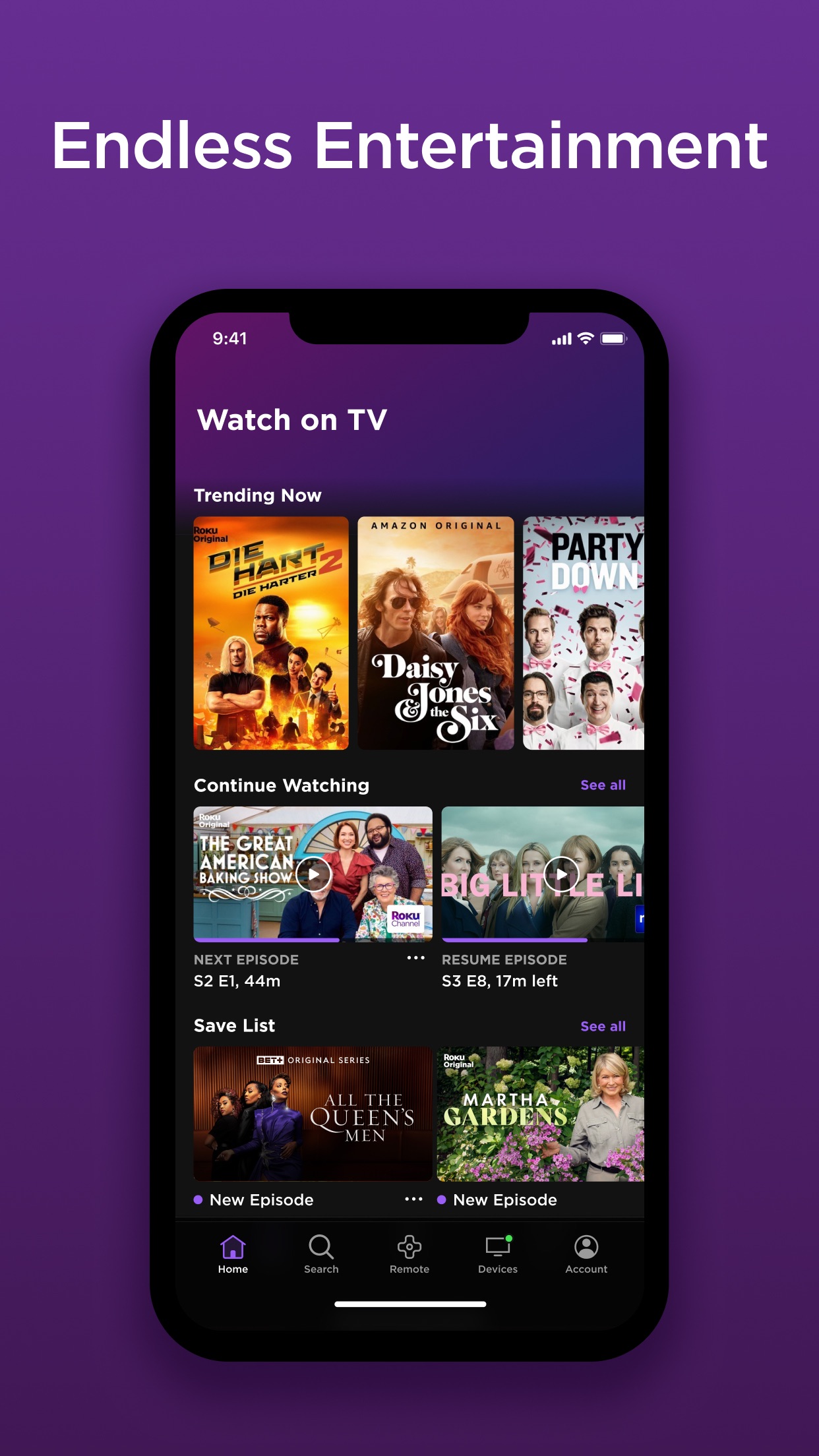
The Roku App (Official) is a dedicated iOS application that effectively replaces the physical remote for Roku TVs and players. It provides all essential control functions, including directional navigation, playback buttons, and power management, directly from a smartphone. A significant advantage is the integrated keyboard, which simplifies typing for searches or login credentials—far quicker than using arrow keys on a standard remote. The app also supports voice search and private listening, allowing audio to stream through the phone's headphones for uninterrupted viewing in shared spaces. Users report that the connection is generally stable over Wi-Fi, with many noting faster response times compared to hardware remotes. Reviews indicate high satisfaction with features like channel launching and content browsing from the phone. However, limitations include dependency on a consistent Wi-Fi network; occasional latency or connectivity drops can occur in crowded networks. Some users have mentioned that the interface, while intuitive, lacks advanced customization options for frequent users. For scenarios like misplaced remotes or enhanced control during travel, this app delivers a reliable solution. It streamlines media management and adds convenience, making it a valuable tool for Roku households seeking a seamless streaming experience.

Key Features

Converts iPhone into a full Roku remote control
Provides keyboard input for easy text entry
Supports private listening through phone headphones

This app has completely replaced my physical remote. I can control my Roku from another room, and typing with my phone keyboard is so much faster—no more struggling with arrow keys!

★★★★★Verified User Review
iOSUpdated Jan 6, 2026

More Top Free Apps Questions

What's the best iOS app for controlling my Roku TV, streaming channels, and using a remote from my iPhone?

The Roku App (Official) is a great iOS app for controlling your Roku devices, streaming channels, and using a virtual remote directly from your iPhone or iPad....

The Roku App (Official)
ROKU INC
Same AppRead More →

What's the best iOS app for controlling your Roku device from your phone?

The Roku App (Official) is the best iOS app for controlling your Roku device. It offers a full-featured remote, voice search, and the ability to stream media from your phone to your TV....

The Roku App (Official)
ROKU INC
Same AppRead More →

What's the best iOS app for paying and managing my T-Mobile bill?

T is perfect for this. It serves as the official hub for T-Mobile customers to view statements, make payments, set up autopay, and contact support directly from an iPhone....

T-Life
T-Life
T-Mobile
Read More →

What's the best iOS app for accessing free educational videos and tutorials on various subjects?

YouTube is perfect for this. It hosts an extensive range of user-generated and professional educational content, all freely accessible with robust search and discovery tools on iOS....

YouTube
YouTube
Google
Read More →

What's the best iOS app for designing custom book covers or business promotional materials?

Canva is perfect for this. It provides a wide array of templates and user-friendly design tools that streamline the creation of professional graphics, even for beginners....

Canva: AI Photo & Video Editor
Canva
Read More →
The Roku App (Official) icon

The Roku App (Official)

by ROKU INC

4.8/ 5.0
Get on App Store

Screenshots

The Roku App (Official) screenshot 1
The Roku App (Official) screenshot 2
The Roku App (Official) screenshot 3

+3 more screenshots

Platform

iOS