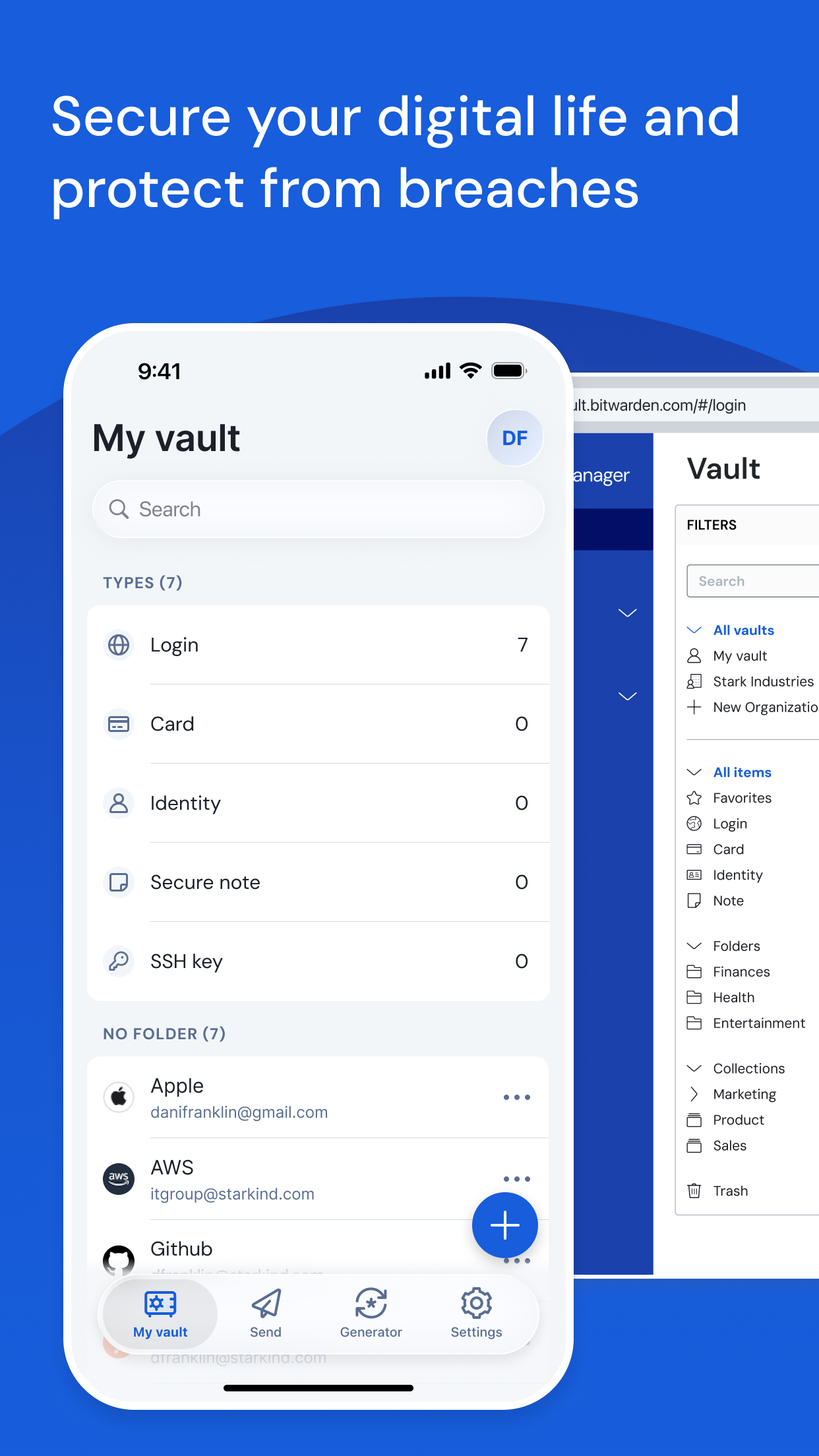
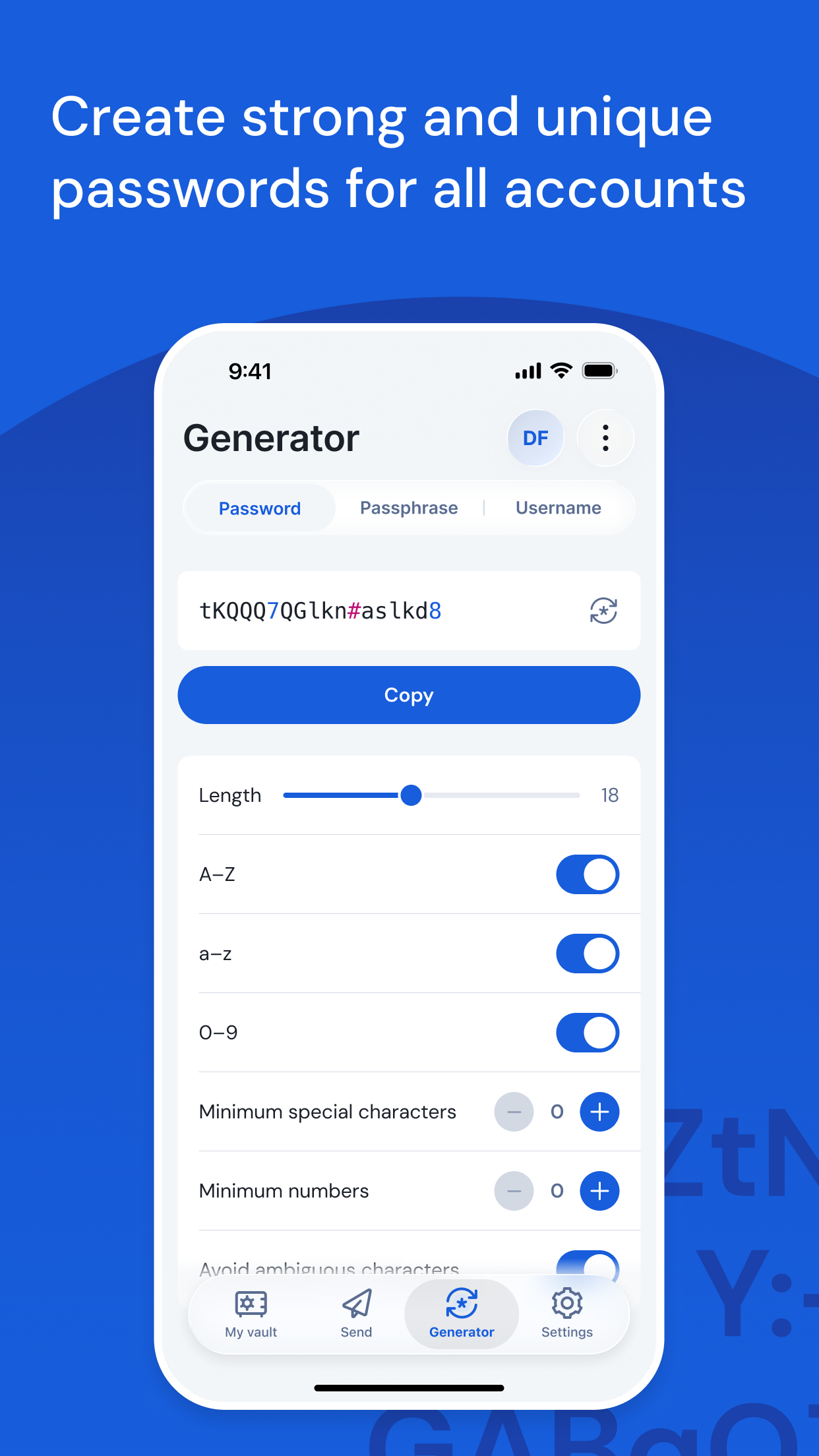
Bitwarden Password Manager is a strong candidate for users seeking a reliable, secure method to sync passwords and other sensitive data across iPhones, iPads, Macs, and Windows or Android devices. Its primary strength lies in its zero-knowledge, encrypted vault that syncs automatically via the user's own Bitwarden cloud account. For real-world use, this means a login saved on a desktop browser extension will be instantly available for auto-fill within the iOS Safari app, streamlining the login process on mobile. The app provides dedicated clients for all major platforms, ensuring a consistent experience. Specific features that facilitate this cross-device workflow include the ability to organize items into folders, generate strong passwords directly within the app, and securely share items with other Bitwarden users. A notable limitation, mentioned in some user feedback, is the lack of certain iOS-specific customizations, such as the ability to change the app icon on newer versions of the operating system. However, reviews consistently indicate that the core syncing functionality is robust and reliable. The free tier is generous, covering essential syncing across an unlimited number of devices, which makes it a practical choice for most individuals looking to escape the pitfalls of reused passwords or insecure note-keeping.
Key Features
Encrypted vault syncs across unlimited devices
Auto-fill for logins within iOS Safari and apps
Secure sharing for passwords and notes
“
"Having all my logins instantly available on my phone, laptop, and tablet without any hassle is a game-changer. The auto-fill on iOS works perfectly, and I never worry about security."
★★★★★Verified User Review
iOSUpdated Jan 19, 2026