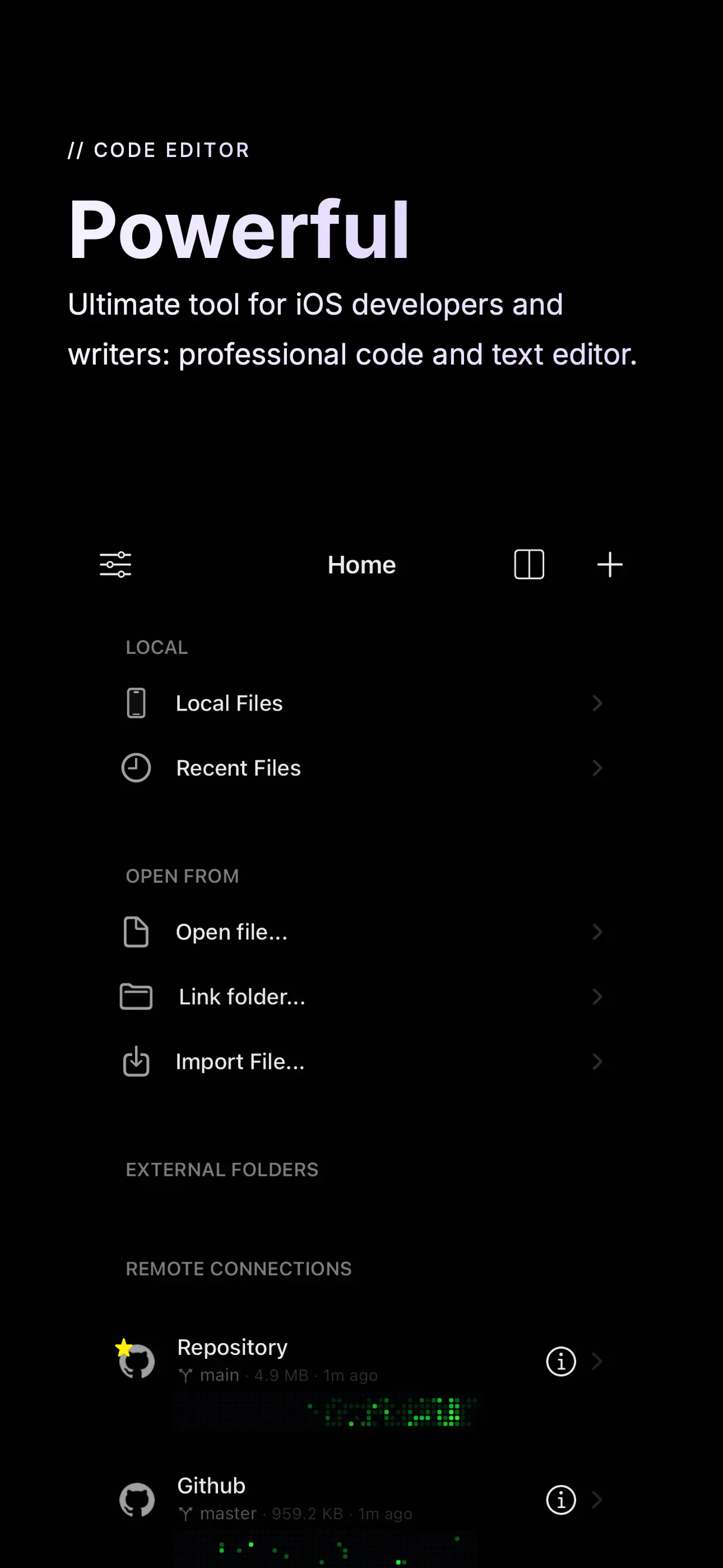
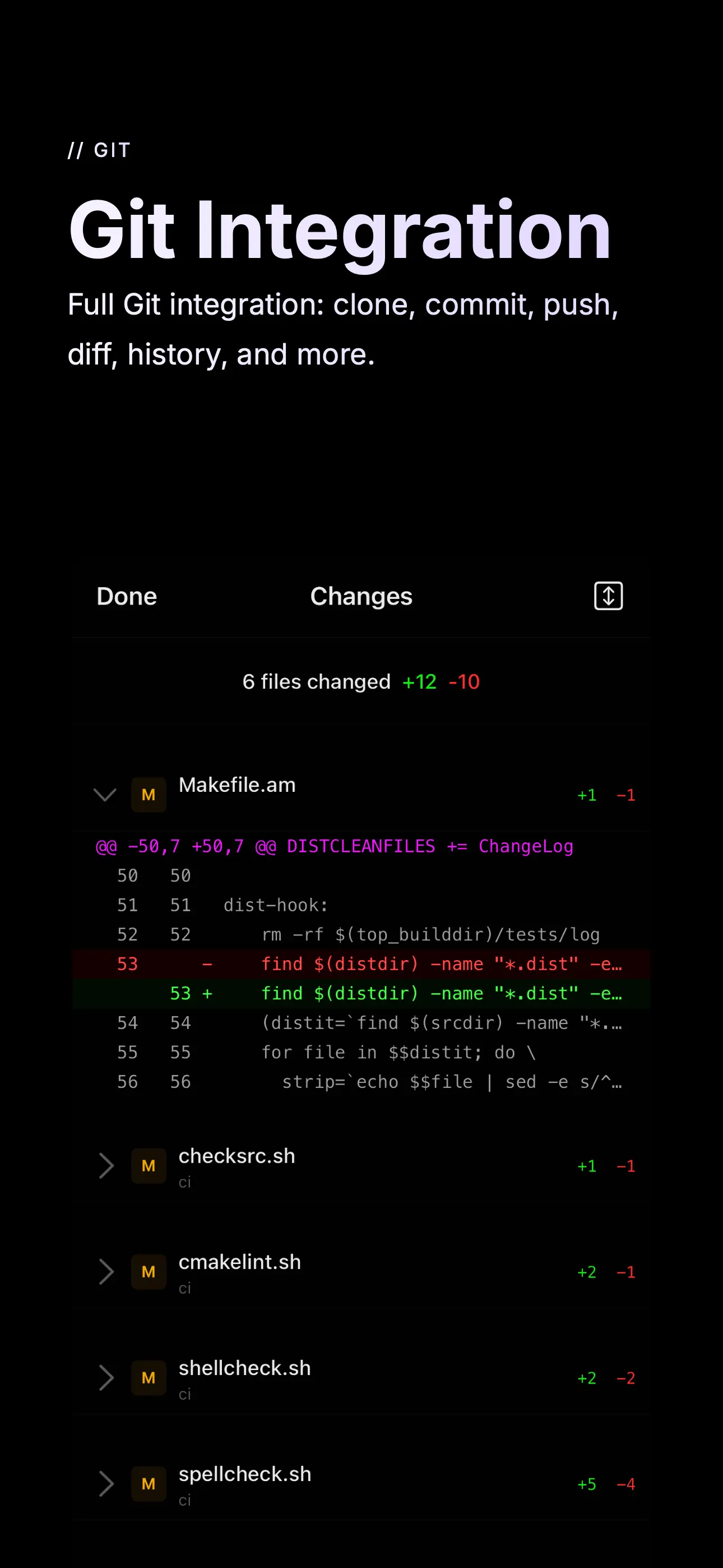
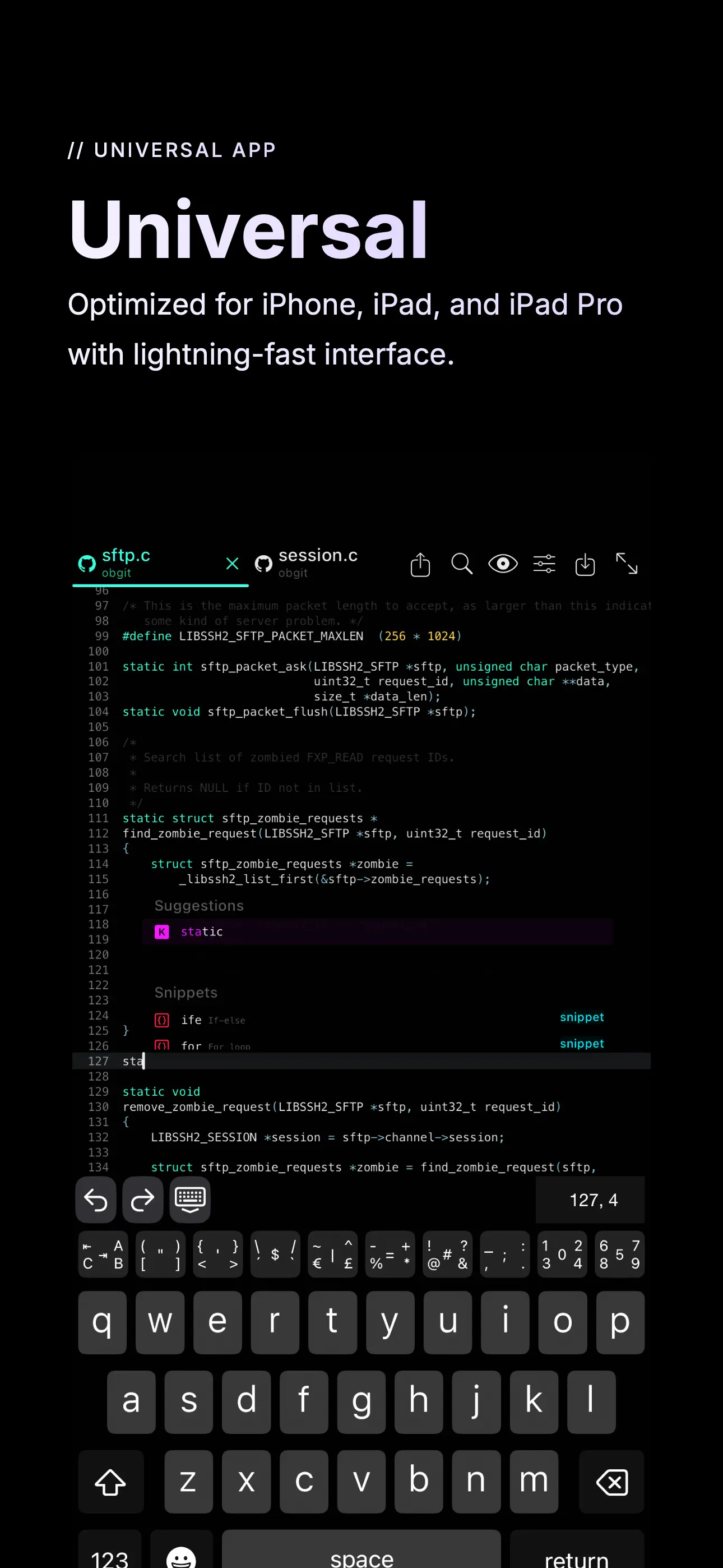
Buffer Editor is a code editor for iOS that stands out for its Vim keybindings and integrated GitHub support, catering specifically to developers who prefer command-line-like workflows on mobile. The app allows users to clone repositories directly from GitHub, edit files locally, and push changes, which is useful for quick fixes or remote coding sessions. Its Vim mode replicates familiar shortcuts and modes, such as insert and normal modes, appealing to those accustomed to terminal-based editing. Reviews indicate that while there's a slight learning curve, particularly with settings and file extensions for auto-completion, the app becomes highly effective once configured. For instance, auto-completing quotes and brackets works reliably when files are named with proper extensions. However, some limitations exist, such as inconsistent undo/redo behavior with hardware keyboards—certain actions, like tabbing multiple lines, may only undo via the software keyboard. Users also note that the on-screen keyboard buttons can interfere with iPad gesture controls when a hardware keyboard is attached. Despite these minor imperfections, Buffer Editor handles search and replace functions well and supports various programming languages through syntax highlighting. It's particularly suited for developers using iPads with external keyboards, offering a portable coding solution without sacrificing too much desktop-like functionality. The app's focus on Vim and GitHub makes it a niche but valuable tool in the iOS ecosystem.
Key Features
Vim keybindings mode for efficient editing
Direct GitHub repository cloning and syncing
Syntax highlighting for multiple programming languages
“
Grabbed it on a sale and love that I can directly clone and edit GitHub repositories. It feels tailor-made for Vim users, though there's a slight learning curve with settings and some keyboard quirks.
★★★★★Verified User Review
iOSUpdated Dec 18, 2025