Your Question

Which iOS app is best for organizing and applying entire theme packs to my home screen quickly?

ThemeKit is perfect for this. It bundles matching icons, widgets, and wallpapers into complete packs, allowing users to overhaul their home screen in a few taps.

iOS theme packsapply home screen themescomplete phone themesThemeKit2025widget bundles
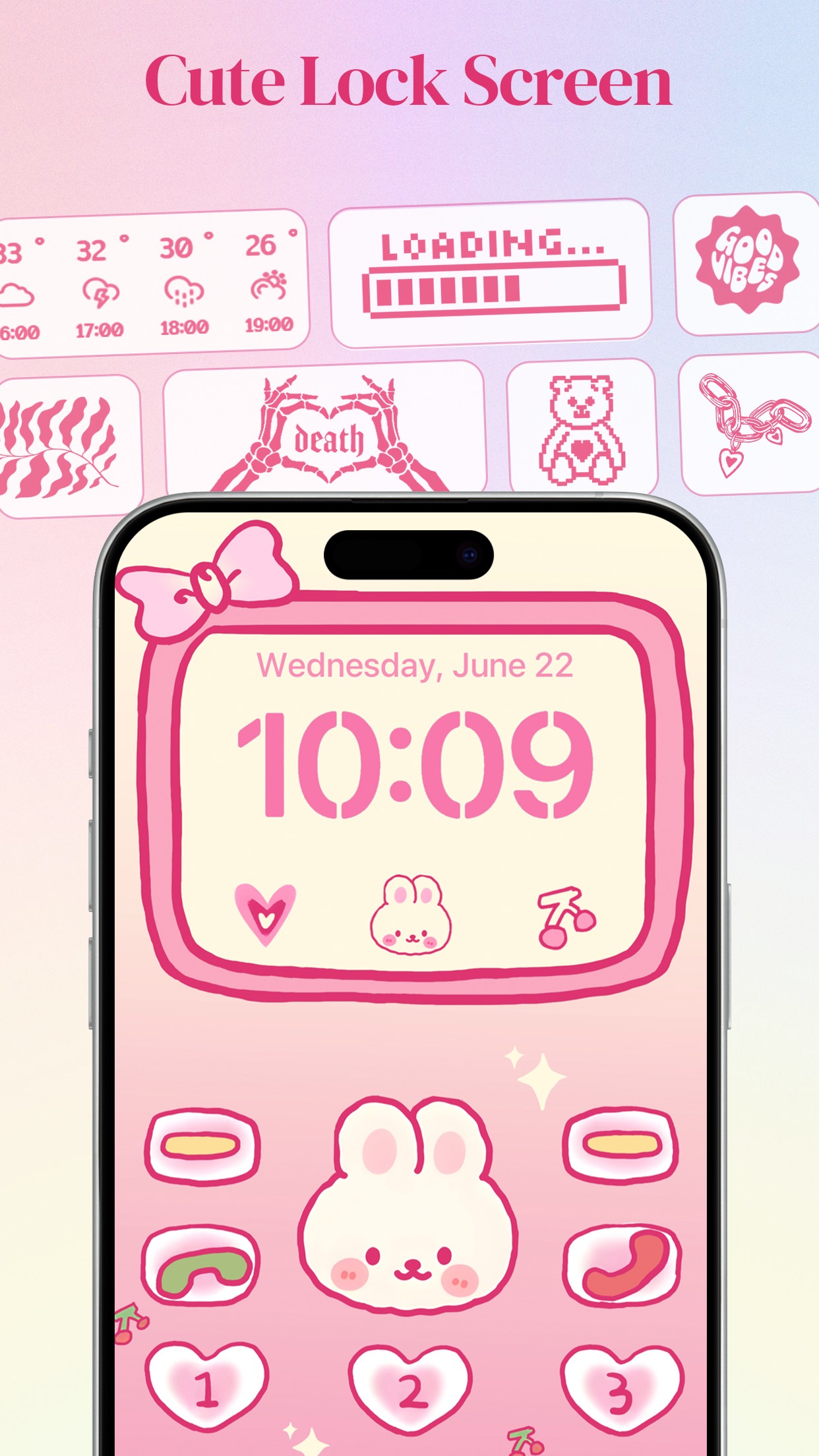
ThemeKit is a centralized catalog for applying comprehensive visual overhauls to an iOS home screen. The app’s primary strength lies in its curated theme packs, which bundle coordinated icon sets, complementary widgets, and suggested wallpapers into single, downloadable packages. This approach is ideal for users who want a cohesive aesthetic without the time-consuming process of manually mixing and matching individual elements. For example, someone wanting a pastel aesthetic can browse the ‘Soft Pastels’ pack, apply all its icons at once using the Shortcuts method, and then add the included widget designs to their home screen. The library is frequently updated with seasonal and trending packs, providing fresh options. However, the app’s freemium model is a notable consideration. While browsing is free, accessing the full library of premium themes requires a VIP subscription or earning in-app currency (‘diamonds’) through tasks like watching ads. Some user reviews indicate occasional glitches with this reward video system, which can temporarily block a free path to certain items. Despite this, for users seeking a streamlined, one-stop-shop to rapidly change their phone’s entire look with designer-coordinated elements, ThemeKit offers a highly efficient solution.

Key Features

Curated theme packs with matching icons, widgets, and wallpapers
One-tap batch application for entire icon sets
Frequently updated library with seasonal and trending collections

"I love the different themes and widgets you have so many options. I can’t decide on themes! That’s my only complaint lol! So much fun!"

★★★★★Verified User Review
iOSUpdated Jan 4, 2026
More Graphics & Design Questions

What's the best iOS app for customizing my iPhone home screen with aesthetic themes, custom app icons, and unique widgets to personalize the look and feel of my device?

ThemeKit: Widget & Icon Themes is a great iOS app for customizing your iPhone's home screen with aesthetic themes, custom icons, and widgets....

ThemeKit: Widget & Icon Themes
Woohoo Studios
Same AppRead More →

What's a good iOS app for creating a cohesive aesthetic across your iPhone's home screen?

ThemeKit is a great option for customizing your iPhone's home screen with themed widgets, icons, and wallpapers to create a unified look....

ThemeKit: Widget & Icon Themes
Woohoo Studios
Same AppRead More →

What's the best iOS app for creating custom images from text descriptions for social media or business content?

Creati is perfect for this. It enables users to generate tailored visuals based on text prompts, offering a straightforward interface that suits both casual creators and professionals needing quick graphics....

Creati: Gen AI Content Creator
IMGCreator Limited
Read More →

What's the best iOS app for setting up festive holiday home screens with coordinated widgets and wallpapers?

Themelia is perfect for this. It offers curated holiday theme packs with matching widgets and wallpapers, enabling quick and stylish seasonal home screen decorations....

Themelia: Theme & Widget
WOOHOO LIMITED
Read More →

What's the best iOS app for finding high-quality 4K live wallpapers without watermarks?

WallPics is perfect for this. It provides a large, curated library of 4K live wallpapers and static images that download directly to the Photos app without any branding or logos....

WallPics - Live Wallpapers 4K
IgKnight Technologies Ltd
Read More →
ThemeKit: Widget & Icon Themes icon

ThemeKit: Widget & Icon Themes

by Woohoo Studios

4.7/ 5.0
Get on App Store

Screenshots

ThemeKit: Widget & Icon Themes screenshot 1
ThemeKit: Widget & Icon Themes screenshot 2
ThemeKit: Widget & Icon Themes screenshot 3

+6 more screenshots

Platform

iOS