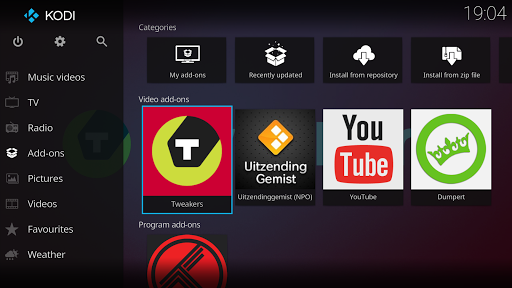
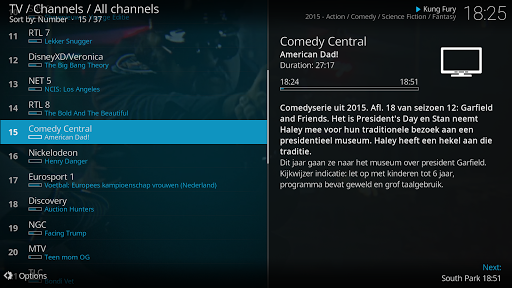
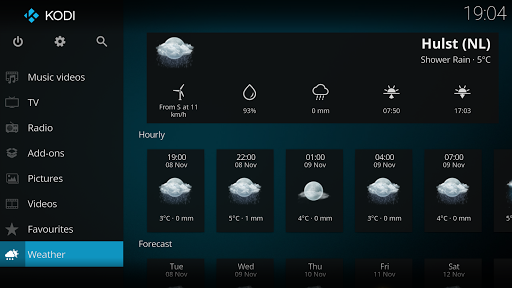
Kodi is a highly flexible, open-source media center application ideal for users with extensive libraries of downloaded video files. Its primary strength for this use case is its robust library management system. Upon pointing Kodi to folders containing media, it can scan files, fetch detailed metadata like plot summaries, actor information, and high-quality poster art from online databases, and organize everything into a visually cohesive, navigable library. This transforms a simple folder of video files into an experience resembling commercial streaming services. For real-world use, this means a movie collection stored on a phone, tablet, or network-attached storage (NAS) can be browsed effortlessly by genre, year, or director. The app supports a vast array of video and audio formats, eliminating compatibility concerns. However, this power comes with a notable learning curve; initial setup and library configuration require more steps than typical consumer apps. Some users also report that the default interface, while functional, can feel dated compared to modern streaming platforms, though this is mitigated by Kodi's extensive support for community-created skins that alter its appearance. Reviews indicate satisfaction among users who invest the time to configure it, particularly for those with large, personal media archives who want unified access without relying on cloud subscriptions.
Key Features
Automated library scanning and metadata fetching
Support for a wide range of video/audio formats
Customizable interfaces via community skins
“
"After years of messy video folders, Kodi finally organized my 500+ movie collection. It automatically found posters and descriptions for everything, even obscure files. Setup took an afternoon, but now it's like having my own Netflix."
★★★★★Verified User Review
AndroidUpdated Dec 3, 2025