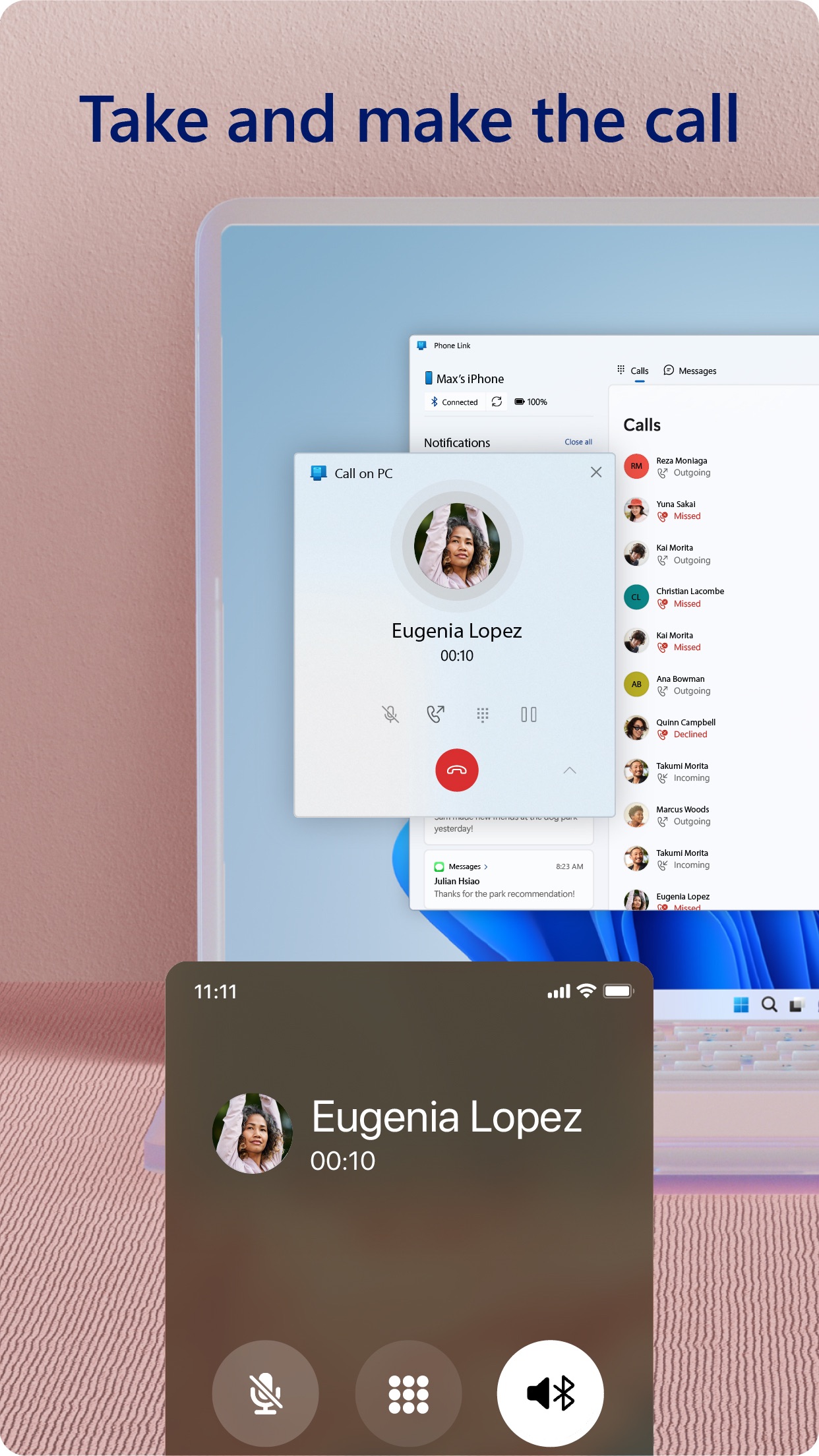
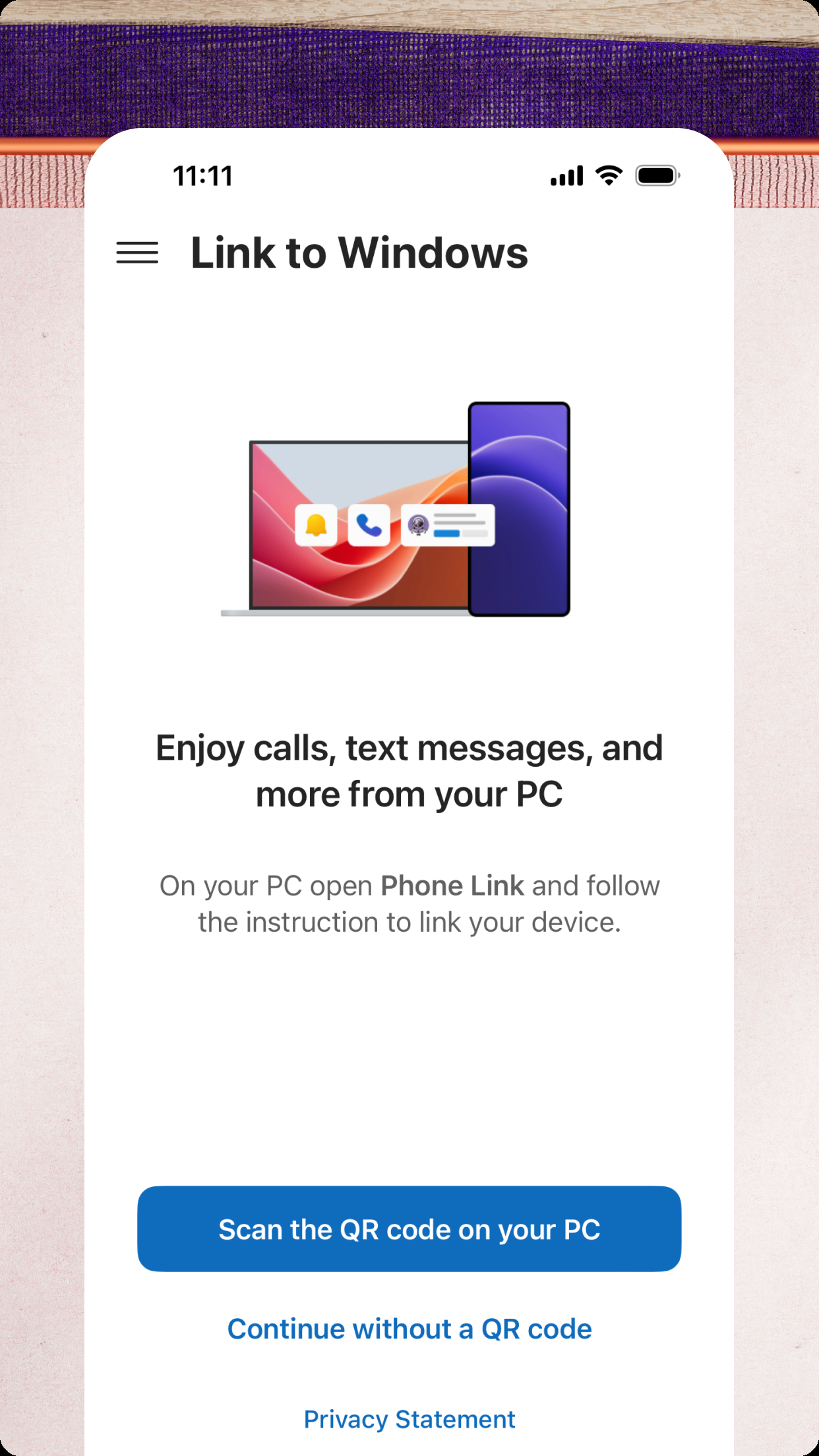
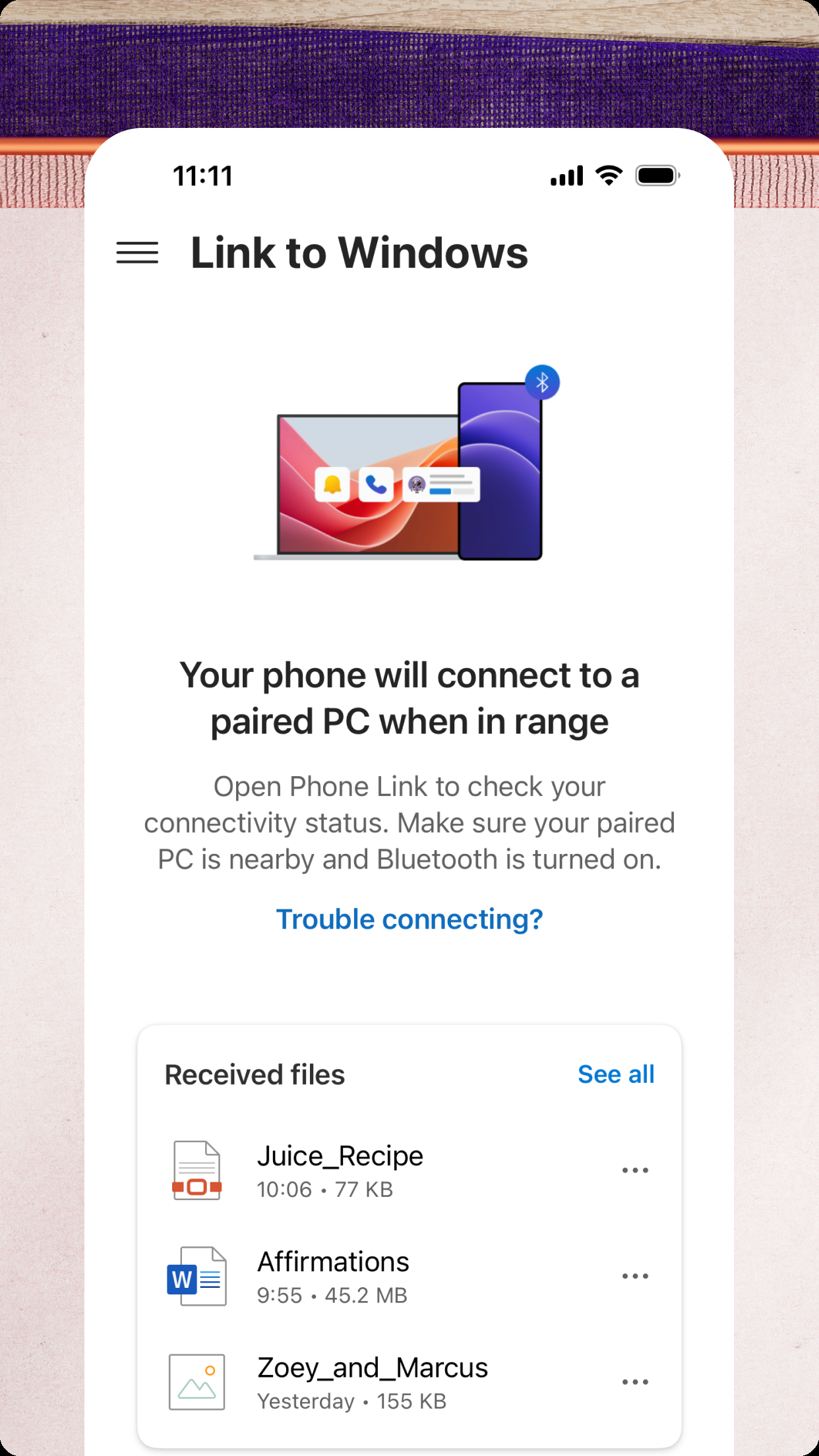
Link to Windows is Microsoft's solution for integrating an iPhone with a Windows 11 PC. The app establishes a persistent Bluetooth connection, allowing users to manage phone calls and text conversations through the dedicated Phone Link application on their Windows desktop. This setup is particularly useful for professionals or students who work primarily on a computer and wish to minimize device switching. Users can send and receive SMS messages, view contact photos, and make or answer calls with the PC's microphone and speakers. The app also provides access to recent photos taken on the iPhone for quick saving to the computer.
However, the integration has notable limitations on iOS compared to Android devices, due to Apple's platform restrictions. Users cannot interact with iMessage conversations, sync media messages (MMS) reliably, or access a full notification history. Reviews indicate the connection can occasionally drop, requiring a re-pairing of devices. Despite these constraints, for basic SMS and calling functionality from a Windows desktop, Link to Windows provides a stable and official bridge between the two ecosystems. It eliminates the need to constantly pick up the phone while working, which many users find increases daily productivity.
However, the integration has notable limitations on iOS compared to Android devices, due to Apple's platform restrictions. Users cannot interact with iMessage conversations, sync media messages (MMS) reliably, or access a full notification history. Reviews indicate the connection can occasionally drop, requiring a re-pairing of devices. Despite these constraints, for basic SMS and calling functionality from a Windows desktop, Link to Windows provides a stable and official bridge between the two ecosystems. It eliminates the need to constantly pick up the phone while working, which many users find increases daily productivity.
Key Features
Send and receive SMS messages from Windows
Make and answer phone calls via PC
Access recent iPhone photos on desktop
“
"Great to be able to access my messages without using my phone. Love the app!"
★★★★★Verified User Review
iOSUpdated Jan 5, 2026