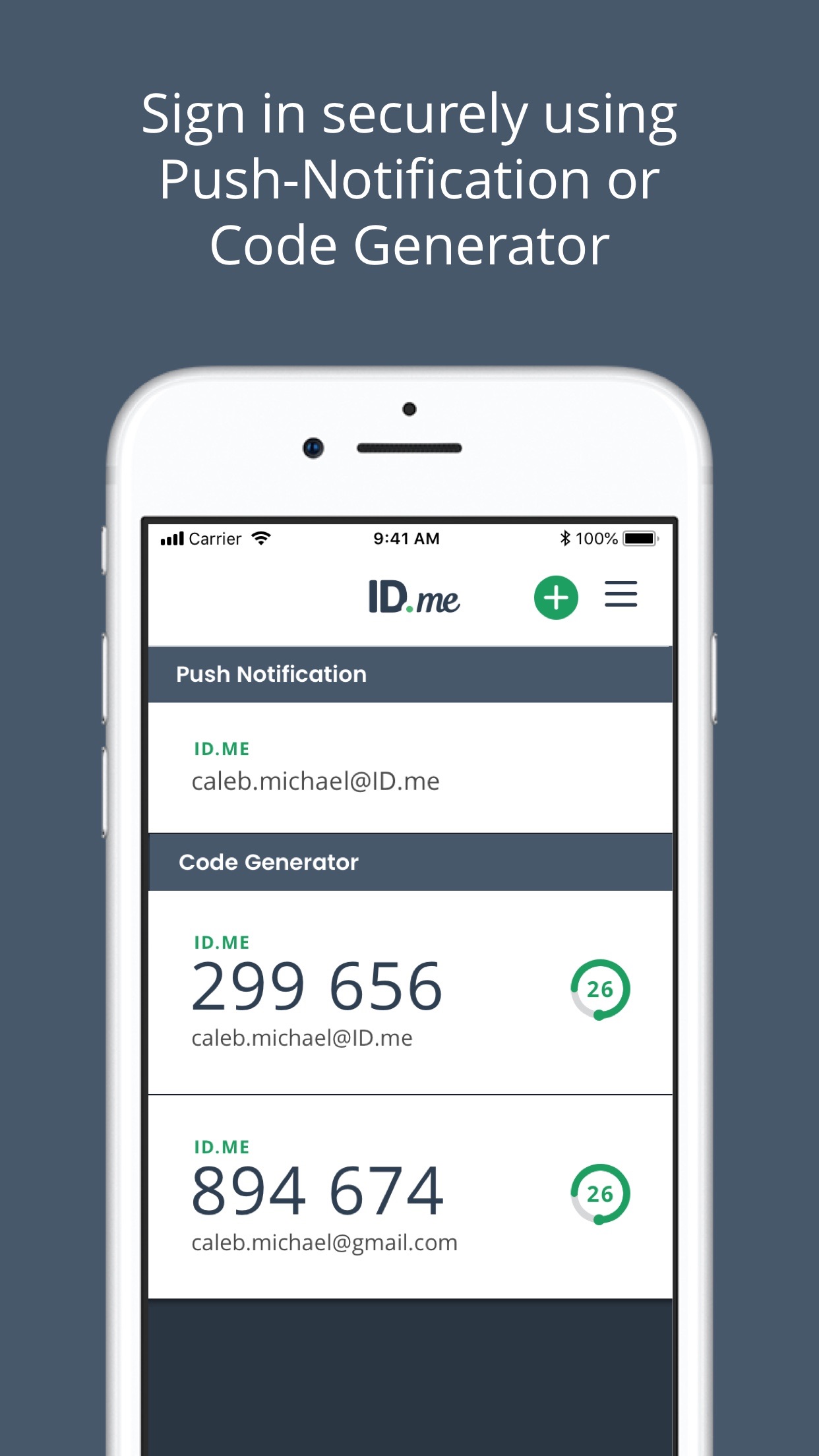
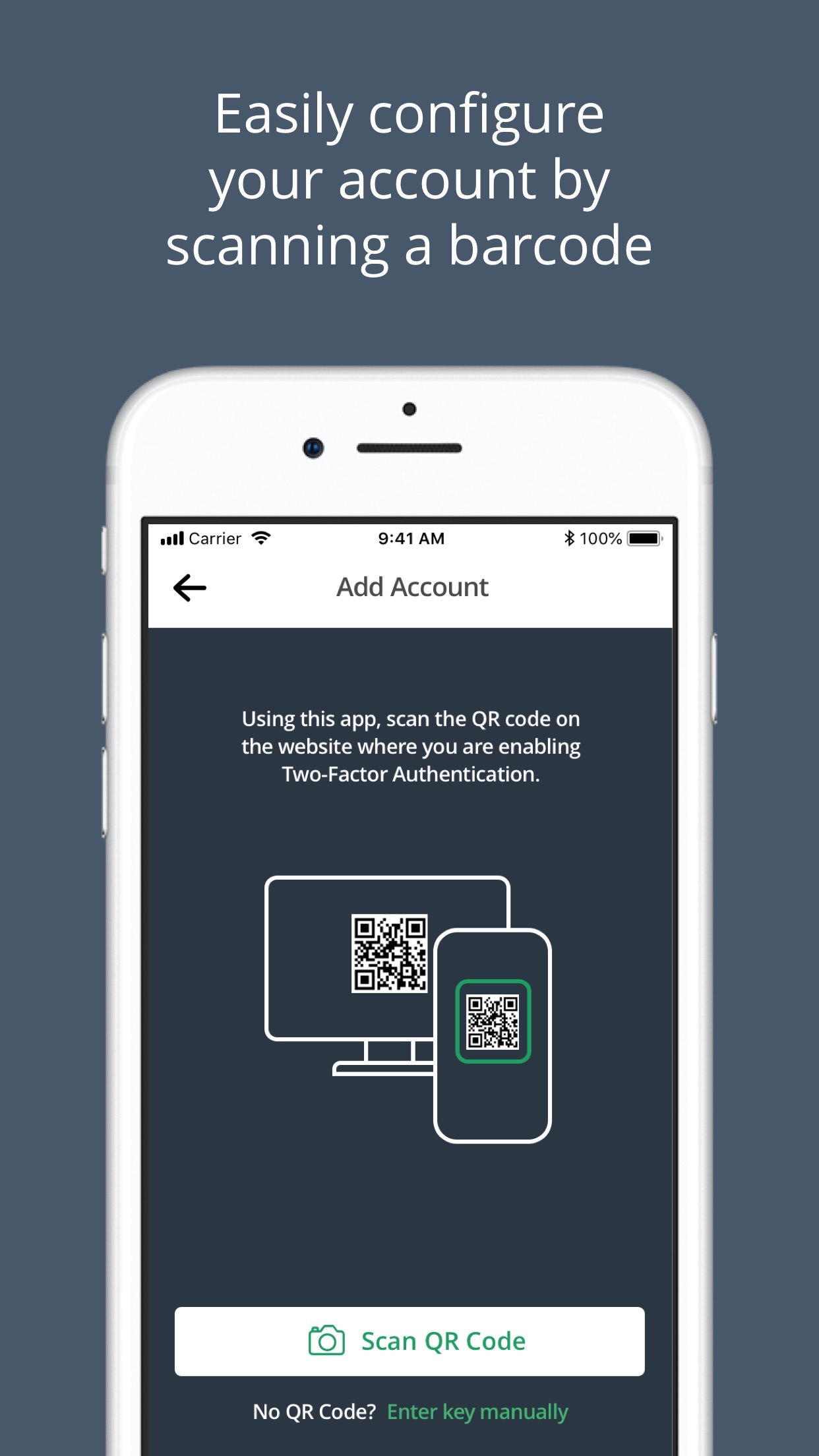
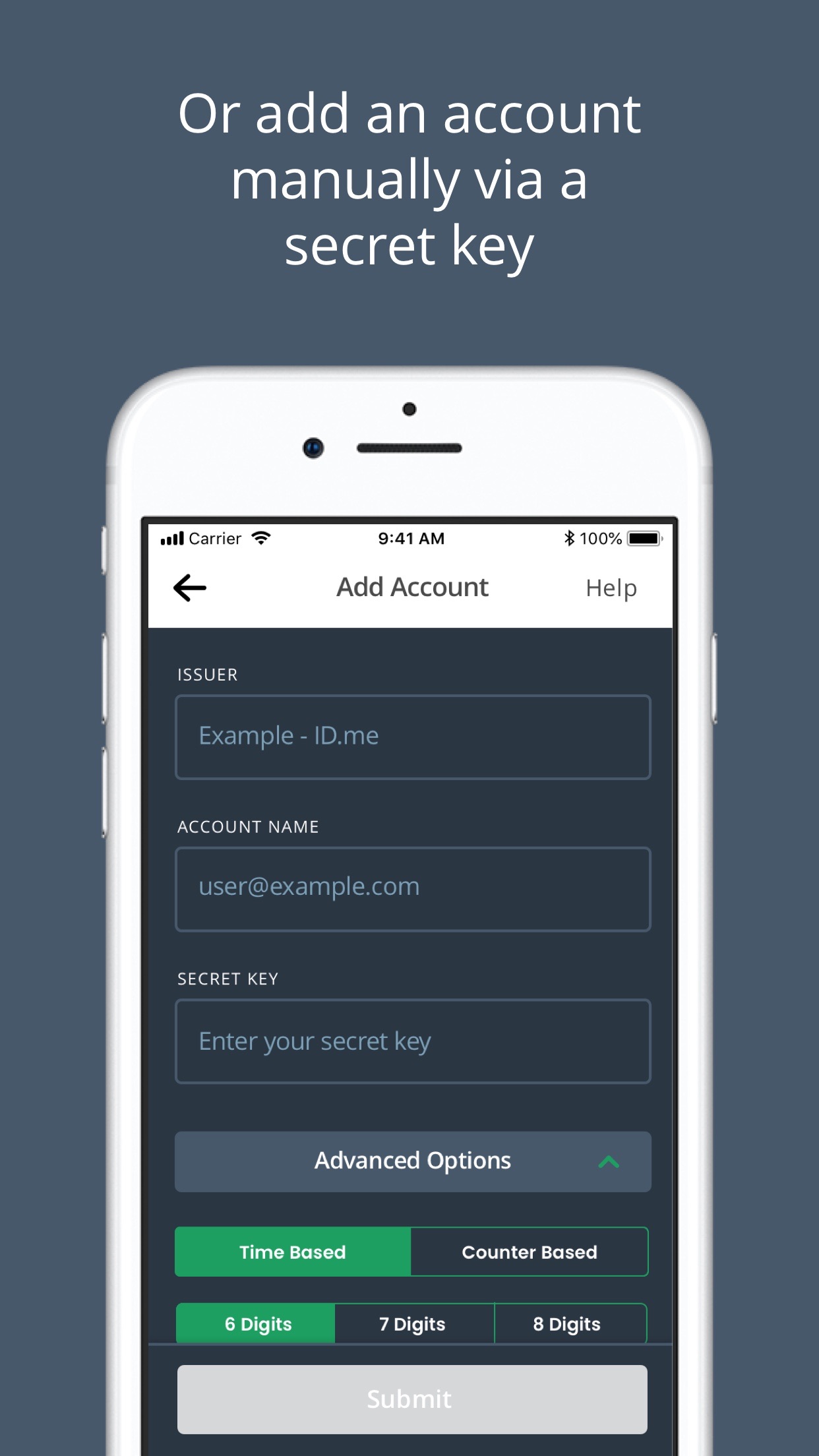
ID.me Authenticator is a specialized security app designed specifically for accessing U.S. government and partner services that require verified identity. For individuals needing to log into portals for the Department of Veterans Affairs, the Internal Revenue Service, or state benefit programs, this app serves as a dedicated gatekeeper. Its core function is to provide multi-factor authentication, typically through push notifications or one-time passcodes, adding a critical layer of security beyond a simple password. This process helps prevent unauthorized access to highly sensitive personal and financial information.
A key strength is its official integration with numerous government platforms. Users report the verification process, while necessarily thorough, is straightforward for accessing VA healthcare records or tax information. The app supports biometric login methods like Face ID or Touch ID for convenient access to the authenticator itself. However, its utility is quite niche; it is not a general-purpose authenticator for all online accounts like Google or Microsoft Authenticator might be. Some users have noted that customer support pathways can be unclear if verification hiccups occur outside of standard business hours. Nevertheless, for its intended purpose—securing gateways to public sector services—it performs reliably and is built to meet specific governmental security standards.
A key strength is its official integration with numerous government platforms. Users report the verification process, while necessarily thorough, is straightforward for accessing VA healthcare records or tax information. The app supports biometric login methods like Face ID or Touch ID for convenient access to the authenticator itself. However, its utility is quite niche; it is not a general-purpose authenticator for all online accounts like Google or Microsoft Authenticator might be. Some users have noted that customer support pathways can be unclear if verification hiccups occur outside of standard business hours. Nevertheless, for its intended purpose—securing gateways to public sector services—it performs reliably and is built to meet specific governmental security standards.
Key Features
Government-service specific multi-factor authentication
Push notification & one-time passcode approval
Biometric app lock (Face ID/Touch ID)
“
"I use ID.me to get into my VA account and it is quite simple and safe! It's the required method, but it works without hassle every time."
★★★★★Verified User Review
iOSUpdated Jan 9, 2026