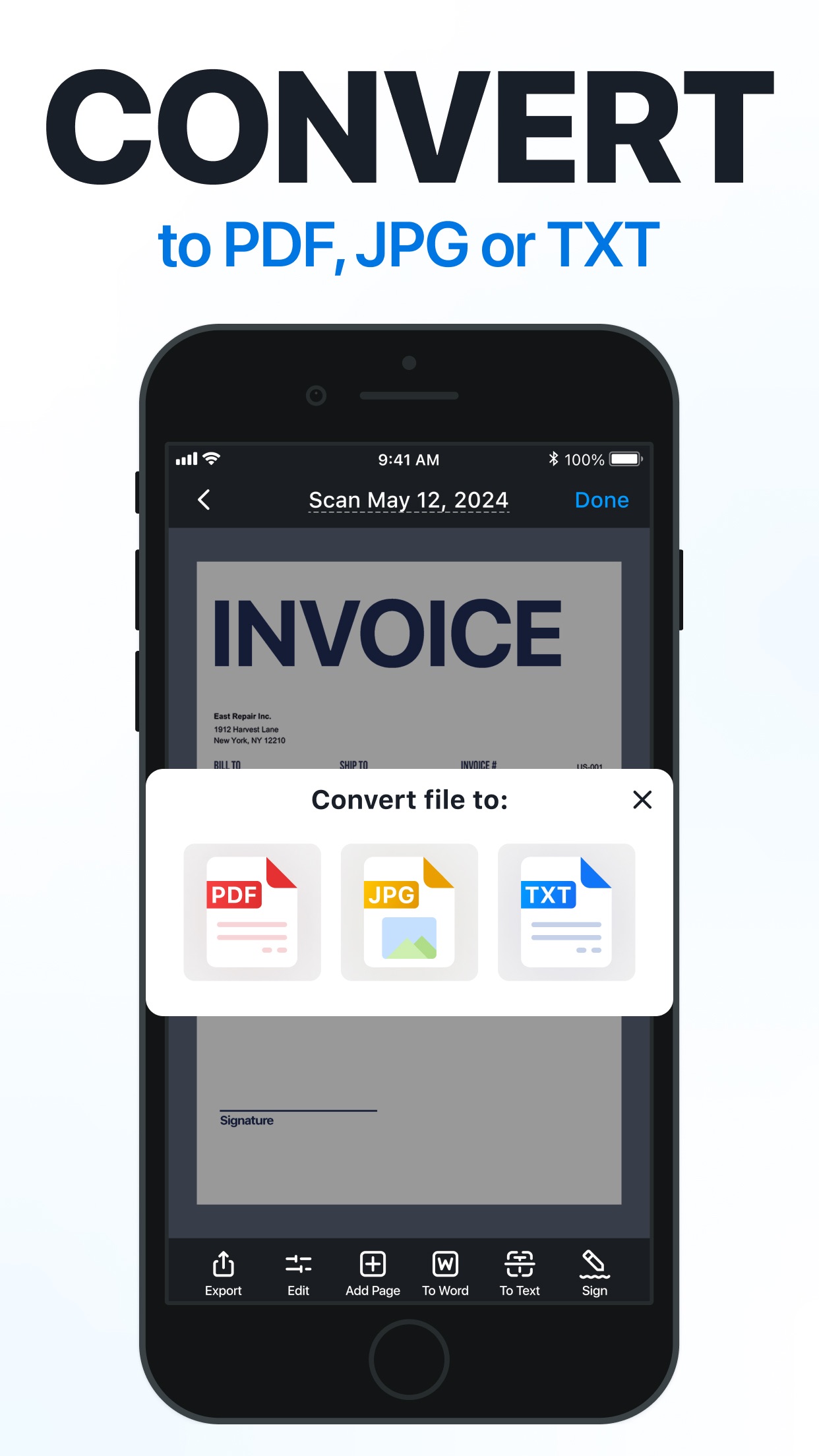
ScanGuru is an iOS app that specializes in turning physical documents into digital PDFs using a smartphone camera. It stands out for its straightforward interface, which allows users to capture multiple pages, automatically detect edges, and enhance image quality for clearer scans. Key features include batch processing for handling large volumes of documents, customizable PDF settings to control file size for email attachments, and organizational tools like folder creation. This makes it particularly useful for professionals digitizing contracts, students archiving notes, or educators managing classroom materials. Users report that the app simplifies tasks like backing up certificates or preparing reports for remote work, with many praising its reliability in producing readable PDFs even under varying lighting conditions. However, some reviews indicate the app's premium features come at a higher cost compared to basic alternatives, which might be a consideration for budget-conscious users. Despite this, its efficiency in creating compact, shareable files makes it a strong choice for everyday document management needs.
Key Features
Document scanning with auto-edge detection
PDF conversion with size customization
Batch processing for multiple pages
“
It easily scans and converts to PDF in a size that fits email attachments. Pricey but simple and great at what it does—perfect for turning stacks of paper into organized digital files.
★★★★★Verified User Review
iOSUpdated Nov 1, 2025