โ“Your Question

What's the best iOS app for remote server management and local automation scripting?

a is perfect for this. It provides a Unix shell environment with SSH, SFTP, and Python support, enabling server access and script execution directly on iOS devices.

iOS terminalserver managementshell scriptinga2025
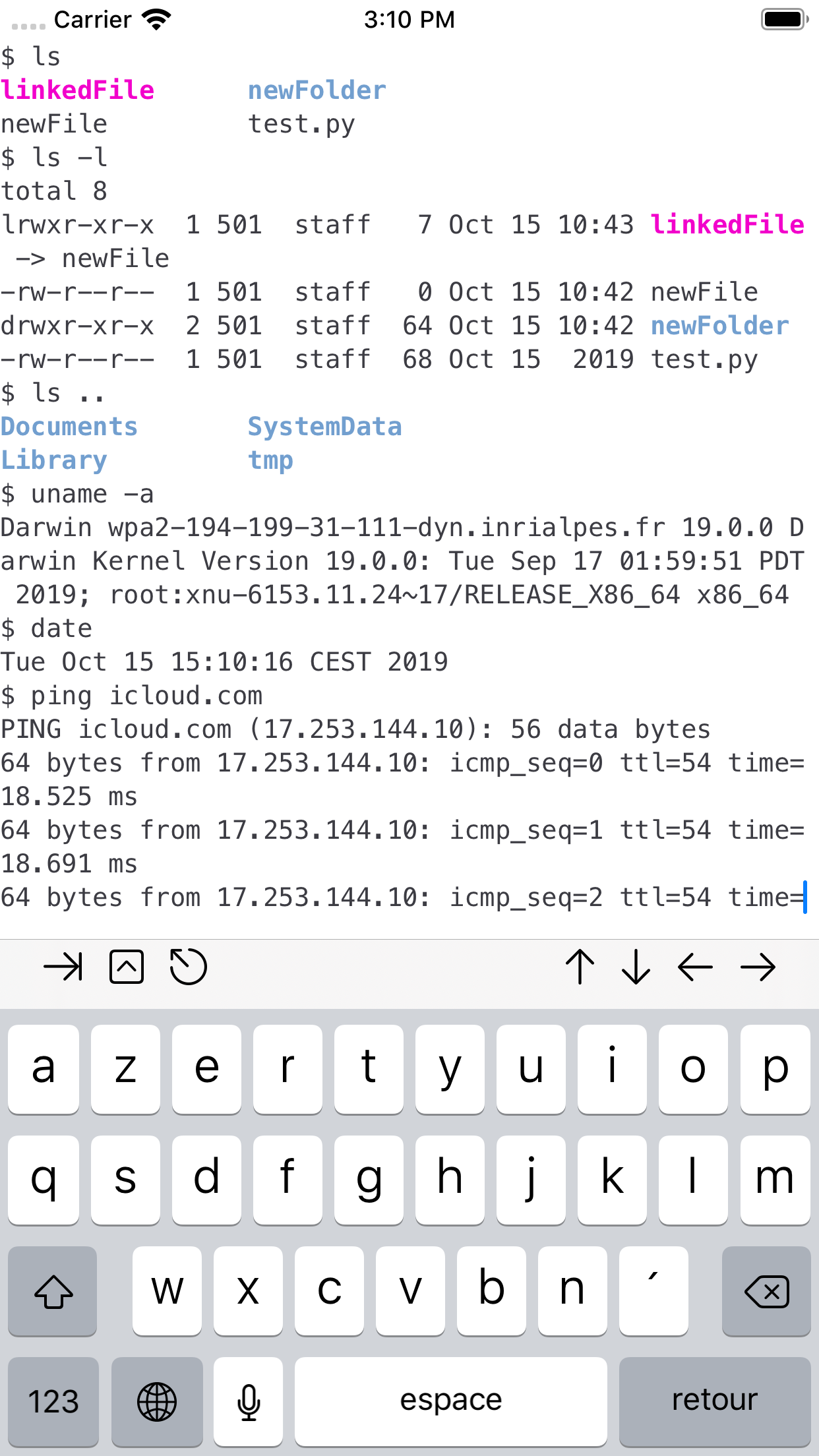
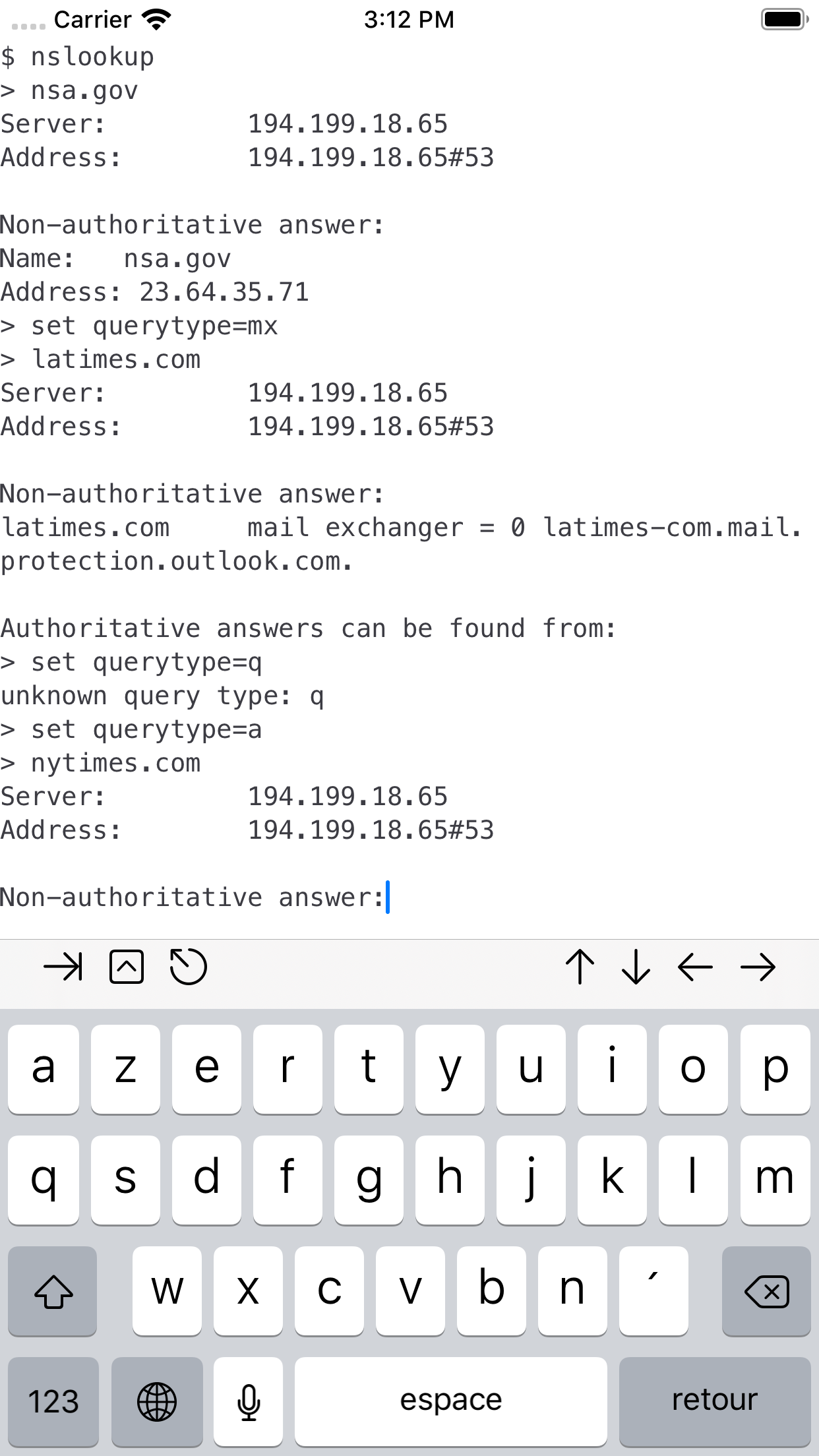
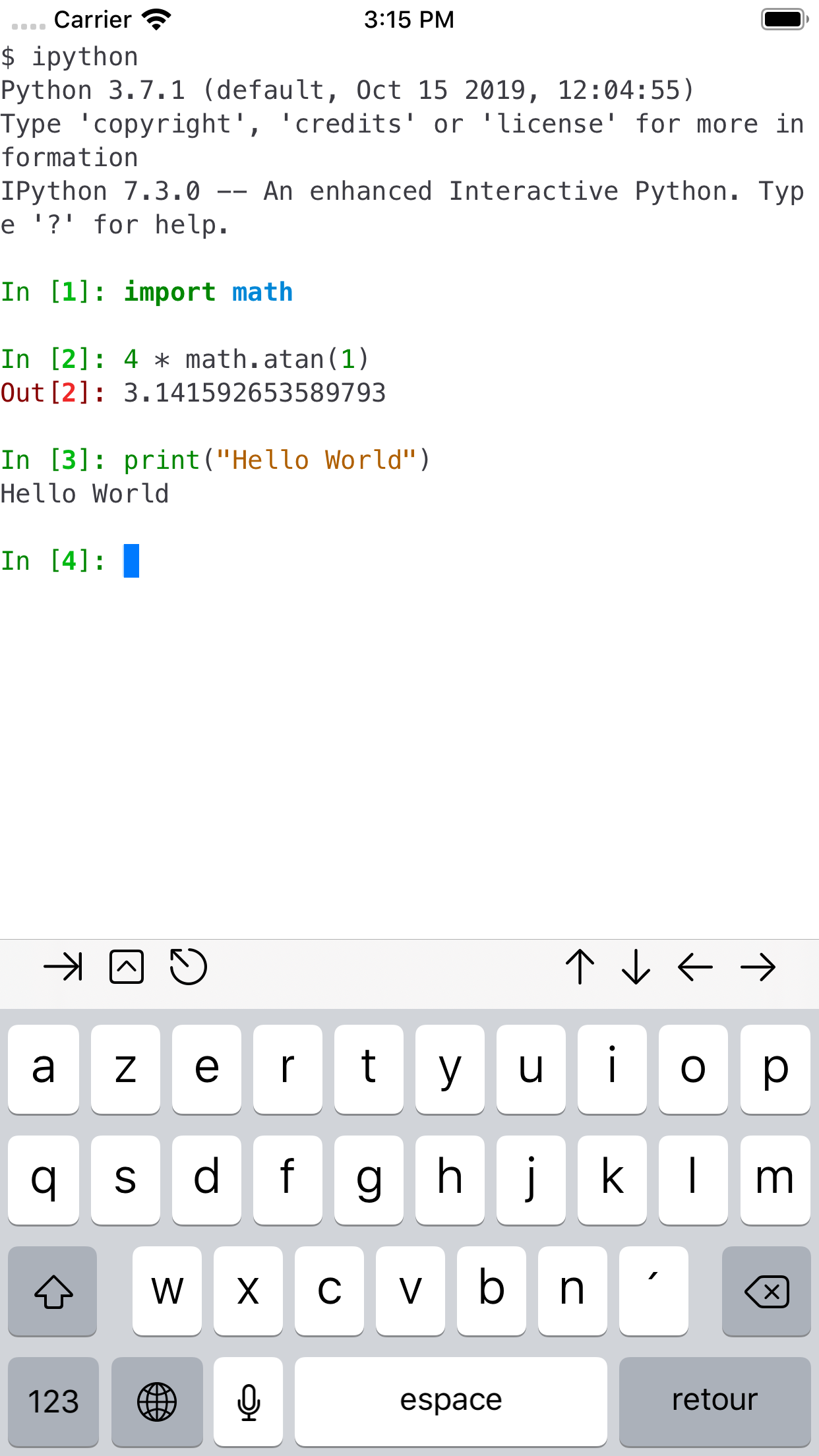
a is a comprehensive terminal application for iOS that serves as a robust tool for remote server management and local automation scripting. It delivers a Unix-like shell environment equipped with open-source utilities, catering to developers, system administrators, or anyone needing command-line functionality on mobile devices. Key features include built-in SSH and SFTP clients for secure remote connections, allowing users to execute commands on servers or transfer files without additional apps. For scripting, it integrates Python with pip, supporting everything from running automation scripts to hosting local web servers for testing. Reviews indicate that users leverage this for tasks like configuring vim editors or maintaining services while traveling, with one noting they 'host a web server with Python' on an iPad. However, limitations exist due to Apple's policies restricting GPL-licensed software, so some common Linux tools may be unavailable. In practical scenarios, such as quickly debugging a server issue via SSH or writing a shell script to organize files, a proves effective despite its sandboxed iOS constraints. Its performance is generally smooth, though occasional hiccups with more complex operations have been mentioned in feedback. Overall, it balances portability with functionality, making it a solid choice for on-the-go technical work without a full desktop setup.

Key Features

SSH and SFTP client for remote server access
Python interpreter with pip for scripting and web services
Local Unix shell with command-line tools for automation
โ€œ

I use this app daily for SSH into my servers and running Python automation scripts on my iPhone. It handles SFTP transfers seamlessly, and having a local terminal saves me from carrying a laptop for quick fixes.

โ˜…โ˜…โ˜…โ˜…โ˜…Verified User Review
iOSUpdated Jan 7, 2026

More Developer Tools Questions

What's the best iOS app for running a local terminal with SSH, SFTP, and Python support directly on an iPad?

a-Shell is an excellent iOS app for running a local terminal environment on your iPad, offering support for SSH, SFTP, and Python scripting....

a-Shell
a-Shell
Nicolas Holzschuch
Same AppRead More โ†’

What's a good iOS app that lets me run basic command-line tools? Sometimes I need to do a little tech troubleshooting when I'm setting up a new property's smart home features for my clients.

For quick command-line access right on my iPad Pro, I use a-Shell. It's surprisingly handy for a real estate agent!...

a-Shell
a-Shell
Nicolas Holzschuch
Same AppRead More โ†’

What's the best iOS app for developers to quickly check their app listing in different country's App Stores?

Store Redirect is perfect for this. It allows developers to instantly switch App Store regions to view localized listings, pricing, and metadata without altering their device's main Apple ID settings....

Store Redirect
Store Redirect
็ฟ” ไฝ•
Read More โ†’

What's the best iOS app for monitoring my app's performance on the Google Play Store?

Google Play Console is perfect for this. It offers real-time access to analytics and reports from iOS devices, enabling developers to track key metrics on the go....

Google Play Console
Google Play Console
Google
Read More โ†’

Which iOS app should I use for writing and editing plain text files with powerful find-and-replace capabilities on my iPhone or iPad?

Runestone Text Editor is perfect for this. It offers advanced find-and-replace functions, supports various file types like .yaml, and provides extensive customization without needing a premium subscription....

Runestone Text Editor
Simon B. Stรธvring
Read More โ†’
a-Shell icon

a-Shell

by Nicolas Holzschuch

โ˜…4.6/ 5.0
Get on App Store โ†’

Screenshots

a-Shell screenshot 1
a-Shell screenshot 2
a-Shell screenshot 3

+2 more screenshots

Platform

iOS