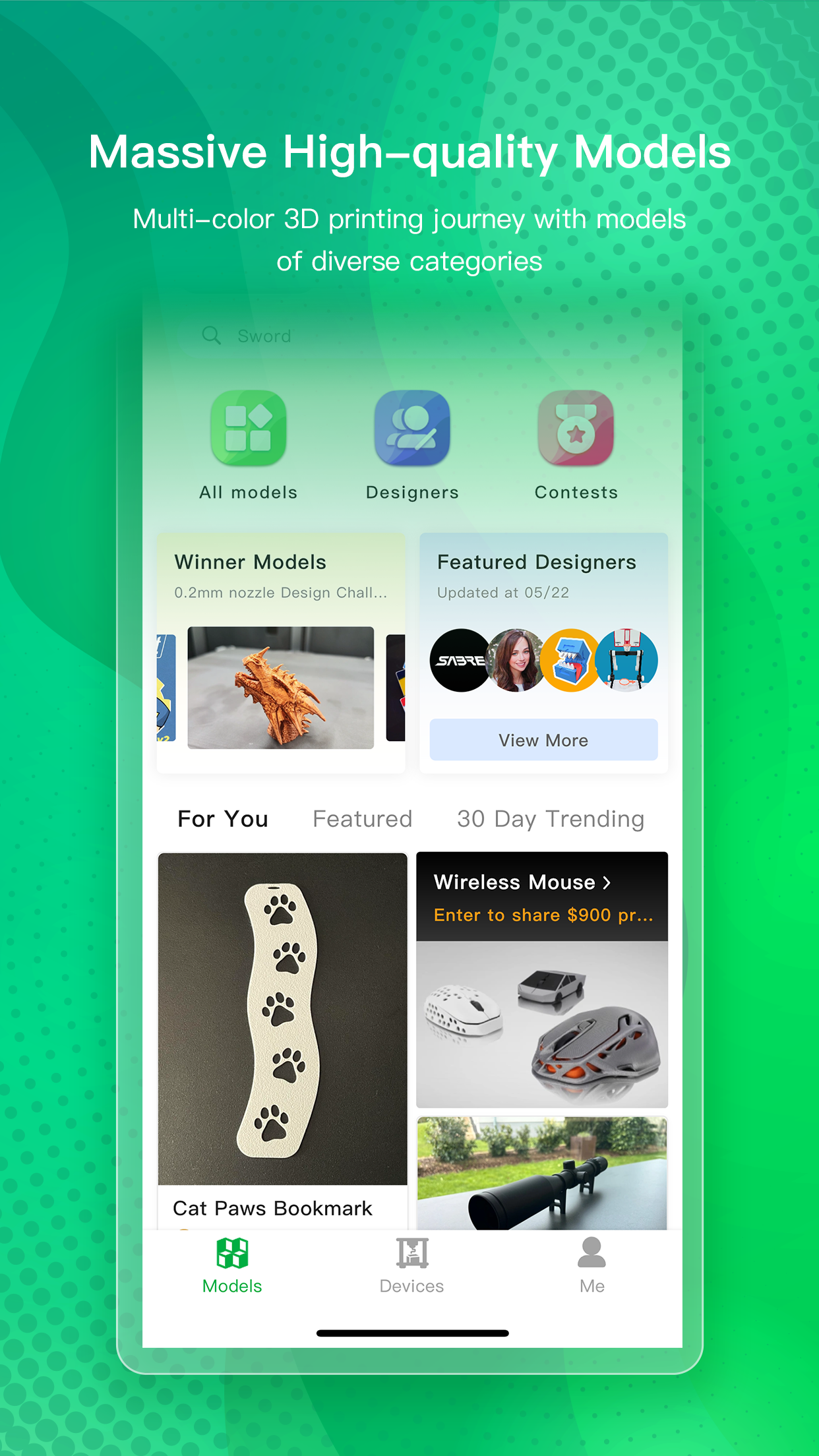
Bambu Handy is a dedicated iOS application for Bambu Lab 3D printer owners, offering comprehensive remote management capabilities. It allows users to initiate print jobs, track progress in real-time, and adjust settings from anywhere, such as starting a multi-color print before leaving home or checking a live camera feed during a work break. Specific features include support for printers like the P1S and X1 series, integration with the Automatic Material System for multi-filament printing, and notifications for print completion or errors. The app's straightforward design minimizes setup time, with reviews indicating that even beginners can achieve successful prints quickly. However, it is limited to Bambu Lab hardware and may experience occasional connectivity drops on unstable networks. Some users also wish for more advanced tuning options available in desktop software. For real-world scenarios, like a small business owner overseeing production or a hobbyist managing personal projects, Bambu Handy provides a reliable mobile solution that balances convenience with core functionality, albeit with minor imperfections in network dependency.
Key Features
Remote print job submission
Live camera feed for print monitoring
Printer and filament status alerts
“
First day, first print, 2 color, P2S completed a flawless job! So easy to use.
★★★★★Verified User Review
iOSUpdated Dec 7, 2025