Your Question

What's the best iOS app for reading and annotating sideloaded EPUB books?

Barnes & Noble NOOK is perfect for this. It supports direct EPUB import, offers comprehensive annotation tools, and ensures users retain ownership of their digital library without subscription fees.

EPUB reader iOSsideload ebooksdigital book ownershipBarnes & Noble NOOK app2025
Barnes & Noble NOOK is a compelling option for iOS users seeking to read and annotate personal EPUB files. The app allows direct sideloading of EPUB and PDF formats, enabling access to a wide range of content beyond the built-in store. Once imported, books benefit from features like adjustable fonts, themes, and page-turning animations that reviewers praise for their smoothness. Annotation tools include highlighting, note-taking, and bookmarking, which sync across devices via a Barnes & Noble account—handy for readers switching between an iPhone and a Nook tablet. However, some users report occasional glitches with editing older annotations after app updates, a minor but noted inconvenience. For real-world use, this setup suits academics or hobbyists building a permanent, self-managed ebook collection. The emphasis on digital ownership is a key draw, as purchased or sideloaded books remain accessible without risk of removal, addressing concerns common in subscription models. While the audiobook section lags behind specialized services, the core reading experience is robust, making it a solid choice for EPUB enthusiasts.

Key Features

EPUB and PDF sideloading support
Cross-device annotation sync
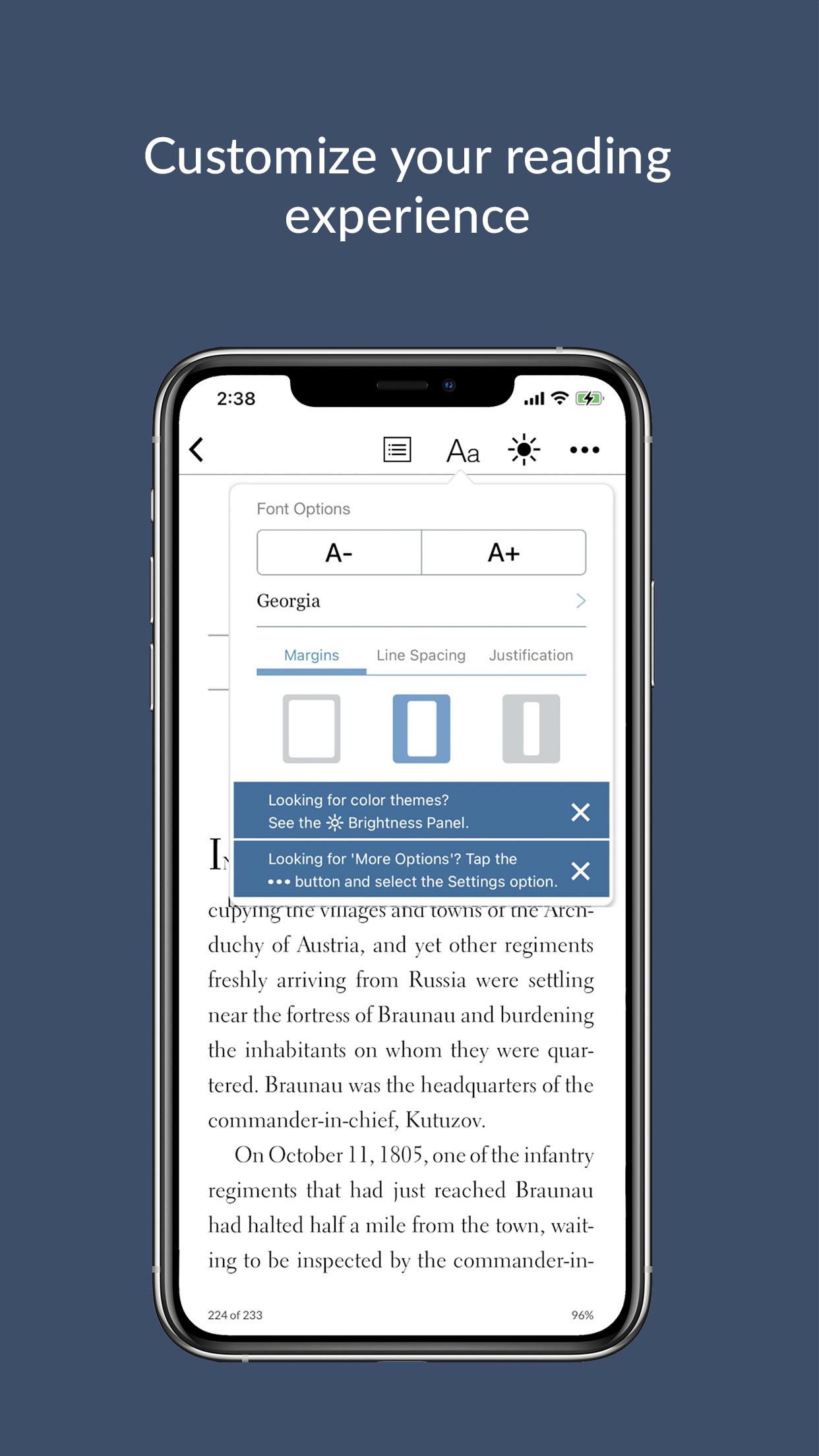
Customizable reading interface with themes and fonts

You can sideload PDR & ePub’s, and use the app’s features on them. The best thing is that you actually OWN these books unlike Kindle. I will 𝗡𝗘𝗩𝗘𝗥 pay for a book that can be taken away for any reason by a money grubbing 🤑💵💶corporation‼️

★★★★★Verified User Review
iOSUpdated Jan 7, 2026

More Books Questions

What is the best iOS app for accessing my existing ebook library across multiple devices and continuing reading where I left off, even after upgrading to a new iPad?

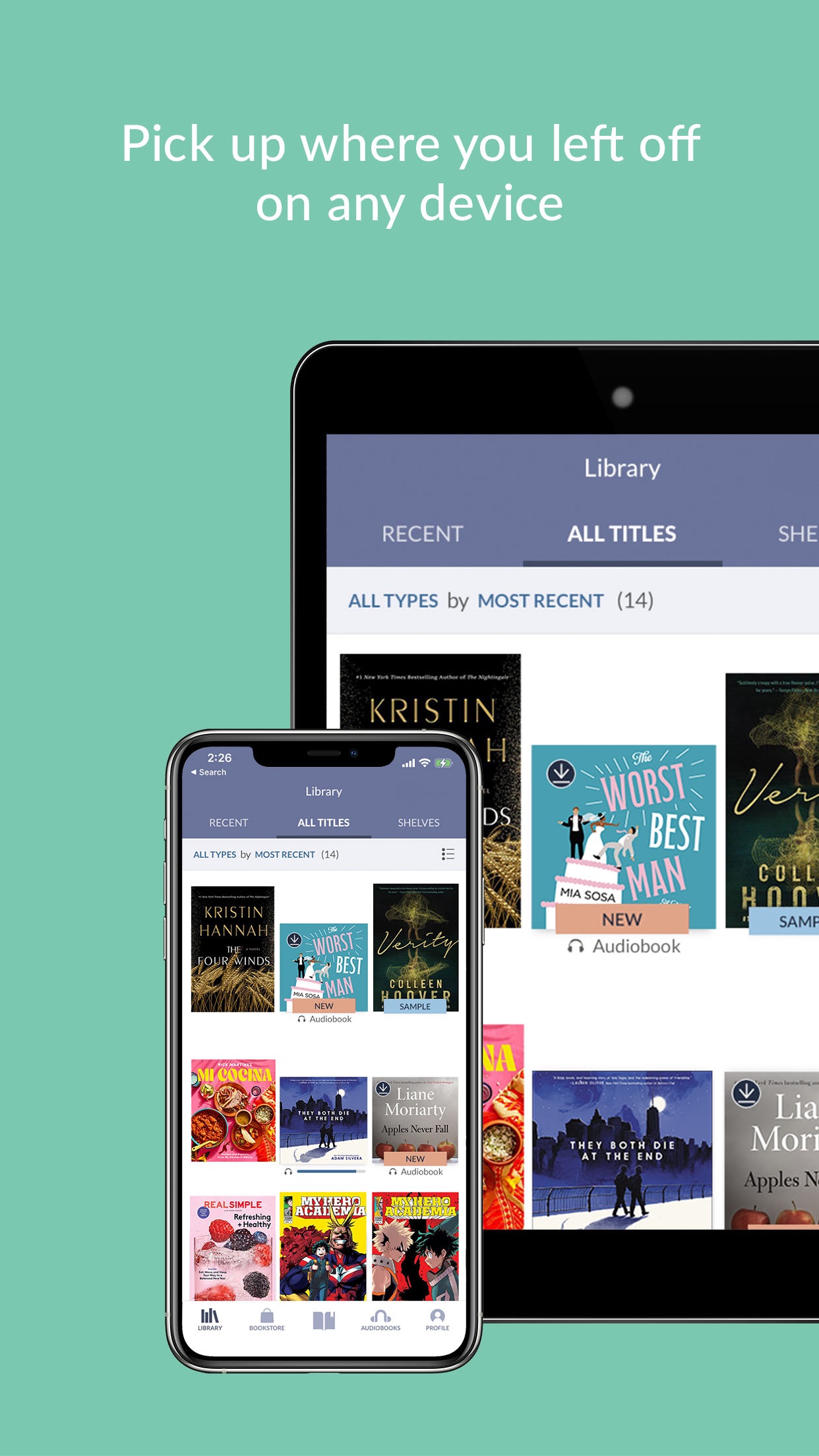
Barnes & Noble NOOK is an excellent iOS app for accessing your existing B&N ebook library across multiple devices, allowing you to sync your reading progress and continue reading seamlessly after upgrading to a new iPad....

Barnes & Noble NOOK
Barnes & Noble NOOK
Barnes & Noble
Same AppRead More →

Okay, so what's the best iPad app for just, like, *really* getting lost in a book and making it a whole ~experience~?

Honestly, the NOOK app on iPad is surprisingly design-forward. The reading experience is super customizable, and it just feels... premium, you know?...

Barnes & Noble NOOK
Barnes & Noble NOOK
Barnes & Noble
Same AppRead More →

What's the best iOS app for reading and listening to books purchased directly from independent authors?

BookFunnel is perfect for this. It stores author-purchased ebooks and audiobooks, sends files to Kindle, and offers customizable audio playback, all in a user-friendly interface....

BookFunnel
BookFunnel
BookFunnel
Read More →

Which iOS app should I use to consolidate my entire ebook and audiobook library from different sources into one place?

Google Play Books & Audiobooks is perfect for this. It provides a unified, cloud-based library that supports both purchased content and personal files in multiple formats....

Google Play Books & Audiobooks
Google
Read More →

What's the best iOS app for daily Bible study and devotion without an internet connection?

Bible Offline is perfect for this. It provides free, full access to the King James Version Bible offline, with daily devotionals to support regular scripture engagement....

Bible Offline - KJV Holy Bible
PANDAS OF CARIBBEAN LIMITED
Read More →
Barnes & Noble NOOK icon

Barnes & Noble NOOK

by Barnes & Noble

4.7/ 5.0
Get on App Store

Screenshots

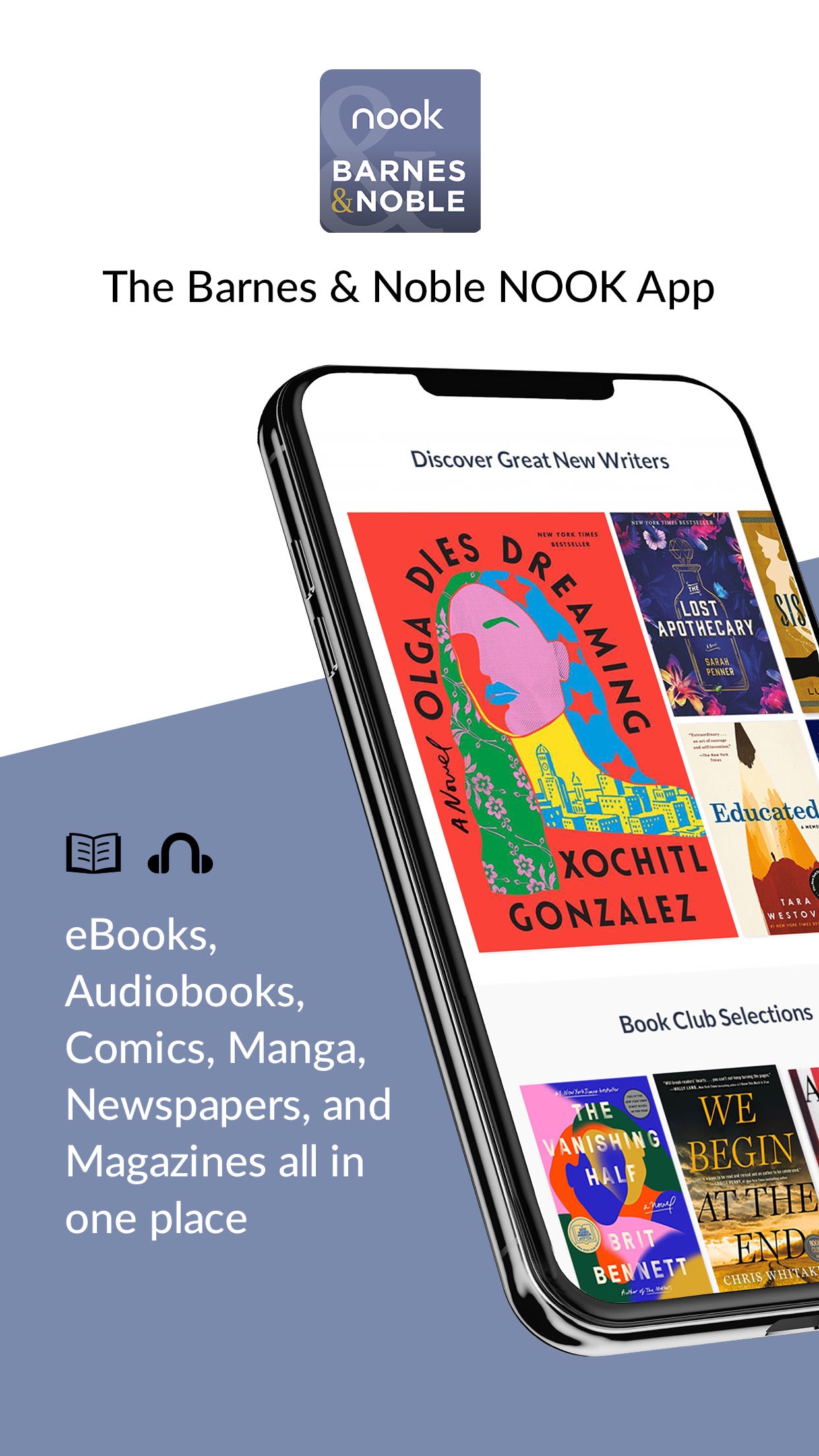
Barnes & Noble NOOK screenshot 1
Barnes & Noble NOOK screenshot 2
Barnes & Noble NOOK screenshot 3

+1 more screenshots

Category

Books

Platform

iOS