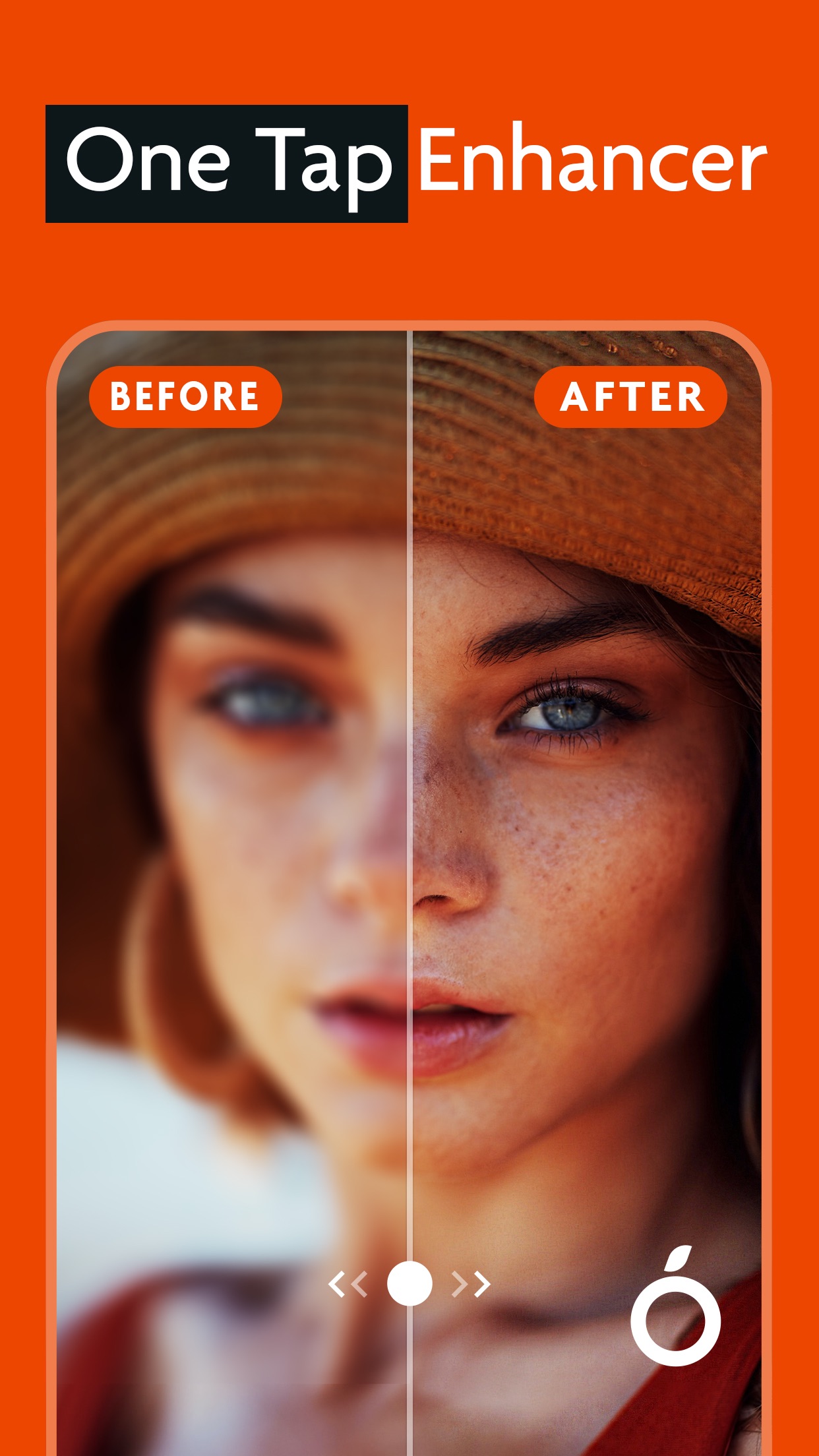
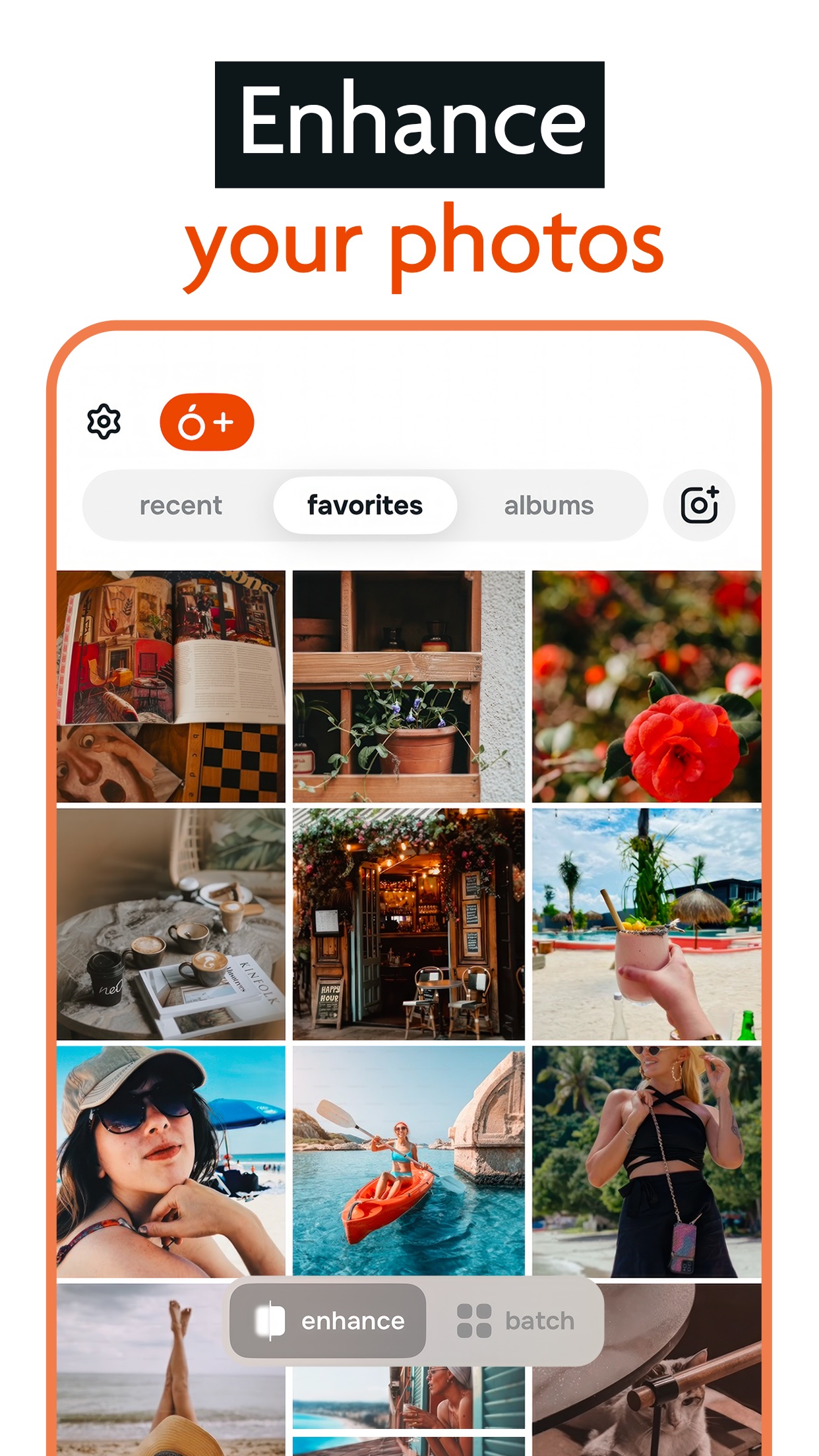
Citrus is designed specifically for users who want professional-looking results without spending time on manual editing. The app's core functionality centers around a single enhancement button that analyzes each photo and applies multiple adjustments simultaneously. This includes noise reduction, sharpening, exposure correction, and color balancing. For social media users who need to prepare multiple images quickly, the batch processing capability allows enhancing entire photo sets in one go. The app performs particularly well with smartphone photos taken in challenging lighting conditions, where it can recover shadow detail and reduce harsh highlights. Some users note that the automatic adjustments occasionally oversaturate certain colors, though this can be corrected with manual tweaks in the app's secondary editing tools. Reviews indicate the enhancement algorithms work effectively on both portrait and landscape photography, making it versatile for various content types. The interface prioritizes simplicity, with the main enhancement button prominently displayed and additional editing tools accessible through a clean menu system.
Key Features
One-tap automatic enhancement
Batch processing for multiple photos
Noise reduction and sharpening tools
“
The best photo enhance app I love it download & give it a try you won't regret it. It helps me make perfect pictures that look clean and smooth for posting online.
★★★★★Verified User Review
iOSUpdated Nov 2, 2025