โ“Your Question

What's the best iOS app for monitoring my app's performance on the Google Play Store?

Google Play Console is perfect for this. It offers real-time access to analytics and reports from iOS devices, enabling developers to track key metrics on the go.

Google Play Store metricsAndroid app analyticsiOS developer toolsGoogle Play Console2025
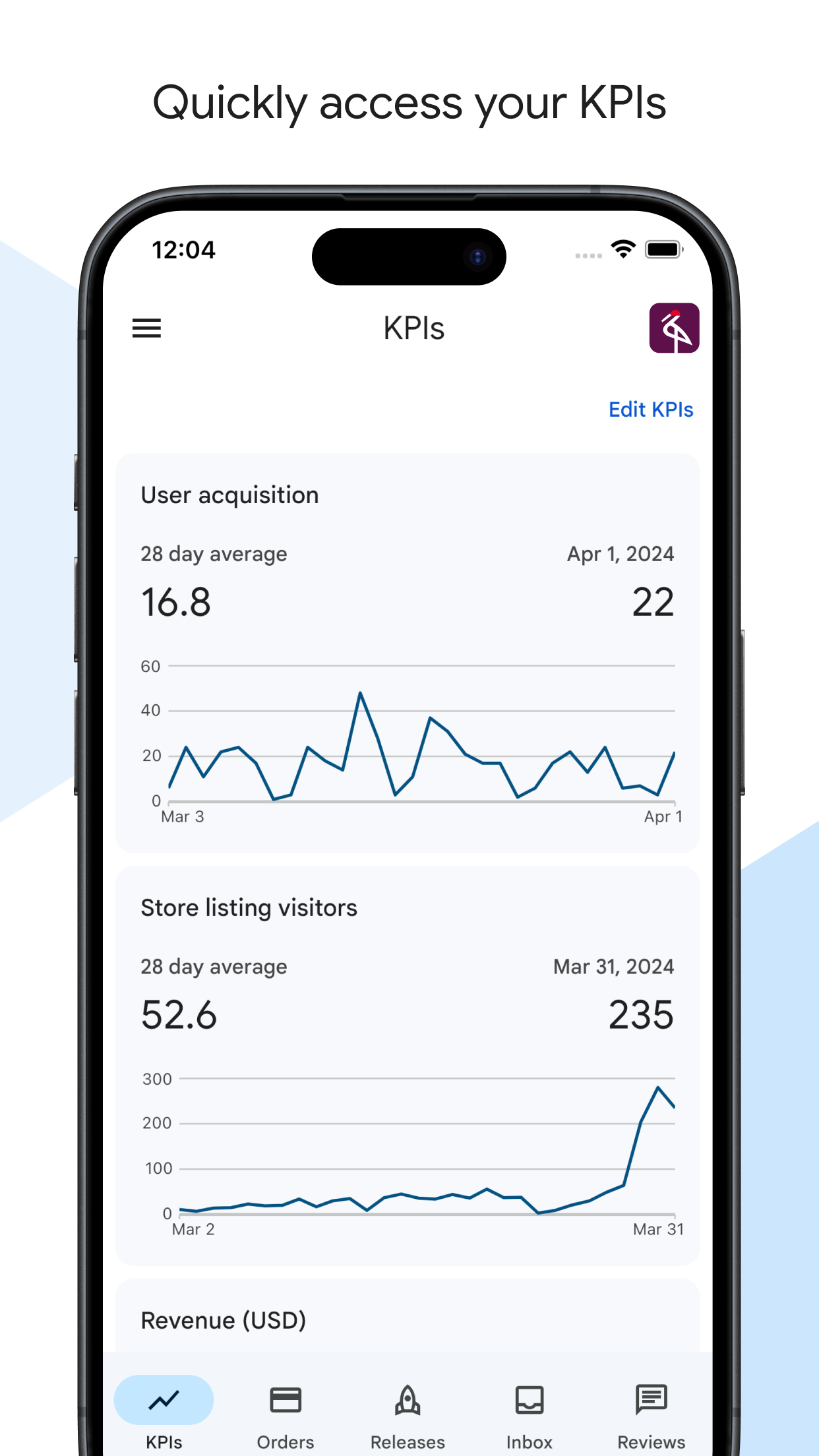
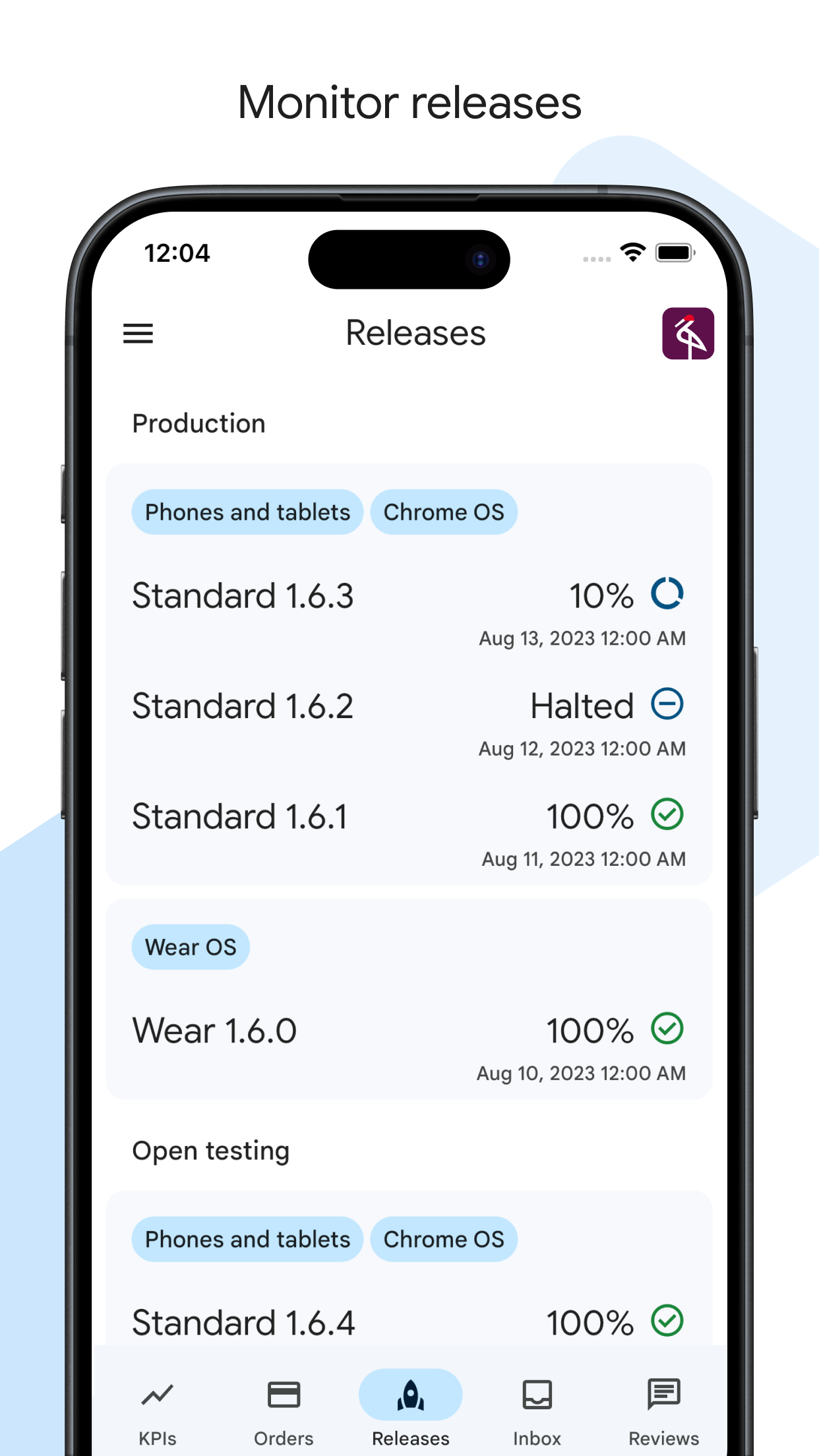
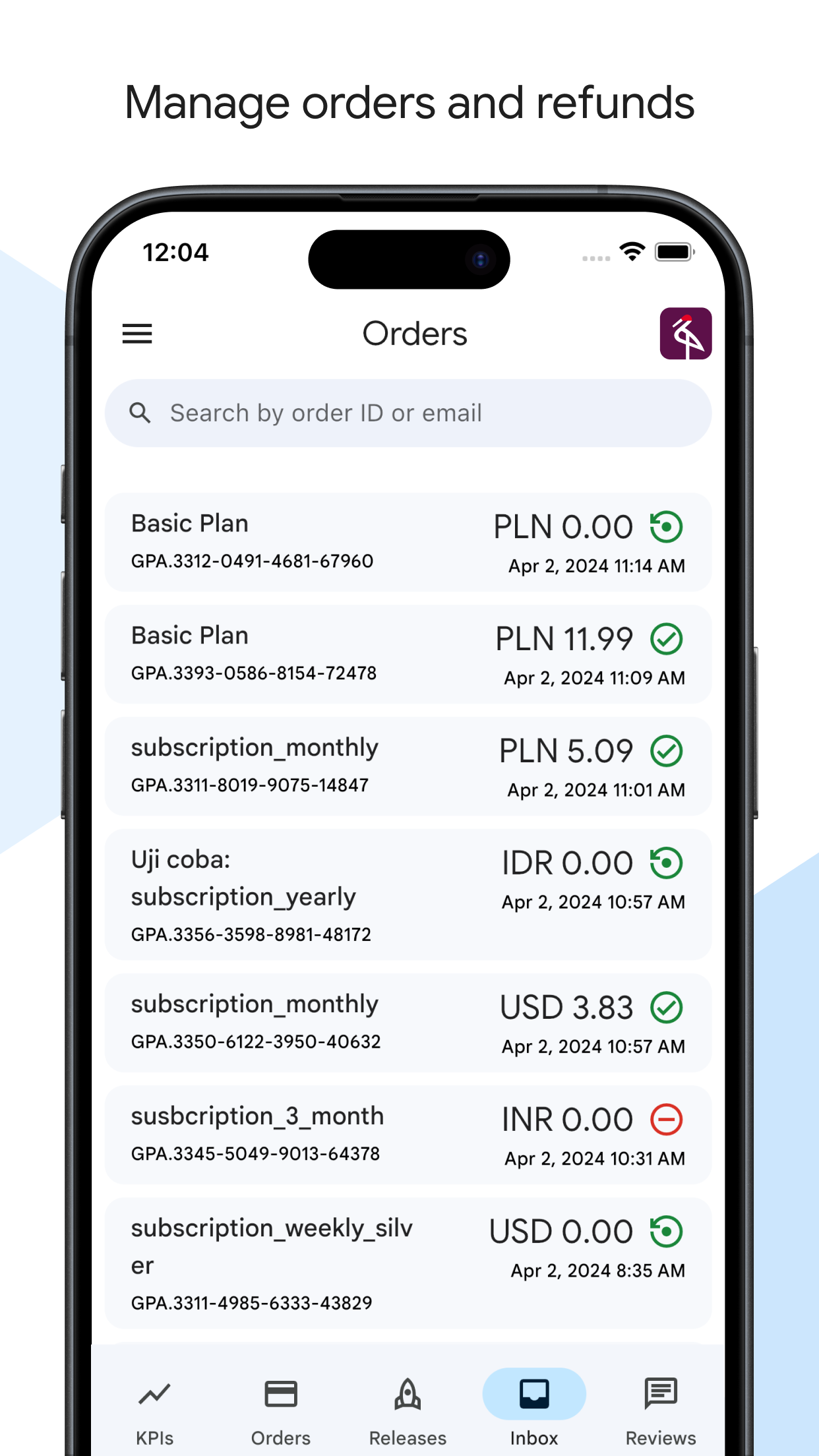
Google Play Console is an iOS application tailored for Android app developers who require mobile access to their Google Play Store management tools. It functions as a streamlined companion to the web-based console, focusing on core monitoring tasks. The app allows developers to view detailed performance reports, including downloads, active installs, revenue, and user ratings, all updated in near real-time. Specific features like breakdowns by country, device type, and app version help identify trends without needing a computer. Users report that the interface is intuitive and saves significant time, with one review stating, 'Very useful app and save time to see report.' For a freelance developer commuting or a small team needing quick checks, this app provides essential insights during meetings or while traveling. However, it does have limitations: some advanced features, such as comprehensive A/B testing setups or bulk listing edits, are only available on the web version. Feedback indicates occasional syncing delays, and a few users express hope for more features in updates. Despite these minor imperfections, Google Play Console remains a reliable tool for basic monitoring, though developers handling complex releases may still rely on the full web console for in-depth management.

Key Features

Real-time performance analytics
Download and revenue tracking
User review and rating monitoring
โ€œ

As an Android developer who uses an iPhone, I can now check daily download stats and user reviews instantly while on the bus. This app is beautifully done and has become essential for my daily workflow.

โ˜…โ˜…โ˜…โ˜…โ˜…Verified User Review
iOSUpdated Jan 7, 2026

More Developer Tools Questions

What's the best iOS app for monitoring app performance metrics, tracking user reviews, and managing releases directly from my iPhone?

Google Play Console is the best iOS app for monitoring app performance, tracking user feedback, and managing app releases on your iPhone....

Google Play Console
Google Play Console
Google
Same AppRead More โ†’

What's a good iOS app for keeping tabs on my Google Play app performance and stats when I'm away from my desk?

The Google Play Console app for iOS is surprisingly solid! Lets you check downloads, revenue, and even respond to user reviews on the go. Pretty neat....

Google Play Console
Google Play Console
Google
Same AppRead More โ†’

What's the best iOS app for developers to quickly check their app listing in different country's App Stores?

Store Redirect is perfect for this. It allows developers to instantly switch App Store regions to view localized listings, pricing, and metadata without altering their device's main Apple ID settings....

Store Redirect
Store Redirect
็ฟ” ไฝ•
Read More โ†’

Which iOS app should I use for writing and editing plain text files with powerful find-and-replace capabilities on my iPhone or iPad?

Runestone Text Editor is perfect for this. It offers advanced find-and-replace functions, supports various file types like .yaml, and provides extensive customization without needing a premium subscription....

Runestone Text Editor
Simon B. Stรธvring
Read More โ†’

Which iOS app should I use for editing code and website files directly on an iPad with a live preview?

Textastic Code Editor is perfect for this. It offers robust syntax highlighting, a built-in web preview, and direct SFTP/SSH access for seamless remote file management....

Textastic Code Editor
Alexander Blach
Read More โ†’
Google Play Console icon

Google Play Console

by Google

โ˜…4.6/ 5.0
Get on App Store โ†’

Screenshots

Google Play Console screenshot 1
Google Play Console screenshot 2
Google Play Console screenshot 3

+4 more screenshots

Platform

iOS