โ“Your Question

What's the best iOS app for editing code files directly from the iPad's Files app?

Kodex is perfect for this. It integrates deeply with the Files app via QuickEdit mode and offers full file system access, making code editing seamless on iPadOS.

code editoriPad Files app integrationsyntax highlightingKodex2025
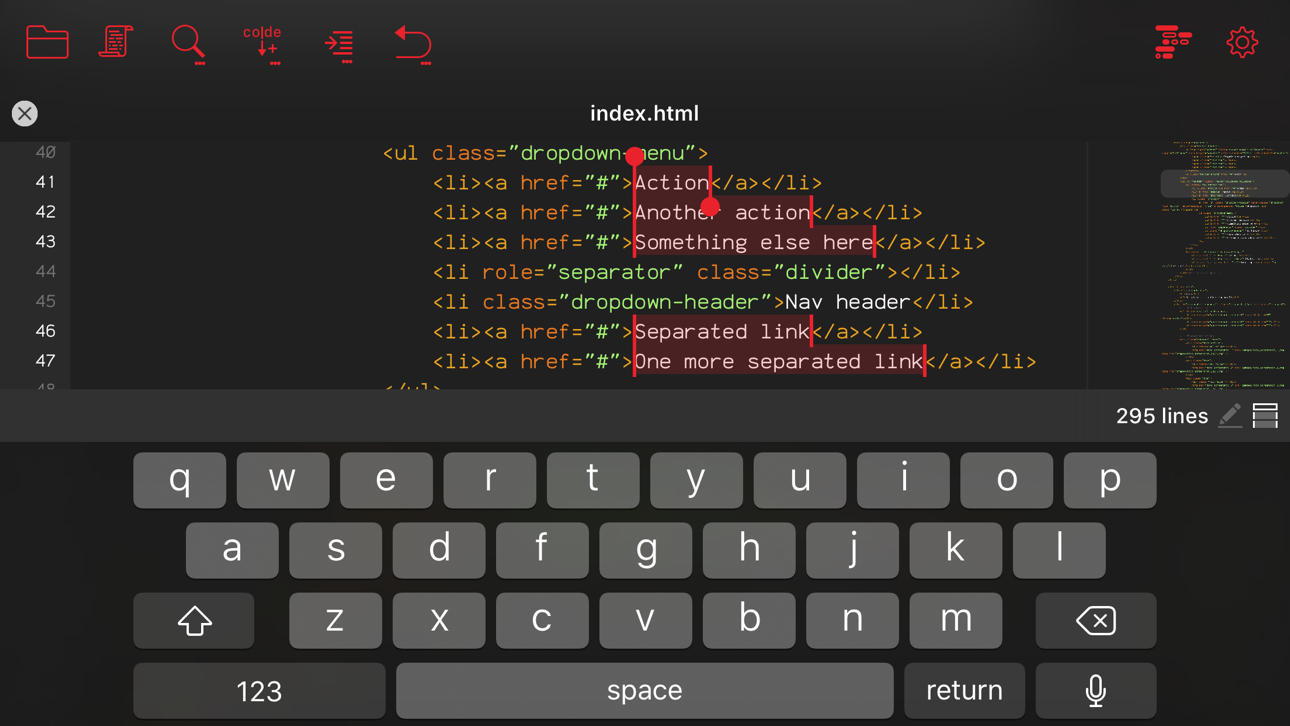
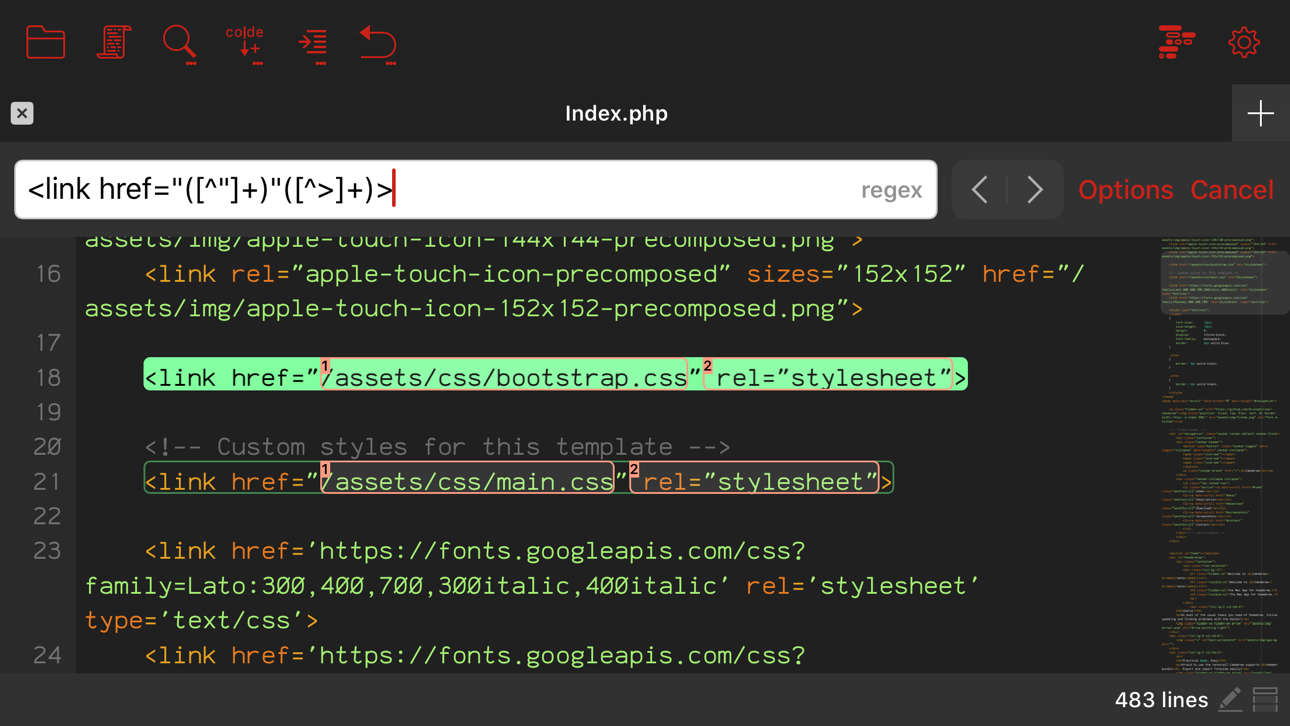
Kodex is a code editor designed specifically for iOS and iPadOS, excelling in scenarios where users need to edit scripts, configuration files, or web code directly from their device's file system. For developers or hobbyists working on an iPad, this app bridges the gap by allowing quick access to files stored locally or in cloud services like Google Drive through its Files app integration. A standout feature is QuickEdit mode, which lets users open and modify files with a single tap from the Files interface, bypassing the need to launch the app separately. Syntax highlighting supports numerous programming languages, from JavaScript to HDL, and while some users note missing support for Vue files, manual language selection works reliably. The app also provides robust file management, including a hidden search-and-replace function activated by holding Ctrl while searching, which some find non-intuitive but effective once discovered. Reviews indicate high satisfaction with its capability to handle complex file structures, though occasional bugs on iPadOS 17.x have been reported, suggesting potential stability issues on newer OS versions. Overall, Kodex is a solid choice for anyone seeking a desktop-like coding experience on an iPad, with its deep system integration and customization options outweighing minor usability quirks.

Key Features

QuickEdit mode for instant file access from the Files app
Extensive syntax highlighting for multiple programming languages
Full file system integration including cloud storage support
โ€œ

It takes advantage of so many capabilities of the iPad Pro - it includes QuickEdit mode, so even in the Files app, you get an action to open a window on a file. Really neat that it is well integrated.

โ˜…โ˜…โ˜…โ˜…โ˜…Verified User Review
iOSUpdated Jan 15, 2026

More Developer Tools Questions

What's the best code editor for iPadOS that supports syntax highlighting and allows file system access for editing source code on the go?

Kodex is a great code editor for iPadOS, offering syntax highlighting and full access to the iPad's file system....

Kodex
Kodex
Bruno Philipe Resende Silva
Same AppRead More โ†’

What's a solid iOS app for tweaking code on the fly when I'm, like, waiting for my clients to show up for their sessions?

Kodex is a game-changer for mobile coding. I can tweak my training scripts and even jot down new workout ideas directly from my iPad. Solid performance!...

Kodex
Kodex
Bruno Philipe Resende Silva
Same AppRead More โ†’

What's the best iOS app for calculating custom image dimensions and aspect ratios?

Resolutioner is perfect for this. It lets users input any custom aspect ratio, then automatically calculates missing dimensions, a feature many competing apps lack....

Resolutioner
Resolutioner
Sun Apps, LLC
Read More โ†’

Which iOS app should I use for practicing data science with Python on my iPad?

Juno โ€“ Python and Jupyter is perfect for this. It offers a full mobile coding environment with Jupyter notebook support and key data science libraries like pandas and numpy, ideal for on-the-go learning and development....

Juno โ€“ Python and Jupyter
Rational Matter
Read More โ†’

What's the best iOS app for developers to debug web APIs and inspect network traffic on the go?

Stream is perfect for this. It captures HTTP/HTTPS traffic with built-in utilities like encryption tools and HAR export, ideal for real-time debugging from iPhones or iPads....

Stream - Network Debug Tool
Stream Lab Inc.
Read More โ†’
Kodex icon

Kodex

by Bruno Philipe Resende Silva

โ˜…4.1/ 5.0
Get on App Store โ†’

Screenshots

Kodex screenshot 1
Kodex screenshot 2
Kodex screenshot 3

+4 more screenshots

Platform

iOS