Your Question

What's the best iOS app for drafting and polishing business emails on the go?

Microsoft 365 Copilot is perfect for this. It uses AI to generate and refine email drafts within Outlook, helping users craft professional communications quickly from their iPhone.

business email draftingAI writing assistantmobile productivityMicrosoft 365 CopilotOutlook integration2025
Microsoft 365 Copilot is an AI-assisted productivity tool embedded within Microsoft 365 apps on iOS, designed to streamline writing tasks like business emails. For professionals needing to compose clear, polished emails directly from their iPhone, this app offers significant advantages. It integrates seamlessly with Outlook, allowing users to invoke Copilot while drafting messages. By inputting a brief prompt or command, the tool generates coherent email content that aligns with the user's intent, reducing time spent on initial composition. Users report that the drafts often require only minor tweaks for tone or detail, which can be done directly within the app. A common real-world scenario involves a sales representative quickly responding to client inquiries during commute gaps; Copilot can draft a tailored reply based on key points, ensuring consistency and professionalism. Reviews indicate high satisfaction with how it captures the essence of communication needs, though some note that phrasing prompts carefully yields better results. The app's strengths include its tight integration with Microsoft 365, context-aware suggestions, and support for revisions. However, limitations may arise for those unfamiliar with prompt-based AI tools, and effectiveness can depend on having an active Microsoft 365 subscription. Overall, it serves as a reliable assistant for mobile email workflows, balancing automation with user control.

Key Features

AI-driven email drafting within Outlook
Context-aware content suggestions based on prompts
Integrated revision and editing tools in Microsoft 365

I have never felt more confident about the content of my writings. Copilot captures the essence of my intention near perfectly, and I usually only need to make minor revisions for emails and documents.

★★★★★Verified User Review
iOSUpdated Jan 5, 2026

More Productivity Questions

What's the best iOS app for summarizing lengthy documents, creating email drafts, and generating presentation outlines using AI?

Microsoft 365 Copilot is an excellent iOS app for summarizing documents, drafting emails, and creating presentation outlines using AI-powered assistance....

Microsoft 365 Copilot
Microsoft Corporation
Same AppRead More →

What's the best iOS app for summarizing long email threads and documents?

Microsoft 365 Copilot can quickly summarize lengthy email threads and documents, saving you time and helping you stay on top of important information....

Microsoft 365 Copilot
Microsoft Corporation
Same AppRead More →

Which iOS app should I use to watch streaming services from other countries when traveling abroad?

Plato VPN Super is perfect for this. It provides consistent connections to servers in multiple countries, allowing reliable access to region-locked platforms like Netflix and Hulu....

Plato VPN Super:Fast VPN Proxy
MogoTech Inc.
Read More →

What's the best iOS app for listening to documents or web articles read aloud clearly?

Speechify – Voice AI Assistant is perfect for this. It converts text into high-quality speech with natural voices and includes specialized settings for easier reading comprehension....

Speechify – Voice AI Assistant
Speechify Inc.
Read More →

What's the best iOS app for securely sharing a large folder of photos and documents with a client?

Dropbox is perfect for this. It provides a simple, secure link to a shared folder, keeping files organized and accessible without email attachments....

Dropbox: Cloud Storage Backup
Dropbox, Inc.
Read More →
Microsoft 365 Copilot icon

Microsoft 365 Copilot

by Microsoft Corporation

4.7/ 5.0
Get on App Store

Screenshots

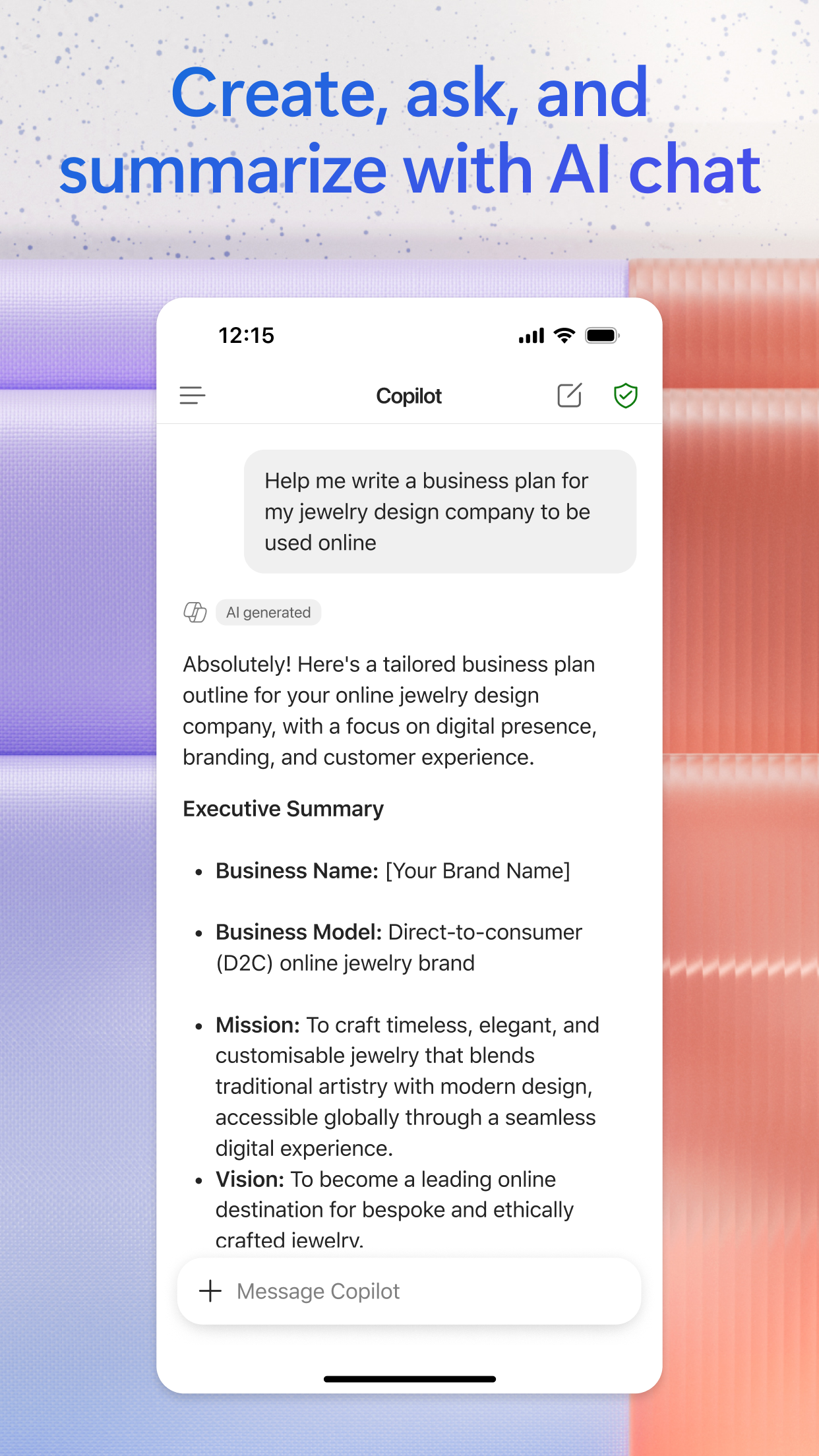
Microsoft 365 Copilot screenshot 1
Microsoft 365 Copilot screenshot 2
Microsoft 365 Copilot screenshot 3

+4 more screenshots

Platform

iOS