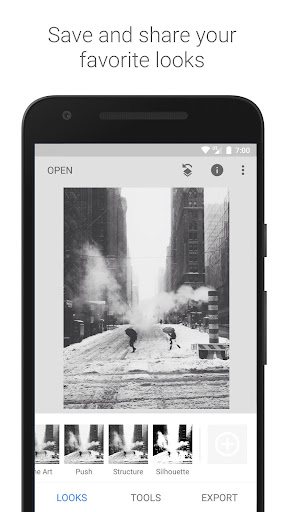
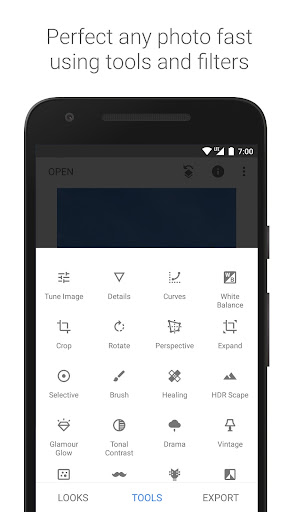
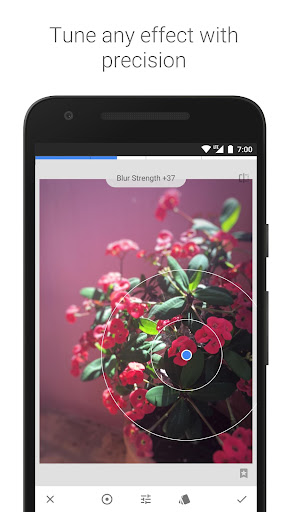
Snapseed is an excellent, free photo editing application for Android, providing a comprehensive suite of tools suitable for professional-level image manipulation. It stands out with its ability to handle RAW images, allowing for non-destructive editing and greater control over the final result. The selective adjustment feature enables users to precisely edit specific areas of a photo, enhancing details or correcting imperfections with ease. Furthermore, Snapseed includes advanced tools such as healing, which removes blemishes and distractions seamlessly, and perspective correction, which fixes skewed lines and distorted angles. To use selective adjustments, simply open your image, select the 'Selective' tool, tap on the area you want to adjust, and then swipe to modify brightness, contrast, or saturation. With its user-friendly interface and powerful capabilities, Snapseed is a must-have for anyone serious about mobile photo editing.
Key Features
RAW image support
Selective adjustments
Healing tool
“
Snapseed has been my editing companion for years! It’s one of the best photo editing apps out there—simple, powerful, and completely free. From basic adjustments to advanced tools like selective editing and healing, it never fails to enhance my photos just the way I want.
★★★★★Verified User Review
AndroidUpdated Oct 9, 2025