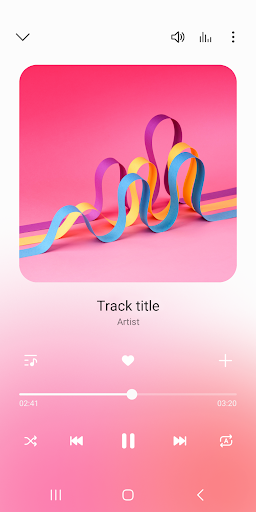
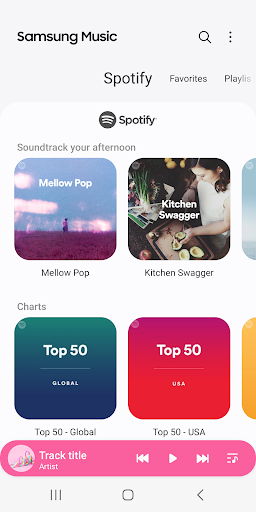
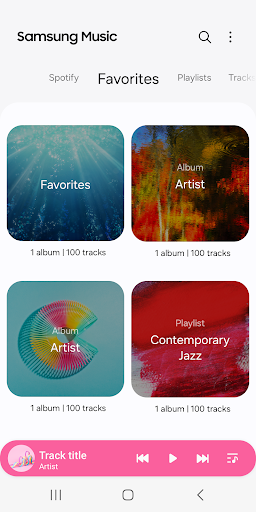
Samsung Music is an excellent choice for playing your locally stored MP3 music files on Android devices without needing an internet connection or enduring advertisements. A key benefit is its offline playback capability, allowing you to enjoy your music library anywhere. While it includes a crossfade feature to smoothly transition between songs, some users desire more granular control, suggesting the ability to adjust crossfade times in milliseconds for seamless listening. To use Samsung Music, simply install the app, grant it access to your music files, and start enjoying your favorite tunes. You can easily create playlists, shuffle songs, and control playback from the notification shade or lock screen. This app excels at providing a straightforward and user-friendly experience for local music playback.
Key Features
Offline MP3 playback
Ad-free listening (for local files)
Crossfade control (seconds)
“
Love Samsung Music! I love the fact that I can listen to music without having to connect to the internet and having to watch ads (provided you listen to only mp3's). Samsung, if you're reading this, one suggestion I would like to see implemented in the future is a better and more precise control of crossfading.
★★★★★Verified User Review
AndroidUpdated Oct 18, 2025