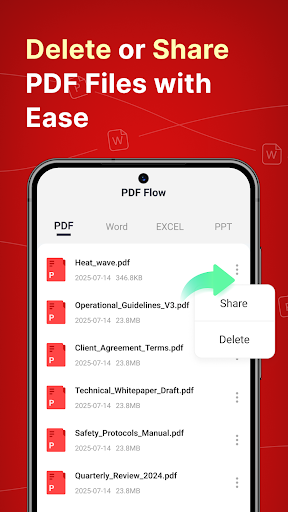
PDF Flow is a focused utility for managing PDF documents directly on an Android device. For the common task of merging files, the app simplifies the process. Users can import PDFs from their device storage or file manager apps. Once files are selected, a drag-and-drop editor allows for reordering pages or entire documents before the merge is finalized. This is particularly useful for scenarios like assembling a single report from separate chapters, combining scanned receipts for an expense claim, or creating a portfolio from various image-based PDFs. The app performs the merging locally on the device, which can be a benefit for privacy-conscious users handling sensitive documents. However, some user feedback points out that processing can slow down with very large or complex files. The free version includes basic merging, while a premium tier unlocks features like batch processing and password protection for output files. Its main strength lies in its single-purpose design, avoiding the clutter of a full-featured office suite when only simple document combination is required.
Key Features
Drag-and-drop page/document reordering
Local processing (no upload required)
Preview function before final save
“
"Needed to put ten scanned contracts into one file for my lawyer. PDF Flow did it in under a minute. The reorder tool is a lifesaver when you mess up the sequence."
★★★★★Verified User Review
AndroidUpdated Jan 18, 2026