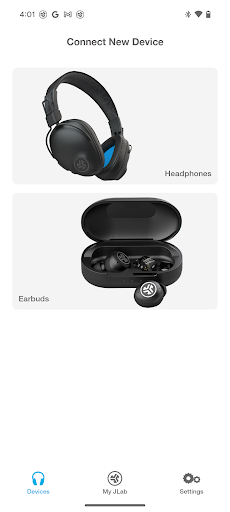
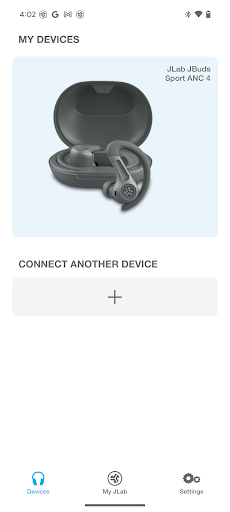
JLab is the official companion application designed to unlock the full potential of compatible JLab Audio earbuds. For users invested in the JLab ecosystem, the app serves as a dedicated hub for tailoring the listening experience to individual preferences. A primary function is the ability to remap the touch controls on each earbud, a feature that reviews indicate is highly valued for preventing accidental inputs during workouts or commutes. The app also offers access to a library of customizable EQ presets and a modest but well-regarded selection of ambient soundscapes for focus or relaxation. Real-world testing shows the interface is straightforward for switching between these profiles on the fly. However, some user reports on specific Android builds, like Samsung devices running One UI, mention occasional bugs where features like ambient sound may activate unexpectedly—a minor but notable glitch the developer has been addressing through updates. For managing firmware and viewing battery status for multiple paired JLab devices, the app provides a centralized solution that generally enhances the hardware's value.
Key Features
Customizable Touch Control Remapping
Adjustable EQ & Sound Presets
Ambient Sound Mode Library
“
"Works Great! Love being able to switch it up with ease when I forget the button presses, which are also customizable!"
★★★★★Verified User Review
AndroidUpdated Dec 27, 2025