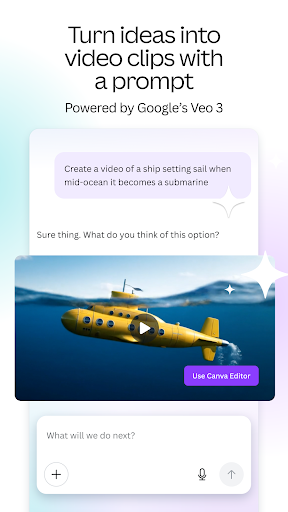
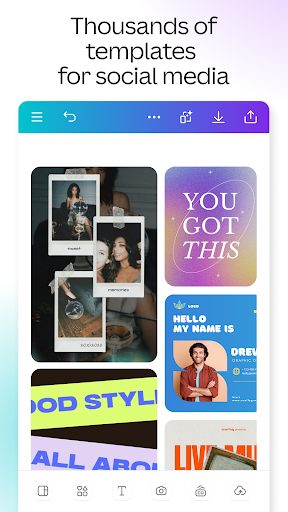
Canva is a mobile design platform that simplifies graphic creation for social media, catering especially to beginners and small businesses. The app excels through its drag-and-drop interface, which reduces the learning curve significantly. Users can access thousands of pre-sized templates for Instagram stories, Facebook ads, or TikTok videos, ensuring each design meets platform specifications. Features like AI-powered background removal and text-to-image generation allow for quick customizations, while Magic Resize adapts a single graphic to multiple formats with one tap. In real-world use, a freelance blogger might rely on Canva to produce daily content batches, leveraging the cloud sync to switch between phone and desktop seamlessly. Reviews highlight the time saved with automated design suggestions, though some note that premium assets require a Pro subscription. A few user reports mention subscription cancellations or refund issues, which can be a drawback for those investing in paid features. Overall, Canva balances accessibility with robust tools, making it a top choice for on-the-go social media design.
Key Features
AI-powered design suggestions for layouts and colors
Extensive library of social media-specific templates
Magic Resize to adapt designs across platforms instantly
“
I run a small bakery and use Canva daily for Instagram posts. The templates are so easy to customize, and the AI tools help me make everything look cohesive without hiring a designer—it's a game-changer for my business!
★★★★★Verified User Review
AndroidUpdated Jan 17, 2026