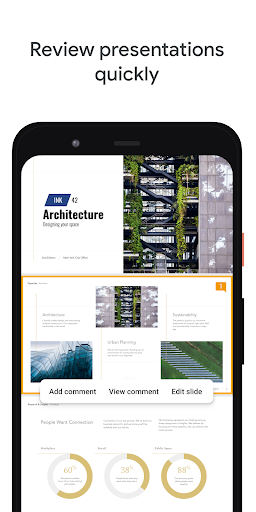
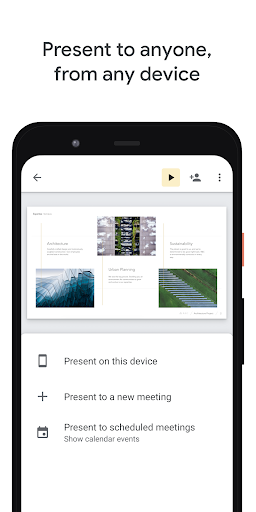
Google Slides is a versatile presentation tool designed for mobile productivity, particularly suited for collaborative work environments. Its real-time editing feature allows multiple users to contribute to slides simultaneously, with changes syncing instantly across all devices via Google Drive integration. This is especially useful for remote teams needing to brainstorm or revise presentations on the fly, such as during meetings or while commuting. The app includes practical functions like drag-and-drop slide organization, built-in templates for quick starts, and the ability to insert images, videos, and charts directly from a smartphone. Users report that the search functionality within Google Drive makes locating past projects straightforward, reducing time spent on file management. However, some limitations exist, such as fewer advanced design customization options compared to desktop software, which might frustrate users seeking intricate animations or detailed formatting. Despite this, the app's offline mode allows basic edits without an internet connection, though full collaboration requires connectivity. Overall, it balances accessibility with core presentation needs, supported by positive feedback on its intuitive interface and reliability for everyday use.
Key Features
Real-time collaboration
Cloud storage integration
Easy template access
“
I rely on Google Slides for group projects because it lets everyone edit together in real-time. It's saved me so many times when we needed last-minute changes during team meetings!
★★★★★Verified User Review
AndroidUpdated Nov 14, 2025