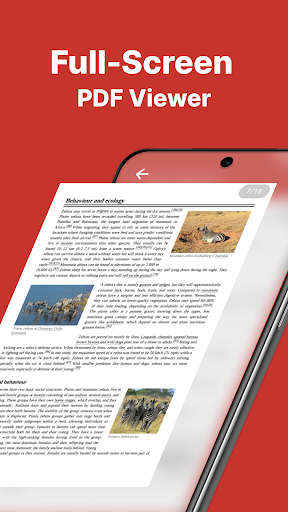
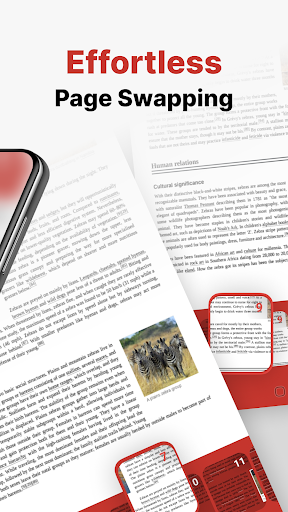
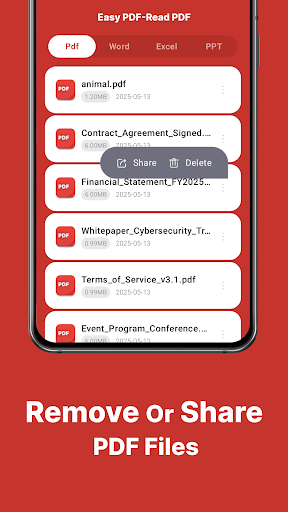
Easy PDF is a straightforward option for users who need to make scanned documents or image-heavy PDFs searchable on their Android phones. The app's built-in OCR function is its core strength for this task, allowing text within photos or scans to be recognized. Once processed, users can highlight, copy, or search for specific words within the document, which is useful for reviewing contracts, digitized forms, or archived papers without a desktop scanner. The process is relatively simple: open the PDF and select the OCR option from the menu. However, the accuracy of the text recognition can vary with document quality, and some formatting may not be preserved perfectly. The free version serves the basic need, though the interface includes advertisements. For students digitizing lecture notes or professionals needing to search a stack of scanned receipts, Easy PDF provides a no-frills, on-the-go solution. Its utility is somewhat undermined by occasional lag when processing multi-page documents, but it fulfills the fundamental requirement.
Key Features
Built-in OCR for text recognition
Text search within processed documents
Ability to copy and highlight recognized text
“
“I had a bunch of old scanned manuals I needed to search through. The OCR feature in Easy PDF worked well enough to find the technical specs I needed without firing up my computer.”
★★★★★Verified User Review
AndroidUpdated Dec 14, 2025