Your Question

Is there an iOS app that can make quick, polished edits to vertical videos for Instagram or TikTok?

InShot is perfect for this. It provides fast, template-driven editing specifically formatted for Reels, Stories, and TikTok, with an interface that's easy to pick up.

vertical video editorInstagram Reels editorTikTok video makerInShot2025quick social media edits
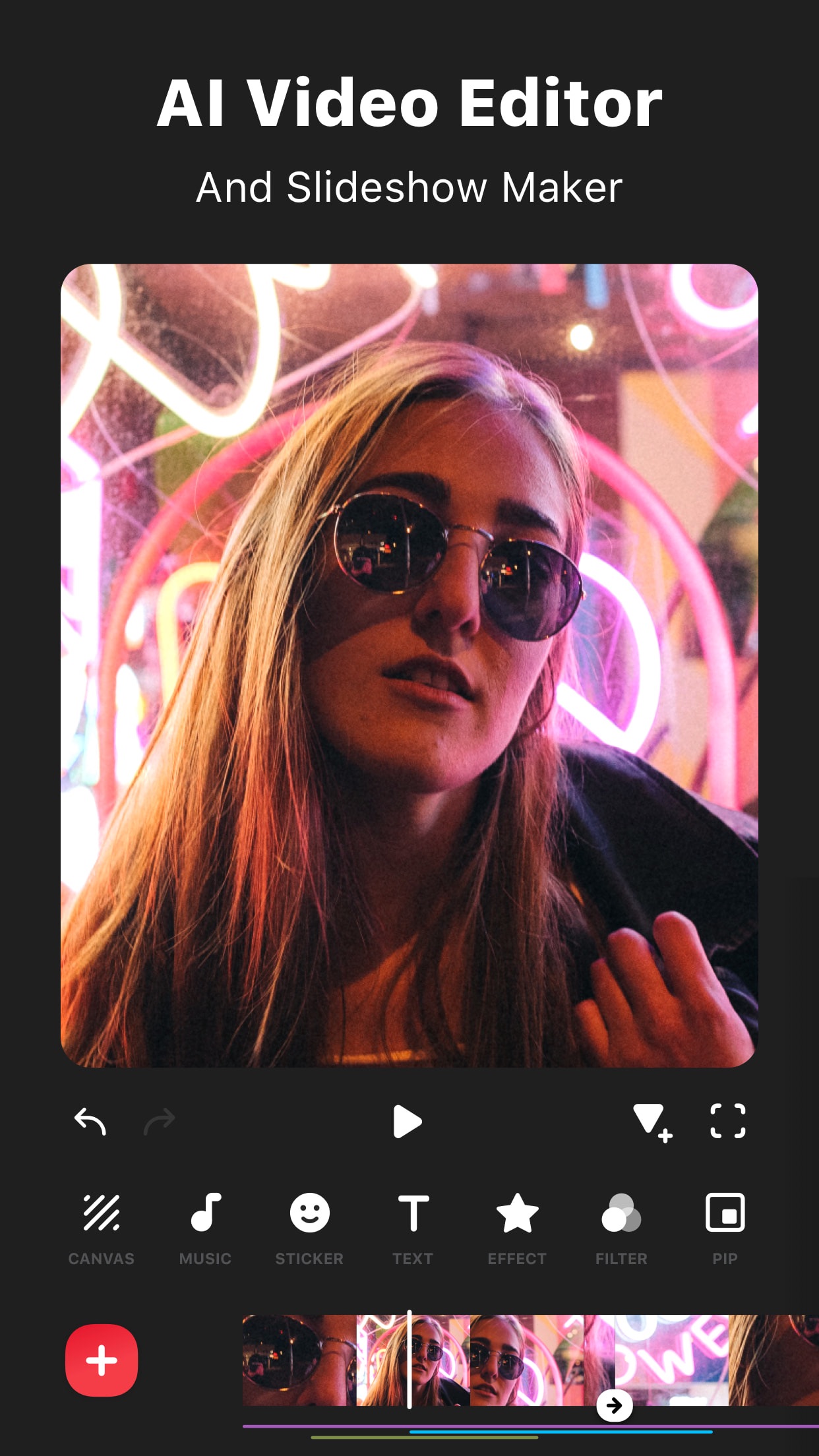
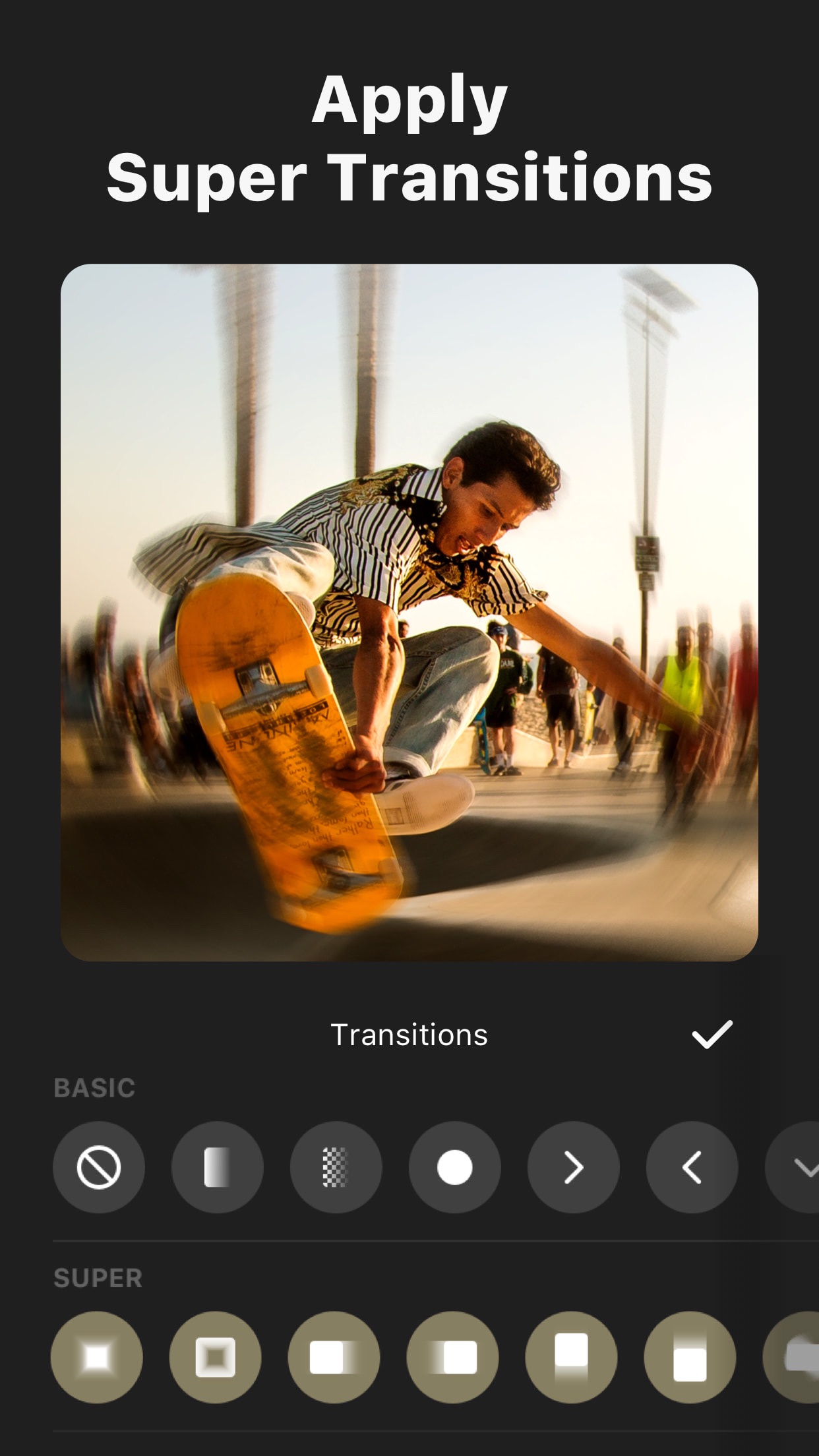
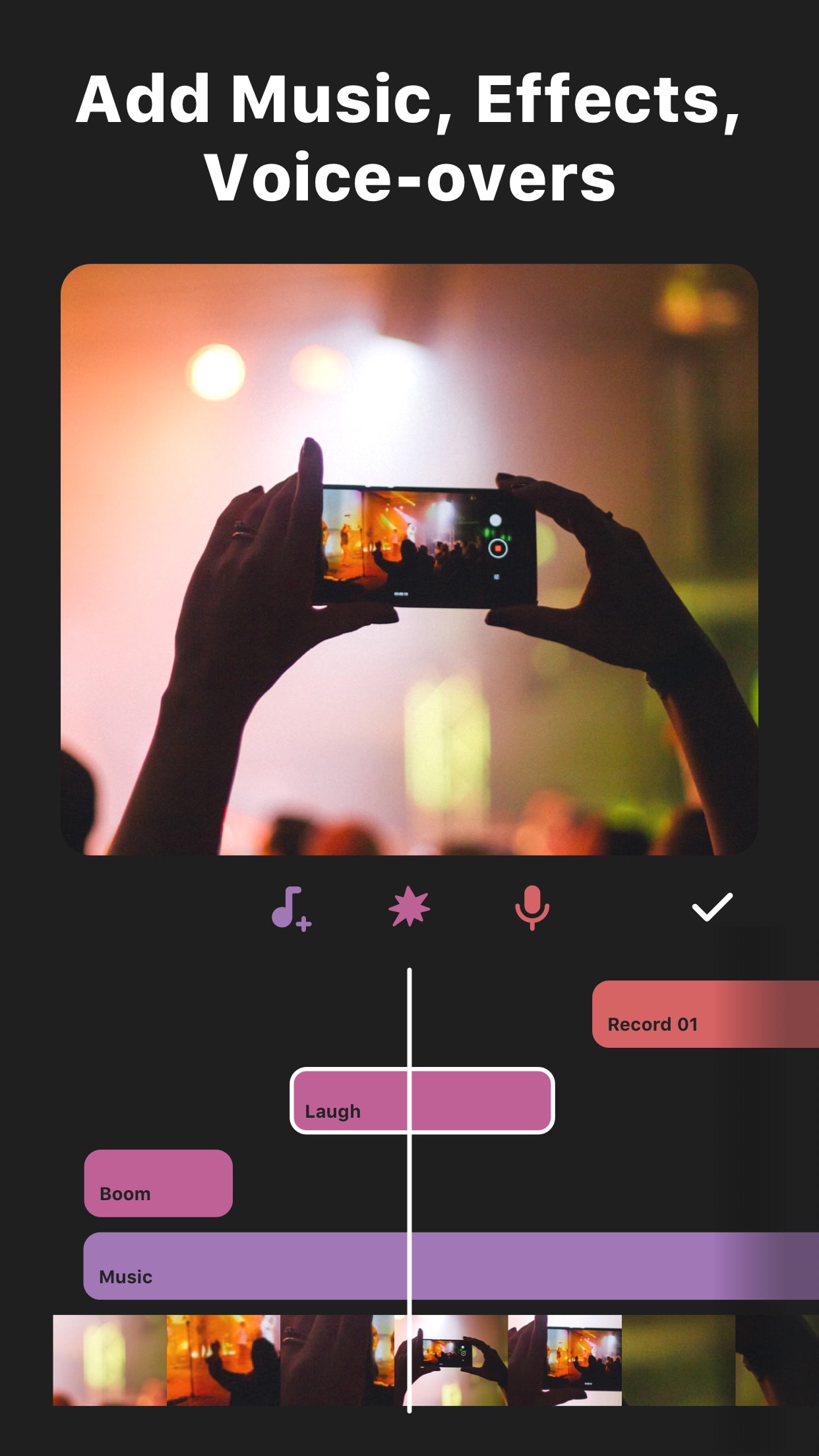
InShot is a strong contender for quick vertical video editing directly on an iPhone. The app excels at streamlining the editing process for social media formats. Users can immediately select canvas ratios like 9:16 for TikTok or 4:5 for Instagram feeds, removing the initial guesswork. A key feature for this use case is the 'AI Cut' tool, which automatically analyzes footage and suggests cuts to remove awkward pauses, speeding up the initial assembly significantly. The app includes a robust library of trending music, filters, and animated text presets designed for short-form content. For adding polish, basic color correction tools, speed controls, and a variety of transition effects are readily accessible. While professional videographers might find some advanced controls lacking, the trade-off is a remarkably fast workflow. Export times are consistently quick, and the app handles adding platform-specific watermarks discreetly. Some users note that accessing the full library of effects requires a subscription, but the free version remains quite capable for everyday editing tasks. For a content creator needing to film, trim, add music, and post within minutes, InShot's design prioritizes that specific tempo.

Key Features

AI Cut tool for automatic editing suggestions
Pre-set canvas ratios for Instagram, TikTok, and YouTube
Library of trending music, filters, and animated text

I use the AI Cut for all my self recorded videos. It makes the perfect cuts and removes awkward pauses. Great cuts that are very in style for Stories and Reels.

★★★★★Verified User Review
iOSUpdated Jan 7, 2026

More Photo & Video Questions

What's the best iPhone app for adding AI-powered object tracking to video edits, allowing text, stickers, or blurs to follow moving subjects smoothly?

InShot - Video Editor is a great option for adding AI-powered object tracking to video edits, allowing you to attach text, stickers, or blurs to moving subjects....

InShot - Video Editor
SHANTANU PTE. LTD.
Same AppRead More →

What's the best iOS app for creating engaging short videos with text animations and music?

For creating engaging short videos with text animations and music, InShot is an excellent choice. It's a user-friendly video editor packed with features perfect for social media content....

InShot - Video Editor
SHANTANU PTE. LTD.
Same AppRead More →

Which iOS app should I use to add authentic vintage film effects to my photos and videos?

Dazz Cam is perfect for this. It provides realistic simulations of classic cameras, allowing users to capture or retroactively apply vintage aesthetics to media with a one-time purchase option....

Dazz Cam - Vintage Camera
DAZZ PTE. LTD.
Read More →

What's the best iOS app for turning ordinary photos into stylized social media posts?

Hula AI is perfect for this. It provides powerful, intuitive tools to quickly apply artistic filters and layouts specifically designed for platforms like Instagram and TikTok....

Hula AI: Photo & Video Creator
Prequel Inc.
Read More →

Is there a good iOS app that can quickly make realistic videos from just a text description?

AI Video Generator, Art is perfect for this. It creates short, visually coherent video clips directly from text prompts in minutes....

AI Video Generator, Art: Videa
Pure Apps
Read More →
InShot - Video Editor icon

InShot - Video Editor

by SHANTANU PTE. LTD.

4.9/ 5.0
Get on App Store

Screenshots

InShot - Video Editor screenshot 1
InShot - Video Editor screenshot 2
InShot - Video Editor screenshot 3

+7 more screenshots

Platform

iOS