
by Zoom Communications, Inc.
Detailed Review
Key Features
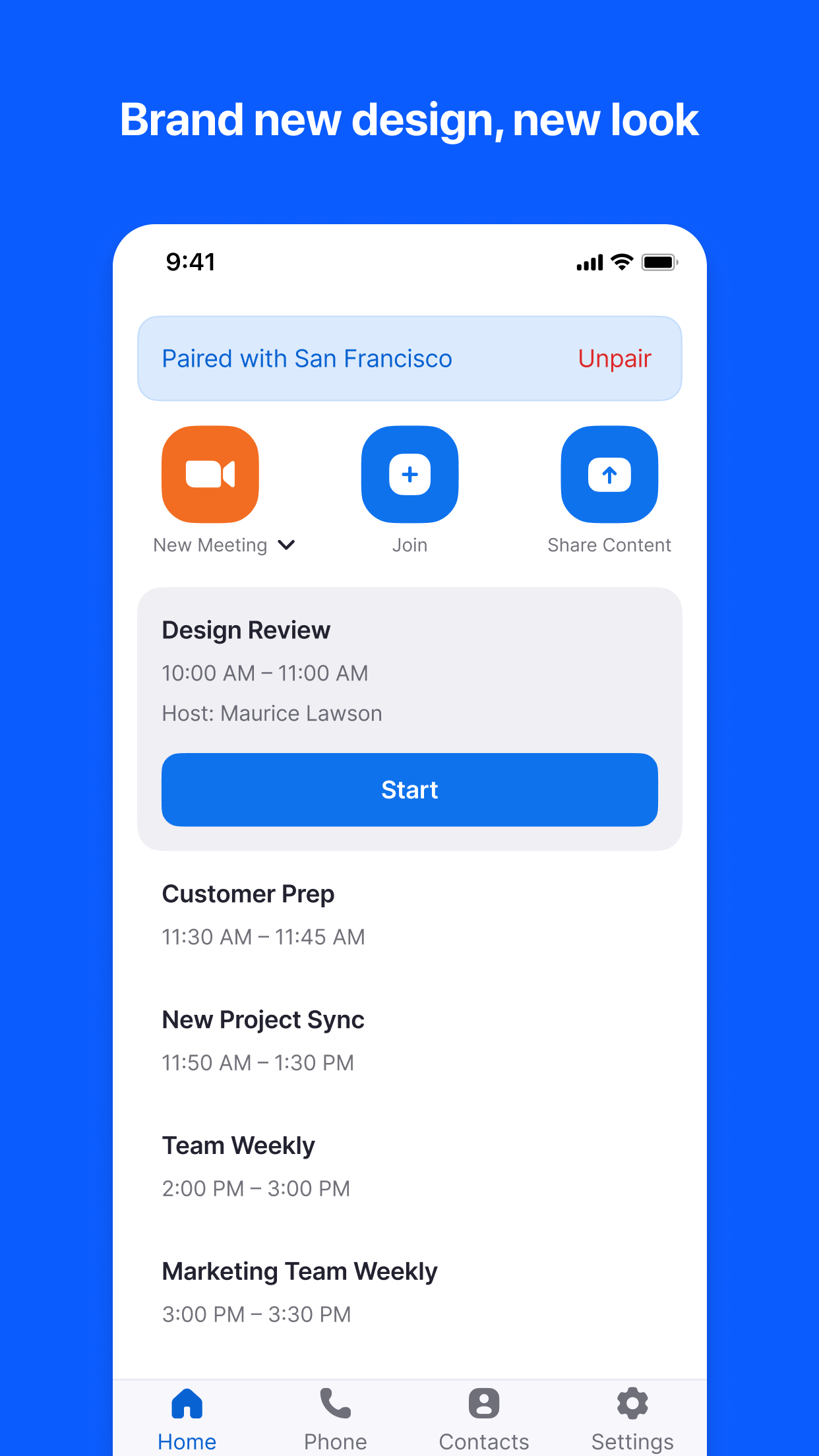
- •Five operational modes providing flexibility for different room configurations and use cases, from controller functionality to scheduling displays
- •Seamless integration with Zoom's ecosystem allowing connectivity across mobile, desktop, and dedicated room systems simultaneously
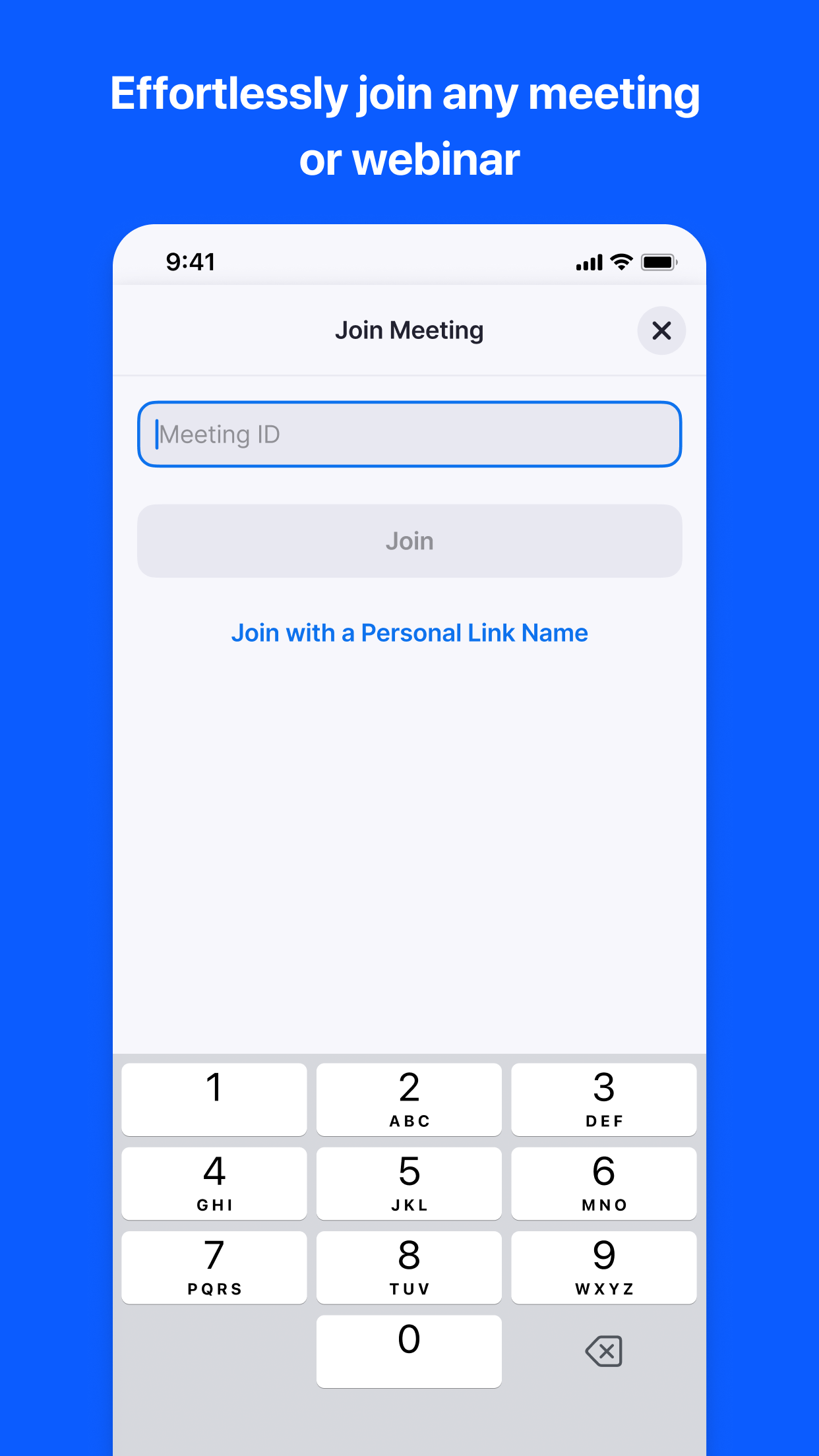
- •One-touch meeting join functionality that simplifies conference room initiation for users of varying technical proficiency
- •Real-time room availability display showing scheduling status without requiring user authentication or login
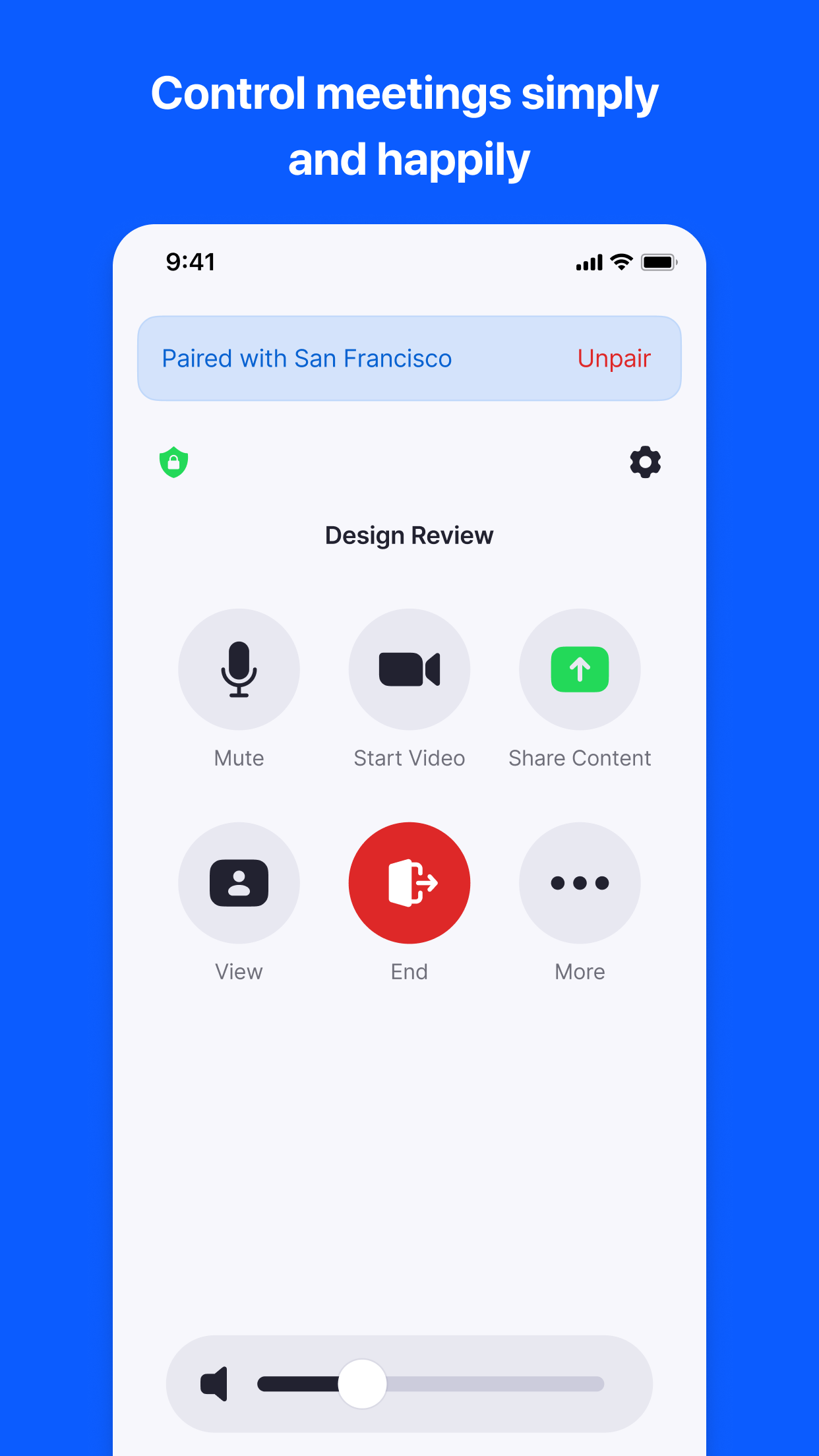
- •Comprehensive meeting controls including participant management, audio-video settings, and content sharing options
- •AirPlay compatibility enabling wireless screen sharing from Mac devices without requiring active meeting participation
Why Users Love It
Perfect for: Enterprises with dedicated conference rooms and existing Zoom infrastructure
Screenshots

Ranking History
Track Zoom Rooms's performance in Business over the last 30 days
Current Rank
#50
Best Rank
#50
All-time high
Average Rank
#50
30-day average
Questions & Answers
What's the best iOS app for controlling a dedicated conference room video setup?
Zoom Rooms is an iOS application that allows users to manage dedicated conference room setups for video meetings. It serves as a control interface, tr...
Ad — Extra Q&As are paid placements. Editorial standards apply; rankings unchanged.Learn more
What's the best iOS app for setting up and managing video conference rooms, screen sharing, and real-time collaboration across multiple locations for business meetings?
Zoom Rooms is a top-tier solution for establishing and overseeing video conferencing environments. It facilitates easy screen sharing, real-time colla...
Okay, so what's the best iOS app for, like, controlling the meeting room display from my phone? Gotta make sure the fonts are legible from the back, you know?
Okay, so, Zoom Rooms? Total game-changer for presentations. I'm all about that seamless integration, and the way you can control the entire meeting ro...
Alright, what's a good iOS app for managing all the Zoom Rooms hardware we just deployed? Gotta keep an eye on those conference room stats, you know?
Okay, so we just decked out the office with a bunch of Zoom Rooms setups, and I needed a way to monitor everything – utilization rates, hardware healt...
User Reviews
This latest update is amazing. I don't even have to be in a meeting to put my MacBook screen on to the TV, it just works via AirPlay. Phenomenal. Wow. Just...wow This latest update is amazing. I don't even have to be in a meeting to put my MacBook screen on to the TV, it just works via AirPlay. Phenomenal.
Zoom and the Zoom Room conference system tools are simply the best available platform for voice video and real time collaboration available anywhere. The service platform is simple to configure and make work across multiple locations and user types and our clients now love video based collaborative meetings. Many of our clients have had horrible experiences with bad platforms that has poor voice and video performance and too many limitations on simultaneous users along with a very high price. We are running our Zoom Room with a collaborative touch screen for white-boarding and screen share collaboration with voice and video. No need for separate VoIP integrations unless you think you need it. Older VoIP systems that aren't full HD and current will never be as good as the built in Internet voice and video even with the available connector options. The best conferencing system to date! Zoom and the Zoom Room conference system tools are simply the best available platform for voice video and real time collaboration available anywhere. The service platform is simple to configure and make work across multiple locations and user types and our clients now love video based collaborative meetings. Many of our clients have had horrible experiences with bad platforms that has poor voice and video performance and too many limitations on simultaneous users along with a very high price. We are running our Zoom Room with a collaborative touch screen for white-boarding and screen share collaboration with voice and video. No need for separate VoIP integrations unless you think you need it. Older VoIP systems that aren't full HD and current will never be as good as the built in Internet voice and video even with the available connector options.
We started out with 1 trial ZoomRoom. Now, we have 5 in our 2 locations with plans to add 2 more. The kits make this so much more convenient, easy to deploy and easy for end users to use. Everyone loves the ZoomRoom and it has been the best investment for the organization. The most efficient Video Conference Solution We started out with 1 trial ZoomRoom. Now, we have 5 in our 2 locations with plans to add 2 more. The kits make this so much more convenient, easy to deploy and easy for end users to use. Everyone loves the ZoomRoom and it has been the best investment for the organization.
Fantastic! It looks like App Version 5.12.0 fixed the issue. Released 3 days ago. It looks like the App version 5.11.3 has broken the reliably of the 5.11.3 app to start meetings. If I start a meeting and close the 5.11.3 app I can’t start the next meeting without rebooting the iMac. This has been going on for approximately 1 month since the 5.11.3 app release. Fantastic! It looks like App Version 5.12.0 fixed the issue. Released 3 days ago. It looks like the App version 5.11.3 has broken the reliably of the client to start meetings Fantastic! It looks like App Version 5.12.0 fixed the issue. Released 3 days ago. It looks like the App version 5.11.3 has broken the reliably of the 5.11.3 app to start meetings. If I start a meeting and close the 5.11.3 app I can’t start the next meeting without rebooting the iMac. This has been going on for approximately 1 month since the 5.11.3 app release.Fantastic! It looks like App Version 5.12.0 fixed the issue. Released 3 days ago.
I love this app it Is so say too use It make working a breeze Mr wonderful I love this app it Is so say too useIt make working a breeze
App Details
Developer
Zoom Communications, Inc.
Platform
iosRating
Last Updated
1/14/2026


