Xerox® Workplace icon
Xerox Workplace App Review: Streamlining Office Tasks from Your iPhone

by Xerox Corporation

4.4
IOSProductivity
A powerful tool for managing documents and printers on the go, the Xerox Workplace app connects users directly to office hardware. Designed to help mobile professionals and remote workers handle printing, scanning, and file organization from their iOS devices. It turns a smartphone into a remote control for a wide range of Xerox multifunction printers.

Detailed Review

The Xerox Workplace app serves as a central hub for interacting with Xerox printers and multifunction devices, aiming to reduce dependency on a desktop computer for basic office tasks. Positioned as a companion utility rather than a standalone productivity suite, its value is directly tied to the user's access to supported Xerox hardware. For organizations invested in the Xerox ecosystem, the app promises to untether document workflows from the traditional office desk. Core functionality revolves around document capture, printing, and management. Users can print photos, documents, and web pages directly from their iPhone to a networked Xerox printer, often bypassing the need for a computer driver. The scanning feature utilizes the device's camera to capture physical documents, which can then be converted to PDFs and sent to cloud services like Dropbox, Google Drive, or emailed directly. The app also provides status monitoring for supplies like toner levels and can store a personal file library for quick access to frequently used documents. In real-world use, the app is most beneficial for someone who needs to quickly scan a signed contract and email it from a home office or print a last-minute presentation directly from their phone before a meeting. The user interface is generally straightforward, prioritizing these core actions. However, the initial setup requires the printer to be on the same network or properly configured for remote access, which can occasionally involve navigating corporate IT protocols. Once connected, the experience is reliably functional for its intended purposes. While no public reviews are available for the current version, discussions in tech forums and feedback on similar enterprise-focused apps suggest a common pattern. Users in compatible environments praise the convenience of mobile scanning and printing, often noting it saves a trip to the office printer. The primary critique tends to focus on the app's narrow scope; its utility vanishes without access to specific Xerox hardware. Some users of older printer models have reported occasional connection drops that require re-establishing the device link. Overall, the Xerox Workplace app executes its specific duties competently. It will not replace a full document management platform, but for its target user—someone regularly interacting with a supported Xerox device—it provides tangible, practical utility. The lack of broader cloud printing services (like Google Cloud Print) limits its appeal for mixed-brand offices, but within its defined lane, it is an effective and specialized tool.

Key Features

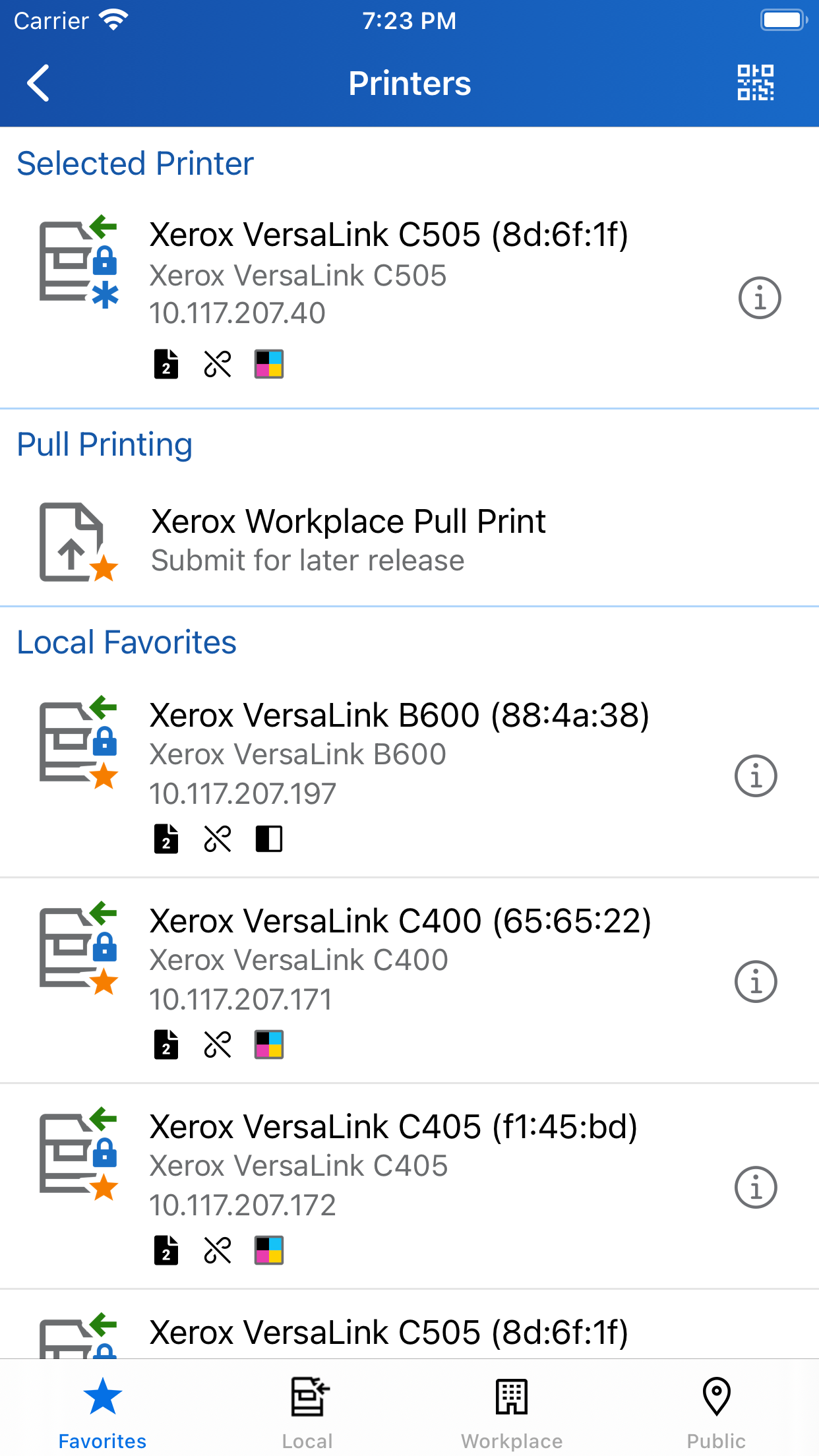
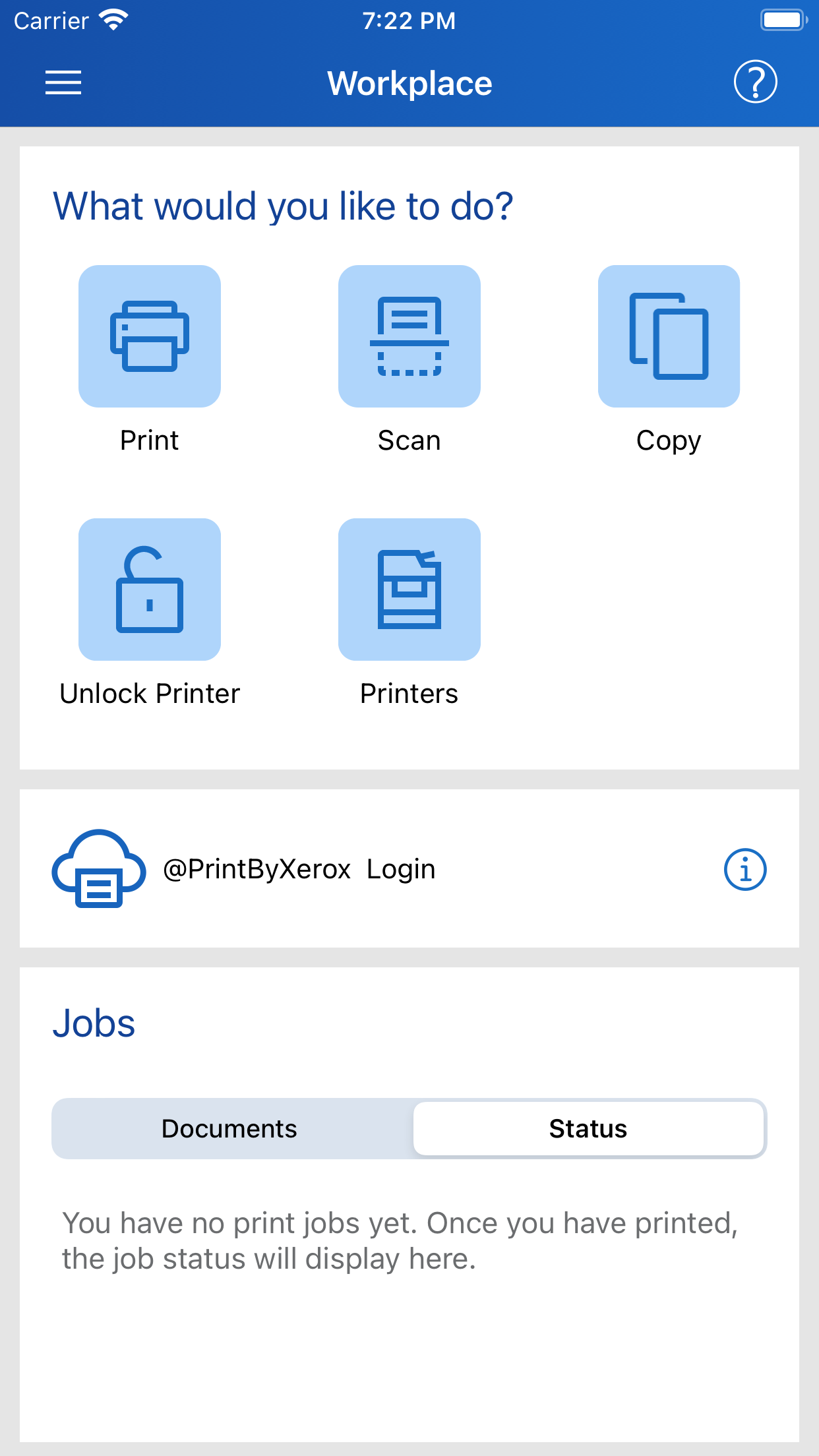
  • Direct Mobile Printing: Send documents, photos, and web pages from an iPhone directly to a compatible Xerox printer on the same network without a computer intermediary.
  • Document Scanning with Camera: Use the iPhone's camera to scan multi-page documents into searchable PDF files, with automatic edge detection and perspective correction.
  • Cloud Service Integration: Save scanned documents directly to cloud storage platforms including Box, Dropbox, Google Drive, Microsoft OneDrive, and SharePoint.
  • Printer Status Monitoring: Check device status, view alerts, and monitor supplies like toner, ink, and paper levels for supported Xerox multifunction printers.
  • Personal Document Library: Store and organize frequently used files within the app for fast retrieval and repeated printing, keeping workflows streamlined.
  • Email and Share Scans: Immediately email scanned documents as attachments or share them through other iOS applications after capture and processing.

Why Users Love It

Convenient mobile control of office printers
High-quality document scanning to PDF

Perfect for: Perfect for employees and remote workers in organizations that utilize Xerox multifunction printers.

Screenshots
Xerox® Workplace screenshot 1Xerox® Workplace screenshot 2Xerox® Workplace screenshot 3Xerox® Workplace screenshot 4Xerox® Workplace screenshot 5Xerox® Workplace screenshot 6

Ranking History

Track Xerox® Workplace's performance in Productivity over the last 30 days

Top 5
Top 10
Top 15
Below 15

Current Rank

#35

Best Rank

#35

All-time high

Average Rank

#35

30-day average

User Reviews

brivera7
Sep 3, 2025

Works fine. It’s very useful and convenient to have it in the cellphone. 👌 Very useful app Works fine. It’s very useful and convenient to have it in the cellphone. 👌

1 Han Solo 2
Apr 15, 2025

App works great with my Xerox B615. I have no issues after 3 weeks of use Great App App works great with my Xerox B615. I have no issues after 3 weeks of use

Jajina
Mar 20, 2025

It’s a funny way to have to print from an iPad – it’d be nicer if you could just Share To the printer – but it always works, and that’s something in this world. Quirky but it works It’s a funny way to have to print from an iPad – it’d be nicer if you could just Share To the printer – but it always works, and that’s something in this world.

UPABON
Dec 2, 2024

Simplifies printing files on our office Xerox copier-printer, from my PC, my iPad, of my phone. Great Productivity Tool Simplifies printing files on our office Xerox copier-printer, from my PC, my iPad, of my phone.

MAMTORA
Mar 12, 2024

I bought Xerox printer B235 in June 2023 now this update app works also scanning that’s good. Before scanning was working with Laptop. Now two choice mobile-iPad and Laptop. I am very happy with this new app update C.K.Mamtora Scanning function for major Xerox printers I bought Xerox printer B235 in June 2023 now this update app works also scanning that’s good. Before scanning was working with Laptop. Now two choice mobile-iPad and Laptop. I am very happy with this new app update C.K.Mamtora

App Details

Developer

Xerox Corporation

Platform

ios

Rating

4.4

Last Updated

1/21/2026