
by Wispr AI, Inc.
Detailed Review
Key Features
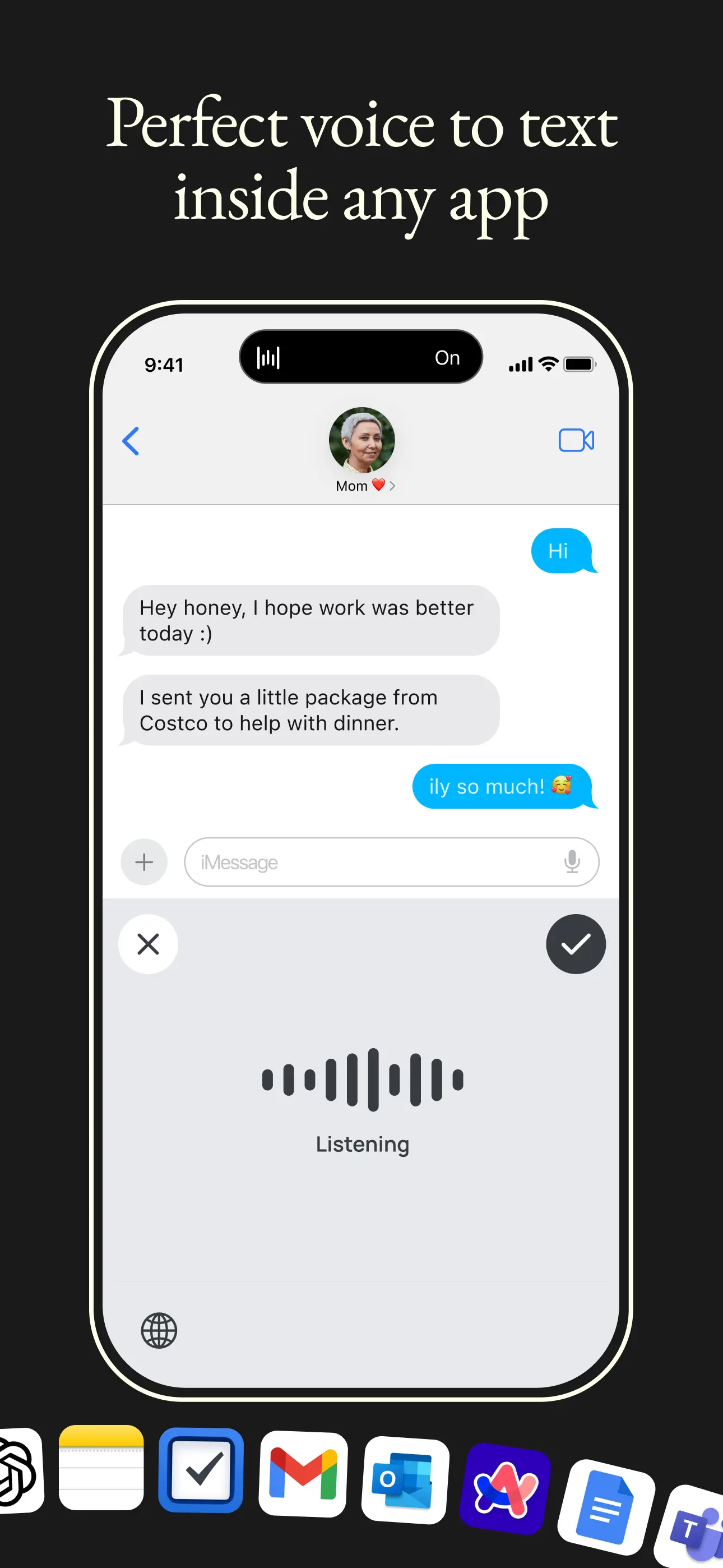
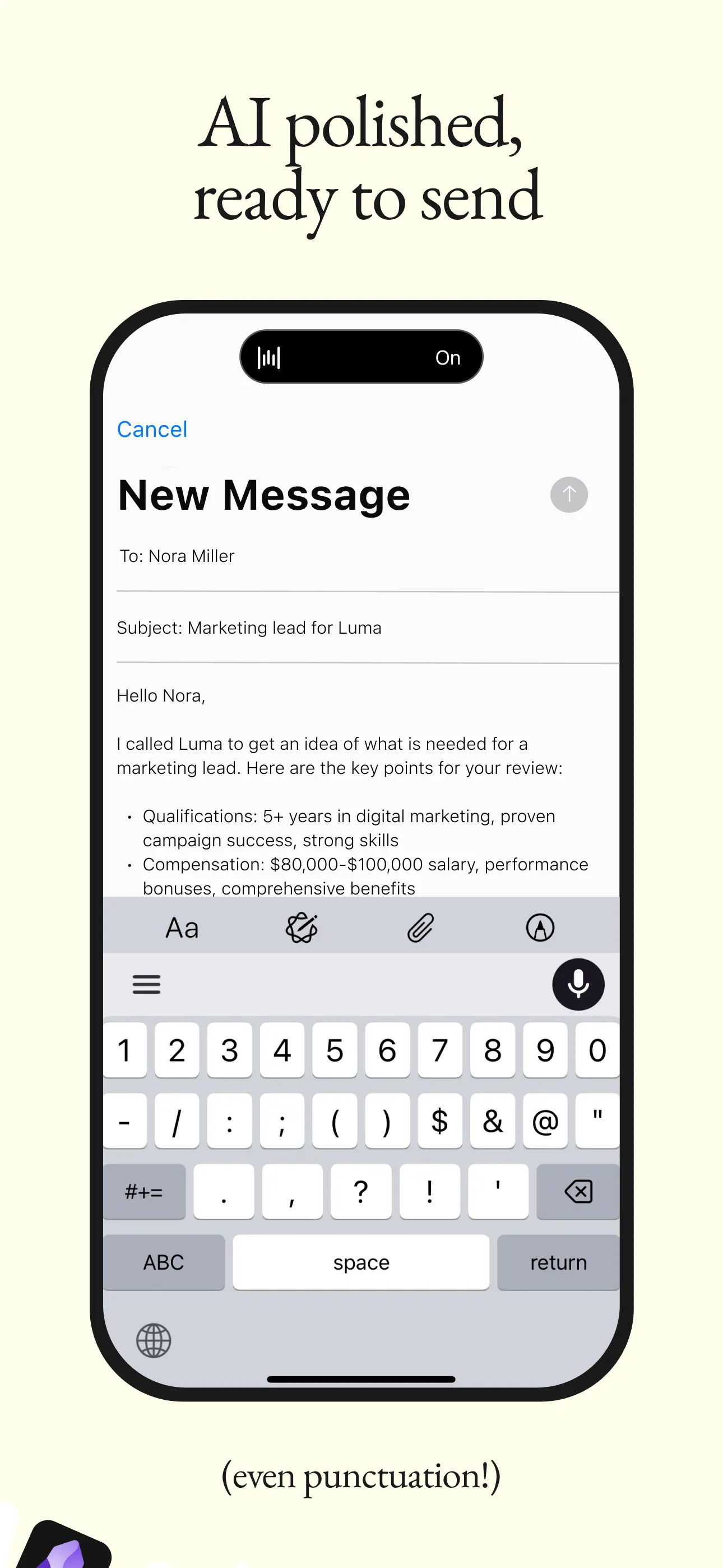
- •Automatic punctuation insertion that correctly places commas, periods, and quotation marks based on speech patterns and context
- •Multilingual transcription supporting seamless switching between languages within single sentences or conversations
- •Cross-platform compatibility maintaining consistent performance and settings across iOS, Android, Windows, and macOS devices
- •System-wide keyboard integration working within any application that accepts text input without requiring copy-paste workflows
- •Real-time transcription processing speech with minimal latency while maintaining formatting accuracy during extended dictation sessions
- •Customizable commands allowing users to implement verbal instructions for formatting adjustments and text navigation
Why Users Love It
Perfect for: Professionals and students who regularly produce substantial written content and prefer speaking over typing
Screenshots
Ranking History
Track Wispr Flow: AI Voice Keyboard's performance in Productivity over the last 30 days
Current Rank
#49
8 from last week
Best Rank
#40
All-time high
Average Rank
#43
30-day average
User Reviews
I will give this a 5-star. It's the best. This is the best one I can ever imagine. I will give this a 5-star. It's the best.
I recently learned about Wispr Flow from Ernie the attorney and his 80/20 newsletter, and I implemented this morning and amazed by the technology. I hated using my keyboard for entry on an iPhone and iPad, and this solves a problem that Siri and others can't match. Amazing technology. I recently learned about Wispr Flow from Ernie the attorney and his 80/20 newsletter, and I implemented this morning and amazed by the technology. I hated using my keyboard for entry on an iPhone and iPad, and this solves a problem that Siri and others can't match.
I am literally writing this with this app right now. It's literally insane. I couldn't believe it when I actually started using it. I literally said to my girlfriend out loud, "I will never type again," and I don't think I have typed since I've downloaded it. And it's been about eleven days. Life-changing. I am literally writing this with this app right now. It's literally insane. I couldn't believe it when I actually started using it. I literally said to my girlfriend out loud, "I will never type again," and I don't think I have typed since I've downloaded it. And it's been about eleven days.
I don't even type reviews but using this app makes me want to type a review. That's how good this app is. A DREAM I don't even type reviews but using this app makes me want to type a review. That's how good this app is.
I've been using it to write emails on my computer, iPad, and iPhone for a month or two now. It's pretty incredible. I damaged my tendons years ago and have been using voice recognition since probably 2001 for pretty much everything. It's way better than anything else. I can also see that in the month or two since I've started using it I'm already at 25,000 words transcribed which is pretty wild. The speed, the accuracy, and the light language all make it outstanding. Amazing I've been using it to write emails on my computer, iPad, and iPhone for a month or two now. It's pretty incredible. I damaged my tendons years ago and have been using voice recognition since probably 2001 for pretty much everything. It's way better than anything else. I can also see that in the month or two since I've started using it I'm already at 25,000 words transcribed which is pretty wild. The speed, the accuracy, and the light language all make it outstanding.
App Details
Developer
Wispr AI, Inc.
Platform
iosRating
Last Updated
12/23/2025


