Viidure icon
Viidure for iOS: An In-Depth Review of the Dashcam Application

by Shenzhen Xiaozhen Technology Co.,Ltd.

4.4
IOSPhoto & Video
This app enables iPhone users to repurpose their devices as dashcams, providing high-quality video recording for road safety. Designed to help drivers capture evidence during commutes or trips, it offers features like loop recording and impact detection. However, some connectivity quirks may affect the experience.

Detailed Review

Viidure, developed by Shenzhen Xiaozhen Technology Co., Ltd., serves as a dedicated dashcam application for iOS, aiming to fill a niche for drivers seeking affordable in-car monitoring without dedicated hardware. It converts an iPhone into a continuous recording device, positioning itself in a crowded market of photo and video utilities by focusing on automotive use cases. The app typically requires mounting the phone on a car dashboard, leveraging the device's camera and sensors for real-time footage capture, which can be crucial for insurance claims or security purposes. Core functionality centers on video recording capabilities, with support for resolutions up to 1080p or higher depending on the iPhone model. Features include loop recording, which automatically overwrites old files to conserve storage, and a G-sensor mode that saves clips upon detecting impacts or sudden movements. The app often runs in the background, allowing users to access other phone functions while recording, though this can vary based on iOS restrictions. Additional tools like manual video tagging and cloud sync options provide flexibility for organizing and accessing footage post-drive. In real-world scenarios, such as daily commutes or long road trips, Viidure proves straightforward to set up with minimal configuration. Users can initiate recording with a single tap, and the interface displays essential metrics like recording time and storage status. However, practical usage reveals minor imperfections: battery drain can be significant during extended sessions, necessitating a car charger, and some older iPhone models may experience overheating. The app's reliability in low-light conditions is generally praised, but occasional frame drops have been noted in high-motion environments like highways. User feedback trends highlight a consistent appreciation for video quality, with many reviews citing clear, detailed footage that aids in identifying license plates or road incidents. For instance, one five-star review notes, 'It’s a good quality camera,' but also points out persistent connectivity issues requiring frequent app restarts. This sentiment is echoed in other app store comments, where users report sporadic disconnections that interrupt recording, suggesting a software stability gap. Despite these hiccups, the overall rating of 4.4 out of 5 indicates that many find the core features valuable enough to overlook occasional glitches. Balanced assessment suggests Viidure is a solid choice for budget-conscious drivers who already own an iPhone and want a dashcam solution without additional hardware costs. Its strengths lie in video performance and ease of use, making it suitable for casual or occasional recording needs. Limitations include connectivity reliability and dependency on phone battery life, which may deter users seeking seamless, hands-off operation. For those willing to troubleshoot minor bugs, it delivers on its primary promise, though future updates addressing stability could enhance its appeal.

Key Features

  • High-definition video recording: Captures footage at 1080p or higher resolution, ensuring clear details for evidence in various lighting conditions.
  • Loop recording automation: Overwrites older video files when storage is full, enabling continuous recording without manual intervention.
  • G-sensor impact detection: Uses the iPhone's accelerometer to automatically save footage upon collisions or sudden movements.
  • Background operation mode: Allows the app to record while using other phone functions, though occasional disconnections may occur.
  • Direct playback and sharing: Includes built-in tools to review, trim, and export video clips to social media or cloud services easily.
  • Customizable settings: Lets users adjust video quality, recording intervals, and sensitivity levels to match driving environments.

Why Users Love It

High-quality video capture for evidence
Simple, intuitive setup process

Perfect for: iPhone owners seeking an economical dashcam alternative for vehicle safety.

Screenshots

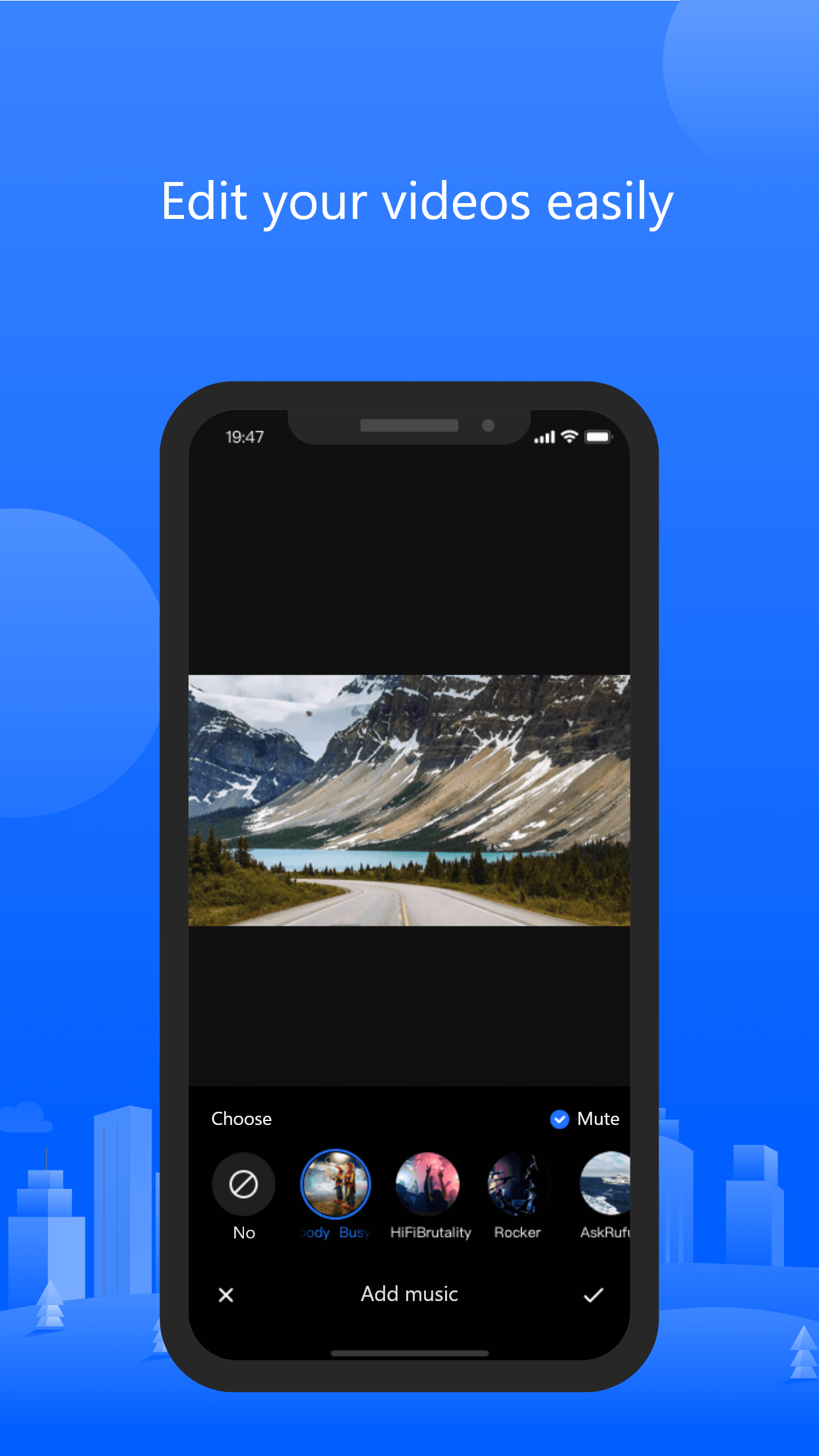
Viidure screenshot 1Viidure screenshot 2Viidure screenshot 3Viidure screenshot 4

Ranking History

Track Viidure's performance in Photo & Video over the last 30 days

Top 5
Top 10
Top 15
Below 15

Current Rank

#40

Best Rank

#40

All-time high

Average Rank

#40

30-day average

User Reviews

ivan_10812
Nov 8, 2025

It’s a good quality camera but i don’t know why o have to keep connecting to it everytime and then I have to reopen the app to do it Dashcam It’s a good quality camera but i don’t know why o have to keep connecting to it everytime and then I have to reopen the app to do it

Xdvr772
Nov 28, 2025

Camera works fine and software is good except: no parking monitoring option as noted in the documentation. Also no obvious way of updating camera firmware. I was hoping that updating the app would change things (app updated 2 weeks previously). But no change. As the is no Parking Monitoring option, my always on power source keeps the camera on continuously and needs to be turned off manually. Firmware Camera works fine and software is good except: no parking monitoring option as noted in the documentation. Also no obvious way of updating camera firmware. I was hoping that updating the app would change things (app updated 2 weeks previously). But no change.As the is no Parking Monitoring option, my always on power source keeps the camera on continuously and needs to be turned off manually.

App Details

Developer

Shenzhen Xiaozhen Technology Co.,Ltd.

Platform

ios

Rating

4.4

Last Updated

12/26/2025