
by Amine Moussaoui
Detailed Review
Key Features
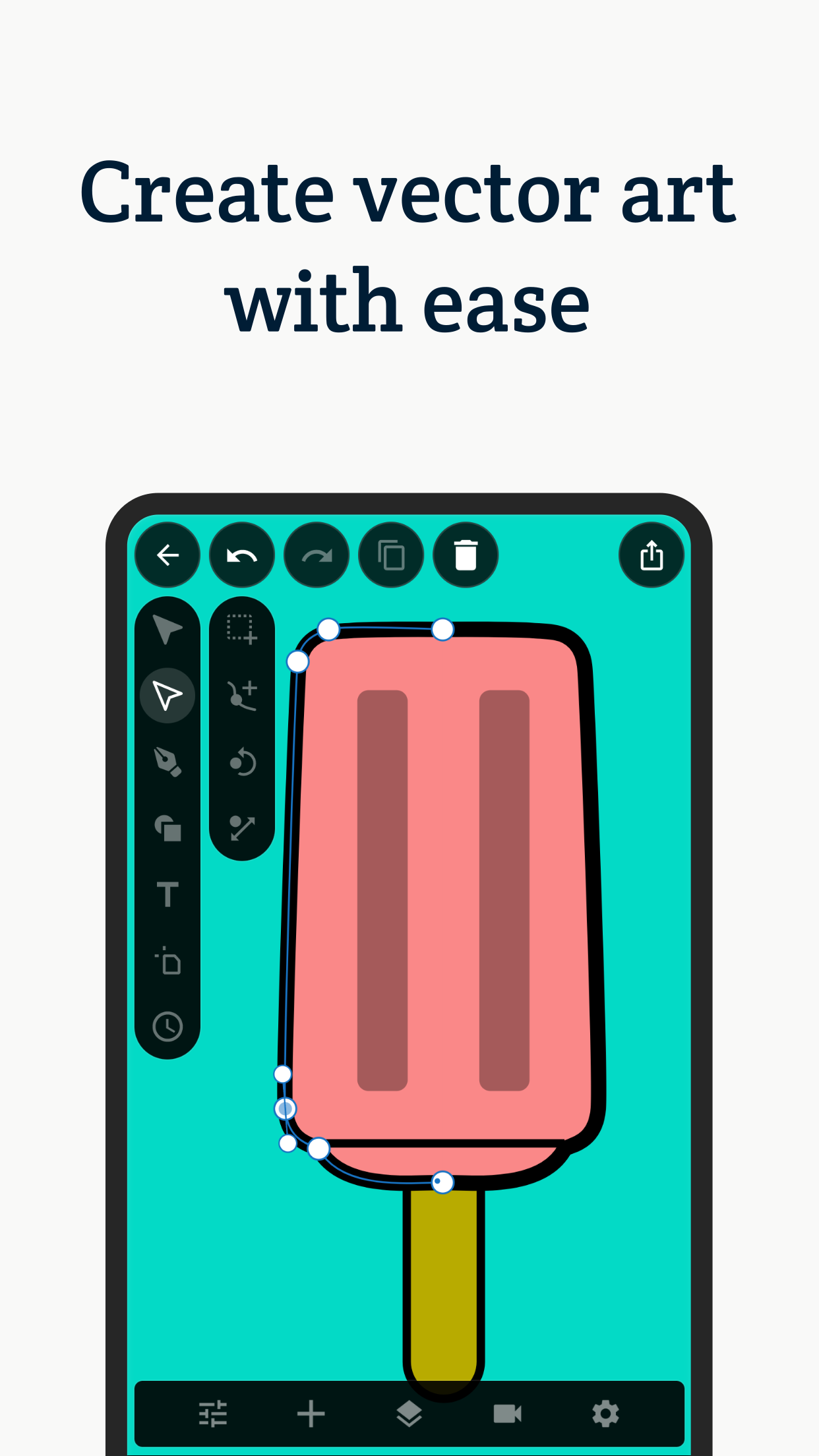
- •Bézier curve drawing tools with adjustable handles and point precision for creating custom vector shapes and paths
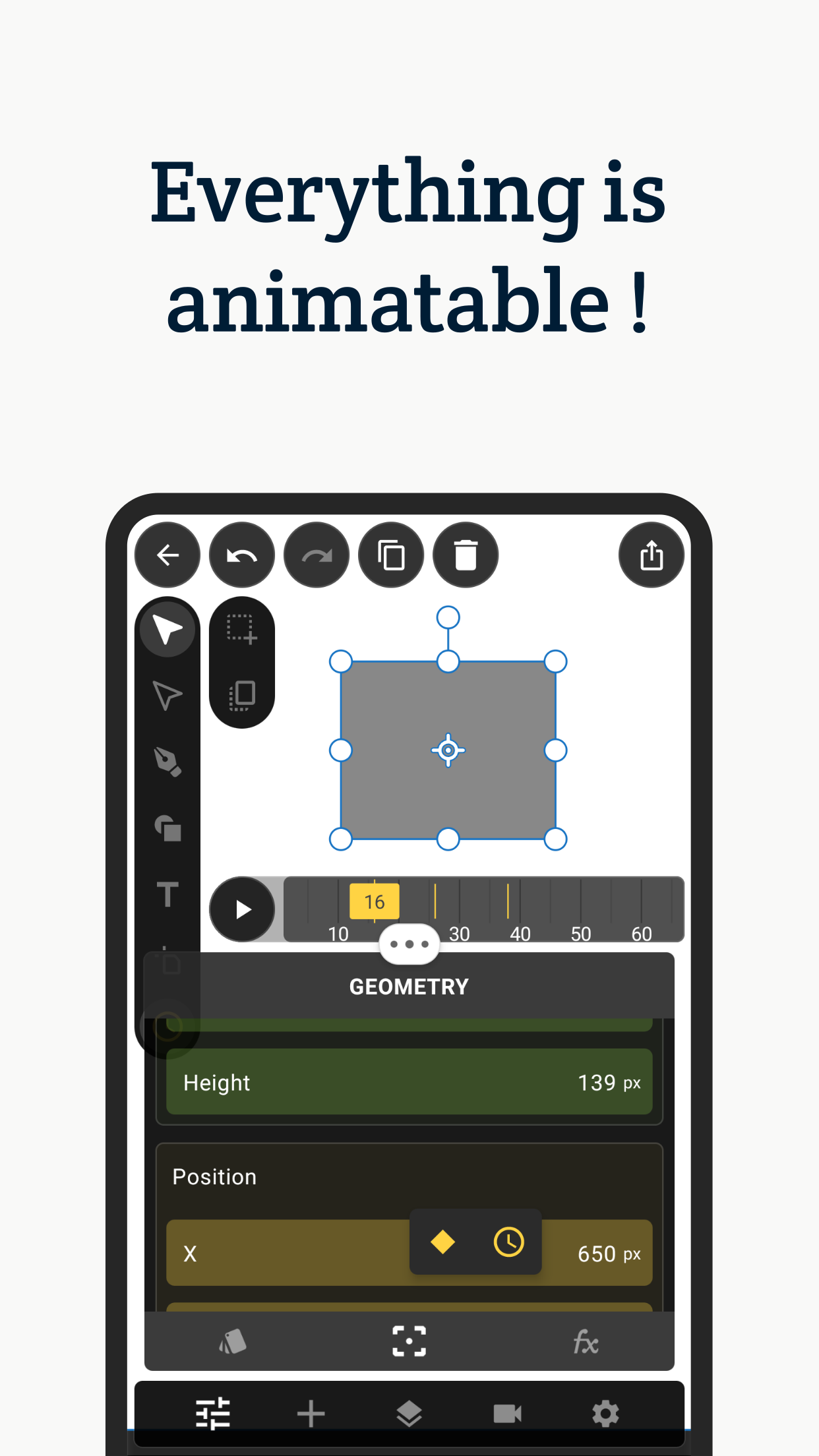
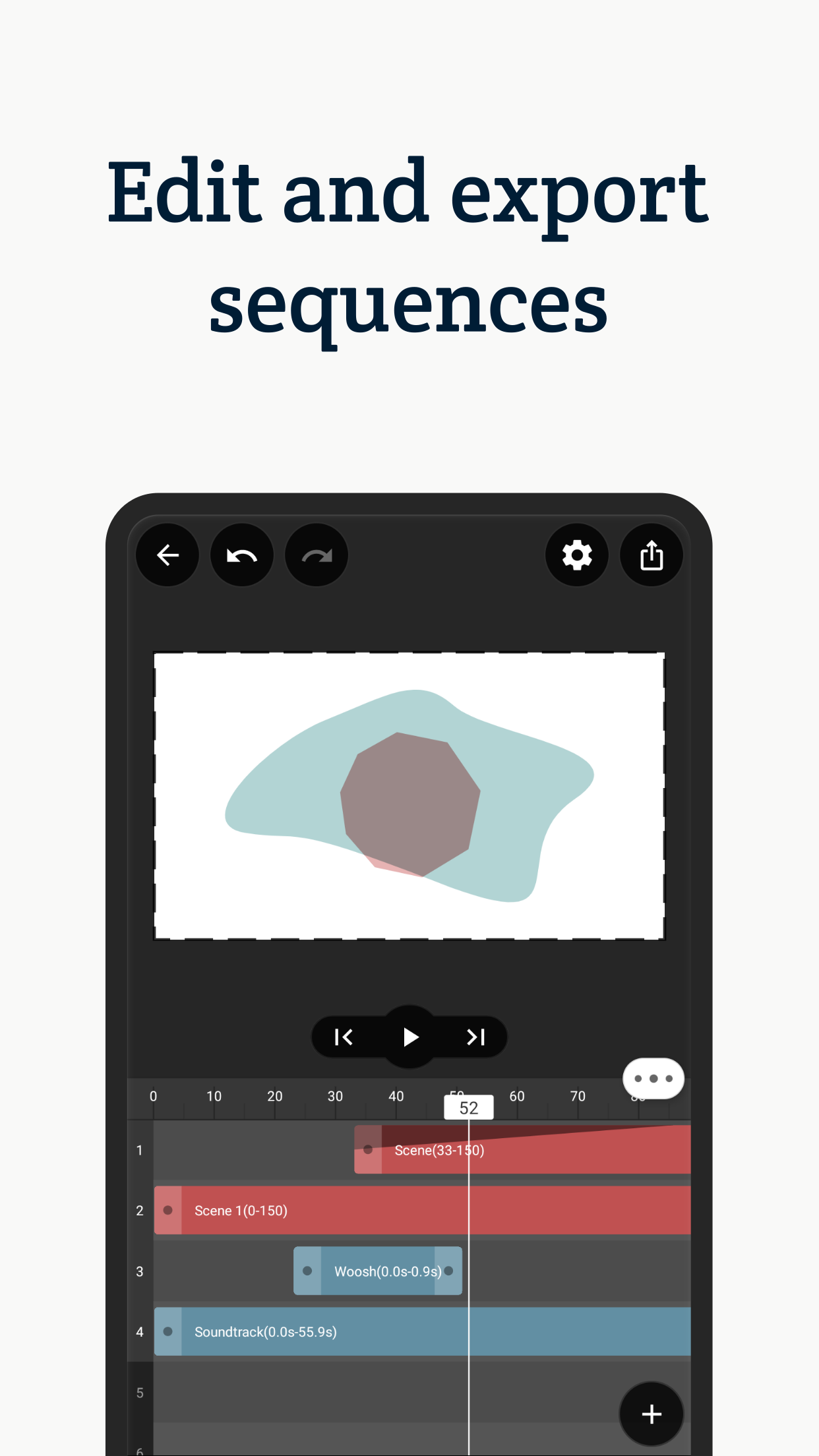
- •Keyframe animation timeline with transform properties, easing controls, and layer parenting for complex motion relationships
- •Real-time preview functionality that shows animation playback without requiring full rendering cycles
- •Multiple export formats including MP4, GIF sequences, and transparent background videos for various platforms
- •Layer-based workflow with grouping, masking, and blend modes for organizing complex animation projects
- •Asset library containing pre-made shapes, motion templates, and sound effects to accelerate project creation
Why Users Love It
Perfect for: Graphic designers and content creators needing to produce vector animations away from their desktop workstations
Screenshots

User Reviews
On November 16, the pineapples will invade the Earth. Only Otast can save us. If you want more information, go to @otastverse on TikTok. I like it On November 16, the pineapples will invade the Earth. Only Otast can save us. If you want more information, go to @otastverse on TikTok.
I haven’t done everything possible with this app but I love it. The tutorials are a little hard to follow but once you figure it out it’s great, Cool app I haven’t done everything possible with this app but I love it. The tutorials are a little hard to follow but once you figure it out it’s great,
I am liking the program, except for two things… 1) Wheres the manual? 2) I have attempted to export my animation without a background - ie with a alpha. I definitely can see the “alpha checkerboard” under my animation. But, when I import the animation exported video into another program (ToonSquid) there is no alpha. (I have tried exporting both a mp4 & a gif, but neither have an alpha) - I have exported single-frame images of the animation with a alpha, and they work just fine. Please advise! Thank you! I like it, except for… I am liking the program, except for two things…1) Wheres the manual?2) I have attempted to export my animation without a background - ie with a alpha. I definitely can see the “alpha checkerboard” under my animation. But, when I import the animation exported video into another program (ToonSquid) there is no alpha. (I have tried exporting both a mp4 & a gif, but neither have an alpha) - I have exported single-frame images of the animation with a alpha, and they work just fine. Please advise! Thank you!
I did figure out how to work with Apple Pencil, just turn off the scribble in settings. It works perfectly, and also found out how to enlarge the timeline with key frame on the right side. Even there is no tutorial or user guide, I still love this app. I like this app, but something really bothers me. When I use it, the app drain the battery too fast and make IPad overheating. If you can fix the problem and add onion skin. It could be a lot better. Apple Pencil I did figure out how to work with Apple Pencil, just turn off the scribble in settings. It works perfectly, and also found out how to enlarge the timeline with key frame on the right side. Even there is no tutorial or user guide, I still love this app.I like this app, but something really bothers me. When I use it, the app drain the battery too fast and make IPad overheating. If you can fix the problem and add onion skin. It could be a lot better.
App Details
Developer
Amine Moussaoui
Platform
iosRating
Last Updated
11/11/2025
Other Graphics & Design Apps

ImaginAI - AI Art & Video
Scate

Kling AI: AI Image&Video Maker
LOHAS GAMES PTE.LTD.

Home AI - AI Interior Design
HUBX

AI Home Design: Interior DecAI
COOL SUMMER LIMITED

Gmoji: AI Emoji Maker
MASSIVE APPS SOFTWARE

AI Photo Generator - Collart
Spring Tech Co., Ltd.