by Zeb Zhao
Detailed Review
Key Features
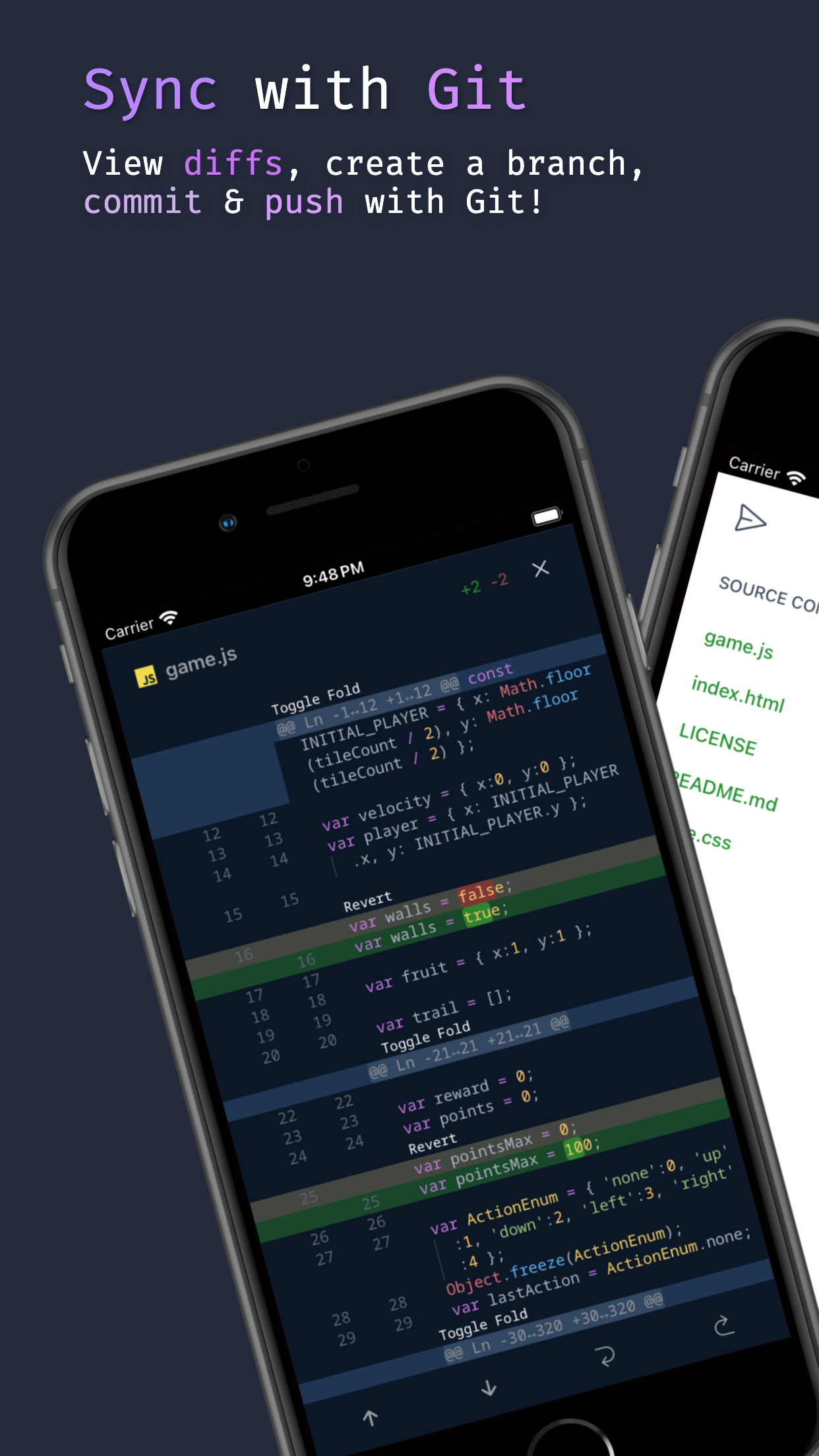
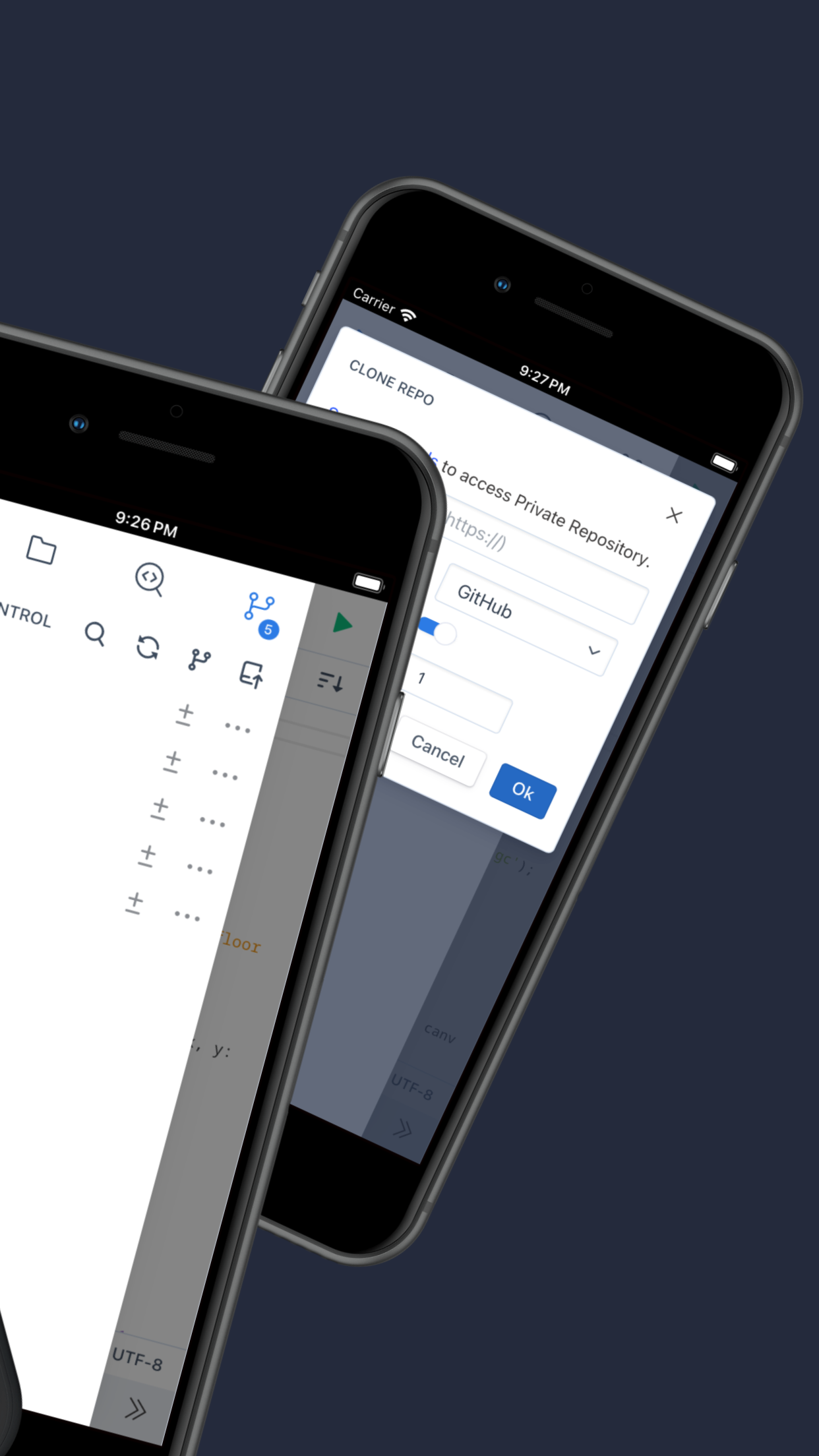
- •Direct GitHub Integration: Connects to GitHub to clone, browse, and manage repositories, enabling commits and pushes directly from the iOS device.
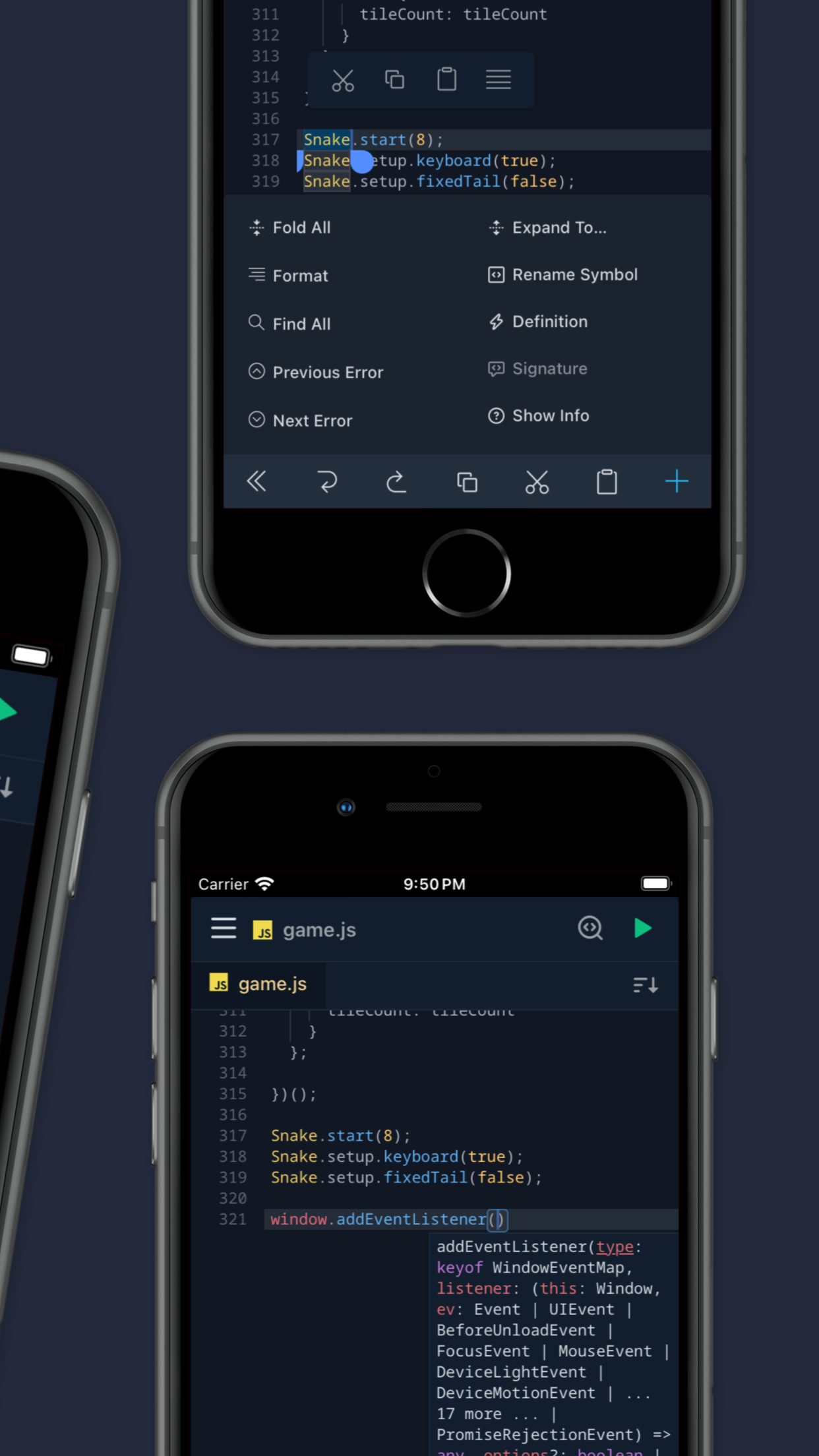
- •Syntax Highlighting Editor: Offers code editing with syntax coloring for numerous languages, improving readability and reducing errors.
- •Tabbed File Management: Allows multiple files to be open simultaneously in tabs, facilitating workflow when jumping between related files.
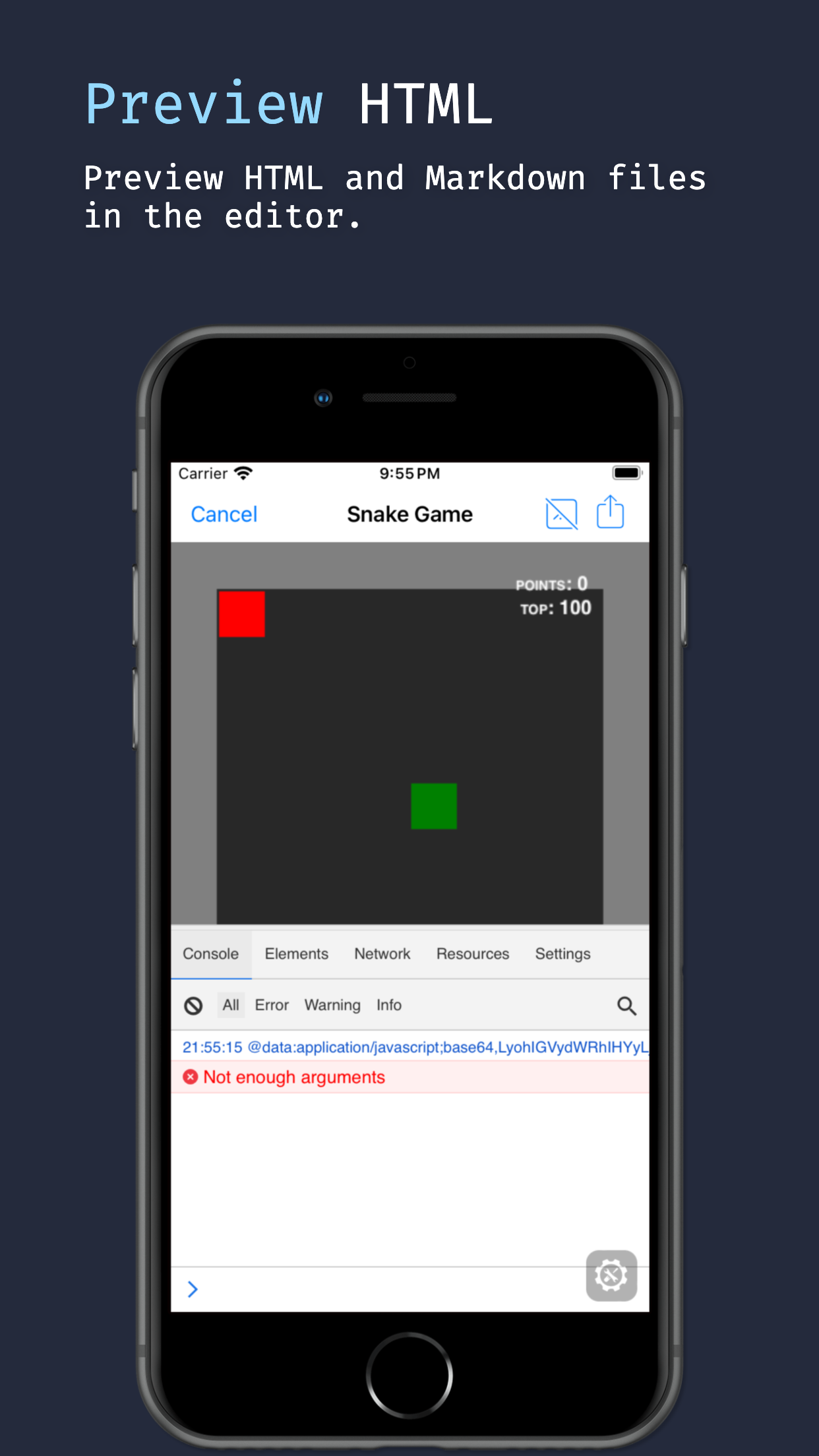
- •Built-in JavaScript Console: Provides a runtime environment to test and debug JavaScript code snippets on the go.
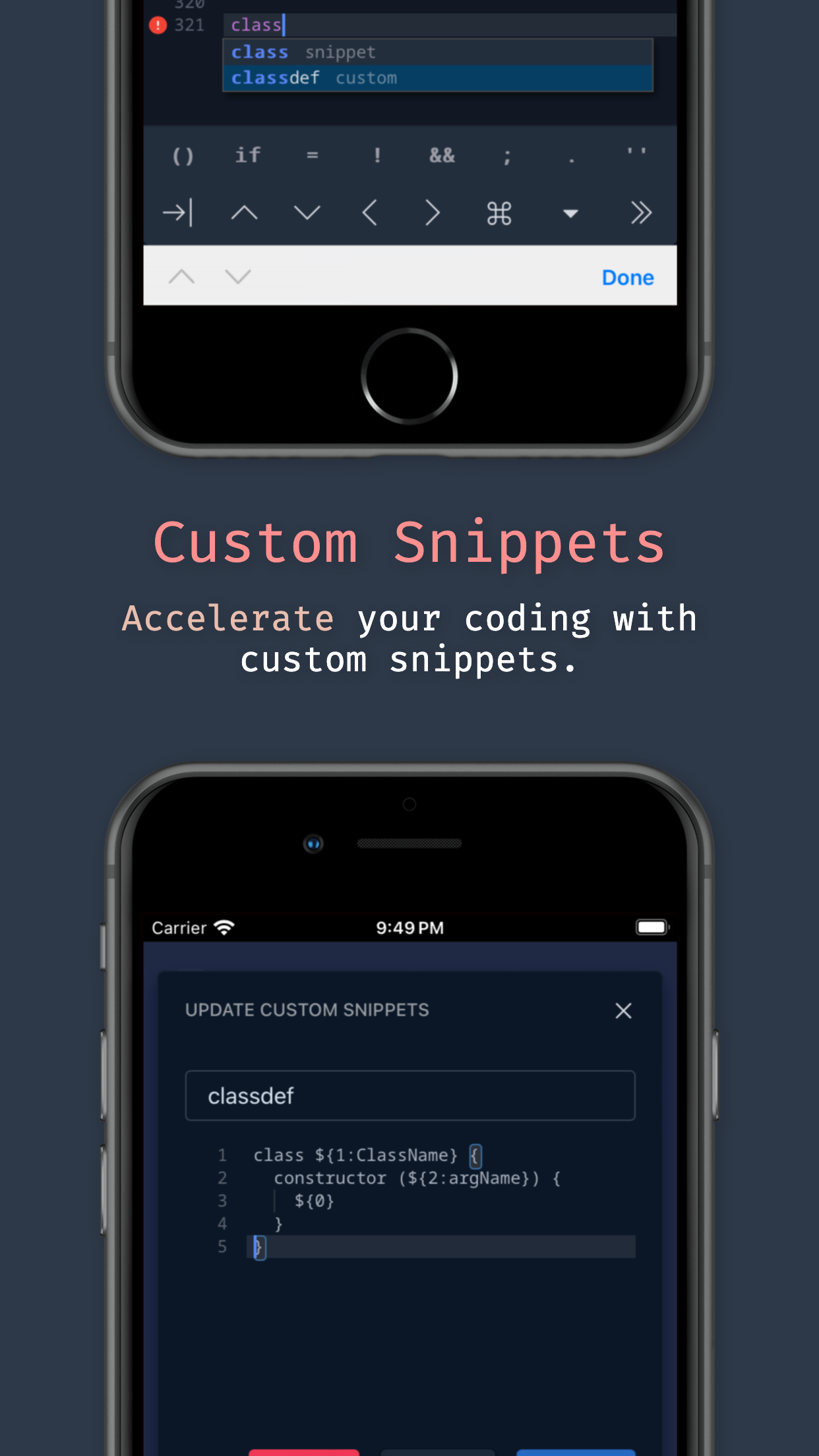
- •Programming-Friendly Keyboard: Includes a custom keyboard row with brackets, symbols, and other characters commonly used in code.
Why Users Love It
Perfect for: Developers and programmers who need reliable, on-the-go access to edit or review code in their GitHub repositories.
Screenshots

Ranking History
Track Spck Editor's performance in Developer Tools over the last 30 days
Current Rank
#48
Best Rank
#46
All-time high
Average Rank
#48
30-day average
User Reviews
The app is very good, but I don’t need the edit mode, I need readonly mode, thanks. Want readonly mode The app is very good, but I don’t need the edit mode, I need readonly mode, thanks.
I’m not a bot. Im not a paid representative of this application. I am a developer, however. Some reviewers have understandable issues with, for instance, the ui does require a bit of a learning curve. And there are perhaps one or two small issues that I’ve encountered in the editor that are a little aggravating at times, but nothing major. This is only my opinion, I recommend you try it for yourself. Give it a few days of tinkering with it. I love that opening a new, for example,html project has the boilerplate html, css, and js files begun and linked together in the index.html file. There are many good points. A few small issues. But the good outweighs the bad… True Story. If web development is your wheelhouse, let Spck editor be your navigator. I’m not a bot. Im not a paid representative of this application. I am a developer, however. Some reviewers have understandable issues with, for instance, the ui does require a bit of a learning curve. And there are perhaps one or two small issues that I’ve encountered in the editor that are a little aggravating at times, but nothing major. This is only my opinion, I recommend you try it for yourself. Give it a few days of tinkering with it. I love that opening a new, for example,html project has the boilerplate html, css, and js files begun and linked together in the index.html file. There are many good points. A few small issues. But the good outweighs the bad… True Story.
I’ve tried multiple times but whenever I try to run a task it asks me to login and when I click on any of the buttons it won’t take me to a login page. Please fix this. App is perfect except for one thing… I’ve tried multiple times but whenever I try to run a task it asks me to login and when I click on any of the buttons it won’t take me to a login page. Please fix this.
I've just downloaded this editor because of my friends recomendation and I am really liking it. 1 thing thats not very good is the UI, it is hard to get used to and I would love to see maybe a tutorial section so new people can understand it better. Good but a hard to use UI I've just downloaded this editor because of my friends recomendation and I am really liking it. 1 thing thats not very good is the UI, it is hard to get used to and I would love to see maybe a tutorial section so new people can understand it better.
I want to know. Is this a cloud based service ?? and please add node.js . I want to know I want to know. Is this a cloud based service ?? and please add node.js .
App Details
Developer
Zeb Zhao
Platform
iosRating
Last Updated
12/3/2025