smART sketcher projector icon
smART sketcher Projector App: A Digital Drawing Aid for Aspiring Artists

by FlyCatcher Inc.

3.3
IOSEntertainment
This companion app for the physical smART sketcher projector aims to bridge digital and physical drawing for young users. It provides a library of traceable images and a camera transfer function to project personal photos for sketching. Primarily targeted at children and beginners, the software serves as a structured introduction to drawing fundamentals.

Detailed Review

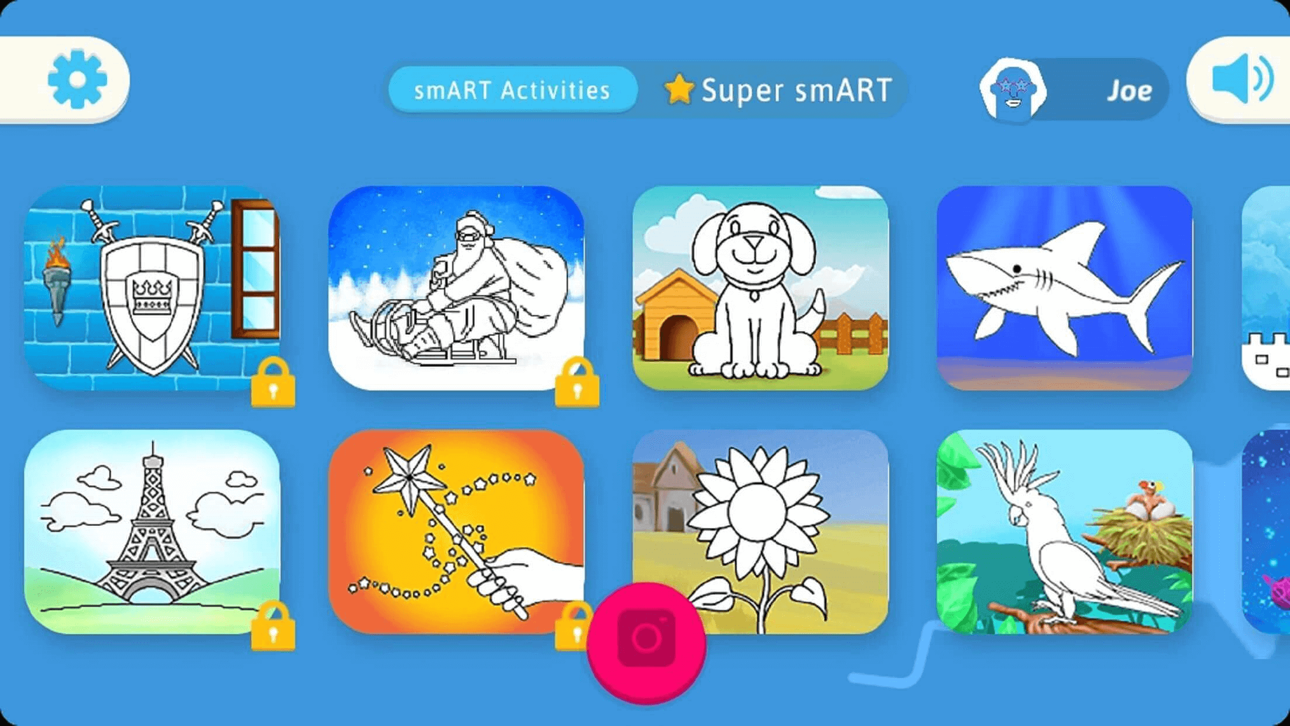
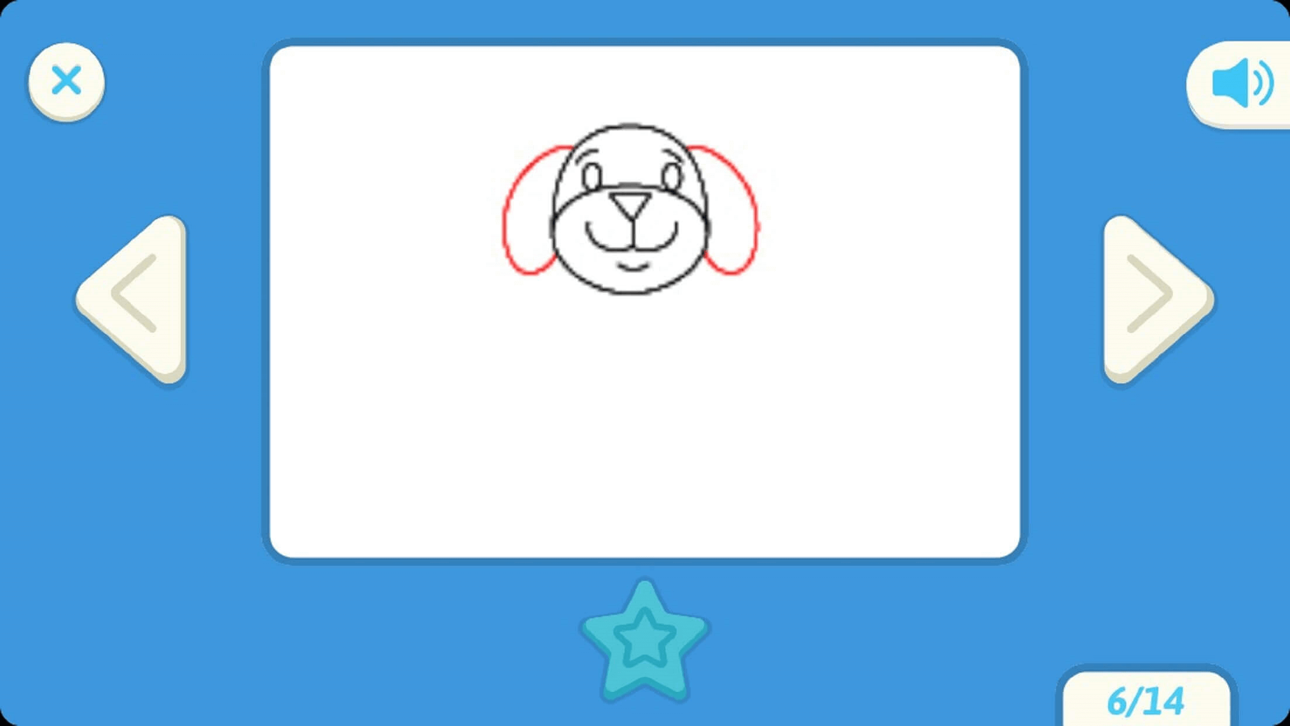
The smART sketcher app by FlyCatcher Inc. functions as the digital control center for the company's namesake physical drawing projector. Positioned in the creative and educational tech space, the app is designed to work in tandem with the hardware, converting a tablet or phone's screen into a source of traceable imagery. This setup provides a guided approach to drawing, which can lower the barrier to entry for individuals who find a blank page intimidating. The app's market position is quite specific, catering to families and educators seeking a hybrid activity that merges screen time with a hands-on creative outlet. Core functionality revolves around two main pillars: accessing a curated library of artwork and utilizing the camera transfer feature. The library includes themed packs, such as princesses, animals, space, and underwater scenes, which can be projected for tracing. The more technically notable feature is the camera transfer, which allows users to take or upload a photo from their device's gallery. The app then processes the image into a simplified line drawing suitable for projection. This enables personalized projects, like drawing a favorite toy or a family portrait. The app also offers various drawing modes and complexity settings to accommodate different skill levels. In real-world use, the app facilitates scenarios ranging from casual play to structured learning. At a child's birthday party, it can serve as an engaging group activity. In a homeschooling environment, as noted in one review, it becomes a tool for teaching cursive writing or illustrating science concepts. The process involves selecting an image on the app, placing the device into the projector unit, and tracing the projected lines onto paper. Successful use is heavily dependent on proper setup in a dimly lit room and managing expectations—the output is a sketch that requires manual coloring and finishing, making it a starting point rather than an instant artwork generator. User feedback trends are overwhelmingly positive among the provided reviews, with consistent praise for its ease of use and educational value. Multiple reviews highlight the camera function's accuracy and the joy of uploading personal photos. Testimonials from parents and grandparents frequently mention children aged 5 to 11 engaging deeply with the app, and even a 7th grader finding inspiration. The consensus suggests it successfully builds drawing confidence. However, the app's aggregate rating of 3.27 on the App Store hints at experiences not reflected in these top reviews. Typically, lower scores in companion apps relate to connectivity issues, subscription models for additional content, or compatibility problems with specific device models, which potential users should investigate. As a whole, the smART sketcher app delivers a focused and functional experience that achieves its primary goal: making drawing more accessible and fun for its target audience. Its strengths are clear when the hardware is used as intended, offering a unique, project-based creative outlet. The limitations are often extrinsic, tied to the requirement of the physical projector unit and potential technical friction points. For families who already own the projector, the app is a necessary and generally well-executed download. For others, its value is entirely contingent on investing in the complete system.

Key Features

  • Camera Transfer Function: Converts personal photos into simplified line drawings that can be projected for tracing, allowing for highly personalized artwork.
  • Pre-loaded Artwork Library: Offers themed drawing packs featuring popular subjects like princesses, animals, and space scenes, providing instant, age-appropriate content.
  • Educational Content Packs: Includes specific themes such as 'Under the Sea' or cursive writing guides, supporting its use as a supplemental learning tool.
  • Adjustable Drawing Modes: Provides settings to alter the complexity and detail of projected images, catering to different skill levels from beginner onward.
  • Integration with Physical Projector: Serves as the dedicated image source for the smART sketcher hardware, enabling a seamless trace-and-draw workflow.

Why Users Love It

Lowers barrier to drawing success
Blends digital and hands-on creativity

Perfect for: Perfect for children, beginner artists, and parents seeking a structured, educational creative activity.

Screenshots

smART sketcher projector screenshot 1smART sketcher projector screenshot 2smART sketcher projector screenshot 3smART sketcher projector screenshot 4smART sketcher projector screenshot 5smART sketcher projector screenshot 6

Ranking History

Track smART sketcher projector's performance in Entertainment over the last 30 days

Top 5
Top 10
Top 15
Below 15

Current Rank

#49

Best Rank

#49

All-time high

Average Rank

#49

30-day average

User Reviews

🌸baddie girl🌸
Nov 8, 2025

It’s good to draw with I love the princess and animals I think you should try it yalll It’s so good It’s good to draw with I love the princess and animals I think you should try it yalll

Serenity Robertson
Oct 29, 2025

It helped me learn how to draw better thank you smART sketcher! I got the smART sketcher last Christmas in 2024 and before I barely could draw and now I’m super good at drawing SmART sketcher It helped me learn how to draw better thank you smART sketcher! I got the smART sketcher last Christmas in 2024 and before I barely could draw and now I’m super good at drawing

LeeLee5e662
Jul 11, 2025

It was so good with all the updates. I love the smart sketch. I have one and it was so good. It’s so good It was so good with all the updates. I love the smart sketch. I have one and it was so good.

DRKPHK
Jun 14, 2023

Bought this for my daughter &we love every minute it’s put to use -the camera transfers are amazingly accurate with no problem whatsoever Just brilliant!!! Love the camera function tons !! Brilliant! Bought this for my daughter &we love every minute it’s put to use -the camera transfers are amazingly accurate with no problem whatsoever Just brilliant!!! Love the camera function tons !!

ajlove0915
Dec 28, 2022

Awesome app and pretty easy to use. Uploaded my own photos from my camera for my son to draw his favorite toy. Seems like anyone leaving a bad review is probably someone who lacks basic technology skills. Works great! Awesome app and pretty easy to use. Uploaded my own photos from my camera for my son to draw his favorite toy. Seems like anyone leaving a bad review is probably someone who lacks basic technology skills.

App Details

Developer

FlyCatcher Inc.

Platform

ios

Rating

3.3

Last Updated

12/26/2025