
How Sign Documents & Doc Scanner Simplifies Business Paperwork
by Maia Jaburia
This app provides a straightforward solution for scanning and signing documents directly from an iPhone or iPad. If you need to handle contracts, forms, or receipts without a desktop setup, it combines essential tools in one place. Perfect for professionals seeking to reduce paper clutter and speed up approvals.
Detailed Review
Sign Documents & Doc Scanner enters a crowded market of document management apps, positioning itself as a dedicated tool for iOS users who require both scanning and electronic signature capabilities. Unlike many competitors that focus on one function, this app integrates both, aiming to serve small business owners, freelancers, and remote workers who frequently handle paperwork on the move. Its approach is practical, avoiding overly complex features in favor of core utilities that address everyday document needs.
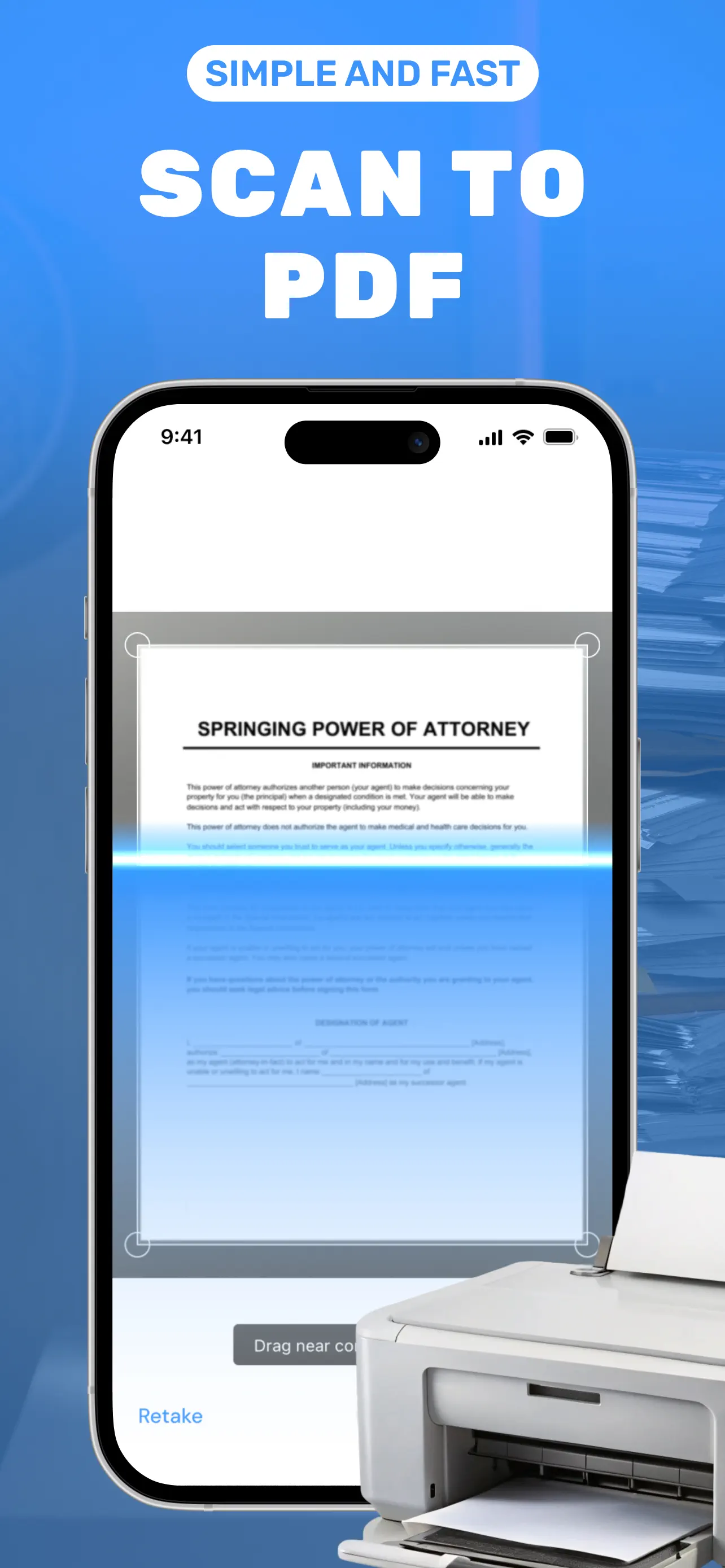
The app's core functionality revolves around its document scanner, which uses the device's camera to capture high-quality images of papers, receipts, or whiteboards, with automatic edge detection and perspective correction. Users can then add electronic signatures using a finger or stylus, with options for typed text, initials, or freehand drawing. Additional features include basic OCR for text recognition, cloud storage integrations like iCloud and Dropbox, and the ability to export files in PDF or image formats. For real-world use, this means a salesperson can scan a client contract in the field, sign it digitally, and email it within minutes, eliminating the need for printing or scanning hardware.
In terms of user experience, the interface is clean and intuitive, with a tab-based layout that separates scanning, signing, and saved documents. Navigation is straightforward, reducing the learning curve for new users. Performance is generally reliable, with quick processing times for scans and signatures, though some minor lag can occur when handling multi-page documents on older iOS devices. The app supports various document types, from legal agreements to personal forms, making it versatile for scenarios like rental agreements or expense reports. However, it lacks advanced editing tools such as redaction or batch processing, which might be a limitation for power users.
As a new app with a 5/5 rating but no user reviews yet, feedback trends are not available. Typically, apps in this category receive praise for ease of use and time savings, while criticisms often focus on subscription models or limited free features. If user feedback were available, it would likely highlight the convenience of having scanning and signing in one app, but also note occasional issues with signature alignment or cloud sync delays. Without concrete reviews, potential users should consider testing the free version to assess its fit for their workflow.
Overall, Sign Documents & Doc Scanner delivers a solid performance for basic document tasks, with its main strength being the integration of scanning and e-signatures in a single, accessible package. Its limitations include the absence of advanced features like template libraries or collaborative editing, which are found in premium alternatives. For those prioritizing simplicity and mobility, it represents a worthwhile option, though users with complex needs might find it insufficient. The app's value lies in its ability to handle common business documents efficiently, making it a practical choice for on-the-go professionals.
Key Features
- •Document scanning with auto-crop and enhancement for clear, professional-looking digital copies from any surface.
- •Electronic signature tools allowing freehand drawing, typed text, or saved signatures for quick document approvals.
- •OCR text recognition to convert scanned images into editable text, useful for extracting data from forms or receipts.
- •Cloud integration with services like iCloud and Dropbox for seamless storage and access across multiple devices.
- •Export options to PDF or image formats, enabling easy sharing via email or messaging apps directly from the interface.
- •Multi-page document support for compiling scans into a single file, ideal for contracts or reports with several sections.
Why Users Love It
Quick document handling
All-in-one functionality
Perfect for: Ideal for business professionals, freelancers, and students who need efficient document management on iOS devices.
Screenshots



App Details
Developer
Maia Jaburia
Platform
iosRating
★5.0
Last Updated
10/26/2025


