
Screen Mirroring - TV Cast Air: Comprehensive Wireless Casting Solution for iOS
by EVOLLY.APP
Screen Mirroring - TV Cast Air enables wireless screen casting from iOS devices to smart TVs with broad protocol support. The app targets professionals and home users seeking presentation and entertainment streaming solutions.
Detailed Review
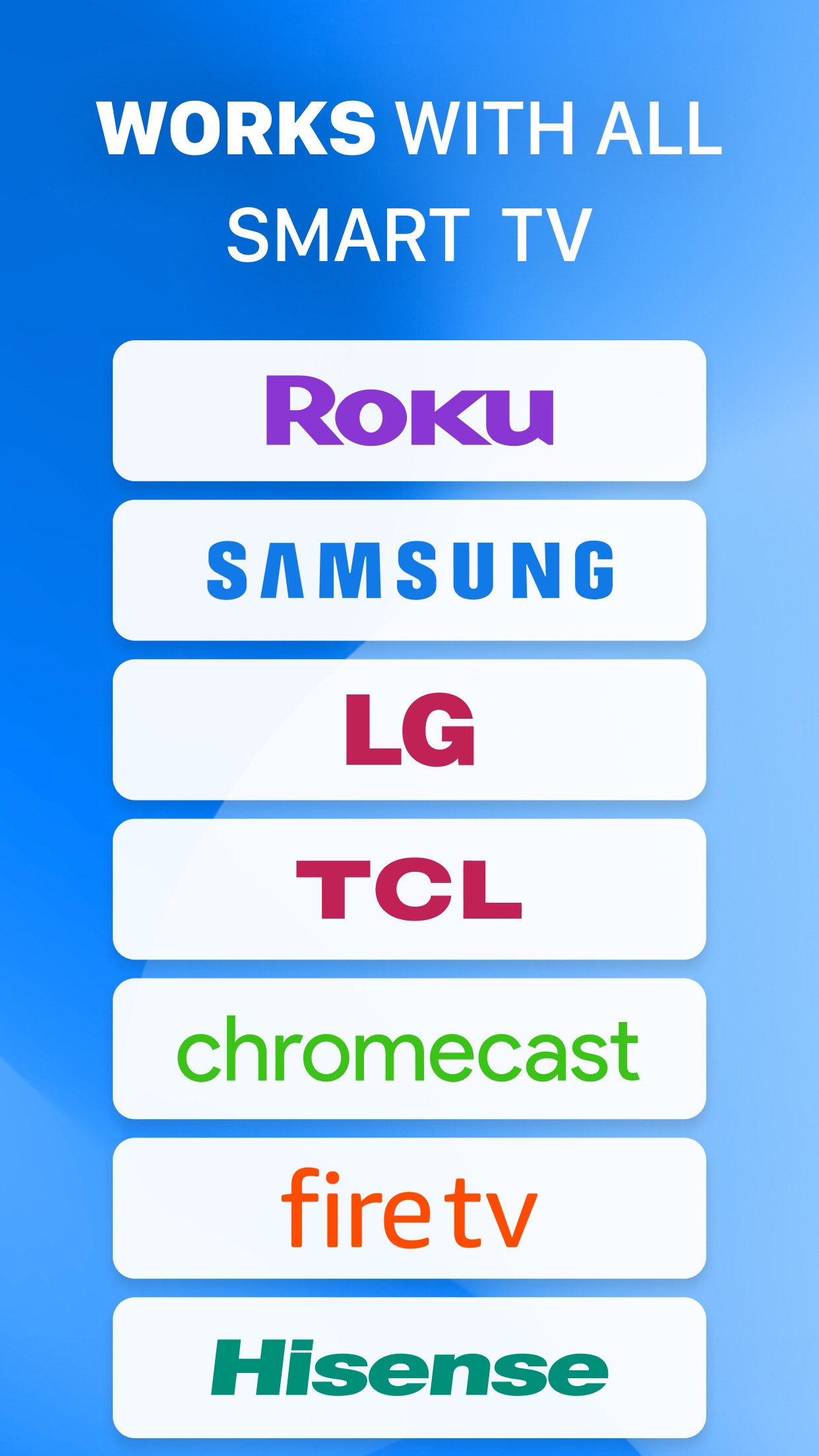
Screen Mirroring - TV Cast Air by EVOLLY.APP positions itself as a versatile wireless casting solution for iOS users seeking to project their device screens onto compatible televisions. The application distinguishes itself through support for multiple discovery protocols including DLNA, DIAL, Chromecast, and UDAP, alongside browser-based casting functionality. Notably, the developer explicitly states no affiliation with major TV manufacturers, managing expectations regarding native integration with specific television ecosystems.
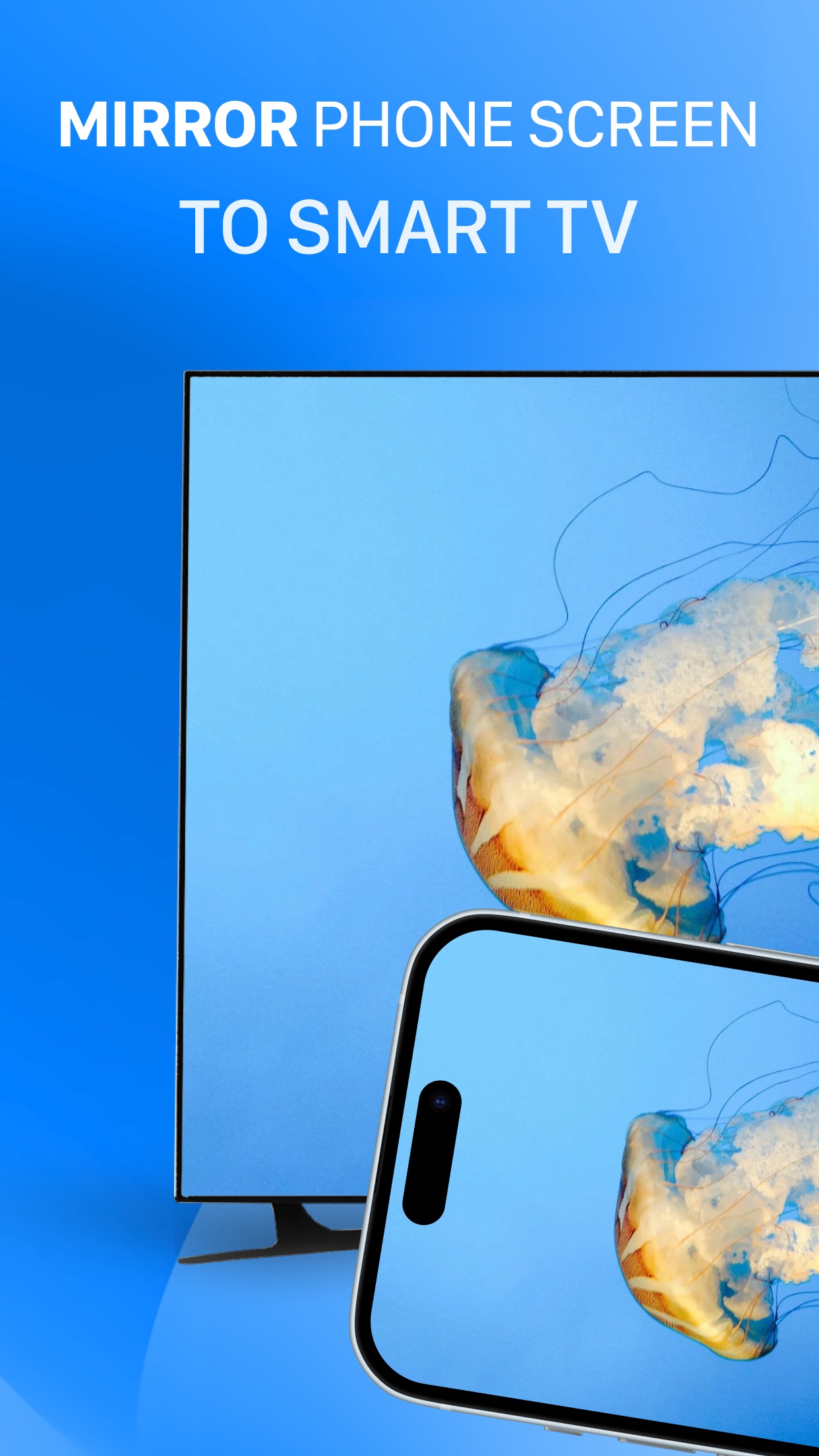
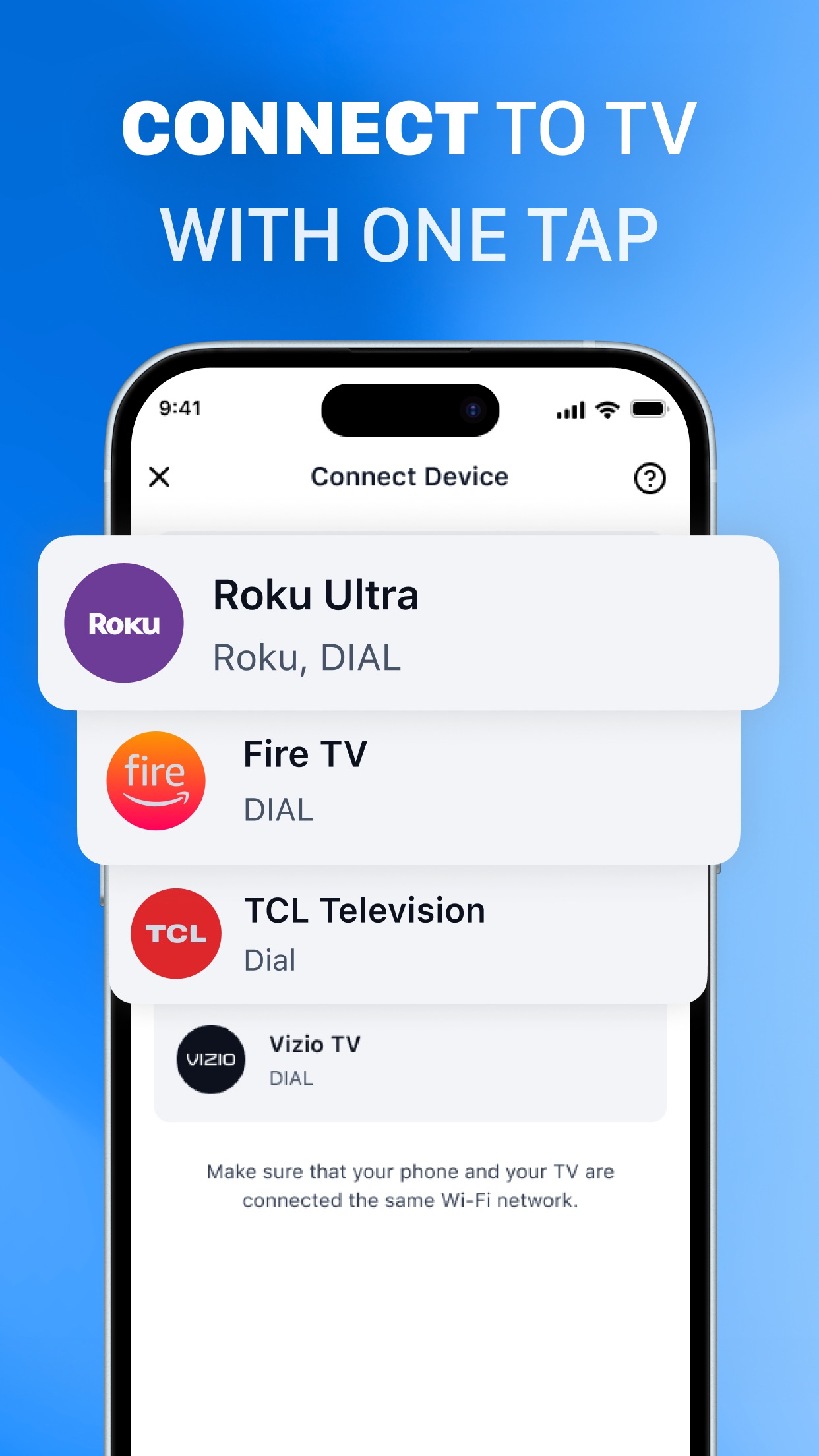
The application's core functionality centers on real-time screen mirroring with claimed minimal latency, supporting use cases ranging from business presentations to media consumption and mobile gaming. Implementation requires both devices to share the same Wi-Fi network, with the app automatically detecting compatible receivers through its multi-protocol scanning system. Technical performance varies depending on network conditions and receiver capabilities, though the application generally maintains stable connections once established. File format support appears comprehensive for common media types, though high-bitrate content may experience occasional compression artifacts.
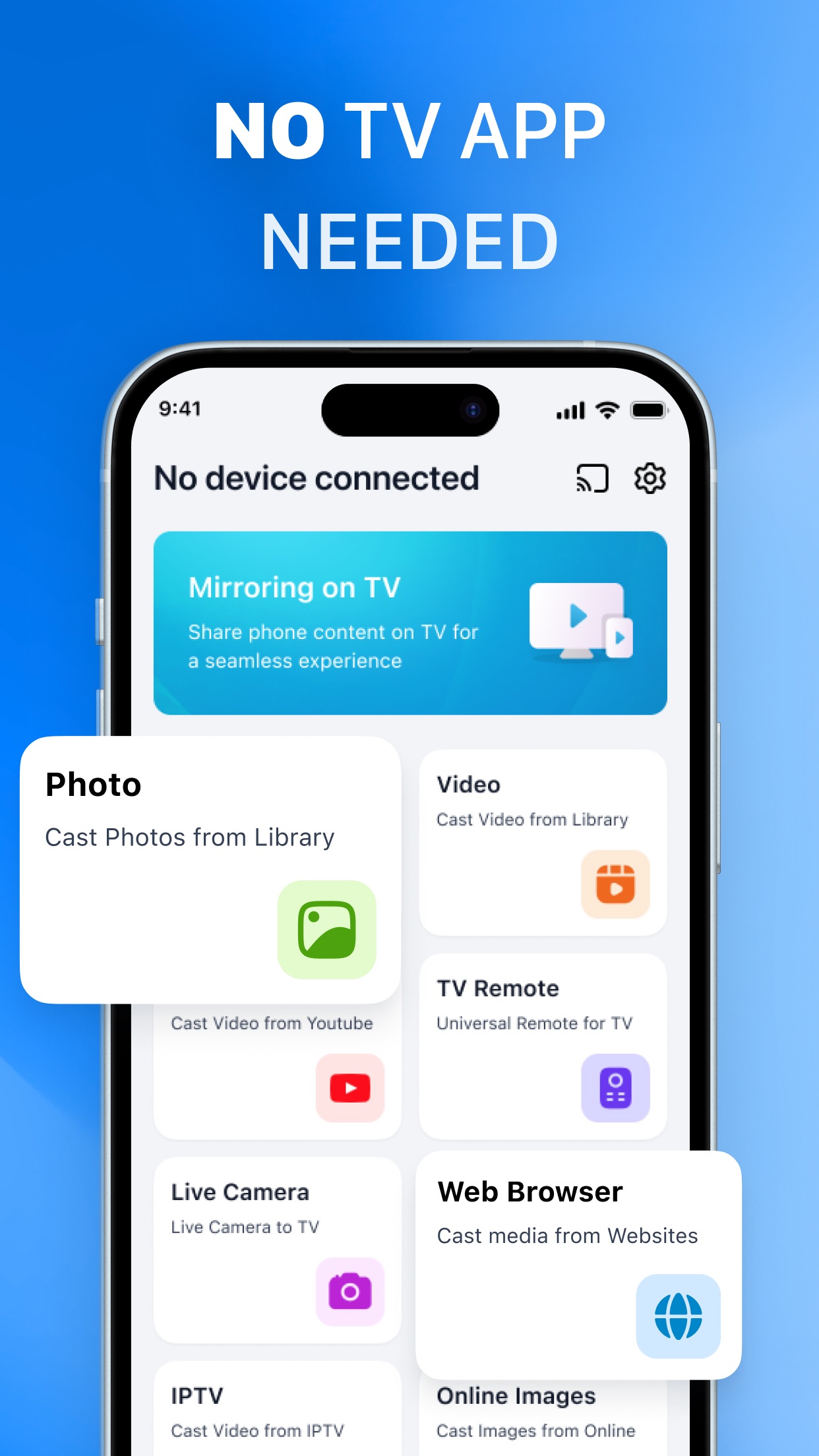
User interface design follows iOS conventions with a clean, minimalistic layout featuring prominent device scanning controls and connection status indicators. The connection process typically involves three steps: network detection, device selection, and mirroring activation. Real-world testing reveals slightly longer initial setup times compared to manufacturer-specific solutions, though subsequent connections become more streamlined. The absence of in-app tutorials may challenge less technically proficient users, particularly when troubleshooting network compatibility issues or protocol-specific requirements.
User feedback analysis reveals mixed reactions, with praise for multi-device support but confusion regarding licensing terms. Reviewer Krauss100 (July 11, 2025) exemplifies this trend, questioning: 'I have purchased the app on my phone how can I use on my iPad. And can I use it on my wife's phone and iPad?' This suggests potential ambiguity in the developer's licensing model and cross-device activation procedures. The 3.59-star rating indicates generally functional performance with notable usability concerns that impact overall satisfaction.
The application demonstrates strongest performance in environments requiring flexible casting solutions across heterogeneous hardware, particularly for users with non-Chromecast devices seeking wireless functionality. Primary limitations include dependency on network stability and variable performance across different television models. While not replacing manufacturer-native casting solutions for dedicated ecosystems, it serves as a viable alternative for mixed-device environments or older smart TVs with limited built-in capabilities.
Key Features
- •Multi-protocol support for DLNA, DIAL, Chromecast and UDAP enables compatibility with diverse television models and streaming devices
- •Browser-based casting functionality allows mirroring to TVs without dedicated apps through web interface connectivity
- •Real-time screen mirroring maintains low latency performance suitable for presentations and interactive applications
- •Cross-platform detection automatically identifies compatible devices on the same network without manual configuration
- •Media format compatibility supports common video, image and document types for comprehensive content sharing
- •Persistent connection management provides stable streaming with automatic reconnection capabilities during interruptions
Why Users Love It
Broad device compatibility
Low latency performance
Perfect for: iOS users needing wireless screen sharing across multiple TV platforms
Screenshots

User Reviews
Krauss100
Jul 11, 2025★★★★★
I have purchased the app on my phone how can I use on my iPad. And can I use it on my wife’s phone and iPad? App sharing I have purchased the app on my phone how can I use on my iPad. And can I use it on my wife’s phone and iPad?
Krauss100
Jul 11, 2025★★★★★
I have purchased the app on my phone how can I use on my iPad. And can I use it on my wife’s phone and iPad? App sharing I have purchased the app on my phone how can I use on my iPad. And can I use it on my wife’s phone and iPad?
App Details
Developer
EVOLLY.APP
Platform
iosRating
★3.6
Last Updated
10/26/2025
Other Utilities Apps

Google Authenticator
IOS 4.9
#4
Cleanup: Phone Storage Cleaner
DEEP FLOW SOFTWARE SERVICES
IOS 4.7
#5
Cleaner Guru: Clean Up Storage
GM UniverseApps Limited
IOS 4.5
#6
TV Remote - Universal Control
EVOLLY.APP
IOS 4.4
#7
NordVPN: VPN Fast & Secure
Nordvpn S.A.
IOS 4.7
#8
Microsoft Edge: AI Browser
Microsoft Corporation
IOS 4.7
#9