Pocket Palette: Comprehensive Review of the Free Color Scheme Creation Tool
by Penpyre, LLC
Pocket Palette offers a free, intuitive solution for creating and organizing color schemes. The app serves designers, artists, and developers seeking efficient color palette management with professional-grade adjustment tools.
Detailed Review
Pocket Palette positions itself as an accessible yet powerful color management tool for creative professionals and hobbyists. The application provides a streamlined approach to color scheme creation without the complexity often found in professional design software, making it suitable for quick inspiration sessions or detailed project work.
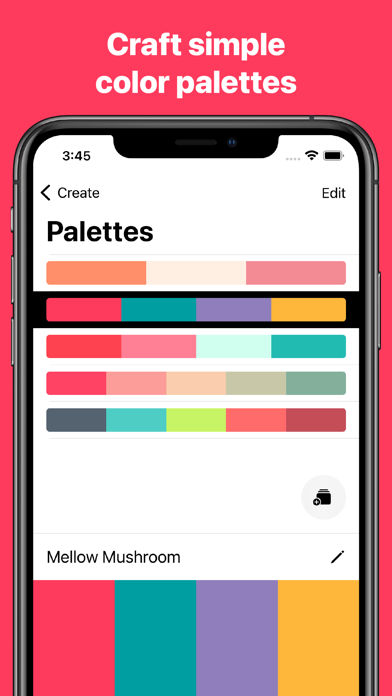
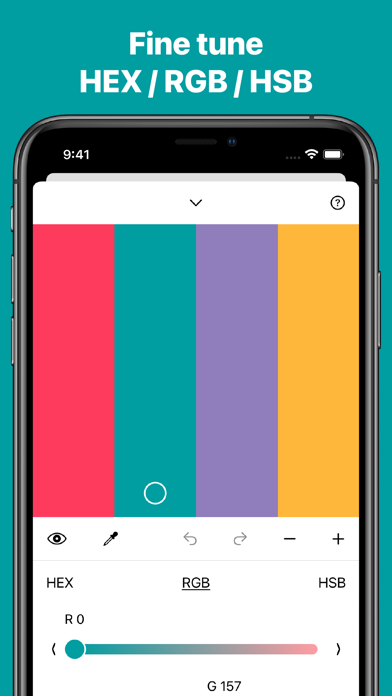
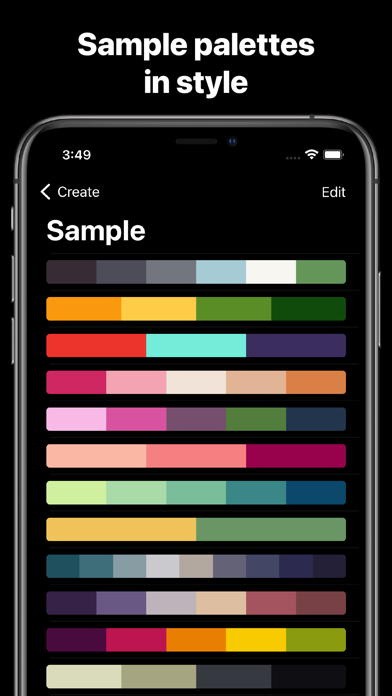
The core functionality revolves around palette creation through both blank canvas templates and sample inspiration palettes. Users can add or remove colors dynamically, adjusting the complexity of their palettes with precision controls for hue, saturation, and brightness. The organizational system through Collections allows for logical separation of palettes by project type, client, or theme, addressing a fundamental need for workflow management in creative professions.
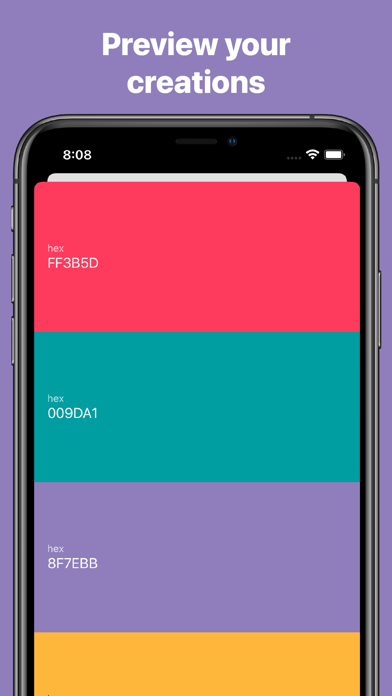
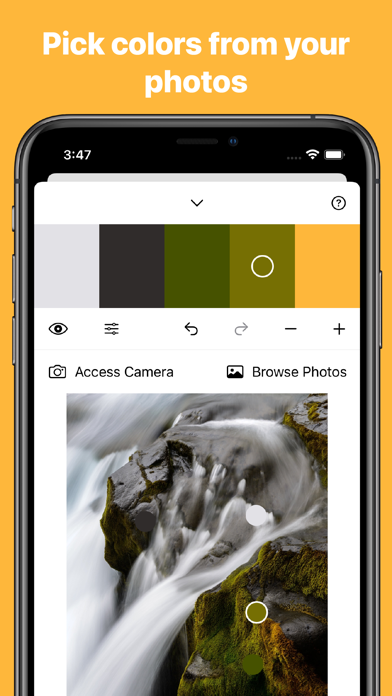
Interface design emphasizes minimalism and functionality, with a clean layout that prioritizes color visualization over excessive UI elements. The color adjustment tools are presented through an intuitive slider system, while the palette management screen uses card-based design for easy navigation. Real-world usage patterns suggest the app serves both spontaneous color inspiration capture and deliberate project-based palette development, with particular utility for mobile color matching during physical material selection or environmental color sampling.
With no user reviews available for analysis, the application's 4.41 rating suggests generally positive reception, though the specific factors driving user satisfaction cannot be detailed without actual feedback data. The absence of reviews prevents examination of common praise or criticism patterns that typically inform assessment of real-world performance and reliability.
The application's primary strength lies in its professional-grade color adjustment capabilities offered at no cost, though the absence of community feedback makes comprehensive evaluation challenging. Ideal use cases include quick color scheme generation for digital design projects, educational color theory exploration, and on-the-go palette creation for artists working outside traditional studio environments. Limitations regarding advanced features like color value export formats or integration with professional design suites remain unverified without user testimony.
Key Features
- •Custom palette creation from scratch or sample templates enables flexible starting points for various design projects and inspiration needs
- •Dynamic color addition and removal functionality allows precise control over palette complexity and composition during development
- •Advanced color adjustment tools provide fine control over hue, saturation, and brightness for professional-grade color refinement
- •Collection-based organization system supports logical separation of palettes by project, client, or theme for workflow management
- •Minimalist interface design prioritizes color visualization and tool accessibility without distracting UI elements or complexity
Why Users Love It
Professional color tools free
Intuitive organizational system
Perfect for: Designers, artists, and developers needing mobile color management
Screenshots
App Details
Developer
Penpyre, LLC
Platform
iosRating
★4.4
Last Updated
9/10/2025