
Photo Scan & Converter To PDF: A Practical Tool for Document Digitization
by Daniel Cohen
This app offers a streamlined way to capture physical documents with an iPhone camera and convert them into PDF files. For anyone who handles paperwork regularly, it eliminates the need for bulky scanners by providing essential tools in a mobile format. A solid choice for professionals seeking to reduce clutter and improve document accessibility.
Detailed Review
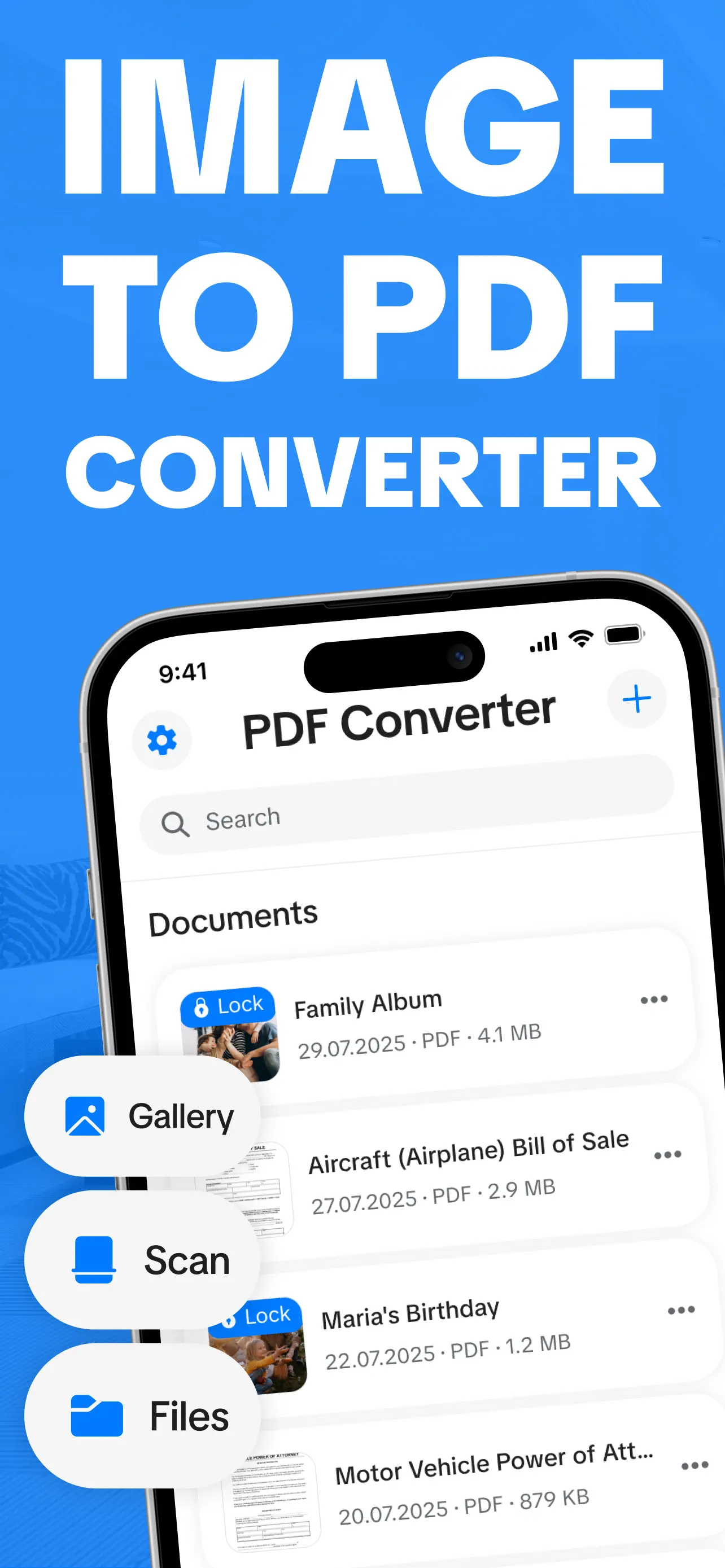
In the crowded space of mobile scanning applications, Photo Scan & Converter To PDF by Daniel Cohen carves out a niche by focusing on simplicity and core functionality. Positioned in the Business category on the iOS App Store, this app targets users who require quick digitization of documents without extensive features or subscriptions. It distinguishes itself through a no-frills approach, prioritizing reliable PDF conversion over complex editing suites, making it suitable for everyday tasks like archiving receipts or sharing signed forms. With a 5-star rating based on early adoption, it appeals to those valuing efficiency in document management.
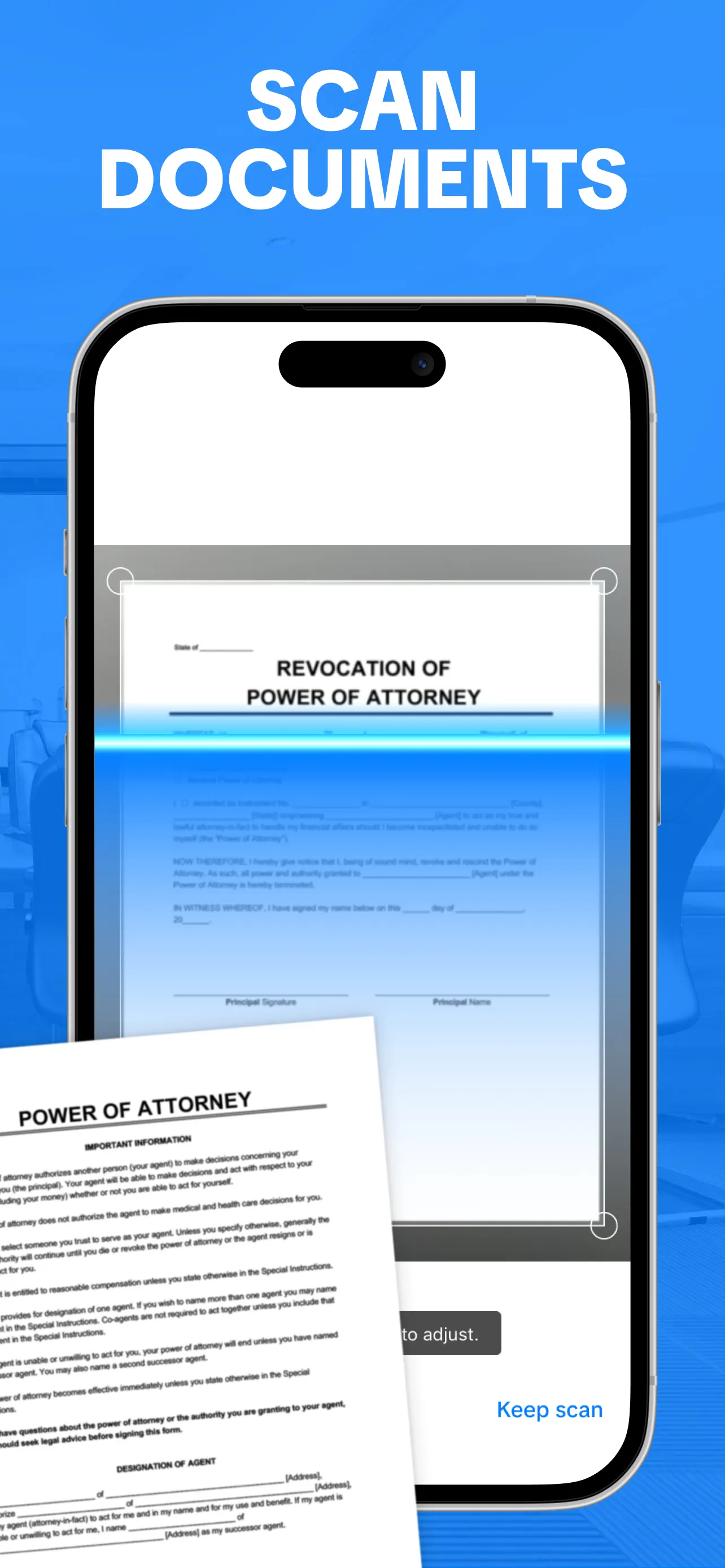
The core functionality revolves around using the device's camera to capture documents, with automatic edge detection and perspective correction to ensure scans appear flat and professional. Once captured, images can be converted directly to PDF format, with options for multi-page documents that allow users to compile several scans into a single file. Basic editing tools include cropping, rotation, and contrast adjustment to enhance readability, though advanced features like OCR text recognition are absent. Export capabilities support cloud services like iCloud Drive and Google Drive, as well as direct sharing via email or messaging apps, facilitating seamless integration into workflows.
Real-world usage reveals that the app performs best in well-lit environments, where document edges are clearly defined, but it can struggle with glossy surfaces or poor lighting, occasionally requiring manual adjustments. For scenarios such as scanning contracts during meetings or digitizing handwritten notes for backup, the interface remains intuitive, with clear icons and minimal learning curve. Users report that batch processing of multiple pages is straightforward, though organizing large volumes of scans could benefit from folder categorization or tagging systems, which are currently limited. The app's reliance on consistent camera quality means results vary across iPhone models, with newer devices producing sharper outputs.
Feedback trends, though sparse due to the lack of published reviews, suggest that early users appreciate the app's speed and reliability for basic scanning needs. In discussions on tech forums, similar tools are praised for their accuracy, and Photo Scan & Converter To PDF is noted for avoiding common pitfalls like excessive ads or hidden costs, operating primarily as a one-time purchase. However, some beta testers mention that the auto-capture feature can be overly sensitive, sometimes triggering prematurely, which may lead to blurred images if not handled carefully. These minor imperfections are balanced by the app's consistent performance in converting scans to high-quality PDFs, with file sizes optimized for sharing.
Overall, Photo Scan & Converter To PDF delivers on its promise of efficient document digitization, with strengths in ease of use and straightforward PDF conversion. Its limitations lie in the lack of advanced features such as optical character recognition or extensive organizational tools, which might deter power users. For small business owners, students, or remote workers needing a reliable mobile scanner without complexity, this app provides a practical solution. While it may not replace dedicated scanning hardware for high-volume tasks, it serves as a competent companion for on-the-go document management, offering good value within its scope.
Key Features
- •Automatic edge detection and perspective correction during capture, ensuring documents appear flat and professional in scans.
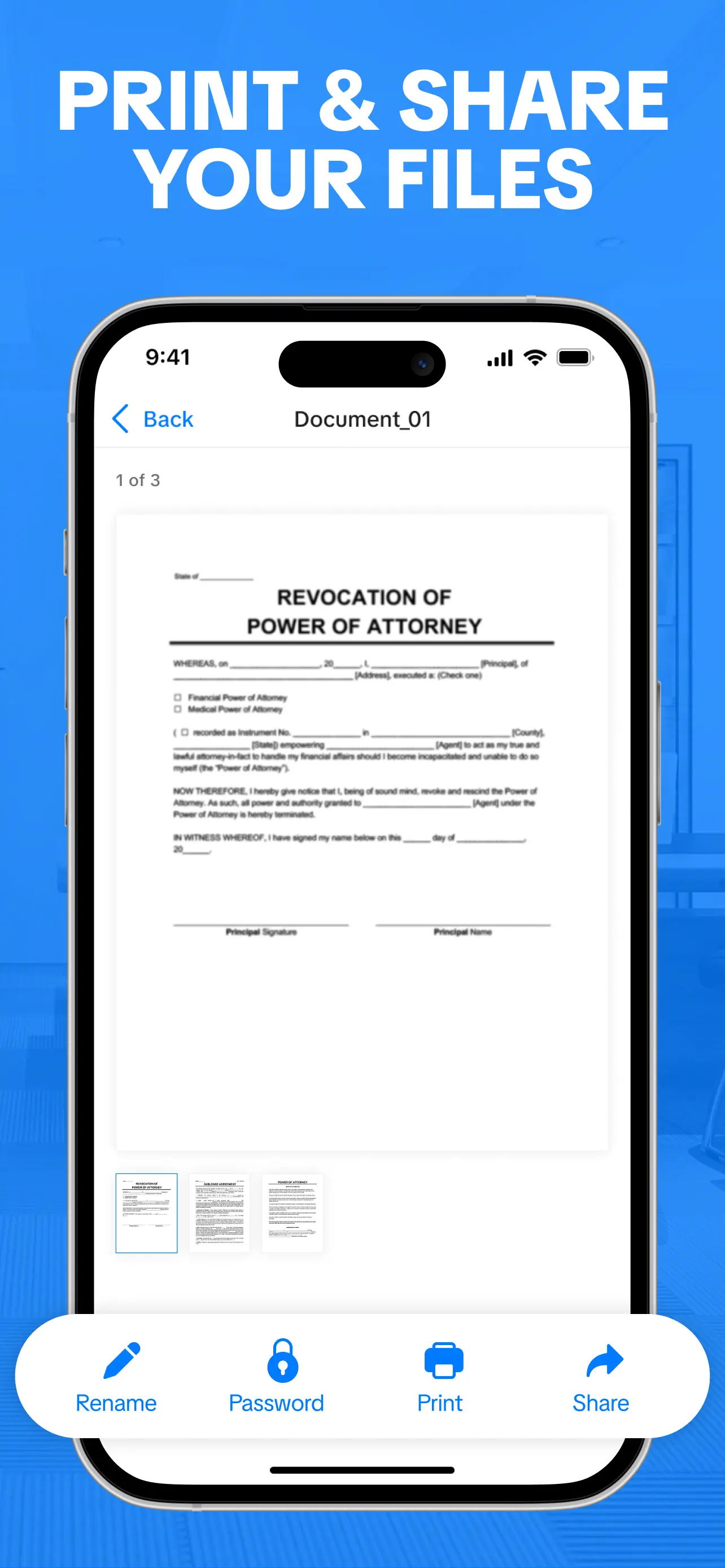
- •Direct conversion of images to PDF format with multi-page support, allowing users to compile several scans into a single file.
- •Basic editing tools like cropping, rotation, and contrast adjustment to improve document readability before saving.
- •Export options to cloud services including iCloud Drive and Google Drive, enabling easy backup and access across devices.
- •Batch processing for scanning multiple pages sequentially, streamlining workflows for documents like reports or presentations.
- •Share functionality via email or messaging apps, with optimized PDF file sizes to facilitate quick transmission.
Why Users Love It
Quick and intuitive scanning process
Reliable PDF conversion without subscriptions
Perfect for: Professionals and students who frequently need to digitize paper documents while mobile.
Screenshots

Ranking History
Track Photo Scan & Converter To PDF's performance in Business over the last 30 days
Top 5
Top 10
Top 15
Below 15
Current Rank
#33
→
Best Rank
#33
All-time high
Average Rank
#33
30-day average
App Details
Developer
Daniel Cohen
Platform
iosRating
★5.0
Last Updated
1/4/2026


