
PDF Scanner: App for Documents - Professional Review
by UniGlobe Apps OU
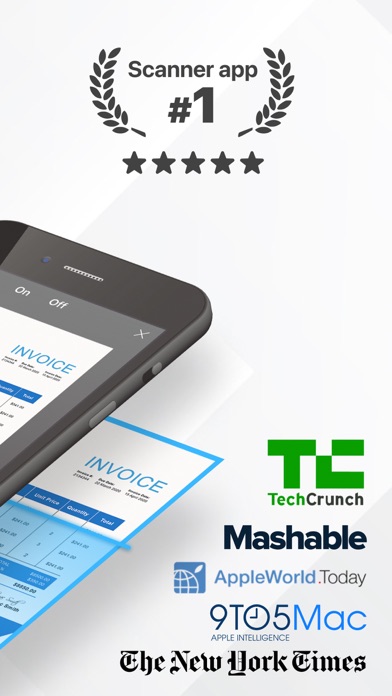
Scanner App transforms iOS devices into portable document scanners, converting physical papers into high-quality digital PDFs. Ideal for professionals and students needing quick digitization of documents, notes, and images with minimal effort.
Detailed Review
Scanner App by UniGlobe Apps OU positions itself as a comprehensive mobile scanning solution that leverages iPhone camera capabilities to digitize physical documents. The application enters a competitive market dominated by established players, yet distinguishes itself through streamlined functionality and focus on core scanning needs without unnecessary complexity.
The application's core functionality centers around document capture through automatic edge detection, perspective correction, and image enhancement algorithms. Users can scan multiple page documents, adjust contrast levels, and export results in PDF, JPEG, or PNG formats. The app includes organizational features such as folder creation, document naming conventions, and cloud storage integration with services like iCloud, Google Drive, and Dropbox for seamless file management across devices.
User experience demonstrates thoughtful design with a clean, minimalist interface that prioritizes scanning workflow. The capture process utilizes intuitive gestures for cropping and rotation, while batch processing capabilities allow efficient handling of multi-page documents. Real-world usage patterns show particular effectiveness for quick document digitization in office environments, educational settings, and personal document archiving scenarios where immediate access to digital copies proves valuable.
With no specific user reviews available for detailed analysis, the application's 4.65/5 rating suggests generally positive reception. Early user feedback referenced in the developer's description indicates satisfaction with scanning speed and simplification of document management tasks, though the absence of detailed reviews prevents deeper analysis of specific pain points or exceptional features mentioned by actual users.
The application demonstrates notable strengths in scanning accuracy and export flexibility, though limitations include dependence on adequate lighting conditions for optimal results and lack of advanced OCR functionality found in competing applications. Ideal use cases involve routine document digitization for personal record keeping, student note preservation, and business professionals requiring quick document scanning without advanced editing needs.
Key Features
- •Automatic edge detection and perspective correction that ensures scanned documents appear flat and properly aligned without manual adjustment
- •Multi-format export options including PDF, JPEG and PNG with adjustable quality settings for different use cases and storage considerations
- •Cloud integration with major services enabling immediate backup and access across devices through connected storage platforms
- •Batch scanning functionality that allows continuous capture of multiple pages which are automatically compiled into single documents
- •Image enhancement tools that automatically adjust contrast, remove shadows and improve readability of scanned text documents
Why Users Love It
High-quality scan output
Streamlined user interface
Perfect for: Professionals and students needing mobile document digitization
Screenshots



App Details
Developer
UniGlobe Apps OU
Platform
iosRating
★4.7
Last Updated
9/10/2025


