
by Netflix, Inc.
Detailed Review
Key Features
- •QR Code Pairing: Scan a code displayed on the TV to instantly connect the phone as a controller, streamlining setup for quick gameplay sessions.
- •Multiplayer Support: Enable up to four players to join using separate devices, ideal for group activities like party games or family competitions.
- •Netflix Game Integration: Compatible with Netflix's interactive game library, including titles such as Lego games and Happy Gilmore golf demos.
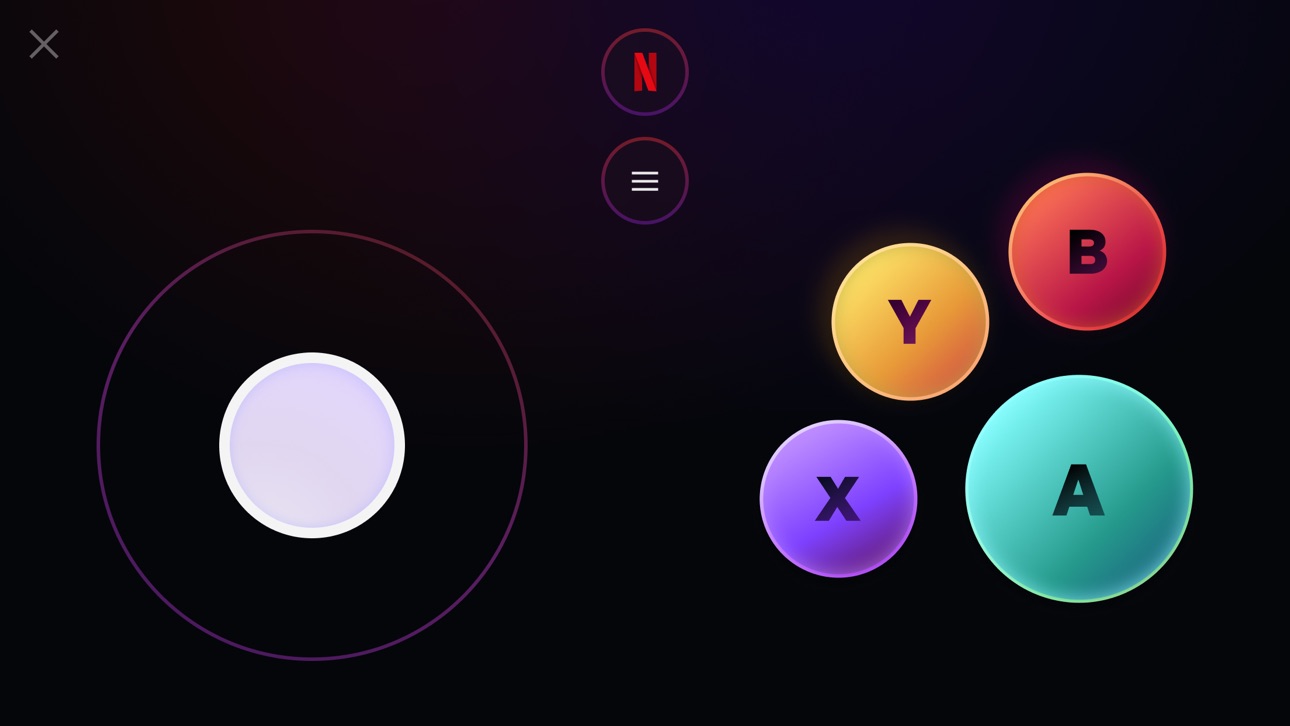
- •Simple Interface: Features intuitive controls tailored for casual gaming, reducing the learning curve for first-time users.
- •Cross-Device Functionality: Works on supported iOS devices, though performance may vary based on model age and operating system version.
- •Social Gaming Focus: Designed for shared experiences, allowing users to play together in the same room without additional hardware.
Why Users Love It
Perfect for: Netflix subscribers seeking casual, social gaming experiences on their TV with family or friends.
Screenshots
Ranking History
Track Netflix Game Controller's performance in Games over the last 30 days
Current Rank
#32
10 from last week
Best Rank
#6
All-time high
Average Rank
#29
30-day average
User Reviews
It won’t work for old phones but it worked well on my dads phone. It won’t connect on mine and it is slow. My phone is old It won’t work for old phones but it worked well on my dads phone. It won’t connect on mine and it is slow.
So I’m sick somehow and I play on this and BOOM FIVE HOURS GO BY I LOVE THIS IM SICK So I’m sick somehow and I play on this and BOOM FIVE HOURS GO BY I LOVE THIS
I scanned the QR code and then not it didn’t bring me to the App Store (thank God) but when I try to scan it, it brings me to Safari and it’s asking me to do something but I have time limit and I’m restricted from netflix.com so I literally can’t play Lego party like all I want to do is play it I gave it five stars just so I can let the creators of this app no like please fix this bug or maybe it’s just because I have a limit maybe I don’t really know but you know pretty great app. All I want to do is play Lego party :( I scanned the QR code and then not it didn’t bring me to the App Store (thank God) but when I try to scan it, it brings me to Safari and it’s asking me to do something but I have time limit and I’m restricted from netflix.com so I literally can’t play Lego party like all I want to do is play it I gave it five stars just so I can let the creators of this app no like please fix this bug or maybe it’s just because I have a limit maybe I don’t really know but you know pretty great app.
Can you put it in America Samoa please and I wonder if you can do all tvs and devices i don’t know about pcs or laptops but I used to play in the us but i can’t play it in America Samoa. Great but just one thing Can you put it in America Samoa please and I wonder if you can do all tvs and devices i don’t know about pcs or laptops but I used to play in the us but i can’t play it in America Samoa.
This is still new and literally Netflix states that we are beta testers, so give it a little break. Such a great idea and concept. I hope they continue to build this idea and grow it. Games are limited right now but so far they are fun. Great way to engage with family and friends. Pictionary so far is my favorite, Pictionary board game is great but with Netflix it’s a blast. What a great idea and concept This is still new and literally Netflix states that we are beta testers, so give it a little break. Such a great idea and concept. I hope they continue to build this idea and grow it. Games are limited right now but so far they are fun. Great way to engage with family and friends. Pictionary so far is my favorite, Pictionary board game is great but with Netflix it’s a blast.
App Details
Developer
Netflix, Inc.
Platform
iosRating
Last Updated
12/25/2025


