
Marvel — Design and Prototype: iOS App Review and Analysis
by Marvel Prototyping LTD
Marvel transforms hand-drawn sketches into interactive app prototypes directly on iOS devices. This mobile-first prototyping tool targets designers and entrepreneurs seeking rapid idea validation without desktop software dependencies.
Detailed Review
Marvel — Design and Prototype represents a significant shift in mobile prototyping tools, enabling users to create interactive app mockups directly from hand-drawn sketches using iOS devices. The application occupies a unique position in the market by eliminating the traditional barrier between paper prototyping and digital interactivity, allowing creators to bypass complex desktop software for initial concept validation.
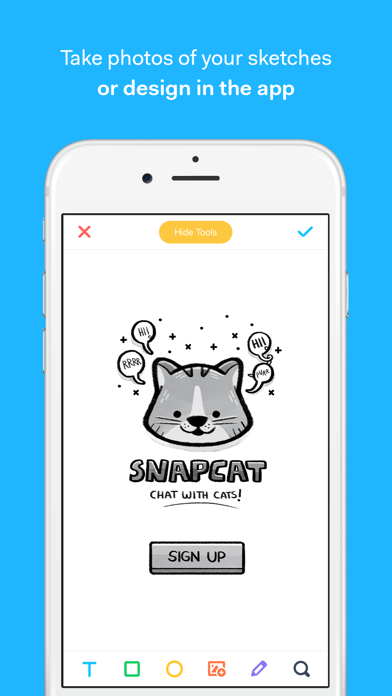
The core functionality centers around converting physical drawings into tappable prototypes through device photography. Users capture sketches of app screens, which Marvel then processes into digital frames. The platform supports hotspot creation for navigation flows, basic animation transitions, and cross-device preview capabilities including Apple Watch compatibility. Integration with popular design tools like Sketch and Figma through Marvel's ecosystem provides scalability for more advanced workflows, though these features primarily function through web platform integration rather than native mobile implementation.
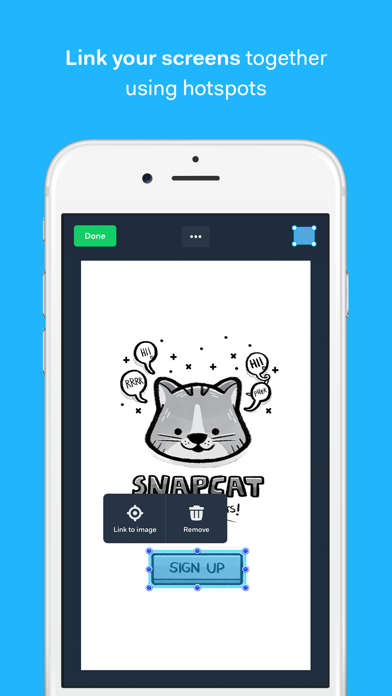
User experience demonstrates thoughtful mobile optimization with minimal learning curve. The interface employs intuitive gesture controls for linking screens and defining interactions, though precision touch targeting can occasionally challenge detailed prototyping work. Real-world usage patterns show strongest adoption during early-stage brainstorming sessions, client presentations, and educational environments where rapid iteration outweighs pixel-perfect requirements. The absence of complex toolbars or deep menus maintains focus on core prototyping functionality rather than comprehensive design capabilities.
Available user feedback indicates generally positive reception, though specific review excerpts are currently unavailable for detailed analysis. The application's 4.68/5 rating suggests strong user satisfaction, particularly regarding its unique paper-to-digital workflow and accessibility for non-technical users. Common praise typically highlights the speed from sketch to interactive prototype, while limitations often mention constraints in visual design capabilities compared to full-featured desktop applications.
The application excels in rapid concept validation and low-fidelity prototyping scenarios, particularly for entrepreneurs testing app ideas or designers seeking quick client feedback. However, professionals requiring high-fidelity designs or complex interactions may find the mobile environment limiting. Marvel serves as an effective bridge between initial ideation and full-scale design development, though it functions best as a complementary tool rather than complete design solution for advanced workflows.
Key Features
- •Paper-to-prototype conversion uses device camera to transform hand-drawn sketches into digital frames with automatic perspective correction
- •Interactive hotspot linking enables creation of tappable areas that connect screens to simulate actual app navigation flows
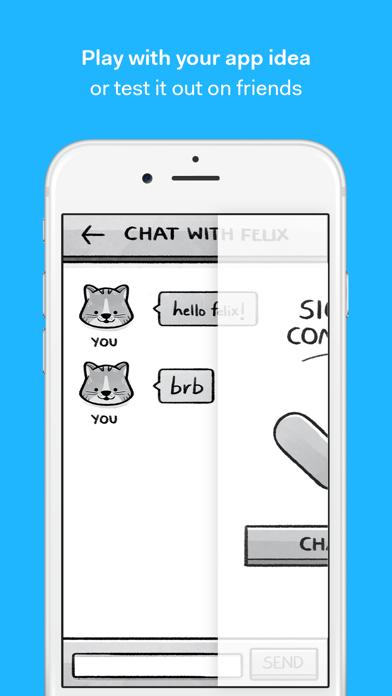
- •Cross-device preview functionality allows testing prototypes on iPhone, iPad and Apple Watch simultaneously for responsive design validation
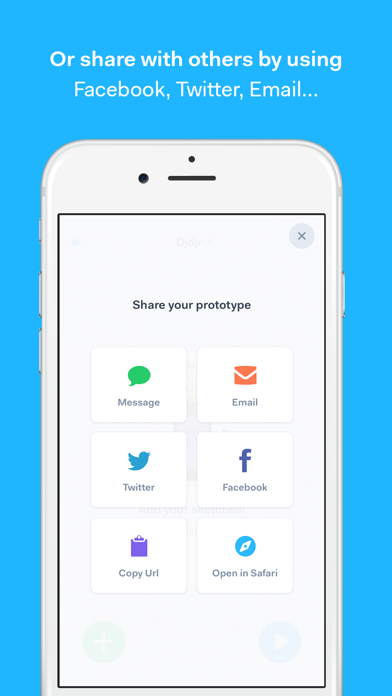
- •Collaboration tools facilitate sharing prototypes via links or QR codes with options for collecting feedback directly from stakeholders
- •Animation transitions provide basic motion effects between screens to demonstrate user flow and enhance presentation quality
- •Cloud synchronization ensures prototypes remain accessible across devices through automatic saving to Marvel's web platform
Why Users Love It
Rapid idea validation
Minimal learning curve
Perfect for: Designers and entrepreneurs needing quick app prototyping
Screenshots
App Details
Developer
Marvel Prototyping LTD
Platform
iosRating
★4.7
Last Updated
9/10/2025


