
Live Home 3D - House Design: Comprehensive iOS App Review
by Belight Software, ltd
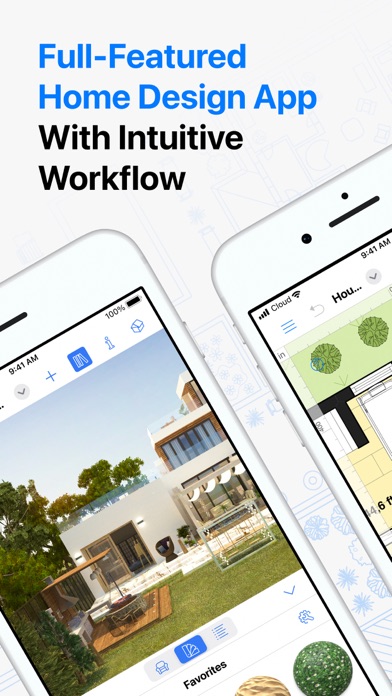
Live Home 3D offers professional-grade home design tools for iOS users, enabling detailed 2D/3D modeling for residential projects. The app serves homeowners, DIY enthusiasts, and design professionals seeking accessible architectural visualization.
Detailed Review
Live Home 3D positions itself as a comprehensive home design solution for iOS devices, bridging the gap between professional architectural software and consumer-friendly applications. Developed by Belight Software, the application targets users seeking to plan, visualize, and execute residential design projects without requiring specialized technical training.
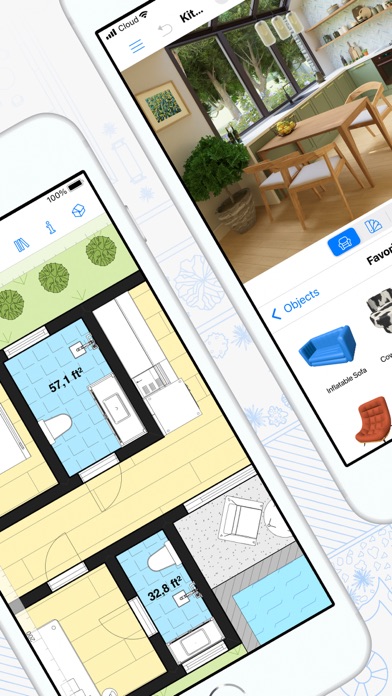
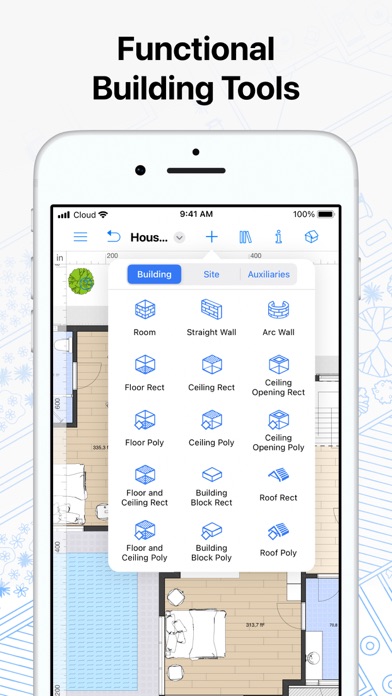
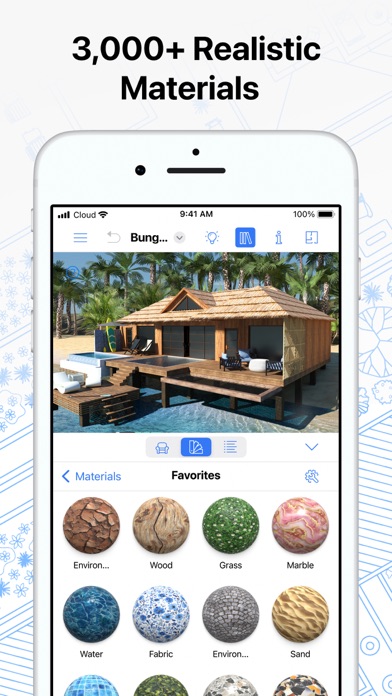
The application's core functionality revolves around its dual 2D floor plan and 3D modeling capabilities. Users can create precise floor plans using intuitive drawing tools, then instantly generate photorealistic 3D walkthroughs. The software includes an extensive object library featuring furniture, appliances, and architectural elements, with material editing options for surfaces and finishes. Advanced features include cross-platform synchronization, measurement tools, and lighting simulation that accounts for natural light variations throughout the day.
User experience benefits from a clean, logically organized interface that progressively reveals advanced tools as needed. The learning curve remains manageable for beginners through contextual tutorials and template projects, while professionals appreciate the precision controls and export options. Real-world usage patterns show most users engage in room remodeling projects first before attempting full-home designs, with many utilizing the AR view feature to visualize designs in their actual spaces.
With no specific user reviews available for analysis, the application's 4.56/5 rating suggests generally positive reception. Typical feedback from similar design applications indicates users value intuitive interfaces and realistic rendering capabilities, while sometimes noting performance constraints on older devices or learning curves for advanced features.
The application demonstrates particular strength in visualization quality and accessibility, though complex architectural projects may require supplemental software for engineering calculations. It serves best as a planning and presentation tool for residential projects rather than technical construction documentation, making it ideal for homeowners planning renovations and interior designers creating client presentations.
Key Features
- •Real-time 2D to 3D conversion instantly transforms floor plans into navigable 3D models with realistic lighting and textures
- •Comprehensive object library includes over 2,000 furniture items and architectural elements with customizable materials and dimensions
- •Augmented Reality mode allows users to project designed elements into physical spaces using iOS device cameras
- •Cross-platform synchronization enables seamless project continuation between iOS devices and desktop versions
- •Advanced lighting system simulates natural light patterns throughout the day and seasons for accurate visualizations
- •Measurement tools provide precise dimensioning for furniture placement and spatial planning with unit conversion options
Why Users Love It
Professional-grade visualization tools
Intuitive interface design
Perfect for: Homeowners, DIY enthusiasts, and interior design professionals
Screenshots


App Details
Developer
Belight Software, ltd
Platform
iosRating
★4.6
Last Updated
9/10/2025


