Intuit QuickBooks for Business icon
QuickBooks Business Accounting: Comprehensive Mobile Financial Management

by Intuit Inc.

4.7
IOSBusiness
QuickBooks Business Accounting provides comprehensive financial management tools for small businesses and self-employed professionals, enabling real-time tracking, invoicing, and expense management through an AI-enhanced mobile platform.

Detailed Review

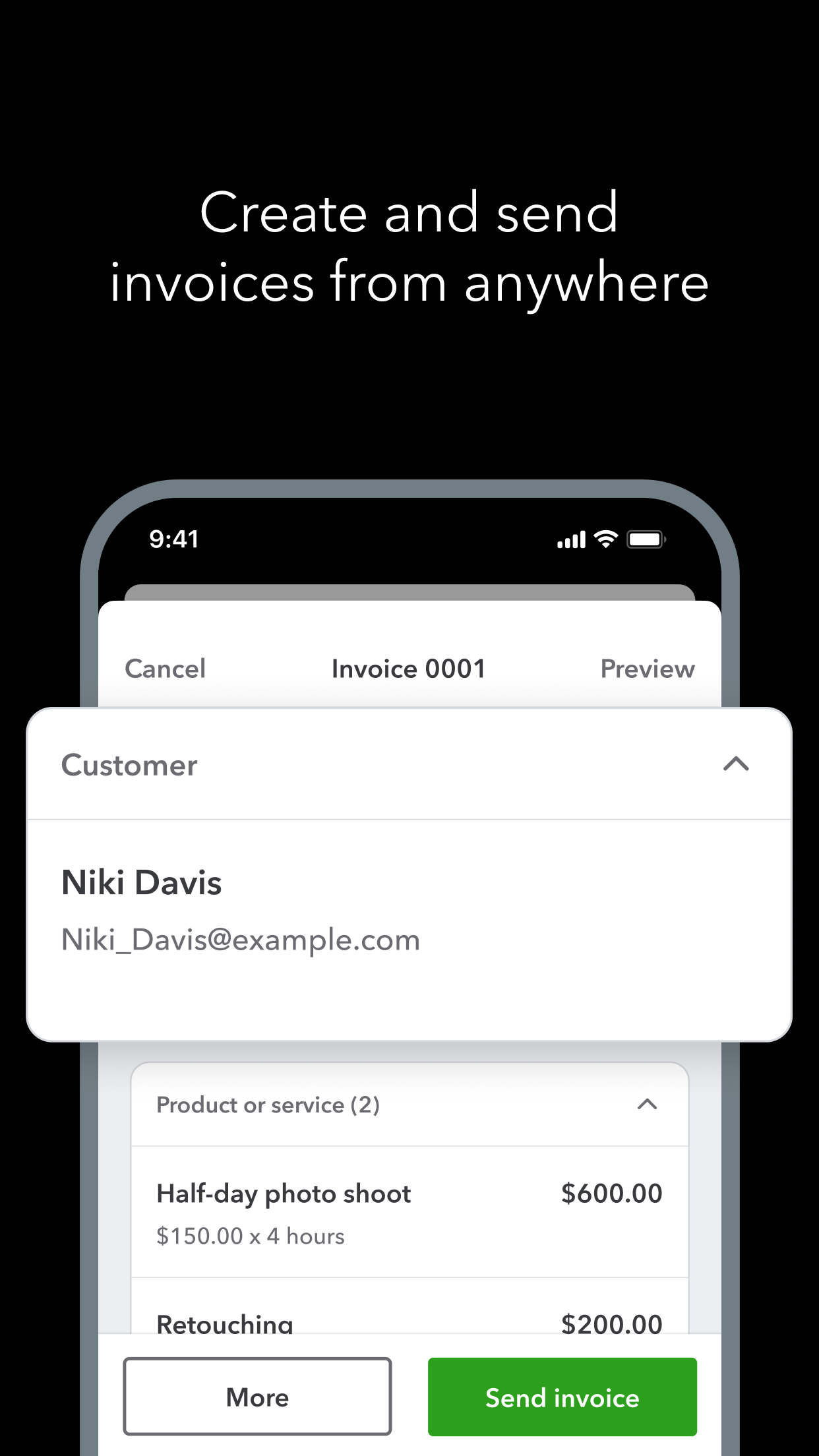
QuickBooks Business Accounting by Intuit Inc. represents a mobile adaptation of the established desktop accounting platform, delivering comprehensive financial management capabilities to iOS users. The application maintains QuickBooks' market position as a leading solution for small business accounting while adapting core functionality for mobile workflows and on-the-go accessibility. The application's feature set encompasses complete financial management including invoice creation and tracking, expense categorization, receipt capture through mobile photography, and real-time profit/loss reporting. The AI-powered functionality automates transaction categorization and provides predictive cash flow insights, while integration with banking institutions enables automatic transaction synchronization. The sales and payments module allows users to create professional estimates, obtain digital signatures, convert estimates to invoices, and accept mobile payments through integrated processing. User experience demonstrates thoughtful mobile optimization with a tab-based interface organizing key functions into logical sections: Dashboard, Expenses, Sales, Reports, and More. The interface employs intuitive icons and color-coded categories while maintaining data consistency with web and desktop versions through cloud synchronization. Real-world usage patterns show particularly strong adoption among service-based businesses for mobile invoicing and contractors for expense tracking during client visits, though inventory-heavy businesses may find mobile functionality somewhat limited compared to desktop version capabilities. With no specific user reviews available for analysis, the application's 4.73/5 App Store rating suggests generally positive reception among the iOS user base. This rating indicates strong satisfaction with mobile functionality and reliability, though the absence of detailed review data prevents specific commentary on particular strengths or recurring issues mentioned by users. The application demonstrates particular strength in automating routine accounting tasks and providing real-time financial visibility, though some advanced features remain more fully implemented in the desktop version. Mobile-specific limitations include reduced reporting customization options and more constrained bulk operation capabilities. QuickBooks Business Accounting serves as most effective for service-based small businesses requiring mobile invoicing and expense management, while product-based businesses with complex inventory needs may require supplemental desktop access for complete functionality.

Key Features

  • Mobile invoicing with instant payment acceptance enables professionals to bill clients immediately after service completion, reducing payment cycles and improving cash flow management
  • Expense tracking with receipt capture automatically categorizes expenditures using smartphone camera functionality, streamlining documentation for tax purposes and financial reporting
  • Real-time profit and loss reporting provides immediate visibility into business performance through dashboard analytics that update with each transaction entry
  • Estimate creation and conversion allows service businesses to create professional quotes, obtain client signatures digitally, and seamlessly transform approved estimates into invoices
  • Bank connectivity and transaction synchronization automatically imports and categorizes financial data from linked accounts, reducing manual entry errors and saving administrative time
  • AI-powered insights and automation suggest expense categories, identify tax-deductible items, and provide cash flow projections based on historical patterns and upcoming obligations

Why Users Love It

Comprehensive mobile accounting suite
Seamless cloud synchronization

Perfect for: Small business owners and self-employed professionals requiring mobile financial management

Screenshots

Intuit QuickBooks for Business screenshot 1Intuit QuickBooks for Business screenshot 2Intuit QuickBooks for Business screenshot 3Intuit QuickBooks for Business screenshot 4Intuit QuickBooks for Business screenshot 5Intuit QuickBooks for Business screenshot 6

Ranking History

Track Intuit QuickBooks for Business's performance in Business over the last 30 days

Top 5
Top 10
Top 15
Below 15

Current Rank

#47

Best Rank

#47

All-time high

Average Rank

#47

30-day average

User Reviews

K.I.G.II
Dec 29, 2025

Great Tool To Use . Due To Different Versions It’s Helpful To Have 3rd Party AI And Verify What Version Your Using And How To Use All Versions Different Elements Of Organization!! Very Well Organized Great Tool To Use . Due To Different Versions It’s Helpful To Have 3rd Party AI And Verify What Version Your Using And How To Use All Versions Different Elements Of Organization!!

Liminein
Dec 28, 2025

It's a decent app but I suggest signing in and reviewing at least once a day because the app glitches often. Glitches include lost mileage, missing transactions and duplicate transactions. You'll need to be vigilant Constant maintenance It's a decent app but I suggest signing in and reviewing at least once a day because the app glitches often. Glitches include lost mileage, missing transactions and duplicate transactions. You'll need to be vigilant

Slh852
Dec 7, 2025

The app is great when I’m out and about but is limited to what you can do from your desktop. Another thing is there always changing the lay out so it pain to find what I’m looking for you will get use to the lay out and then they will update and it’s completely different a bit of a announce. Other than that it’s pretty good. Works great most of the time The app is great when I’m out and about but is limited to what you can do from your desktop. Another thing is there always changing the lay out so it pain to find what I’m looking for you will get use to the lay out and then they will update and it’s completely different a bit of a announce. Other than that it’s pretty good.

App Details

Developer

Intuit Inc.

Platform

ios

Rating

4.7

Last Updated

12/31/2025