
iFont Review: Professional Font Management for iOS Content Creation
by VINCI APPS
iFont enables iOS users to install custom fonts for compatible applications like Pages and Keynote. The app serves designers, writers, and professionals requiring typographic consistency across documents without system-level modifications.
Detailed Review
iFont by VINCI APPS addresses a specific niche in the iOS ecosystem by enabling custom font installation for content creation applications. The app functions as a font management utility that bridges the gap between iOS's restricted font system and professional typography needs, operating within Apple's sandboxed environment without requiring jailbreaking or system modifications.
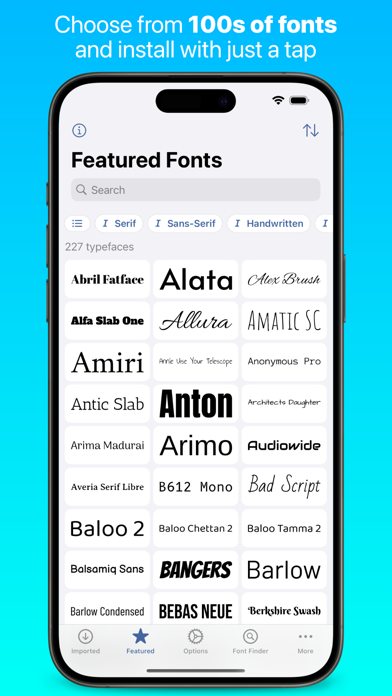
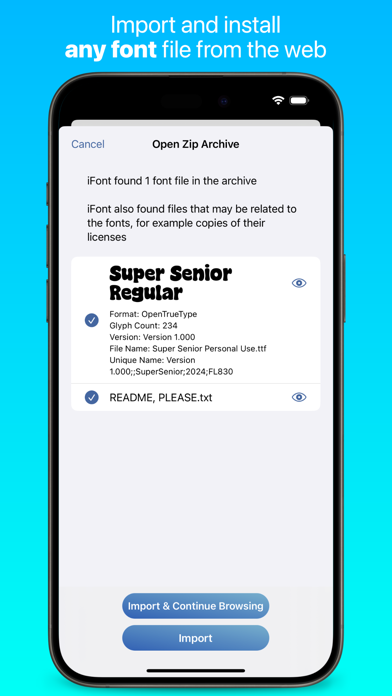
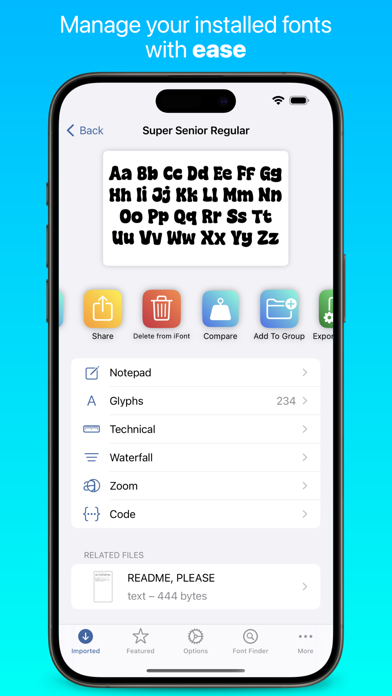
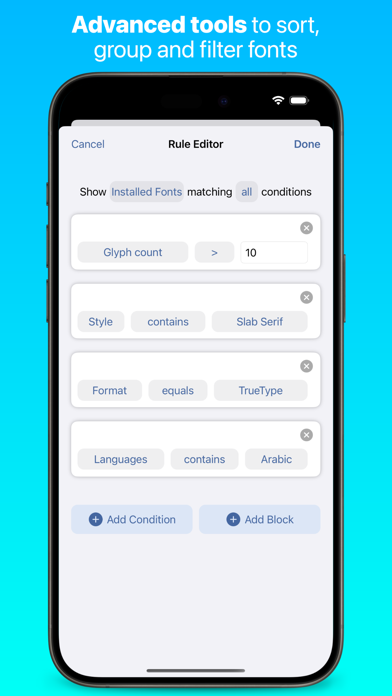
The core functionality revolves around a streamlined font installation process: users download font files through the app's integrated browser, manage installed fonts through a clean library interface, and activate them through iOS's configuration profile system. The app supports major font formats including TTF, OTF, and TTC files, with verification processes to ensure file integrity. Font management features include categorization, preview capabilities with custom text samples, and batch operations for multiple font installations or removals.
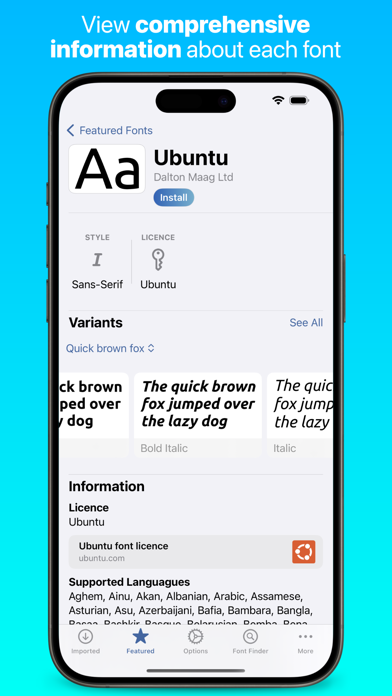
User experience demonstrates thoughtful design with an intuitive three-tab interface separating font discovery, library management, and installation procedures. The app provides clear visual previews of font characteristics including weight, spacing, and stylistic variations. Real-world usage patterns show most users employ iFont for document creation in Apple's productivity suite, social media content design, and personal creative projects requiring specific typographic branding.
With no specific user reviews available for citation, the app's 4.6/5 rating suggests generally positive reception. Typical font management apps in this category receive feedback praising functionality within iOS limitations while noting occasional installation complexities for non-technical users.
The application's primary strength lies in its focused execution of font management within iOS constraints, though limitations include dependency on app-level font support and inability to system-wide font modification. Ideal use cases involve professional document creation, branding consistency across materials, and design workflows requiring specific typographic choices unavailable in default iOS offerings.
Key Features
- •Integrated browser for direct font downloading from reputable sources with automatic format detection
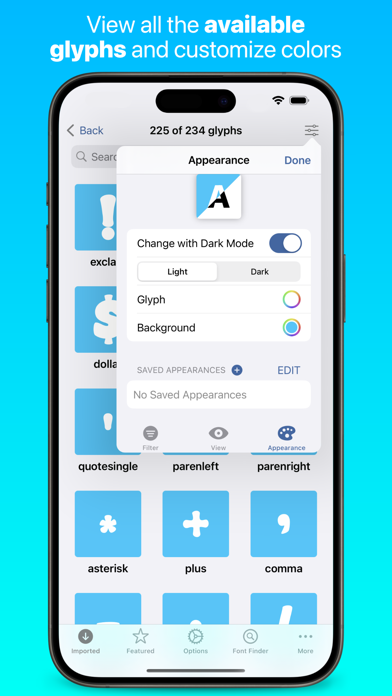
- •Visual font preview system showing complete character sets and custom text samples for evaluation
- •One-tap installation process that creates verified configuration profiles for system recognition
- •Font library management with categorization, search functionality, and batch operation support
- •Compatibility checking that validates font files against iOS requirements before installation
Why Users Love It
Precise font installation
Clean interface design
Perfect for: Design professionals and content creators requiring custom typography
Screenshots
App Details
Developer
VINCI APPS
Platform
iosRating
★4.6
Last Updated
9/10/2025


