
Hours Time Tracking: Comprehensive Review of iOS Productivity Tool
by Hours, LLC
Hours Time Tracking offers flexible time monitoring for professionals and teams. The iOS app combines intuitive timers with visual timeline editing and bulk entry capabilities for accurate hour tracking across personal and work projects.
Detailed Review
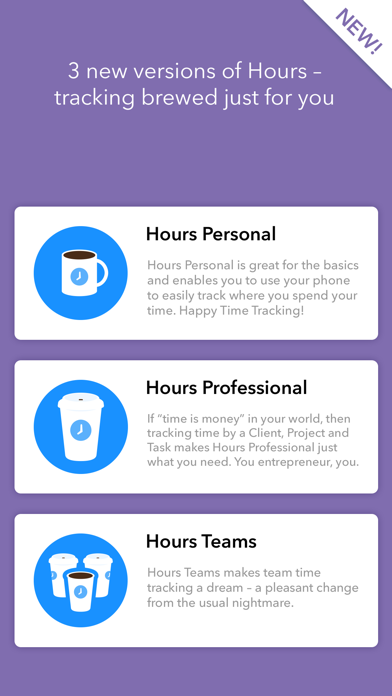
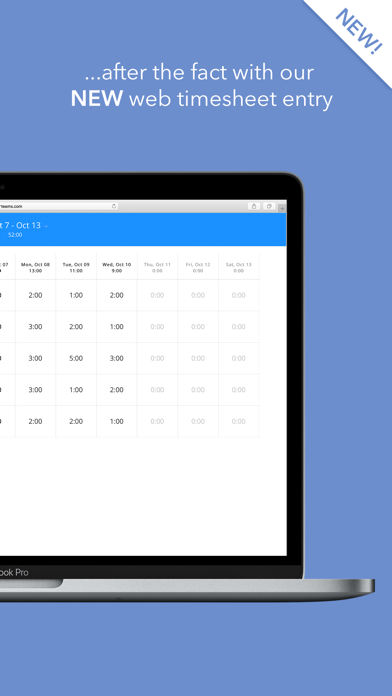
Hours Time Tracking positions itself as a versatile solution for time management across multiple user profiles, from individual freelancers to collaborative teams. The application distinguishes itself through its adaptive tracking methodology, allowing both real-time monitoring and retrospective timesheet creation, addressing a common pain point in time tracking where users frequently forget to start timers.
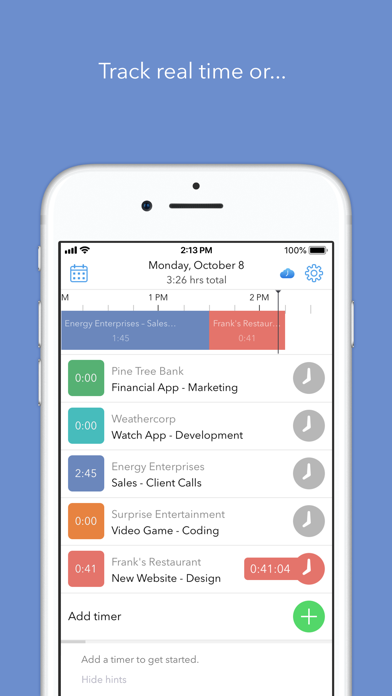
The core functionality revolves around three primary tracking modes: a live timer for active session monitoring, a visual timeline interface for post-facto adjustments, and bulk entry for comprehensive timesheet generation. The application supports categorization through customizable projects and tasks, with reporting features that compile data into exportable formats compatible with invoicing systems. Team functionality enables shared project tracking with permission-based access controls, though this requires subscription upgrade from the free tier.
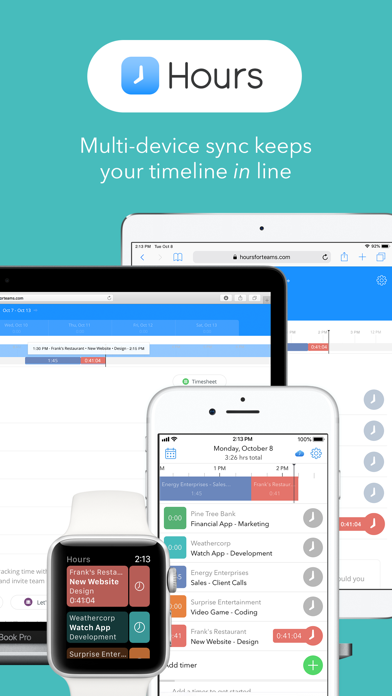
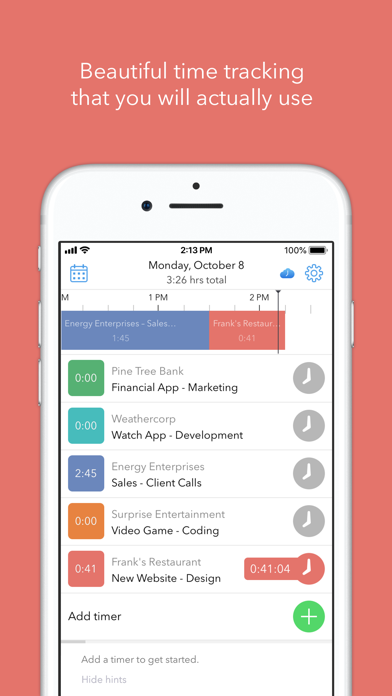
User experience demonstrates thoughtful design with a clean, timeline-based interface that uses color-coding for different activities. The swipe-based controls for timer activation and the drag-and-drop timeline adjustments provide intuitive operation, though new users may require brief orientation to utilize advanced features effectively. Real-world usage patterns show particular strength in scenarios requiring accurate client billing, where the ability to retrospectively correct entries prevents revenue loss from unrecorded time.
With no user reviews available for specific analysis, the application's 4.5-star rating suggests generally positive reception, though the absence of detailed feedback prevents examination of specific user-reported issues or praise. This lack of publicly available reviews makes independent verification of real-world performance challenging beyond the developer's stated functionality.
The application excels in flexibility and retrospective editing capabilities, particularly valuable for professionals who frequently transition between tasks or work in environments where immediate time tracking proves impractical. Limitations include the subscription model for team features and absence of automated tracking found in some competitors. Ideal use cases include freelance professionals requiring detailed client billing, small teams coordinating project hours, and individuals seeking personal productivity insights through time auditing.
Key Features
- •Visual timeline editor allows drag-and-drop adjustment of time entries with color-coded projects for intuitive error correction and retrospective tracking
- •Bulk timesheet entry enables rapid creation of weekly timesheets after work completion, eliminating need for constant timer monitoring
- •Team collaboration functionality supports shared projects with role-based permissions and synchronized tracking across multiple users
- •Export capabilities generate detailed reports in CSV and PDF formats compatible with major accounting and invoicing platforms
- •Customizable project hierarchy permits unlimited categories and sub-tasks with hourly rate assignment for automatic earnings calculation
Why Users Love It
Flexible retrospective editing
Intuitive visual interface
Perfect for: Freelancers, contractors, and teams requiring accurate time documentation
Screenshots
App Details
Developer
Hours, LLC
Platform
iosRating
★4.5
Last Updated
9/10/2025


