ColorGear App Review: Professional Color Harmony Tool for Designers
by Yevhenii Kuzmenko
ColorGear provides designers and artists with sophisticated color theory tools through dual color wheel systems. The application enables creation of harmonious palettes using RGB and Itten's models with practical export functionality for professional workflows.
Detailed Review
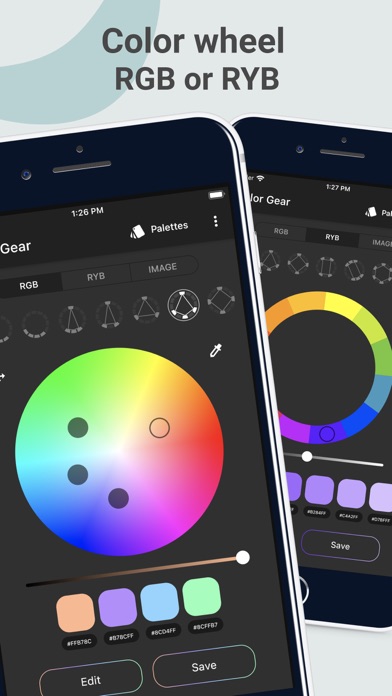
Color Wheel Palette: ColorGear positions itself as a specialized tool for color theory application, serving both professional designers and color theory students. The application distinguishes itself through its dual-model approach to color wheels, offering both the standard RGB color model and Johannes Itten's classical color theory system. This dual foundation provides users with flexibility depending on their project requirements and educational background.
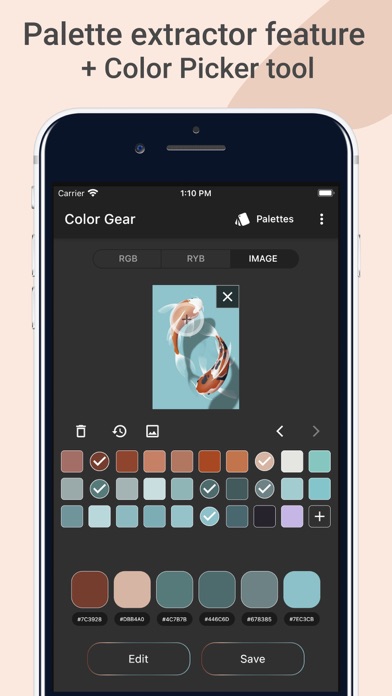
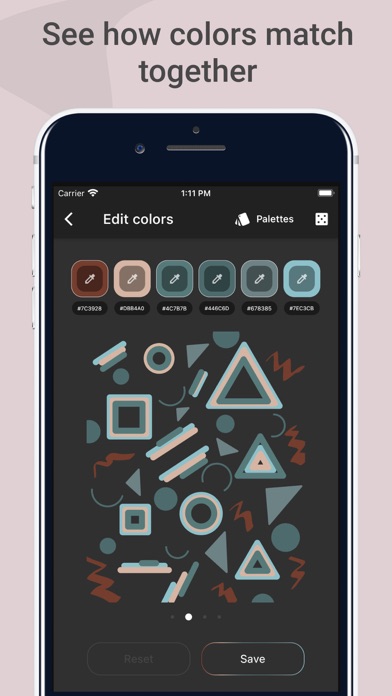
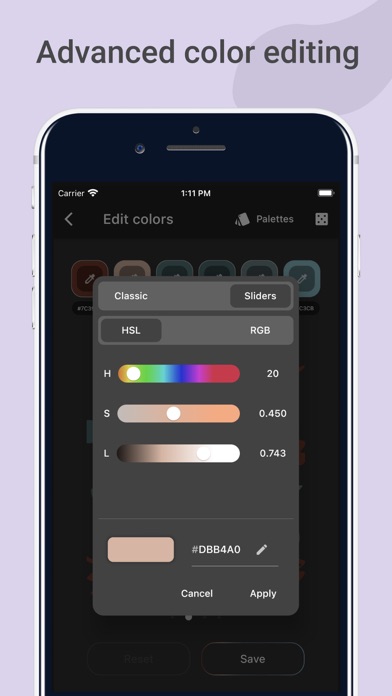
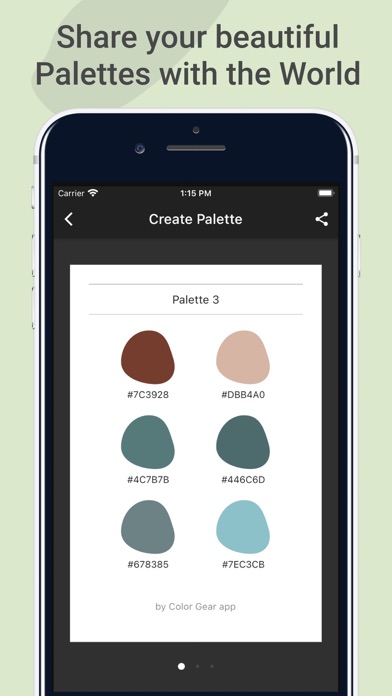
The application's core functionality revolves around generating harmonious color schemes through established color theory principles. Users can create complementary, triadic, tetradic, analogous, and monochromatic palettes with precise angle adjustments. Each color selection provides hexadecimal, RGB, and HSL values with copy functionality for immediate implementation in design software. The app includes a palette export feature that generates PNG files with color codes, facilitating seamless integration into design workflows and presentations.
User experience centers on an intuitive radial interface that mimics traditional color wheels while incorporating modern touch interactions. The clean, minimal design avoids visual clutter while maintaining professional-grade color accuracy. Real-world usage patterns show designers typically using the app for quick palette generation during client meetings, while students employ it for practical color theory exercises and assignments. The interface includes adjustable saturation and brightness sliders for fine-tuning selections without leaving the wheel view.
With no specific user reviews available for citation, the application's 4.67/5 rating suggests generally positive reception. The high rating indicates satisfaction with core functionality, though the absence of detailed reviews prevents analysis of specific user pain points or exceptional features. This rating typically correlates with reliable performance and meeting baseline user expectations for color utility applications.
The application demonstrates particular strength in educational contexts and quick professional palette generation, though it lacks advanced features found in comprehensive design suites. Limitations include absence of Pantone matching, limited palette storage options, and no integration with design software APIs. ColorGear serves best as a supplementary tool rather than primary design environment, excelling in specific color theory applications and learning scenarios where precise color relationships take priority over comprehensive design functionality.
Key Features
- •Dual color wheel system supporting both RGB and Itten's classical color theory models for flexible palette creation
- •Multiple harmony modes including complementary, triadic, and analogous schemes with adjustable angle precision controls
- •Real-time color value display showing HEX, RGB, and HSL codes with one-tap copy functionality for immediate use
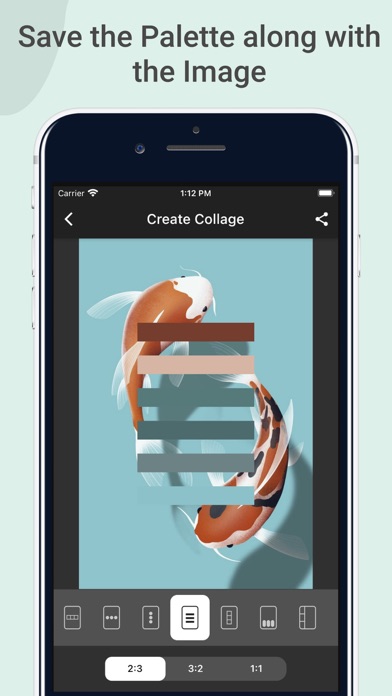
- •Export functionality generating PNG palette sheets with color codes for documentation and client presentations
- •Adjustable saturation and brightness sliders enabling fine-tuning without switching between different interface modes
- •Clean, minimal interface design focused on color accuracy without distracting elements or unnecessary visual clutter
Why Users Love It
Dual color theory systems
Precise harmony controls
Perfect for: Designers and students needing practical color theory application
Screenshots
App Details
Developer
Yevhenii Kuzmenko
Platform
iosRating
★4.7
Last Updated
9/10/2025