ABBYY Business Card Reader: Comprehensive Review of Business Card Scanning Technology
by ABBYY USA Software House Inc
ABBYY Business Card Reader digitizes physical business cards using OCR technology, converting them into editable contacts. Designed for professionals who frequently network and require efficient contact management solutions across iOS devices.
Detailed Review
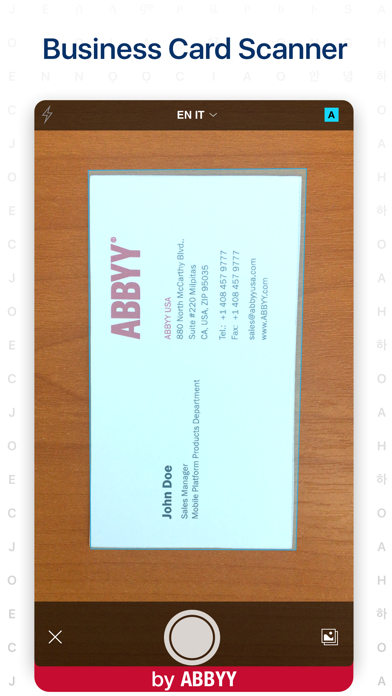
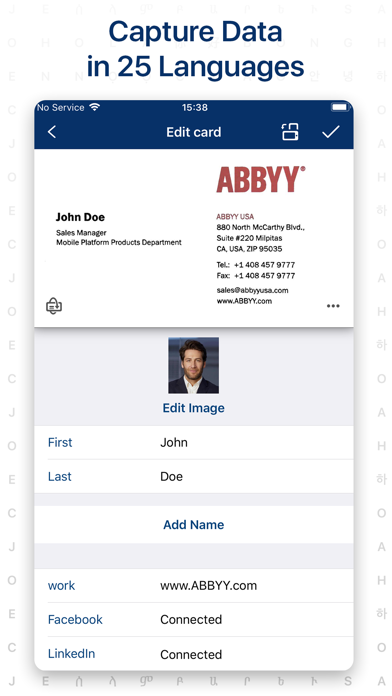
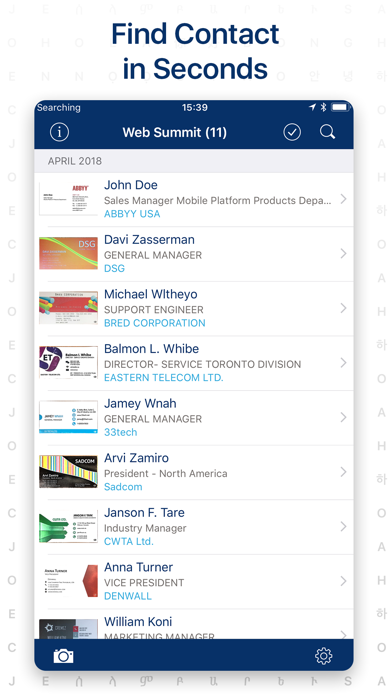
ABBYY Business Card Reader represents a specialized optical character recognition solution targeting professionals who need to digitize physical business cards efficiently. The application leverages ABBYY's established OCR engine to capture and process contact information from cards in 25 languages, positioning itself as a productivity tool for sales professionals, executives, and frequent networkers. The app's core functionality centers on using the device's camera to capture card images, after which it extracts text fields including names, titles, company information, and contact details. This data can be saved directly to the device's native contacts or stored within the app's digital storage system, creating a searchable database of professional connections. The recognition process includes automatic field detection and categorization, reducing manual data entry requirements significantly.
User experience demonstrates a streamlined interface with minimal learning curve, featuring a camera viewfinder with automatic capture detection and manual capture options. The editing interface allows users to verify and correct recognized text before saving, with particular attention to accuracy in complex layouts or unusual fonts. Real-world usage patterns show the app being frequently employed during conferences, meetings, and networking events where users accumulate multiple physical cards quickly. The digital storage system includes organizational features such as tagging and categorization, enabling users to manage contacts by event, company, or relevance.
With no specific user reviews available for citation, the application's 4.6/5 App Store rating suggests generally positive reception among its user base. This rating indicates satisfaction with recognition accuracy and ease of use, though the absence of detailed reviews prevents analysis of specific praise or criticism patterns. The high rating typically correlates with reliable performance in field recognition and integration with native contact management systems.
The application demonstrates particular strength in multilingual recognition and processing speed, though limitations may emerge with poorly printed cards, unusual fonts, or non-standard card layouts. The absence of cloud synchronization in the basic version may limit utility for users requiring cross-device access, while the professional version addresses this through expanded features. Ideal use cases include sales professionals managing large volumes of contacts, international business travelers collecting cards in multiple languages, and event attendees seeking to digitize connections efficiently.
Key Features
- •Multilingual OCR recognition supporting 25 languages enables accurate processing of international business cards during global networking events
- •Direct integration with native iOS contacts allows seamless transfer of captured data into existing contact management systems without duplication
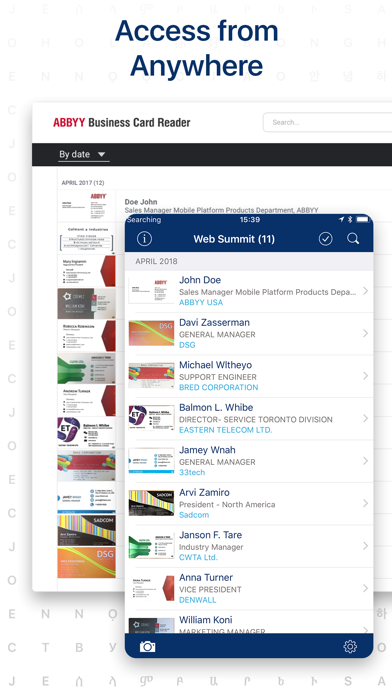
- •Digital storage system provides organized contact management with tagging and categorization features for efficient retrieval of professional connections
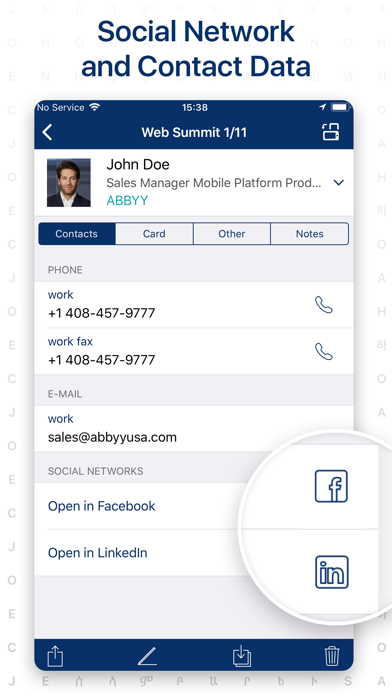
- •Automatic field detection accurately identifies and categorizes contact information including phone numbers, emails, and social media profiles
- •High-speed processing engine captures and recognizes card information within seconds, significantly reducing manual data entry time
Why Users Love It
Accurate multilingual OCR
Seamless contact integration
Perfect for: Professionals requiring efficient business card digitization and contact management
Screenshots
App Details
Developer
ABBYY USA Software House Inc
Platform
iosRating
★4.6
Last Updated
9/10/2025