Buffer Editor - Code Editor
by Blakzero Oy
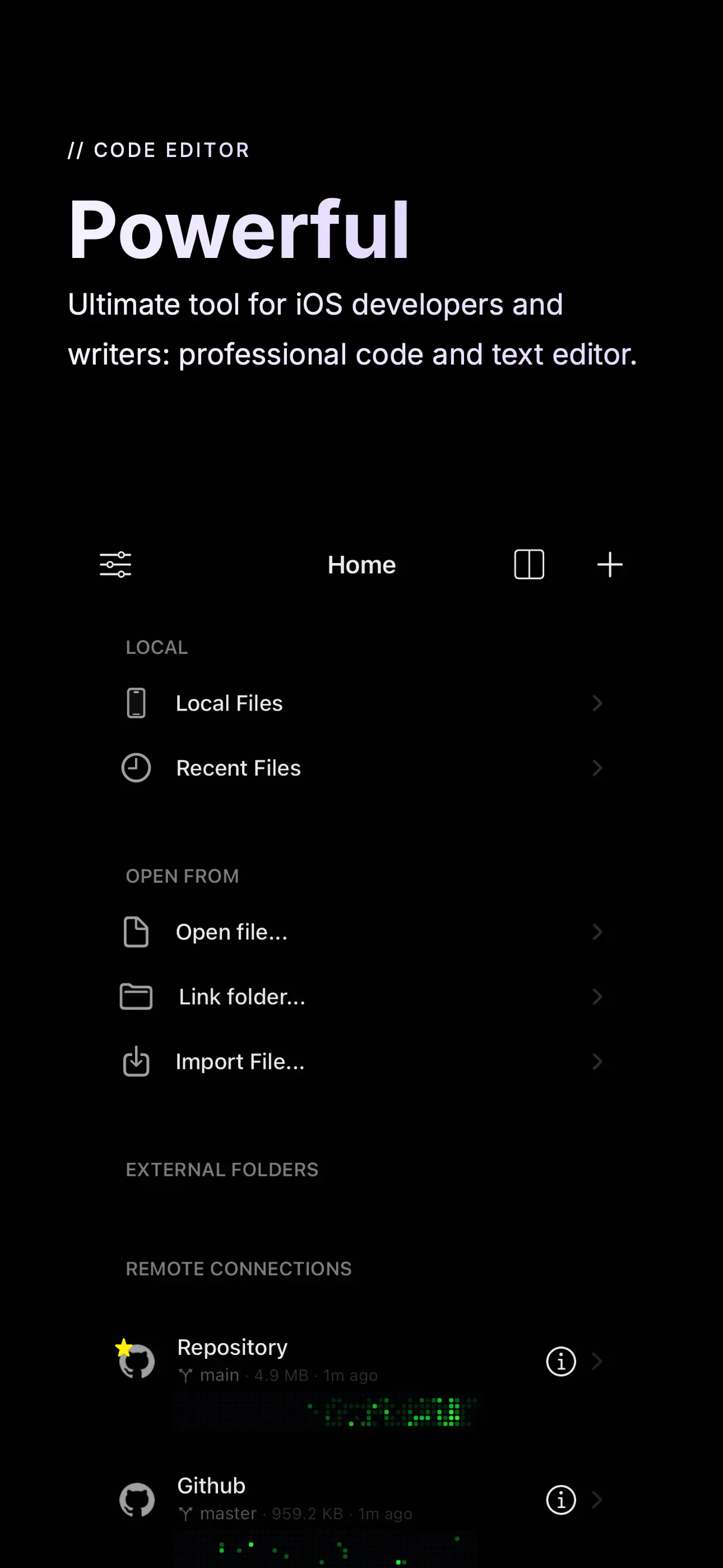
Buffer Editor is a POWERFUL code and text editor that lets you easily develop software, view code or take notes on the go. Join thousands of coders who trust Buffer Editor for fast, powerful, and adva...
Detailed Review
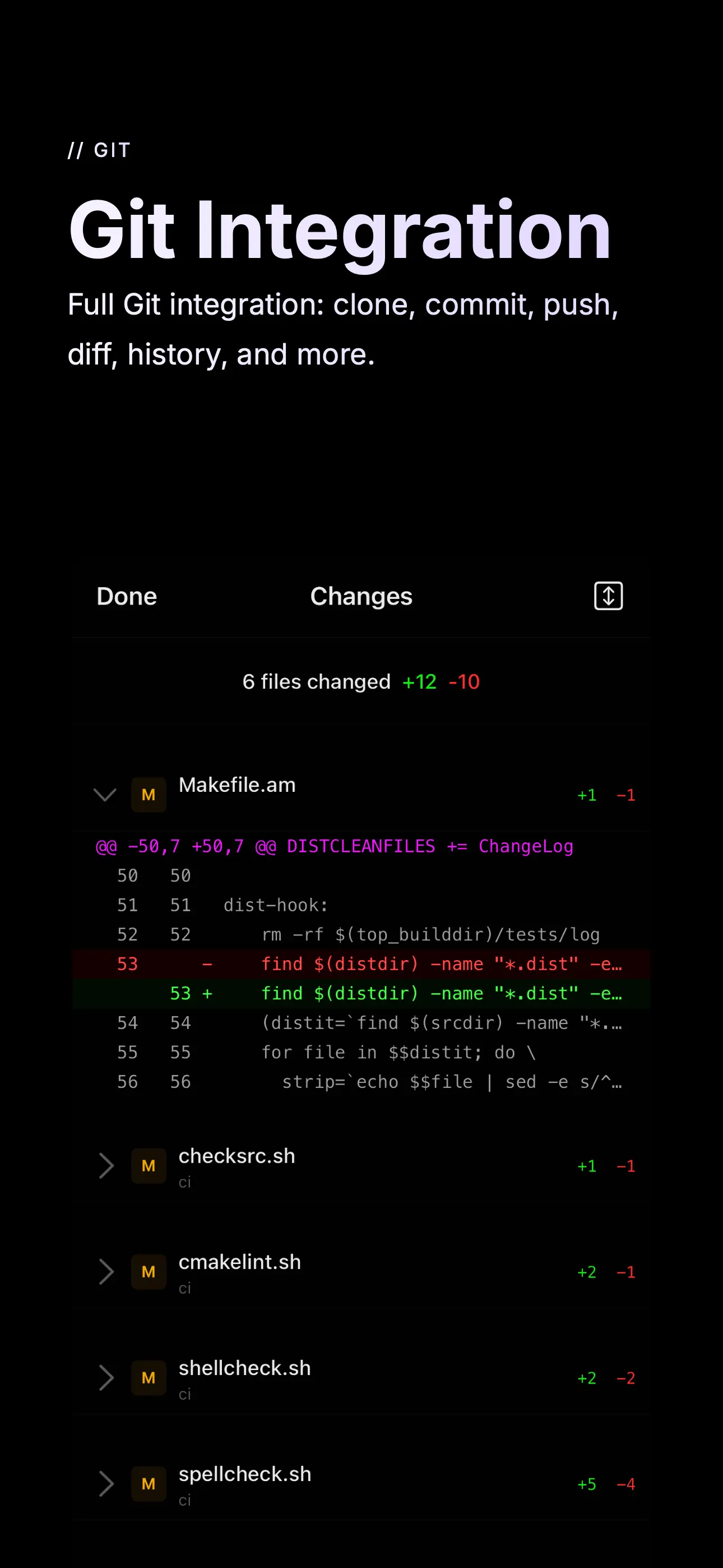
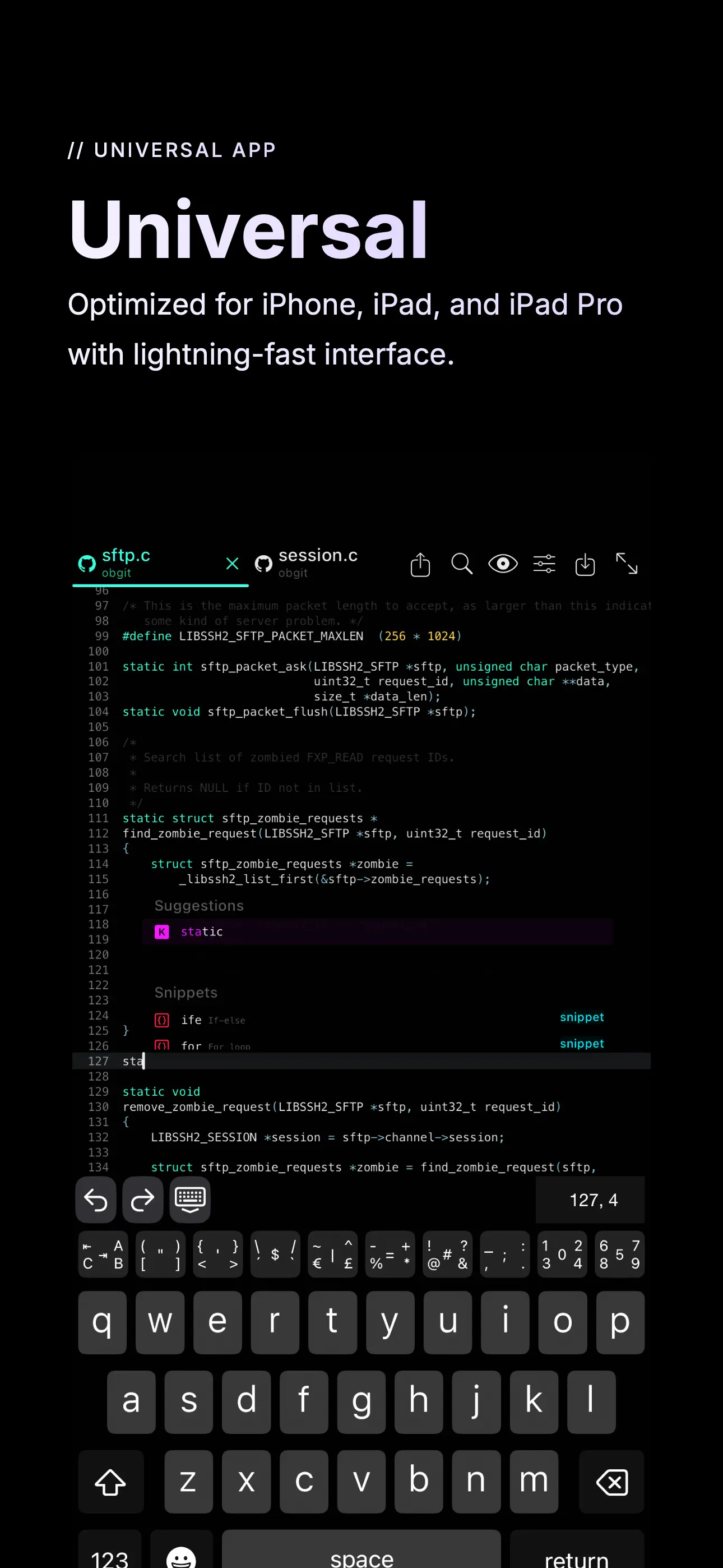
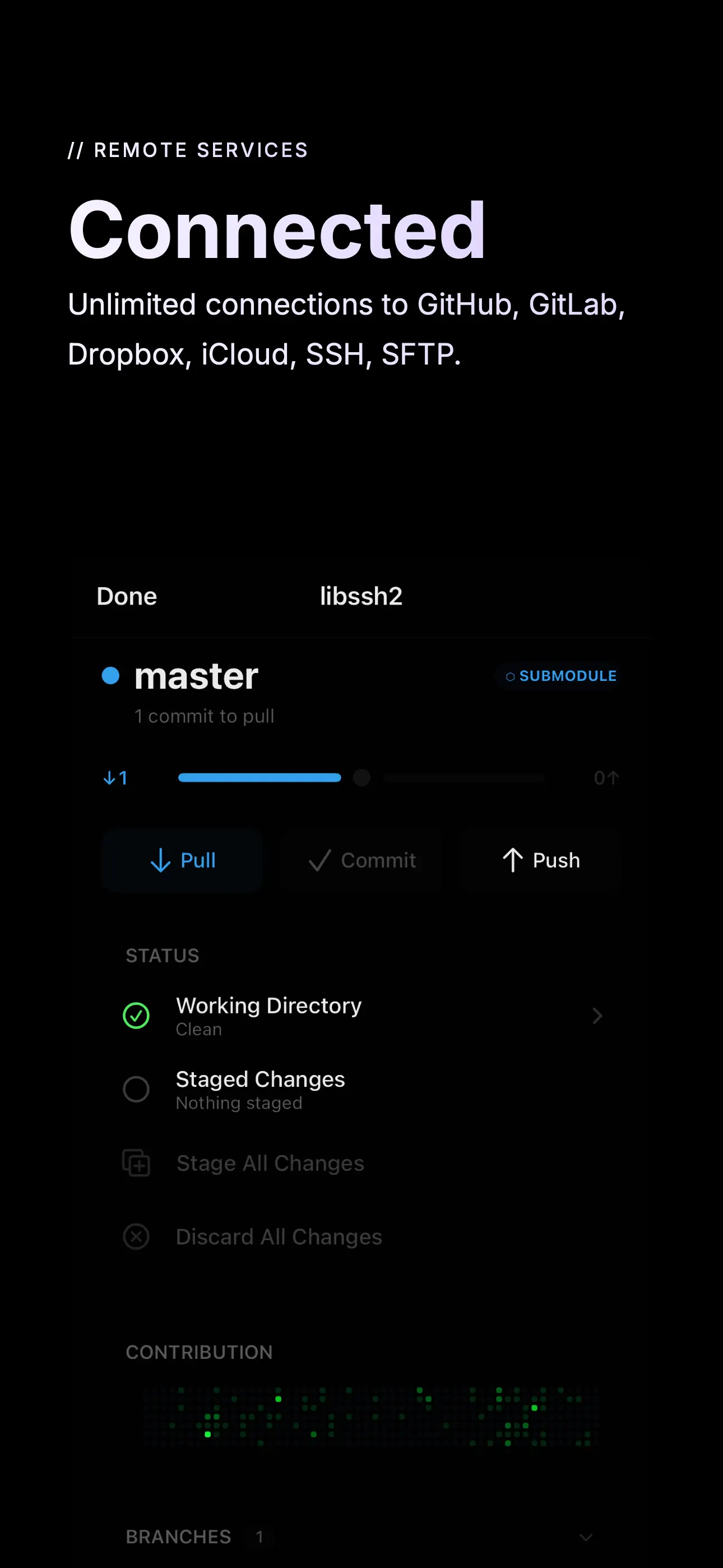
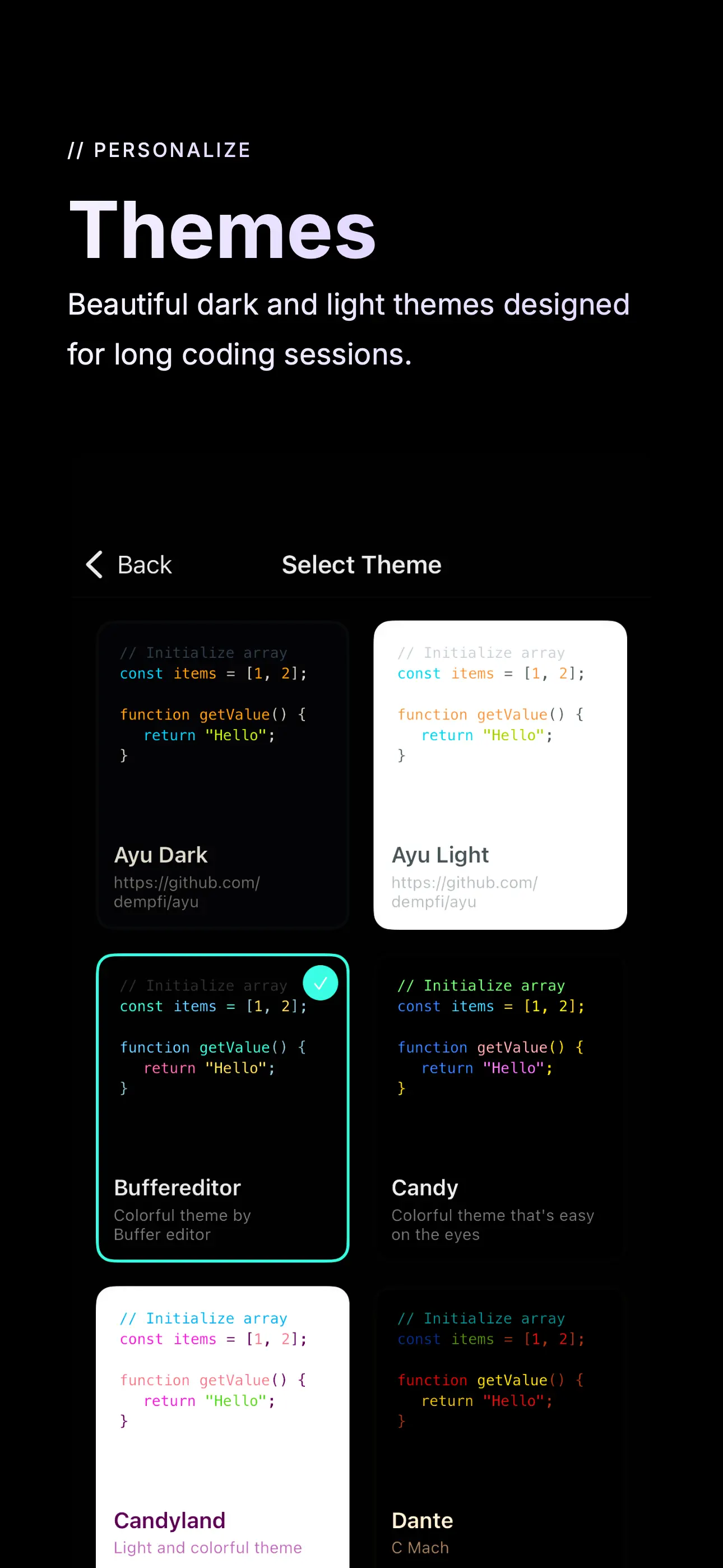
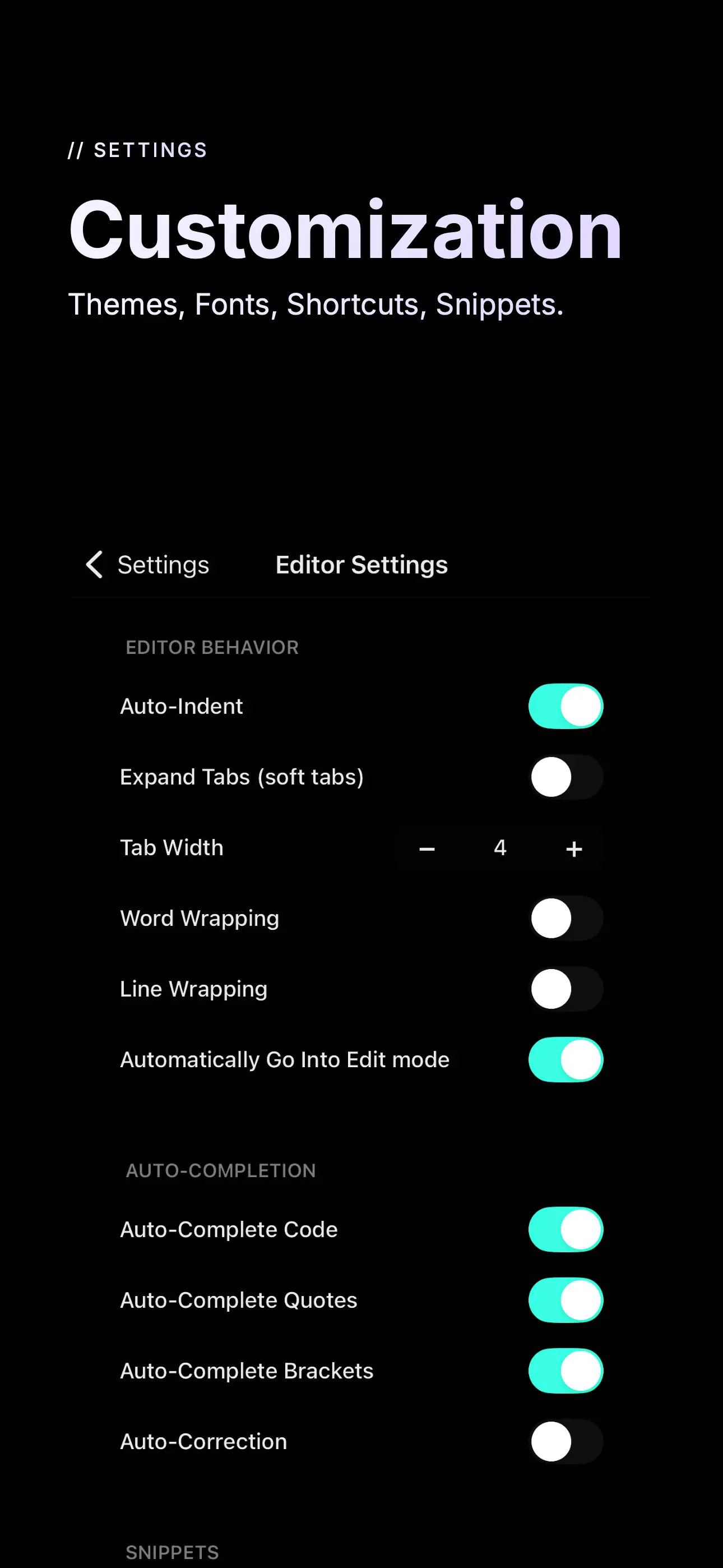
Buffer Editor is a POWERFUL code and text editor that lets you easily develop software, view code or take notes on the go. Join thousands of coders who trust Buffer Editor for fast, powerful, and advanced code editing on mobile devices. Enjoy an editing experience that is both versatile and intuitive, and take your productivity to the next level. • Connect to GitHub, GitLab, BitBucket, Custom Git, Dropbox, iCloud, Google Drive, SFTP, SSH, and FTP servers • Git Operations for easy repository management • Git Visual Merge Tool to resolve merge conflicts. • Git Visual Branch and Commits History. • Live editing—open, edit, and save files directly to remote services • Network monitoring for remote services (FTP, SFTP, SSH) • Built-in Terminal (SSH Client) with multiple terminals in tabs. • Syntax highlighting & code autocomplete: ASP, AWK, ActionScript, Ada, Arduino, Bash, C, C++, C#, Clojure, Cobol, CSS, D, Dart, Dockerfile, Erlang, F#, Fortran, Gherkin, Go, HAML, Haskell, HTML (4 & 5), INI, Java, JavaScript, Julia, Kotlin, LaTeX, Common Lisp, Lua, Markdown, MATLAB, MQL (4 & 5), NSIS, Objective-C, Org Mode, Pascal, Perl, PHP, PowerShell, Progress, Prolog, Pug, Puppet, Python, Q/kdb+, R, reStructuredText, Ruby, Rust, Scala, Solidity, SQL, Stata, Swift, Terraform, TypeScript, TypeScript React, Verilog, VHDL, Visual Basic, Vue, x86 ASM, XML • Vim mode support • Symbol navigator / document outline • Code autocompletion, with custom snippets. • Find & replace with regular expression support • Recursive file and content search—match and jump to any file at a specific line • Find references in file and jump to any file • Bracket matching and highlighting • Line and word wrapping • Unicode support • Multiple windows, Split View, and Slide Over support • Tabs with automatic restore—quickly switch between files and terminals • Full screen mode • Extended keyboard with coding keys • Bluetooth keyboard support with shortcuts manager • Customizable fonts, font sizes, and multiple dark/light themes • Full iOS Files integration—link external folders, open multiple files, import from any supported cloud provider • Preview files in Safari • Preview images, PDFs, movies, and documents • Send files by email • iOS "Open In" support (to and from other apps) • Touch ID / Face ID protection Full feature list and supported Vim commands: buffereditor.com/features Support: buffereditor.com/support SUBSCRIPTION: - You can subscribe for Pro access to all app’s features. - Subscription automatically renews unless auto-renew is turned off at least 24 hours before the end of the current period. - Subscriptions may be managed by the user and auto-renewal may be turned off by going to the user's Account Settings after purchase. - Any unused portion of a free trial period, if offered, will be forfeited when the user purchases a subscription to that publication, where applicable. By using the app, you are agreeing to our Privacy Policy and Terms of Service: https://www.buffereditor.com/privacy https://www.apple.com/legal/internet-services/itunes/dev/stdeula/
Screenshots
Ranking History
Track Buffer Editor - Code Editor's performance in Developer Tools over the last 30 days
Current Rank
#5
Best Rank
#5
All-time high
Average Rank
#5
30-day average
User Reviews
Personally I like the themes feature the most, but overall a simple text editor. Disabling all line wrapping would make this the perfect editor for me. Easy to use. Very customizable. Personally I like the themes feature the most, but overall a simple text editor. Disabling all line wrapping would make this the perfect editor for me.
Thank you for being interested in my problem. It's the best application once the questions are solved. Thank you for your interest. Thank you for being interested in my problem.It's the best application once the questions are solved.
I chose this editor simply on the fact that I could use CMD-S to save files instantly to usb drives. It does that and so much more, with too many options to list. It’s hasn’t failed or had to restart. Just like a quality text editor should do. SIMPLE and has dedicated save I chose this editor simply on the fact that I could use CMD-S to save files instantly to usb drives. It does that and so much more, with too many options to list. It’s hasn’t failed or had to restart. Just like a quality text editor should do.
I asked about getting auto-correct for when I’m doing plain text editing. The developer promised to add it and then did shortly after—an excellent customer support experience. Responsive Developer I asked about getting auto-correct for when I’m doing plain text editing. The developer promised to add it and then did shortly after—an excellent customer support experience.
You need to use it with a external keyboard to get the full benefit. It’s a clean / good looking editor. It makes for a great coding tool. I was able to directly connect to my dev Digital Ocean server and modify the files directly. Support was excellent and prompt to answer any of my questions. Good Editor. Fast Support. You need to use it with a external keyboard to get the full benefit. It’s a clean / good looking editor. It makes for a great coding tool. I was able to directly connect to my dev Digital Ocean server and modify the files directly. Support was excellent and prompt to answer any of my questions.
App Details
Developer
Blakzero Oy
Platform
iosRating
Last Updated
12/18/2025