
by Hamza El karmouni
Detailed Review
Key Features
- •Custom tap intervals allow users to set precise delays between clicks, optimizing timing for tasks like gaming or data entry.
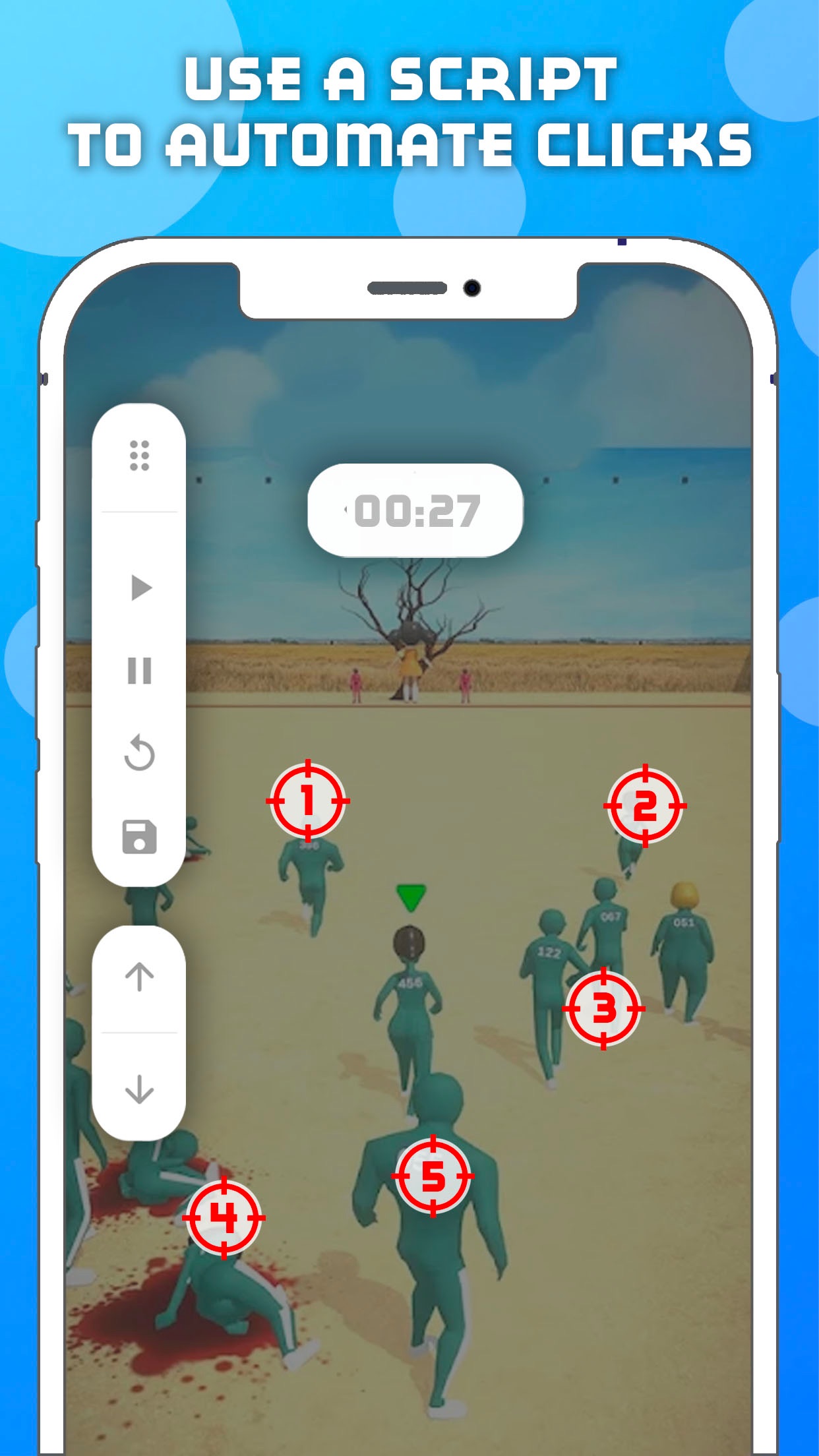
- •Gesture recording functionality enables the creation of multi-tap sequences, useful for automating complex interactions in apps.
- •Save and load profiles let users store different click patterns, facilitating quick switching between various automation scenarios.
- •Compatibility with popular apps and games ensures it works in environments like Roblox, though results may vary by application.
- •User-friendly interface simplifies setup with visual guides, reducing the learning curve for non-technical users.
- •Background operation support allows the app to run while multitasking, though occasional performance dips can occur.
Why Users Love It
Perfect for: Ideal for mobile gamers and productivity enthusiasts needing repetitive screen tap automation.
Screenshots

User Reviews
I don’t know why Roblox is not working. I wanna macro. I bought the pass. FIX I don’t know why Roblox is not working. I wanna macro. I bought the pass.
Venmo me @techTip4tips if you appreciate the help. Im desperately poor. 1.Go to Settings > Accessibility > Switch Control and turn it on. 2.Set up a new switch (e.g., use the screen as the switch by selecting “Add New Switch” > “Screen” > “Full Screen”). 3.Create a recipe: Go to “Recipes” > “Create New Recipe,” name it (e.g., “Auto Tap”), and assign it to your switch. 4.Record a custom gesture: Tap “Custom Gesture” and tap repeatedly at the spot you want to auto-click. Save it. 5.Activate it: Triple-tap the side button (or Home button on older models) to enable Switch Control, and it will execute your recipe. •Pros: No additional app needed, works system-wide across apps, free, and built into iOS. This app is bad. Your iphone can autoclick, heres how Venmo me @techTip4tips if you appreciate the help. Im desperately poor.1.Go to Settings > Accessibility > Switch Control and turn it on.2.Set up a new switch (e.g., use the screen as the switch by selecting “Add New Switch” > “Screen” > “Full Screen”).3.Create a recipe: Go to “Recipes” > “Create New Recipe,” name it (e.g., “Auto Tap”), and assign it to your switch.4.Record a custom gesture: Tap “Custom Gesture” and tap repeatedly at the spot you want to auto-click. Save it.5.Activate it: Triple-tap the side button (or Home button on older models) to enable Switch Control, and it will execute your recipe.•Pros: No additional app needed, works system-wide across apps, free, and built into iOS.
App Details
Developer
Hamza El karmouni
Platform
iosRating
Last Updated
11/10/2025


