Exploring AI Note Taker: A Hands-Free Solution for Capturing Ideas
by HUGO ANDRE LEMOS CARVALHO
0IOSEducation
This app provides a simple method for converting spoken words into written notes using voice recognition. If you need to record thoughts during lectures or meetings without typing, it offers a practical alternative. Designed to help users maintain focus while documenting information, it suits fast-paced environments where manual input isn't feasible.
Detailed Review
AI Note Taker - Talk To Text enters the crowded note-taking space as an iOS application focused on auditory input. Unlike many competitors, it emphasizes ease of use for quick, on-the-go documentation, positioning itself as a tool for educational and professional settings where voice-based entry can save time. The app's straightforward approach avoids complex setups, appealing to users who prioritize speed over advanced features.
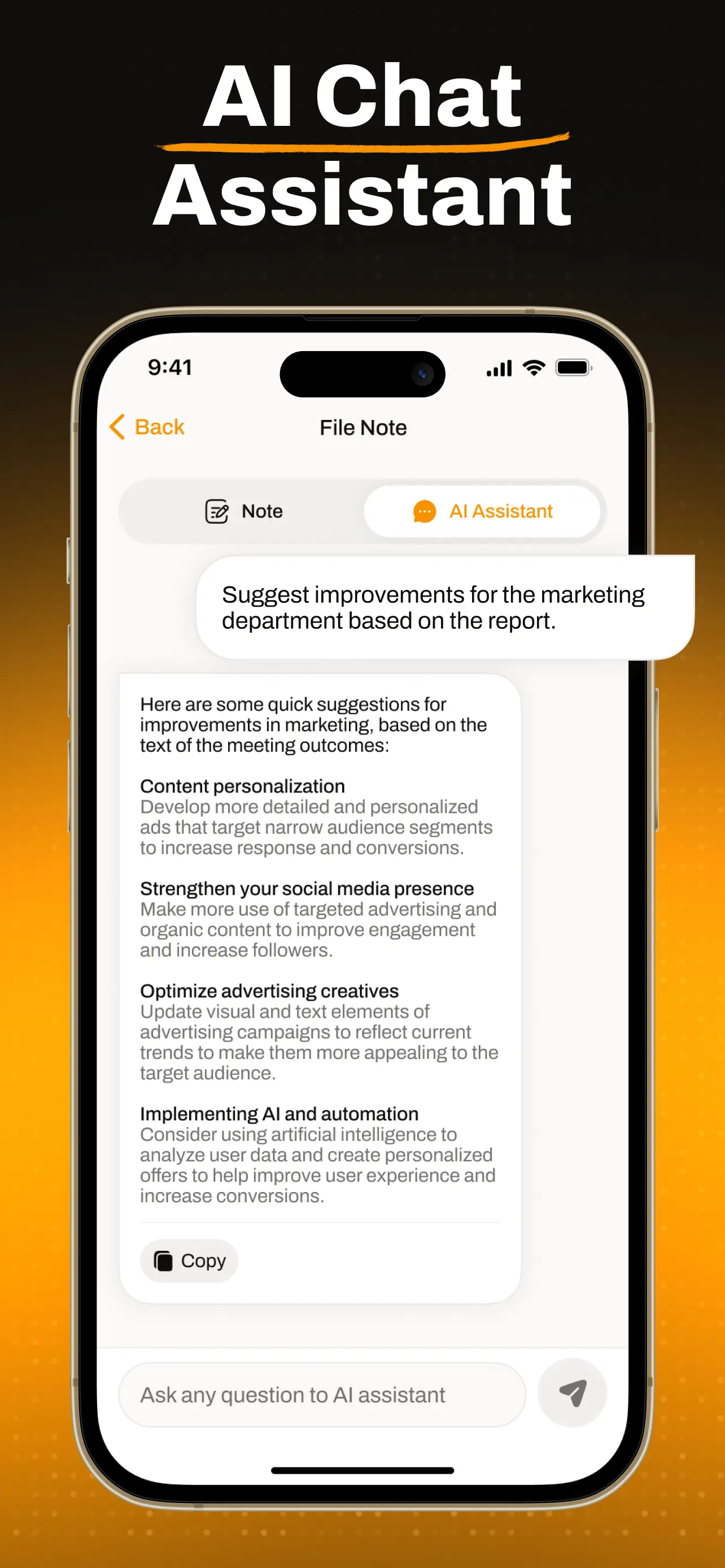
Core functionality revolves around real-time speech transcription, allowing dictation that converts to text with minimal delay. Users can start recording with a single tap, and the app processes audio through built-in microphone support. It includes basic editing capabilities to correct errors post-transcription, along with options to organize notes into folders or categories. Export features enable saving to device storage or sharing via email and messaging apps, though integration with cloud services like iCloud or Google Drive appears limited compared to established apps. Background noise handling is adequate in quiet settings but may struggle in louder environments, a common limitation in this category.
In real-world usage, the app shines during scenarios like classroom lectures, interviews, or brainstorming sessions where typing is impractical. For instance, a student could record key points from a professor's speech and review the text later, while a professional might use it to jot down action items during a conference call. The interface is clean, with large buttons for starting and stopping recordings, reducing the learning curve. However, transcription accuracy can vary based on speech clarity and accent, necessitating occasional manual corrections. Battery drain during prolonged use is another consideration, as continuous microphone access may impact device performance.
As a new app with no user reviews available, potential adopters might compare it to similar voice-to-text tools. General feedback trends in this niche often highlight concerns about accuracy in noisy conditions and the need for reliable internet connectivity, though AI Note Taker claims offline functionality. Without specific user testimonials, its performance remains untested publicly, but the developer's focus on simplicity could attract those frustrated with overly complex alternatives.
Overall, AI Note Taker delivers a functional voice-to-text experience for basic note-taking needs, with its main strength lying in accessibility and speed. Limitations include dependence on audio quality and a lack of advanced organizational tools. For users seeking a no-fuss solution, it represents a viable option, though those requiring high precision or extensive integrations may find it lacking.
Key Features
- •Real-time voice transcription converts speech to text instantly, ideal for capturing ideas without delays during dictation.
- •Basic note organization lets users sort entries into folders, making it easier to retrieve and manage recorded content.
- •Export and share options allow saving notes locally or sending them via email, though cloud sync features are minimal.
- •Offline functionality enables transcription without internet, useful in areas with poor connectivity or to conserve data.
- •Simple editing tools provide ways to correct transcription errors manually, addressing common inaccuracies in voice recognition.
- •Minimalist interface with one-tap recording reduces clutter, helping users start and stop notes quickly without distractions.
Why Users Love It
Hands-free note entry
Quick setup and use
Perfect for: Students, professionals, and anyone who needs to capture spoken content efficiently without typing.
Screenshots


App Details
Developer
HUGO ANDRE LEMOS CARVALHO
Platform
iosLast Updated
10/25/2025