
by Cloudflare
Detailed Review
Key Features
- •Encrypted DNS resolution prevents ISP tracking and manipulation of domain requests, ensuring private browsing activity
- •WARP protocol optimizes network routing through Cloudflare's global infrastructure, potentially reducing latency and improving speeds
- •Family DNS filtering automatically blocks adult content and malicious sites without requiring additional software or subscriptions
- •Automatic connection protection activates on all networks including cellular and Wi-Fi, providing continuous privacy coverage
- •Zero-data-collection policy ensures no user activity logs are stored, aligning with Cloudflare's privacy-first approach
- •Seamless failover protection maintains internet connectivity even if WARP connection drops, preventing service interruptions
Why Users Love It
Perfect for: Privacy-conscious mobile users seeking faster, more secure internet connections
Screenshots
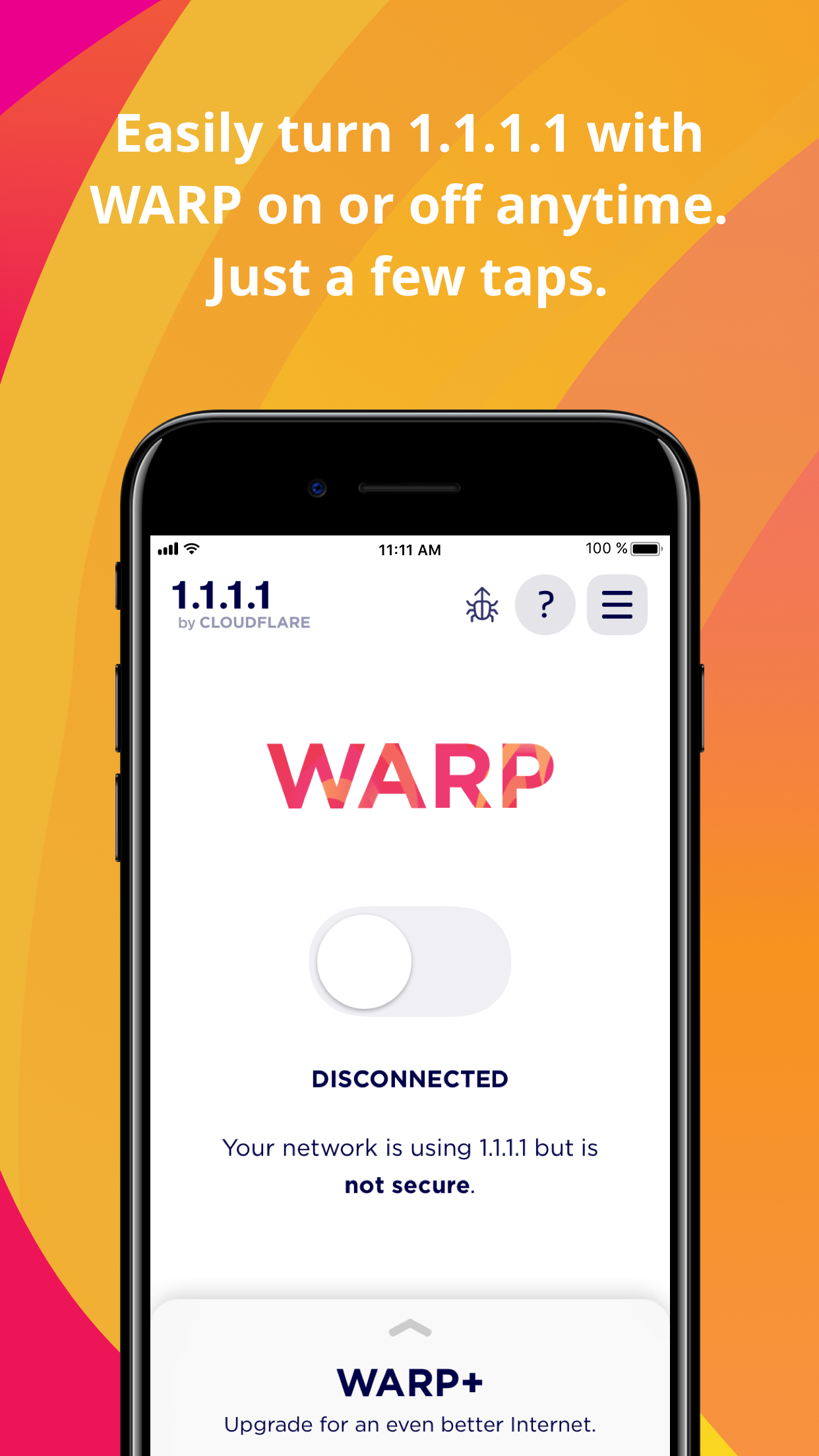


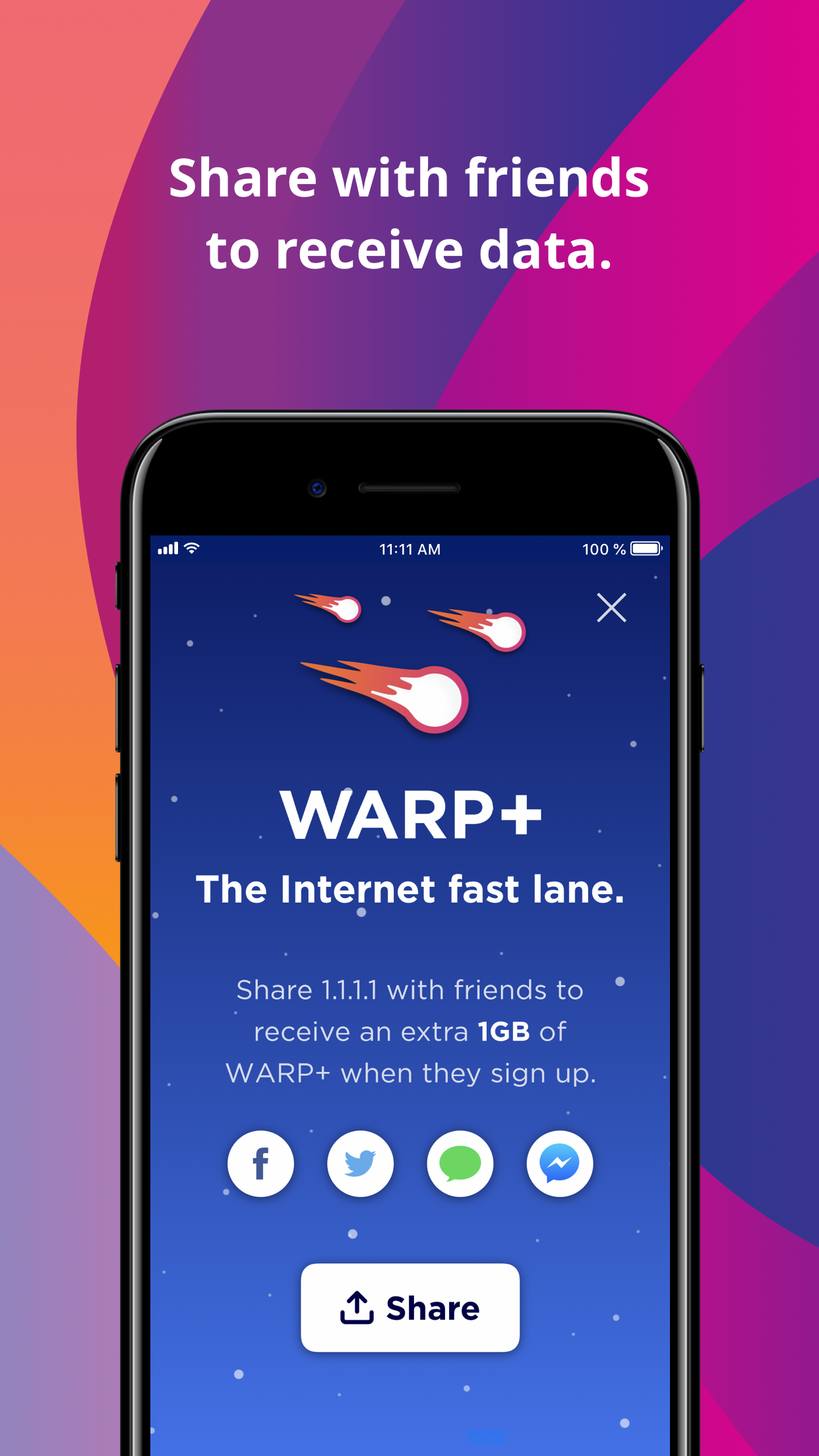
Ranking History
Track 1.1.1.1: Faster Internet's performance in Utilities over the last 30 days
Current Rank
#38
Best Rank
#38
All-time high
Average Rank
#38
30-day average
Questions & Answers
What's the best iOS app for protecting kids from inappropriate websites while improving internet speed?
1.1.1.1 is specifically designed to address both internet performance and content filtering needs. For parents concerned about online safety, the app ...
Ad — Extra Q&As are paid placements. Editorial standards apply; rankings unchanged.Learn more
What's a good iOS app for increasing my internet speed and online privacy?
If you're looking to boost your internet speed and enhance your online privacy on your iPhone or iPad, 1.1.1.1: Faster Internet is a great option. Thi...
User Reviews
ok it works on ios 26 now i’ve been using it for years and it is great update ok it works on ios 26 nowi’ve been using it for years and it is great
I am actually a little baffled why Apple has chose the 17+ rating for this app! I use this on my kids devices to actually prevent my kids from accessing adult content by turning on the DNS for families and block adult content. This makes this a little difficult to put and manage on the kids devices due to this rating. However, I will say with the DNS filtering this does very well at preventing unwanted access to adult content websites. Baffled on Rating I am actually a little baffled why Apple has chose the 17+ rating for this app!I use this on my kids devices to actually prevent my kids from accessing adult content by turning on the DNS for families and block adult content.This makes this a little difficult to put and manage on the kids devices due to this rating.However, I will say with the DNS filtering this does very well at preventing unwanted access to adult content websites.
10x my cellular speeds, reduces human verification pop-ups, and encrypts my data for better online privacy all for free. No downsides. Get this now! As Advertised 10x my cellular speeds, reduces human verification pop-ups, and encrypts my data for better online privacy all for free.No downsides. Get this now!
From a protect the kid approach, I can enable block malware and adult content using DNS over WARP, and specify to only use MASQUE protocol and 1.1.1.1 will run silently in the background doing its job. Of course the kiddofy browser is the only browser enabled eventually, but as malware and adult content has so much effort given on bypassing safeties, overdoing it for my kid is hopefully not under doing it. It’s good From a protect the kid approach, I can enable block malware and adult content using DNS over WARP, and specify to only use MASQUE protocol and 1.1.1.1 will run silently in the background doing its job. Of course the kiddofy browser is the only browser enabled eventually, but as malware and adult content has so much effort given on bypassing safeties, overdoing it for my kid is hopefully not under doing it.
Some websites may have adult content and other parts may not have that content, but it’s still blocked. So, the title says, it would be great if I was able to add exclusions of websites on the family options (block malware and adult content). Suggestion: Add exclusions for the family options Some websites may have adult content and other parts may not have that content, but it’s still blocked. So, the title says, it would be great if I was able to add exclusions of websites on the family options (block malware and adult content).
App Details
Developer
Cloudflare
Platform
iosRating
Last Updated
1/9/2026
Other Utilities Apps

Google Authenticator

Cleanup: Phone Storage Cleaner
DEEP FLOW SOFTWARE SERVICES

My Verizon
Verizon Wireless

Microsoft Edge: AI Browser
Microsoft Corporation

Cleaner Guru: Clean Up Storage
GM UniverseApps Limited

Ecosia: Search to plant trees
Ecosia GmbH