
Zero Cleaner: Comprehensive Cache Management Tool Analysis
by Red Soft
Zero Cleaner provides automated Android cache management using Accessibility Service API. The app targets users seeking streamlined storage optimization without data collection, featuring floating dock access and detailed history tracking.
Detailed Review
Zero Cleaner positions itself as a specialized utility application focused exclusively on cache management for Android devices. Developed by Red Soft, the app leverages Android's Accessibility Service API to automate cache clearing operations while maintaining a strict no-data-collection policy. This specialized approach distinguishes it from broader system cleaner applications that often include additional features like RAM boosting or duplicate file removal.
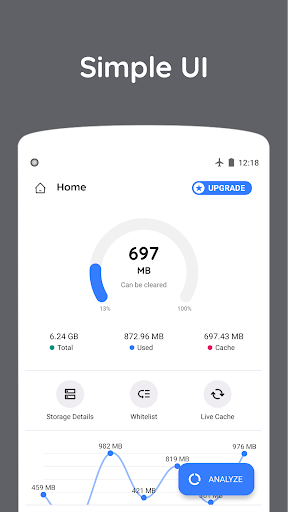
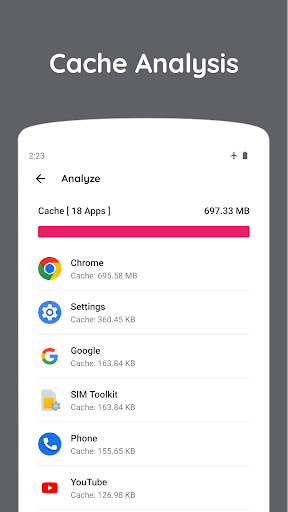
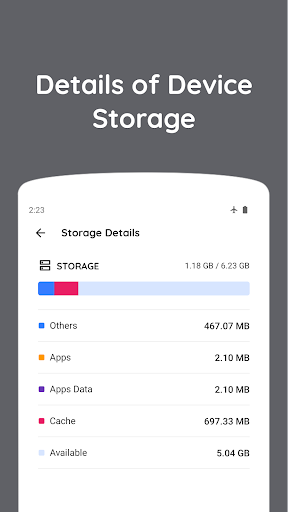
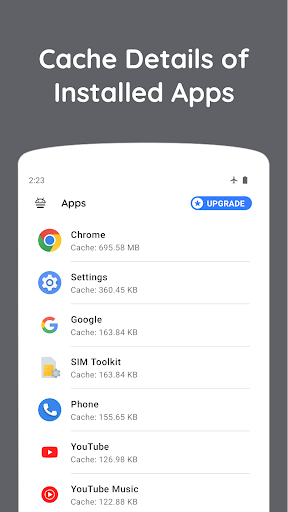
The core functionality revolves around comprehensive cache analysis and removal capabilities. The application scans installed applications to identify cache data accumulation, presenting users with both manual selection options and automated clearing schedules. The automated functionality utilizes Accessibility Services to simulate user interactions required for system-level cache permissions, effectively bypassing manual confirmation dialogs. This technical implementation allows for background operation without requiring root access, though it necessitates granting extensive accessibility permissions during setup.
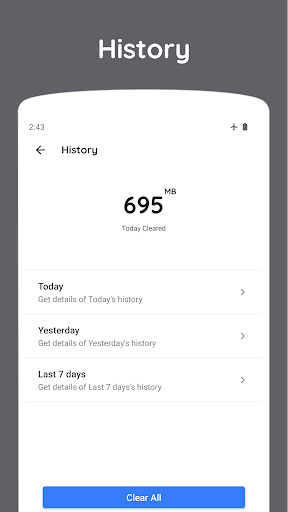
User experience centers around a minimalist interface dominated by scan results and cleaning triggers. The floating dock feature provides persistent access to cleaning functions from any screen context, particularly valuable for quick maintenance during multitasking scenarios. Real-world usage patterns suggest optimal utility for devices with limited storage capacity, where frequent cache clearing can reclaim significant space. The detailed history feature provides audit trails of cleaning operations, useful for troubleshooting application issues related to cache deletion.
No specific user reviews are available for detailed analysis at this time. The absence of documented user feedback limits objective assessment of real-world performance variations across device models and Android versions. This gap in user-reported data makes comprehensive evaluation of reliability and edge-case behavior challenging to ascertain.
Zero Cleaner demonstrates particular strength in focused functionality and privacy-conscious implementation, though dependence on Accessibility Services may raise concerns for security-conscious users. The application appears most suitable for technically proficient users comfortable with granting accessibility permissions who prioritize storage management over multifunctional system optimization. Performance may vary across Android versions due to evolving permission structures and system restrictions on automated functions.
Key Features
- •Automated cache clearing using Accessibility Service API to simulate user interactions without root access requirements
- •Floating dock provides persistent quick-access menu for instant cleaning from any application interface
- •Detailed history logging tracks all cleaning operations with timestamps and data volume metrics
- •Manual selection interface allows targeted cache removal for specific applications while preserving others
- •Background scheduling enables automatic cache maintenance at predetermined intervals without user intervention
Why Users Love It
Focused cache specialization
No data collection policy
Perfect for: Android users requiring automated storage management
Screenshots

App Details
Developer
Red Soft
Platform
androidRating
★4.2
Last Updated
9/10/2025





