by Microsoft Corporation
Detailed Review
Key Features
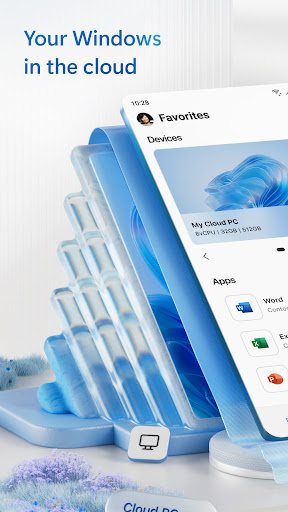
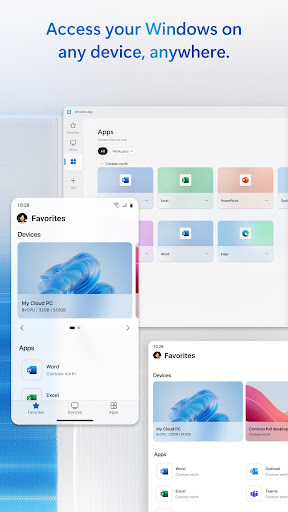
- •Remote Desktop Protocol support allows secure connections to Windows PCs or servers, enabling full control over desktop interfaces and applications from an Android device.
- •File transfer capabilities let users move documents and media between local storage and remote systems, streamlining workflows like report updates or backup tasks.
- •Multi-monitor support handles extended displays for better productivity, ideal for professionals managing spreadsheets or design software across screens.
- •Touch and gesture controls provide intuitive navigation on mobile, including pinch-to-zoom and tap actions for precise cursor movements in apps.
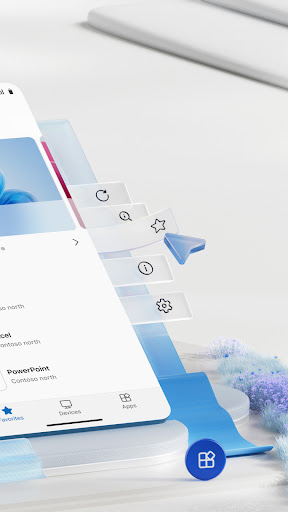
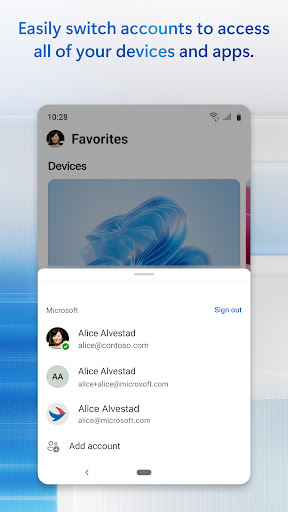
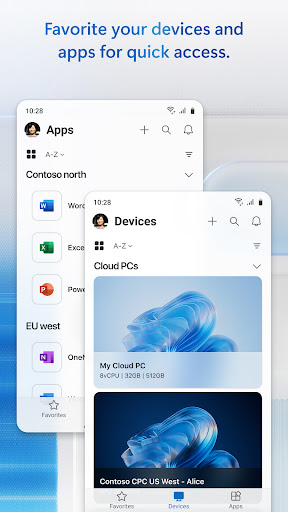
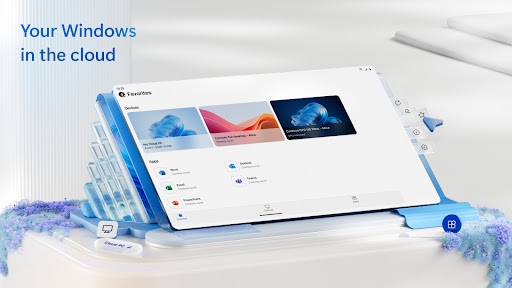
- •Integration with Microsoft 365 and Azure services syncs cloud data and virtual desktops, ensuring access to tools like Teams or SharePoint on the go.
- •Clipboard sharing facilitates copying text or images between devices, useful for quick data entry or sharing links during remote sessions.
Why Users Love It
Perfect for: Business professionals and IT staff who require mobile access to Windows-based work environments.
Screenshots
Ranking History
Track Windows App's performance in Business over the last 30 days
Current Rank
#46
Best Rank
#44
All-time high
Average Rank
#45
30-day average
User Reviews
Like it, it'd be nice if my Android computers followed me to my Chromebook, as the Chromebook version has a habit of resetting its settings every now and then.
Like it, it'd be nice if my Android computers followed me to my Chromebook, as the Chromebook version has a habit of resetting its settings every now and then.
Like it, it'd be nice if my Android computers followed me to my Chromebook, as the Chromebook version has a habit of resetting its settings every now and then.
The ONLY remote desktop app that support pressure sensitivity on my Samsung S7 FE tablet. A MUST HAVE app for artists, but you need Windows 11 Pro.
The ONLY remote desktop app that support pressure sensitivity on my Samsung S7 FE tablet. A MUST HAVE app for artists, but you need Windows 11 Pro.
App Details
Developer
Microsoft Corporation
Platform
androidRating
Last Updated
11/30/2025