PDF Reader - Smart PDF Viewer App Review: Features, Performance, and User Feedback
by GambiSoftVn
This app positions itself as a straightforward solution for managing PDFs on Android devices. Designed to help users view, annotate, and organize documents, it includes tools for highlighting text, adding comments, and converting files. For anyone who needs a no-fuss PDF utility on their phone or tablet, it covers the essential bases.
Detailed Review
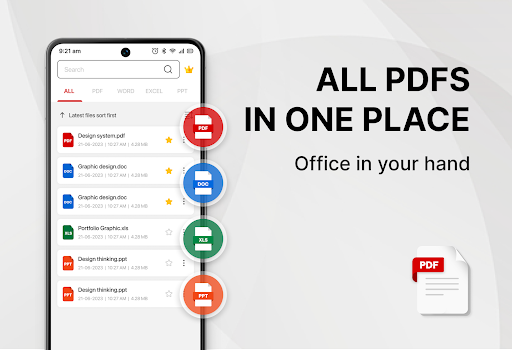
In the crowded field of mobile PDF utilities, GambiSoftVn's PDF Reader - Smart PDF Viewer aims to distinguish itself with a balance of core functionality and a clean interface. The app serves as a general-purpose document hub, allowing users to open files from local storage, email attachments, or cloud services. Its market position appears targeted at users seeking a reliable, free-to-use option without the complexity of enterprise-grade suites, filling a niche for everyday productivity tasks.
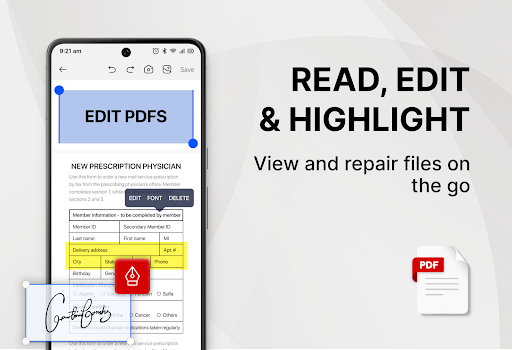
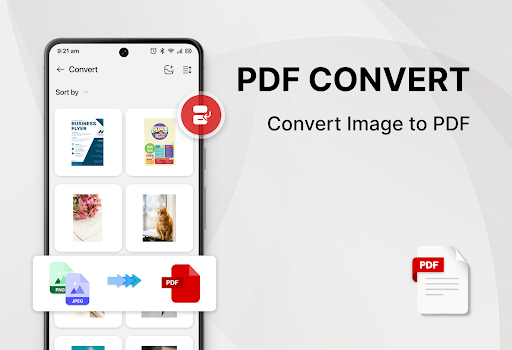
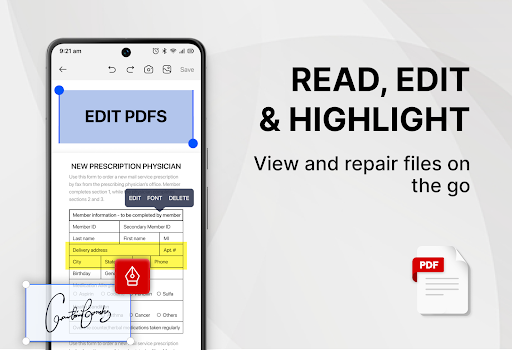
A closer look reveals a standard but competent feature set. Core tools include a capable rendering engine for viewing documents, along with annotation capabilities such as text highlighting, freehand drawing, and sticky note comments. The app supports basic file management, enabling users to merge multiple PDFs, extract specific pages, and convert images into PDF format. Password protection for documents is also included, adding a layer of security for sensitive files. While it may not boast the advanced OCR or complex form-editing tools of premium competitors, the available functions are implemented with a clear focus on practicality.
In daily use, the app provides a generally smooth experience for opening and reading documents. Navigation is intuitive, with a thumbnail view for quick jumps and a continuous scroll option. Performance with typical text-based PDFs is snappy, though some user feedback suggests that very large or image-heavy files can cause occasional slowdowns. The interface is utilitarian, with quick-access toolbars for annotations. A notable aspect of the real-world usage is the ad-supported model, which presents banner or interstitial advertisements. This is a common trade-off for free apps but can interrupt workflow for heavy users.
User feedback trends, as reflected in its aggregate 4.1-star rating, indicate general satisfaction with its role as a free viewer and annotator. Reviews frequently praise the app's simplicity and the utility of its highlighting and note-taking features for students and professionals. However, some critiques point to the frequency of advertisements and a desire for more granular control over annotation tools. Occasional reports mention rare stability issues when handling corrupted PDF files, though this is not a widespread complaint. The absence of detailed written reviews makes pinpointing specific long-term performance patterns more challenging.
Overall, PDF Reader - Smart PDF Viewer is a solid choice for users requiring fundamental PDF interaction without a financial commitment. Its strengths lie in reliable document viewing, competent annotation, and useful organizational features like merging and conversion. The primary limitations stem from its ad-supported nature and the lack of some advanced editing functions found in paid alternatives. For basic to moderate PDF tasks, it represents a viable and functional option within the Android ecosystem.
Key Features
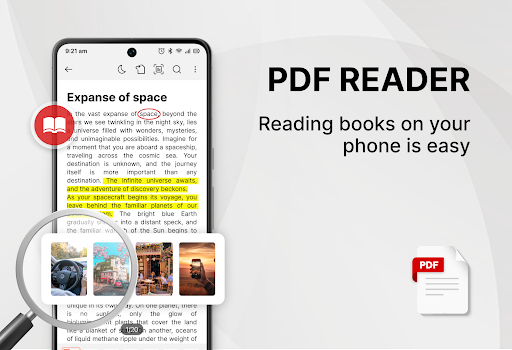
- •Robust PDF viewing with smooth scrolling, zoom, and multiple layout modes for comfortable reading on mobile screens.
- •Annotation toolkit including highlighters, text underline, freehand drawing, and the addition of digital sticky notes.
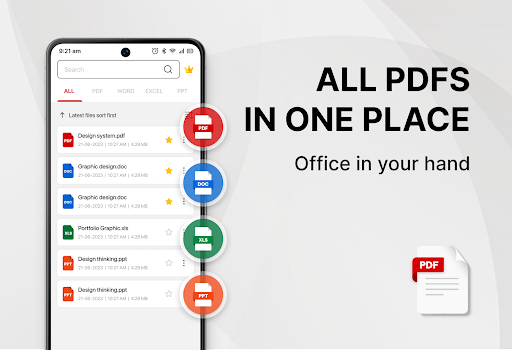
- •File management utilities to merge multiple PDFs, extract pages, and convert image files into PDF documents.
- •Form filling capability that allows users to input text directly into interactive PDF forms for completion.
- •Text extraction tool to copy text from PDFs for use in other applications, though accuracy can vary with document quality.
- •Cloud storage integration enabling direct opening and saving of files to services like Google Drive and Dropbox.
Why Users Love It
Comprehensive free annotation
Simple file management tools
Perfect for: Perfect for students, professionals, and casual users who need a capable, free PDF reader and annotator on Android.
Screenshots
Ranking History
Track PDF Reader - Smart PDF Viewer's performance in Productivity over the last 30 days
Top 5
Top 10
Top 15
Below 15
Current Rank
#48
→
Best Rank
#36
All-time high
Average Rank
#44
30-day average
App Details
Developer
GambiSoftVn
Platform
androidRating
★4.1
Last Updated
12/21/2025





